
It is five minutes to puck drop. Your streaming subscription is paid, your VPN dashboard shows a clean green checkmark, and your favorite matchup sits right there on the schedule. You click play—only to be greeted by an unyielding blackout notification, a spinning wheel, or an ambiguous location error.
Almost every hockey fan reacts the same way: open the VPN app, disconnect, switch from New York to Chicago, try Dallas, and then hop across an ocean to London.
Stop cycling through servers.
When an NHL stream falls apart while a VPN is connected, the root problem is rarely a matter of finding the “magical” city node. The more fundamental question is: Is this game actually supposed to be on this platform from the location the service sees?
NHL broadcasting is a fragmented patchwork of national exclusives, regional sports networks (RSNs), Canadian broadcast pacts, and international rights windows. Because these distribution deals are enforced strictly by geography, changing your virtual location doesn't just alter your IP address—it changes which broadcast rules apply to your screen. Before you spend the first period troubleshooting your connection, trace the rights to the game.
Article summary and product fit
Why an NHL stream can fail even when the VPN is working
Start with broadcast rights, not server roulette. If the game is on another network, is blacked out in the location the service sees, or is unavailable in the country where the subscription operates, changing VPN cities cannot fix the licensing mismatch. Only after the game belongs on your service and region should you isolate the VPN route itself.
What matters here
- Best for: Fans seeing a blackout, location error, spinning player, or a game that suddenly disappeared from a service that worked yesterday.
- Diagnostic order: Game → broadcaster → viewing region → blackout status → VPN.
- Key test: If the game plays with the VPN off while you are still in a supported region, the encrypted route becomes the leading connection suspect.
- Important limit: The NHL’s terms prohibit deliberate circumvention of blackout restrictions, so a rights restriction should be handled through the authorized broadcaster rather than random location changes.
Product fit: OnlydogVPN is relevant in the narrow case described here: the game is legitimately available on your service, the account and region are valid, playback works without the VPN, and the current VPN route is what keeps failing. The article points to its streaming preset as an alternative to manual city-by-city testing. OnlydogVPN official website.
Sources already used in this article: NHL “How to Watch” guide; ESPN blackout guidance.
Before You Fix the VPN, Find the Broadcast
Streaming hockey is not governed by a single master switch. The league’s official broadcast structure routes fans down vastly different paths depending on the country, the day of the week, and whether the matchup is considered a local or out-of-market game.
Consider a familiar scenario: you watched your team on ESPN yesterday without a hitch. Tonight, the stream throws an error. Assuming your VPN is suddenly being detected, you jump between three different cities. Yet tonight’s game might not be an out-of-market matchup at all; it could be:
- A national broadcast exclusive to TNT or ABC.
- A game licensed to a regional sports network that owns the local television territory.
- An out-of-market broadcast meant exclusively for ESPN’s streaming package.
- A Canadian national game broadcast on Sportsnet or Prime Video.
- An international feed distributed via NHL.TV on DAZN.
The U.S. landscape divides games among ESPN/ABC, TNT Sports, and local linear channels. Canada manages a separate ecosystem featuring Sportsnet, Prime Video, TVA Sports, and regional feeds. Meanwhile, international viewers outside North America access out-of-market hockey through NHL.TV hosted on DAZN.
If you don't know who has the primary broadcast rights for tonight’s matchup, tweaking your network settings is purely guesswork.
First locate the game on the NHL’s official “How to Watch” guide or use the league’s postal-code lookup. Only troubleshoot the service that is legally designated to carry it.
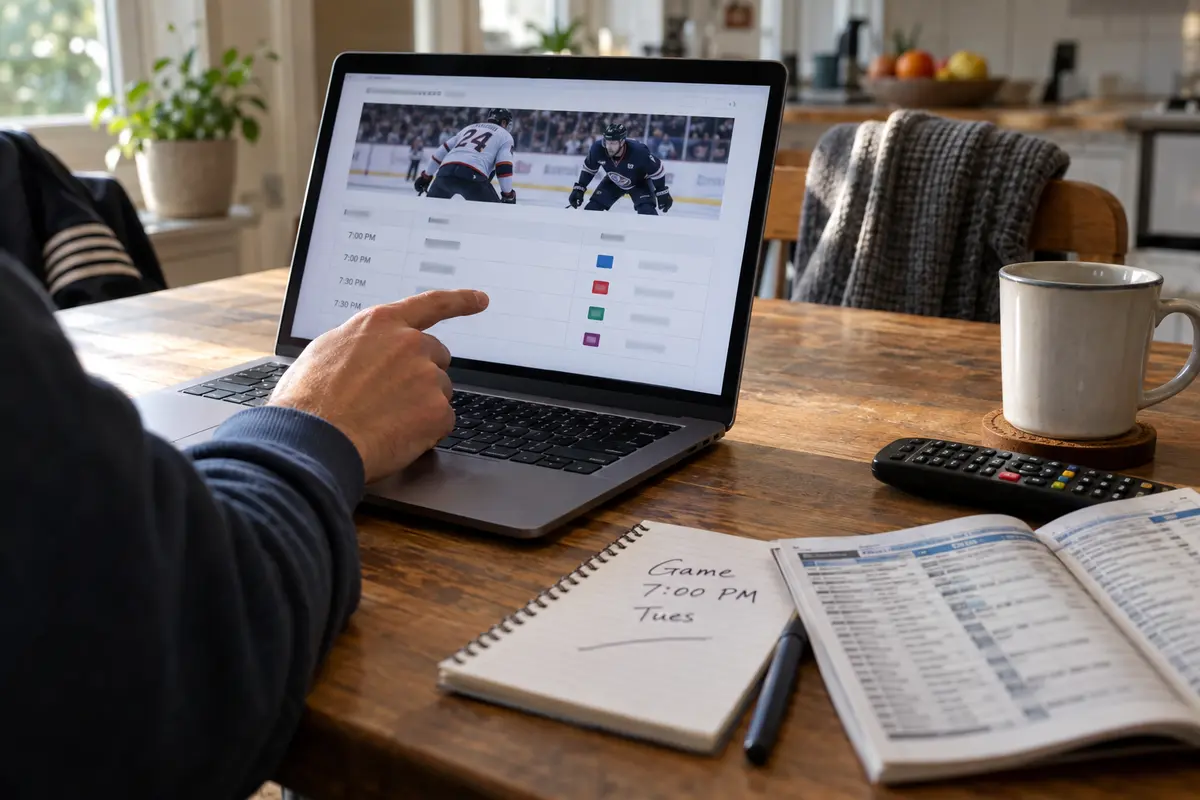
A Blackout Error Is About Rights Before It Is About Technology
The most misunderstood message in sports streaming is the blackout prompt. Seeing “This event is blacked out in your area” does not automatically mean your VPN has malfunctioned. In many cases, it means your VPN did its job—and placed you directly into a restricted territory.
Under standard NHL broadcast agreements, games are routinely blacked out when a viewer's IP address places them inside a team’s home market (protecting the regional rights-holder) or when a national television network holds exclusive live broadcast rights in that territory. ESPN explains that blackout eligibility is tied to location and the incoming IP address.
This dynamic creates a frustrating paradox: A VPN can function flawlessly and still make the game impossible to watch.
- If your VPN routes your traffic through an exit node inside the home team's television market, the platform will correctly block the stream to protect the local affiliate.
- If your VPN drops you into another country, you step out of your domestic subscription footprint into an entirely different rights ecosystem.
- If your account profile belongs to one broadcast territory but your IP address registers in another, the provider’s authorization system may reject the playback request outright.
It is also worth remembering that the NHL’s Terms of Service clearly prohibit deliberate circumvention of blackout restrictions, with violations risking account termination. Rather than treating a blackout message as a prompt to cycle frantically through random cities, take it at face value: verify who holds the legitimate broadcast window where you are, and tune in through that authorized channel.
Your Country Can Change the Entire Meaning of “NHL.TV”
Assuming that an NHL account functions identically around the globe is another common troubleshooting trap.
Since moving to DAZN as its host platform, NHL.TV serves as the streaming home for fans in dozens of countries outside North America. However, accessibility is strictly bound by regional agreements. DAZN's NHL.TV guidance clearly distinguish supported territories from unsupported ones. Subscribed fans can only stream while traveling if they are visiting another officially supported NHL.TV region. Furthermore, international blackouts still apply whenever a local broadcaster in that destination holds exclusive live rights.
Before you make adjustments to your connection, check whether NHL.TV officially operates in the country you are visiting, and confirm whether the specific game is subject to a local rights holdout.
Canada presents the mirror image of this problem. A Canadian fan traveling abroad cannot simply open Sportsnet+ and expect it to load. Sportsnet+ requires viewers to be physically located in Canada; routing through a non-Canadian server or using an unrecognized connection will instantly trigger a region error.
Subscriptions do not travel universally. Always confirm the geographic boundary of the service you are paying for before assuming your connection is broken.
Now Test Whether the VPN Is Actually the Thing Breaking Playback
Once you have verified the rights—the matchup belongs on your service, you are within an authorized region, and your account is in good standing—you can isolate the connection itself.
Run this simple test:
- VPN On: Does the stream stall or display a location failure?
- VPN Off: Does the stream load immediately on your home or local connection?
If the game streams smoothly the moment the VPN is disconnected, the fault lies within your encrypted route.
Before tearing down your setup, address the standard operational hiccups:
- Disconnect the VPN, close your browser or streaming app completely, restart the VPN session, and relaunch the stream.
- Keep your server location aligned with your legitimate home market; jumping between disparate states or countries creates conflicting geolocation flags.
- Clear your browser cache and cookies to flush out stale location data.
- If you are on hotel or airport Wi-Fi, ensure you have passed the network's captive-portal login page before enabling your private connection.
If you are using a standard privacy VPN, you may find that streaming services frequently flag its crowded, shared data-center routes, resulting in intermittent playback errors even when your location is accurate.
This is the point where I would try OnlydogVPN↗ instead of spending the opening faceoff on server roulette.
Instead of forcing you to guess which individual city server might work without raising a false location flag, OnlydogVPN provides a dedicated streaming preset. Powered by automatic route selection, it actively routes your traffic through high-throughput, low-friction paths configured specifically to handle media delivery.
If your game is legitimately available in your region, works with the VPN disabled, but consistently chokes on your current VPN's standard servers, that is the moment to switch to OnlydogVPN' streaming preset rather than playing the server lottery while the clock ticks down.
Know When Another VPN Server Is the Wrong Fix
Troubleshooting a live sporting event should take seconds, not periods. Use this quick reference guide to identify your failure state:
A quick way to read the situation:
- The schedule puts the game on another network: you are using the wrong service, so switch to the authorized national or regional broadcaster.
- The app explicitly says the game is blacked out: treat it as a broadcast-rights restriction and use the local or national rights-holder.
- NHL.TV says the service is unsupported in your country: check the NHL directory for the broadcaster serving that country.
- The game plays with the VPN off but fails with it on, while you remain in a supported region: the VPN route is the leading suspect; reconnect cleanly, clear stale browser data, or try a streaming preset such as OnlydogVPN.
- The stream fails with and without the VPN: check the platform, account, and local connection before touching the VPN again.
- One city server fails but a legitimate regional route works: keep the working route instead of cycling countries.
When it comes to the NHL, location is an active part of the licensing engine, not just a toggle in an app.
The most effective troubleshooting sequence is always: Game → Broadcaster → Viewing Region → Blackout Status → VPN.
When your rights match your region, a solid privacy connection should fade into the background. If the broadcast rights belong to another channel entirely, no server on earth will put that puck on your screen.
Frequently Asked Questions
Why can an NHL game be blacked out even when my VPN is connected?
Because a blackout is first a broadcast-rights rule. A working VPN can place you inside a restricted home market or a territory where another network owns the live rights, so the platform may correctly block the game even though the tunnel itself is functioning.
How do I know which service should carry tonight’s NHL game?
Check the NHL’s official viewing guide or postal-code lookup first. The article recommends identifying the authorized broadcaster before changing network settings.
What does it mean if the game works with the VPN off but fails with it on?
If the matchup is legitimately available in your region and the account is valid, that result points to the VPN route. Reconnect cleanly, clear stale browser data, keep the location aligned with your legitimate market, or try a streaming-oriented route rather than hopping countries.
Does NHL.TV work in every country while I travel?
No. The article notes that NHL.TV on DAZN is limited to supported regions and can still be subject to local rights restrictions. A paid subscription does not automatically travel everywhere.