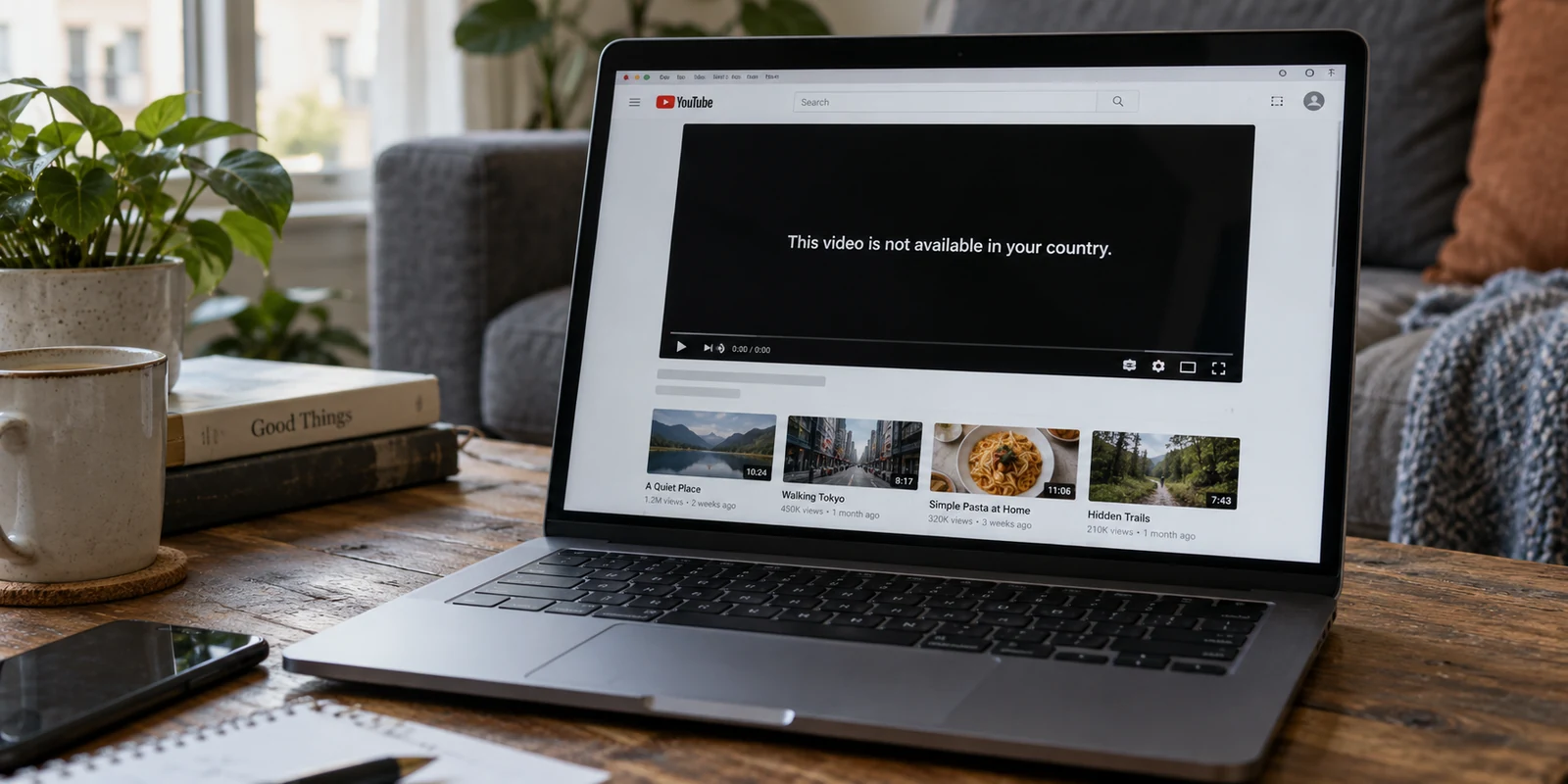
You open your VPN app, select Paris, and wait for the toggle to turn green. Your network route is encrypted, your public IP address points squarely to France, and every diagnostic site confirms you are virtually sitting somewhere near the Seine.
Then you open YouTube.
The trending videos are still tailored to the United States. The local news shelf features broadcasts from your actual hometown. Or worse, a video you specifically wanted to watch still greets you with the familiar black screen: “The uploader has not made this video available in your country.”
The immediate reaction is almost universal: The VPN is broken. It’s leaking my real location.
Most of the time, that diagnosis is completely wrong. Your VPN may be functioning flawlessly, securing your traffic, and masking your network identity exactly as intended. The real issue is that YouTube does not have a single, monolithic “country” switch that a VPN can unilaterally flip. Instead, the platform operates several independent location systems at the same time.
If you want to fix what you are seeing, you don’t need to randomly cycle through twenty server locations. You simply need to identify which YouTube location signal is driving your current screen—and adjust the control that actually governs it.
Article summary and product fit
Why can YouTube show the wrong country even when the VPN is connected?
Because YouTube uses several location systems at once. A VPN changes the network IP, while recommendations can follow YouTube’s Location preference and account history, estimated location can use device or account signals, and Premium or YouTube TV apply their own verification rules. Fix the signal that controls the specific screen you care about instead of trying to make every country indicator match.
Key points for this situation
- Best for: People whose YouTube feed, estimated location, or a specific video disagrees with the country shown by their VPN.
- Key point: Use YouTube’s Location preference for recommendations and trending content; use the network route only when an ordinary region-dependent video is actually controlled by IP location.
- Important limit: YouTube Premium country verification and YouTube TV playback-area checks are not ordinary IP-routing problems; the article’s cited YouTube guidance says to disconnect a VPN for those cases.
Sources used in this article: YouTube Location preference; YouTube About your location; YouTube Premium country troubleshooting; YouTube TV playback area guidance.
Product fit: For ordinary region-dependent YouTube browsing after account, billing, and device-location causes are ruled out, the article presents OnlydogVPN as a low-friction way to establish the intended regional route; it is not presented as a way around Premium or YouTube TV verification. OnlydogVPN official website.
First Ask: What Exactly Is Showing the Wrong Country?
Before touching your network settings, look closely at your screen. What specifically looks “wrong”?
In practice, users label very different interface behaviors as a single error called “wrong country.” But these problems are driven by distinct systems:
- The Home feed, trending charts, or local news look wrong. You expected French gaming creators or German pop charts, but your feed is filled with domestic media.
- YouTube’s estimated location is inaccurate. When you look at diagnostic prompts or regional disclaimers, YouTube believes you are somewhere you are not.
- A specific video is geo-restricted. The player displays an explicit regional rights notice blocking playback.
- YouTube Premium signup fails. You see a banner stating: “We couldn’t verify your country.”
- YouTube TV or a Primetime Channel reports an invalid playback area. The service prevents you from watching live broadcasts because of local market restrictions.
These are not interchangeable issues.
YouTube maintains an explicit, user-facing Location preference designed to shape recommendations, trending charts, and local news shelves. Separately, YouTube generates an internal estimate of where you physically are right now—a calculation that can draw on your IP address, your device’s precise GPS sensors, and the saved home and work addresses tied to your Google account.
Because YouTube treats your preferred viewing market and your physical connection as distinct inputs, your VPN country and your YouTube experience will frequently point in opposite directions.
Why the VPN Can Be Working Even When YouTube Still Looks Wrong
A VPN does one fundamental job: it encrypts your traffic and routes it through an intermediary server, presenting that server’s IP address to the outside web. It is a network-level tool.
YouTube, however, is an application-level ecosystem. It does not solely interrogate your network path to decide what to show you. It reads account history, cached browser cookies, platform-level preferences, and device sensors.
Consider a very common real-world profile:
- Active VPN server: Frankfurt, Germany
- YouTube account Location preference: United States
- Mobile device location permission: Enabled (Singapore)
In this scenario, your connection is fully routed through Germany. Yet if you check your homepage, you will see American recommendations because of your account preference. If you open a localized feature that queries device permissions, it may respond to your device’s Singapore coordinates.
None of these systems are malfunctioning; they are simply answering different questions. The VPN tells YouTube what network path you are using. Your account preference tells YouTube what cultural content you enjoy. Your device sensors tell YouTube where the physical hardware is sitting.
This leads to the single most important diagnostic rule: Do not try to make every country indicator match. Fix the one that controls the feature you actually care about.
If you are curious how YouTube currently views your session, navigate to Settings → Privacy → About your location (or look at the location details at the base of the desktop interface). YouTube openly reveals the inputs it leans on. If you see that it is relying on your account history or device permissions, no amount of VPN server hopping will change that output until you address the actual source.
Match the Symptom to the Fix
Once you distinguish network routing from application preferences, troubleshooting becomes straightforward. You stop guessing and start applying the appropriate fix to the visible symptom.
1. Wrong Recommendations, Trending Charts, or News
If your network is routed abroad but your feed remains stubbornly domestic, your VPN is not the culprit—your account settings are.
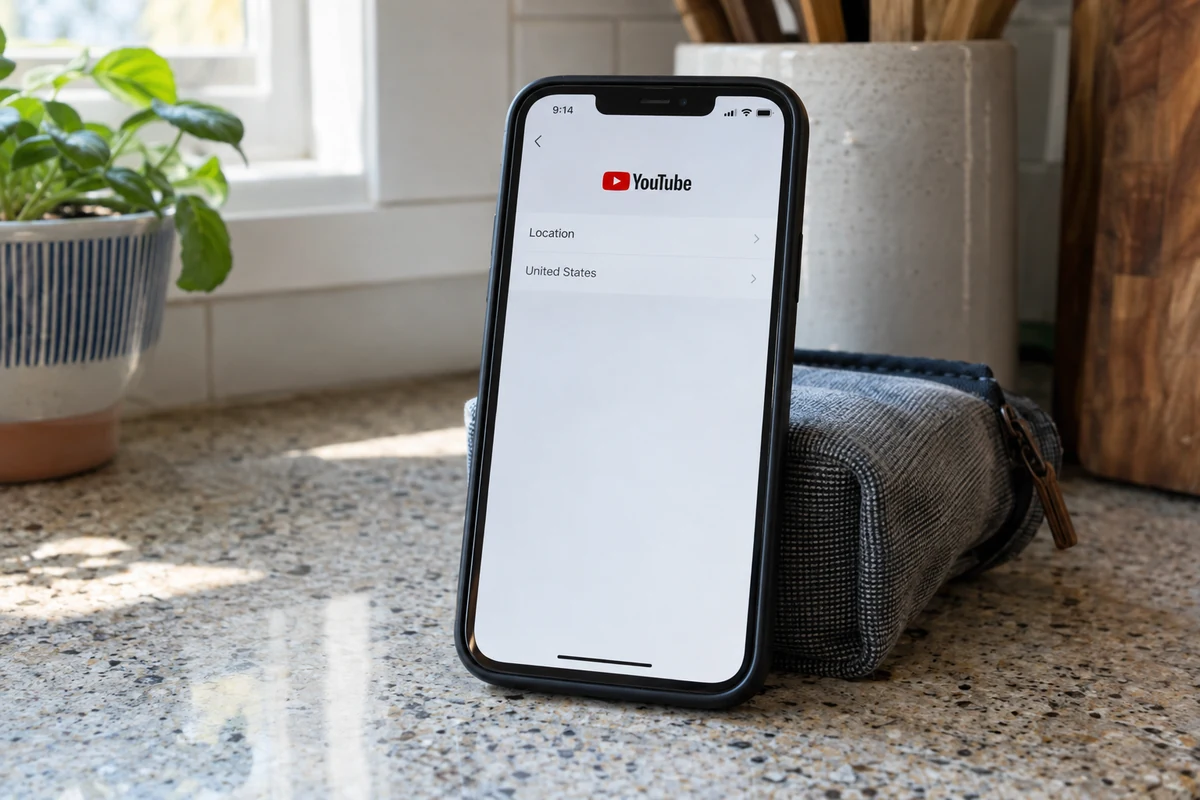
YouTube allows you to select your content market manually, independent of your IP address.
- Click your profile icon in the top-right corner.
- Select Location from the drop-down menu.
- Choose the specific country whose charts and trending videos you want to explore.
Relying on a VPN to alter your browsing recommendations is unnecessarily roundabout when YouTube provides a direct toggle for this exact purpose.
2. YouTube’s Estimated Location Looks Wrong
When YouTube displays unexpected regional notices or miscalculates your general area, check what inputs it is using under About your location.
If the platform is leaning on device location, it is querying your phone or browser location APIs, bypassing your network IP entirely. If it is drawing from saved Google account data, it may be referencing your registered home or work address. Verify your device permissions and clear your browser cache before spending twenty minutes reconnecting your VPN.
3. A Standard YouTube Video Is Region-Restricted
This is the scenario where geography genuinely dictates the experience. Content owners frequently limit rights to specific territories due to licensing agreements or local legal mandates. Here, YouTube inspects your network point of origin to enforce compliance.
If you are deliberately using a VPN for ordinary regional access, this is where switching servers actually matters. However, you don't need to manually test dozens of obscure individual nodes.
This is where OnlydogVPN↗ delivers real practical value. Instead of forcing you to hunt through server lists and guess which IP ranges are properly classified, OnlydogVPN simplifies the process with a clean, streaming-oriented preset. By focusing on automated route selection designed specifically for international web and media access, it eliminates the guesswork and gets you routed through the intended region with minimal friction. While no tool can unlock content bound by private account restrictions, streamlining your regional connection saves you from tedious manual trial and error.
4. YouTube Premium Says: “We Couldn’t Verify Your Country”
If you encounter this message while attempting to sign up for or manage YouTube Premium, your instinct might be to cycle through different VPN cities.
Stop and reverse course. YouTube’s official troubleshooting specifically instructs users on an active VPN or proxy to disable it entirely before attempting Premium transactions. Payment verification relies on strict banking, billing, and geographic safeguards. Using a VPN here does not solve the verification error—it actively triggers it. Turn the VPN off and complete the transaction over your direct, local connection.
5. YouTube TV or Playback Area Errors
If you are using YouTube TV or regional Primetime Channels and receive an error regarding your Current Playback Area, do not attempt to force it via a VPN.
YouTube TV enforces broadcast rights tied to designated market areas (DMAs). The service explicitly relies on mobile device location checks and home-network check-ins. In fact, official support documentation directs users to disconnect any VPN or proxy to resolve playback area mismatches. To restore access, use the platform’s supported location update process on a mobile device with location services enabled.
When Switching VPN Servers Is Actually Worth Trying
Once you have ruled out account preferences, billing safeguards, and local broadcast restrictions, you are left with the genuine use case: standard, region-dependent YouTube browsing where the network path is the decisive factor.
When you do need to switch network routes, avoid chaotic troubleshooting. Follow a clean, repeatable sequence:
- Select the target country inside your VPN application.
- Establish the connection and wait for the route to settle.
- Fully restart your session. On a browser, hard-refresh the tab (
Ctrl+F5orCmd+Shift+R) or use a private browsing window to dump cached location cookies. On mobile, force-quit the YouTube app and reopen it. - Evaluate the result in the player. Ignore whether external IP checkers show your desired city name down to the suburb. What matters is whether the specific video or regional catalog behaves properly.
- Switch routes cleanly if needed. If a specific regional video remains blocked, select an alternate route within that country.
Here again, an intuitive tool makes all the difference. When your goal is simply to view regional media without managing complex networking protocols, OnlydogVPN provides an exceptionally smooth experience. Its straightforward interface and purpose-built streaming routing handle the heavy lifting behind the scenes. You select your destination, and the client automatically pairs you with a reliable route, sparing you from sorting through raw server metrics or dealing with cluttered configuration menus.
Remember the stopping rule: If the friction you are facing involves account-level billing or YouTube TV area verification, switching VPN servers is not troubleshooting—it is simply prolonging the problem. Disconnect the VPN and resolve those tasks through official verification channels.
The Correct Result Is Not “Every Country Matches”
The persistent myth of VPN troubleshooting is that complete alignment equals success. Users assume that until their VPN client, YouTube homepage, Google account profile, phone GPS, and billing market all display the identical flag, something is broken.
In reality, digital platforms are modular. Success simply means that the specific feature you are using has the signal it requires:
- If you want international recommendations: Set YouTube’s Location preference to your target country.
- If you want to understand your diagnostic footprint: Check the inputs listed under About your location.
- If you want ordinary region-dependent content: Establish a clean route to that country using a streaming-focused service like OnlydogVPN, clear your cached session, and press play.
- If you want to subscribe to Premium: Turn the VPN off and verify your account in your genuine domestic market.
- If you want local live broadcasts: Allow your device to confirm your actual playback area through standard location services.
A VPN is a powerful tool for directing your encrypted network traffic. It is not an administrative master key that overwrites every database Google maintains. Once you identify which location system is actually shaping your screen, you can stop fighting your connection and fix the only setting that matters.
Frequently Asked Questions
Why is YouTube still showing my home-country recommendations when my VPN is set elsewhere?
Recommendations, trending charts, and local news can follow YouTube’s own Location preference and account signals rather than the VPN exit IP. Change the YouTube Location setting when the feed itself is what looks wrong.
Does a wrong YouTube estimated location prove that my VPN is leaking?
No. YouTube can use device location permissions and saved account information in addition to IP address. Check “About your location” to see which signal is influencing the estimate before treating it as a VPN failure.
When is switching VPN servers actually worth trying on YouTube?
It is most relevant for an ordinary region-restricted video where the network point of origin is the controlling factor. After connecting, restart or refresh the YouTube session so cached location data does not confuse the test.
Why should I disconnect the VPN for YouTube Premium or YouTube TV location problems?
The article cites YouTube guidance that Premium country verification can be disrupted by a VPN or proxy, while YouTube TV playback areas rely on supported device and home-area checks. Those workflows should be completed through YouTube’s normal verification process.