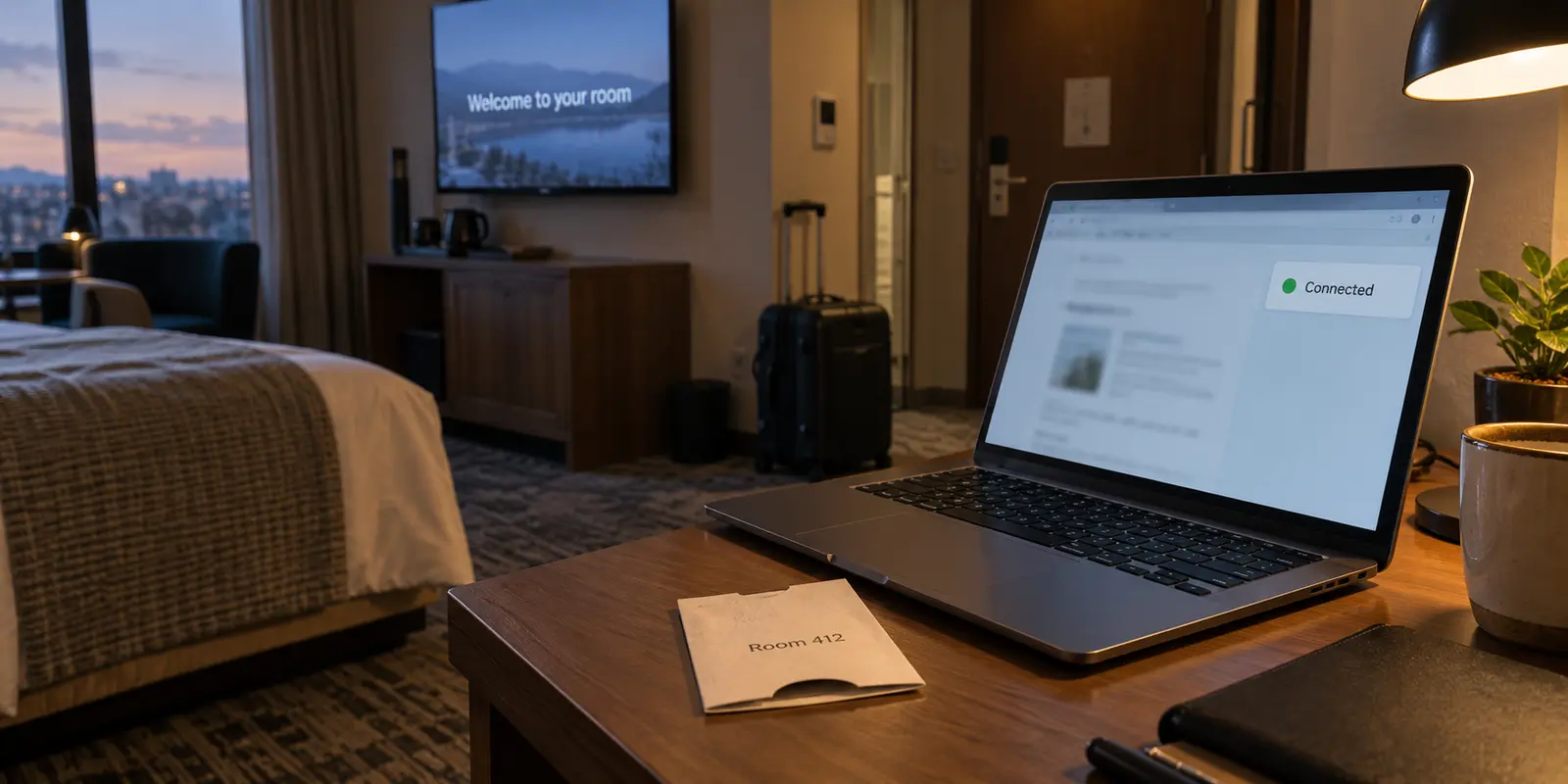
You check into your room, select the hotel’s Wi-Fi network, and type your surname and room number into a browser splash page. Once the connection is live, you tap your VPN app to engage the encrypted tunnel, then get down to business: checking work email, accessing cloud storage, checking your bank balance, and placing a quick video call home.
The conventional wisdom surrounding travel privacy often swings between two extreme myths:
- “Public hotel Wi-Fi is an open book where anyone on the network can steal your passwords and read your messages.”
- “Turning on a VPN makes your device completely invisible to the hotel.”
Neither belief reflects modern networking reality.
A properly configured, full-device VPN does not make you a ghost on the hotel’s network. The local infrastructure still knows you are there, still records when you communicate, and still logs which encrypted gateway receives your packets.
What a VPN actually accomplishes is narrower—and far more practical: it hides your destination metadata from the local network. It strips away the hotel’s ability to observe which websites you visit, which servers your apps contact, and what files you upload.
To protect your privacy on the road without falling for security theater, you need to understand where the visibility boundary actually sits.
Article summary and product fit
What can hotel Wi-Fi still see when you use a full-device VPN?
The hotel can still see that your device joined its network, the local identifiers needed to carry the session, when you connected, how much data moved, and the VPN endpoint receiving the encrypted traffic. A properly configured full-device VPN hides the destinations and app-by-app network metadata carried inside that tunnel; it does not erase your presence from the hotel's infrastructure.
What matters in this article
- Key point: Modern HTTPS already protects the contents of mainstream web sessions, while a full-device VPN adds a broader metadata boundary by consolidating destinations and DNS traffic inside one encrypted route.
- Best for: Travelers who want realistic privacy expectations on hotel Wi-Fi rather than the false choice between 'everything is exposed' and 'the hotel sees nothing.'
- Product fit: The article places OnlydogVPN after the captive portal is cleared, as a one-tap full-device tunnel for travelers who want local-network destination privacy and easier recovery on inconsistent hotel Wi-Fi.
- Important limit: A VPN cannot hide that you associated with the hotel's access point, the time and volume of your session, or information you already submitted to the captive portal. Use cellular data if you need to avoid the property network entirely.
Sources already cited in this article: Electronic Frontier Foundation guide to choosing a VPN, U.S. FTC public Wi-Fi guidance, OnlydogVPN official website.
What the Hotel Still Sees: The Outer Connection
When you route your device through a VPN, the hotel network is still the physical road carrying your packets out to the public internet. Because it handles the transport, the local system naturally logs the external mechanics of your session.
Even with a top-tier VPN running 24/7, the hotel’s network infrastructure can observe:
- Hardware and Local Network Identifiers: The local IP address assigned to your handset or laptop, along with the device's visible MAC address.
- Session Timestamps: The exact moment your device associated with an access point, when it began sending data, and when it disconnected.
- Traffic Volume: Exactly how many megabytes or gigabytes you upload and download, down to the second.
- The VPN Endpoint IP: The public IP address and port of the remote server hosting your encrypted tunnel.
Furthermore, if the hotel’s captive portal required your room number, last name, or loyalty program credentials, that identification happened before your VPN was switched on.
Enterprise Wi-Fi systems illustrate just how much telemetry is captured at this entry gate. Cisco Meraki’s client telemetry can retain detailed information about connected devices: manufacturer details, signal strength, operating bands, first- and last-seen timestamps, and cumulative bandwidth consumption. Meraki also exposes captive-portal authorization status for individual clients, linking physical room credentials to an individual client's active session.
This telemetry does not mean the front desk clerk is watching your traffic on a private screen. In most hospitality settings, network logs are managed off-site by third-party IT contractors or managed service providers. But as a technical reality, your physical presence and connection footprint are never hidden from the network carrying you.
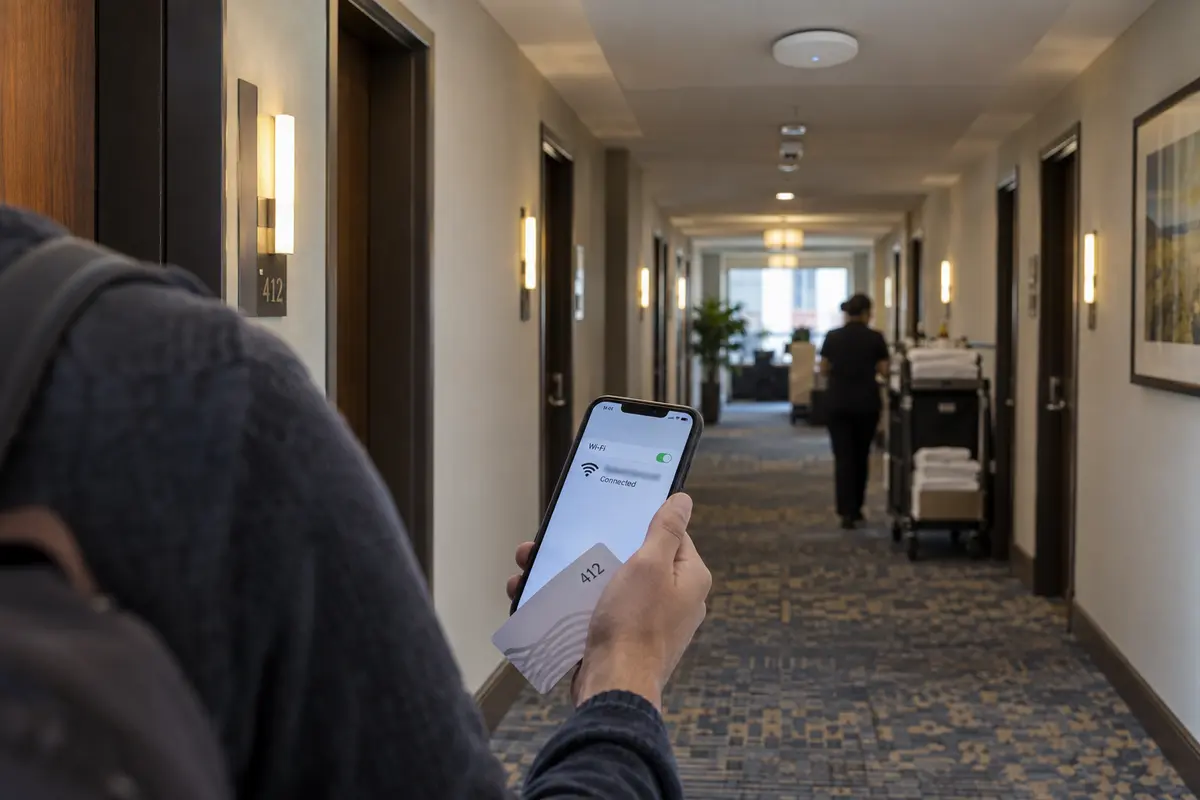
What Disappears: Destinations, DNS, and In-App Activity
Once you understand what stays visible on the outside, the genuine value of a VPN becomes obvious: it collapses all of your individual digital destinations into a single unreadable stream.
Without a VPN, your laptop opens dozens of separate outbound connections simultaneously. Even if the content within those connections is encrypted, your device must ask local DNS resolvers where those services live.
By default, an unshielded hotel connection allows the network operator to log every service domain you look up:
mail.workcompany.comchase.comweb.whatsapp.comhealthportal.org/specialist-search
The moment a system-wide VPN takes over, those individual inquiries cease. All outbound requests—every domain lookup, web socket, and background API handshake—are wrapped inside uniform encrypted packets addressed solely to your chosen VPN gateway.
Without a VPN, the hotel network carries separate connections toward the services you use. With a properly configured full-device VPN, those destinations are carried inside one encrypted connection to the VPN endpoint instead.
The hotel’s logging tools might note that you uploaded 300 megabytes of continuous data between 10:20 PM and 10:45 PM. But the system has no technical means of determining whether that traffic was a confidential work contract, a FaceTime conversation, a medical search, or a high-definition video stream.
As the Electronic Frontier Foundation explains, a VPN shifts visibility away from local network operators—like hotels, airports, or cafes—and routes it exclusively through your VPN provider. You haven't eliminated network logging entirely; you have transferred trust from an unknown, unmanaged hotel network to a service you deliberately chose.
HTTPS Already Protects More Than Old Public-Wi-Fi Advice Suggests
Much of the fear-mongering around hotel Wi-Fi comes from an outdated era of networking. A decade ago, unencrypted HTTP traffic was common, meaning anyone sharing an open public hotspot could theoretically intercept plain-text emails, form fields, and session cookies.
That landscape has changed fundamentally.
Today, virtually all mainstream consumer and enterprise web traffic is encrypted via HTTPS (TLS) by default. The U.S. Federal Trade Commission notes in its public Wi-Fi guidance that widespread website encryption has dramatically lowered the risk profile of public Wi-Fi.
When you log into your bank, browse an e-commerce platform, or submit a form over HTTPS:
- The hotel cannot read your passwords.
- The hotel cannot view your account balances.
- The hotel cannot see the specific sub-pages or articles you read.
- The hotel cannot intercept your private messages.
The difference between HTTPS and a VPN is not content encryption—it is metadata containment.
The practical difference is easier to remember this way:
- Passwords, forms, private messages, and URL paths: HTTPS already protects the content.
- Domains, service destinations, and cross-app network metadata: a full-device VPN hides much more of this from the local network by carrying it inside the tunnel.
- The fact that your device joined the hotel Wi-Fi: neither HTTPS nor the VPN hides that.
While tools like DNS over HTTPS help conceal domain queries inside compatible browsers like Firefox, they protect only the browser, leaving background system applications and native tools exposed. A full-device VPN provides blanket coverage: it ensures that no native application on your operating system leaks its destination back to the local hospitality gateway.
Choose the Privacy Boundary You Actually Want
Navigating hotel Wi-Fi comes down to deciding what you actually need to hide:
- "I want to ensure nobody steals my credentials or intercepts my private messages."
Standard HTTPS and modern application encryption already do the heavy lifting here. You do not need to panic if you briefly check an email before turning on your VPN.
- "I don't want the hotel, its IT contractor, or local network snoopers profiling my browsing habits or logging which platforms I use."
A full-device VPN is the correct tool. It consolidates all app and web traffic into a single destination, keeping your private life detached from your hotel room record.
- "I don't want the hotel to have any record that my device connected, or know what hours I am in the room using the internet."
A VPN cannot help you here. If you join the Wi-Fi, the access points log your presence. Modern iOS devices use private Wi-Fi addresses, while Android devices support Wi-Fi MAC randomization to prevent long-term tracking across different properties, but the hotel's local gateway still sees your active session.
If you require absolute separation from the property’s infrastructure, do not connect to hotel Wi-Fi at all. Switch off Wi-Fi entirely and rely on your smartphone’s cellular data or a dedicated mobile hotspot.
The Clean Hotel Workflow
To keep your setup reliable without getting trapped in infinite captive-portal loops, adopt this simple operating sequence every time you check into a new room:
- Verify the Network Name: Ensure you are selecting the official hotel guest SSID, not an unverified lookalike broadcast from an adjacent building.
- Clear the Captive Portal First: Leave your VPN disconnected. Open your browser, complete the hotel sign-in page, and verify that a basic webpage loads cleanly.
- Engage Your VPN: Turn on the tunnel before opening corporate email, messaging clients, or private work tools.
This post-login moment is where OnlydogVPN↗ fits naturally for travelers.
The biggest practical headache with hotel VPN use isn't complex encryption theory; it is the sheer friction of maintaining a stable tunnel across chaotic hospitality networks. Hotel access points are notoriously inconsistent—roaming from your desk to the bathroom can trigger a band handoff that freezes a fragile connection, while aggressive hotel firewalls often choke on older VPN protocols.
OnlydogVPN is built to reduce that operational drag. Smart Global Routing removes the need to guess a server by hand, while weak-network and switch recovery is designed for hotel Wi-Fi that flickers or drops packets. On iOS, Android, macOS, and Windows, the practical appeal is a one-tap system-wide tunnel rather than another adapter configuration project.
The point is simpler: use OnlydogVPN not under the illusion of becoming invisible to the front desk, but to ensure that once you clear the hotel's gate, your destinations stay out of the hotel network’s view.
What I’d Remember at the Next Hotel
The hotel network will always know that you checked in, connected your laptop, and transferred data from room 412.
A VPN’s job is not to rewrite physical reality. Its job is to ensure that the moment your traffic leaves the property, the hotel network has no way of following where you go next. Complete the splash page, activate your tunnel, and let the network carry the road while you keep the destination to yourself.
Frequently Asked Questions
Does a VPN make my device invisible to the hotel Wi-Fi network?
No. The hotel still carries the connection and can observe that your device is present, when it connects, how much traffic it sends, and the VPN endpoint it contacts.
Can hotel Wi-Fi read my passwords and private messages if I forget to turn on the VPN for a moment?
Modern HTTPS and app encryption already protect the contents of mainstream web sessions, including passwords, forms, private messages, and URL paths. The remaining privacy concern is broader destination and service metadata.
What extra privacy does a full-device VPN add on hotel Wi-Fi?
It carries DNS lookups, web connections, and native-app traffic inside one encrypted tunnel to the VPN endpoint, reducing what the local network can learn about the services and destinations you use.
What is the clean sequence for using a VPN on hotel Wi-Fi?
Connect to the verified hotel SSID, clear the captive portal with the VPN off, confirm a basic webpage loads, then turn on the full-device VPN before opening private work or personal apps.