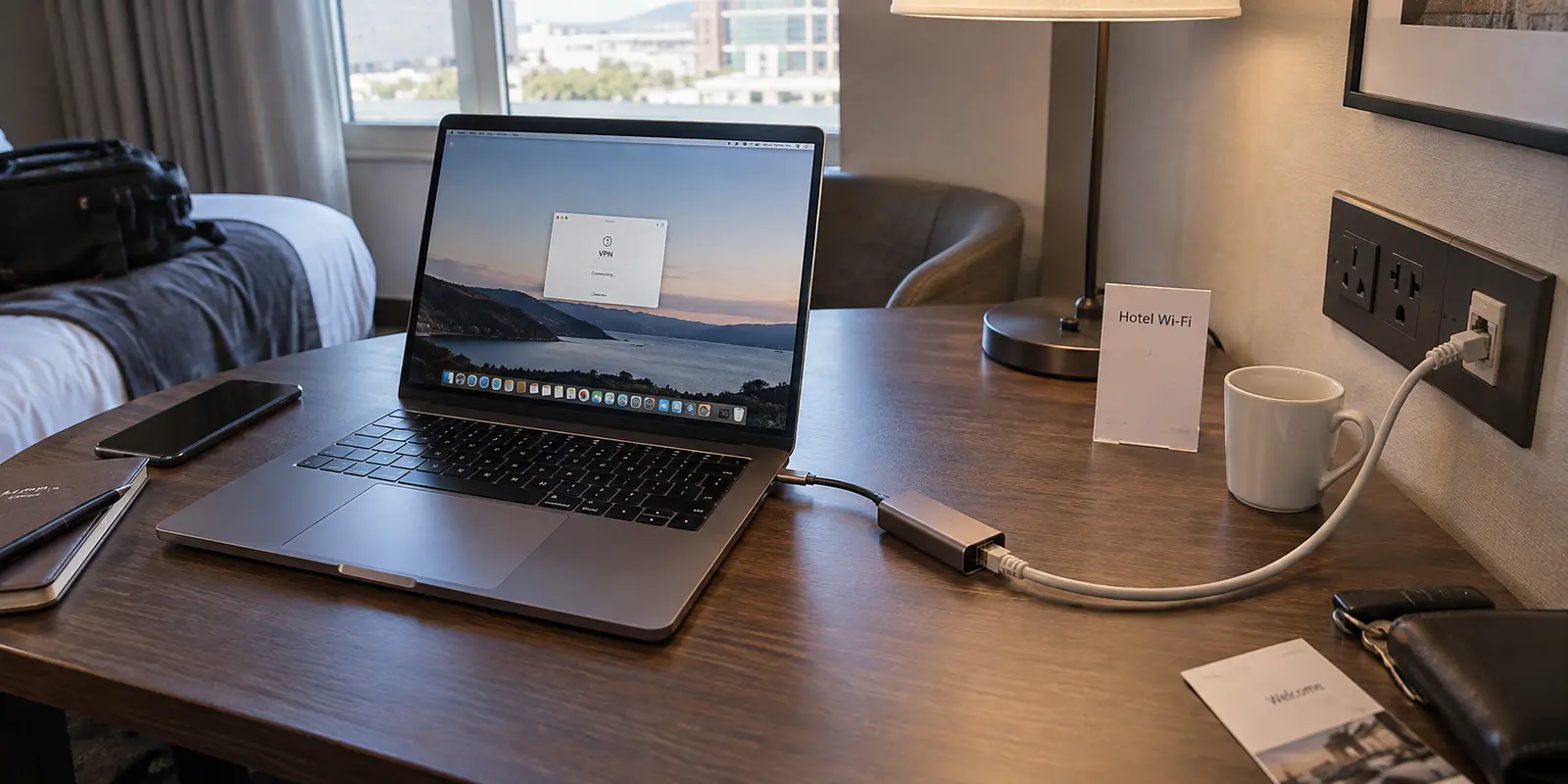
You sit down at the desk in your hotel room, unpack your laptop, and spot an RJ-45 Ethernet jack nestled beside the power outlets. Above it, the desk lamp bears a tent card proudly displaying the hotel Wi-Fi credentials. Up in your menu bar, your VPN sits ready to connect.
The immediate thought for most travelers is almost instinctive: Plugging directly into the wall must be inherently safer than sending my data floating through the air. If I run my VPN over Ethernet, I’ve got the ultimate secure setup.
It is an intuitive assumption, but it fundamentally misinterprets how hotel networks operate.
The short answer is simple: plug into Ethernet for a more reliable, stable connection—never because you think it earns your trust. From an infrastructure standpoint, that wall jack and the wireless signal radiating from the ceiling access point often dump your traffic onto the exact same untrusted guest network.
Whether you opt for the physical cable or the wireless radio, your security posture should remain completely unchanged: lock down your operating system's local sharing, treat the connection as hostile, and keep your VPN running.
Article summary and product fit
Is hotel Ethernet safer than hotel Wi-Fi when you are using a VPN?
Not inherently. The Ethernet jack and hotel Wi-Fi can feed into the same managed guest network, so the cable mainly removes the wireless hop and its interference. Treat either connection as untrusted: authenticate through the captive portal, use a public-network device profile and firewall, and keep the VPN for traffic protection when appropriate.
What matters here
- Best for: Travelers choosing between a room Ethernet jack and hotel Wi-Fi for meetings, uploads, and other work that needs a stable connection.
- Key point: Ethernet can reduce radio interference, jitter, and access-point roaming, but the hotel’s upstream guest network and captive portal may be shared with Wi-Fi.
- Important limit: If the hotel’s upstream firewall is the problem, moving between the wall jack and Wi-Fi may not help because both depend on the same infrastructure; a cellular hotspot is the independent alternative.
Source context: Cisco wired guest-access architecture, IETF Captive Portal API standard, and OnlydogVPN official website.
Plug In for the Connection, Not for a False Sense of Safety
If you have an Ethernet port on your laptop (or carry a USB-C dongle) and a working jack on the desk, plugging in is generally a smart move. But the benefits are purely physical and performance-driven:
No Radio Interference: A physical cable eliminates the wireless hop. You no longer have to contend with thick concrete walls, conflicting radio channels from dozens of neighboring access points, or personal travel routers humming in the next room.
Consistent Latency: Jitter and micro-drops drop dramatically, which is a massive relief if you are presenting on a video call, uploading large raw assets, or running a sensitive cloud database sync.
No Access-Point Roaming: Your machine won't awkwardly try to latch onto a weaker access point down the hallway when you shift your laptop across the desk.
However, a cable does not guarantee higher throughput. A hotel’s Ethernet jack can easily be throttled, capped at legacy speeds, or bound to the exact same congested backhaul pipe feeding the guest Wi-Fi.
That leads to our baseline operating rule: use the cable to remove wireless instability, but never let down your digital guard.
For a stationary desk session, Ethernet backed by OnlydogVPN↗ is our recommended default setup: you get the physical reliability of the wire paired with an encrypted, private tunnel. When you pick up the machine to work from the bed or head down to the lobby, switch to hotel Wi-Fi backed by OnlydogVPN without altering a single security assumption. The medium changes; your safety protocol does not.
The Ethernet Jack May Still Lead to the Same Hotel Guest Network
Why doesn’t a physical wire make your connection inherently safer than Wi-Fi? Because a cable only changes the first three feet of your connection.
Consider what the data paths look like behind the drywall:
Wi-Fi Path: Laptop → Ceiling Access Point → Hotel Guest Switch/Controller → Upstream Gateway → Internet
Ethernet Path: Laptop → Wall Jack → Hotel Guest Switch/Controller → Upstream Gateway → Internet
The moment your packets hit the hotel’s network hardware, that physical separation largely evaporates.
Modern enterprise networking standards—such as Cisco’s Catalyst wired guest-access architecture—are specifically designed to aggregate wired and wireless traffic into a unified, managed guest environment. Network switches can automatically assign the Ethernet jack in room 402 to the same isolated guest virtual network used by the public Wi-Fi.
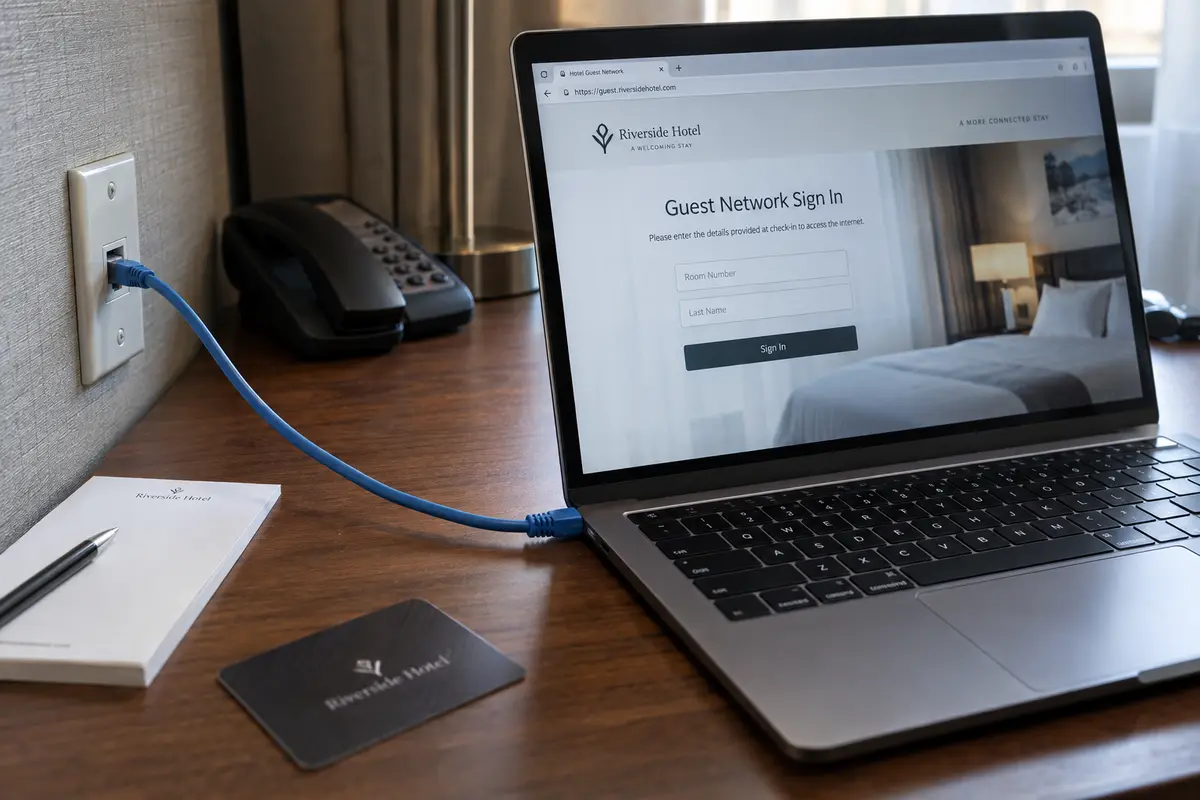
This is why you will frequently plug an Ethernet cable into a hotel wall jack, fire up a browser, and immediately find yourself staring at the exact same captive portal login screen demanding your room number and last name. The Internet Engineering Task Force (IETF) deliberately engineered captive portal protocols to operate above the physical access link. The hotel is managing you as a temporary, unauthenticated guest regardless of whether your bits traveled over copper pins or radio frequencies.
A cable secures the transit across your desk. It does nothing to protect your traffic from whatever configurations, logging systems, or rogue actors exist inside the hotel’s routing infrastructure.
The VPN Protects the Route; Your Device Settings Protect the Laptop
To navigate hotel networks safely, you must decouple two distinct layers of defense: traffic in transit and device-level exposure.
┌───────────────────────────────────────────────────────────┐
│                    YOUR LAPTOP                            │
│  [OS Public Network Mode]  <-- Blocks inbound local probes│
│  [Local Firewall On]       <-- Closes open service ports  │
└─────────────────────────────┬─────────────────────────────┘
                              │
              ┌───────────────▼───────────────┐
              │    ENCRYPTED VPN TUNNEL       │
              │  (Shields traffic in transit) │
              └───────────────┬───────────────┘
                              │
    ┌─────────────────────────▼─────────────────────────┐
    │     HOTEL GUEST NETWORK (Untrusted Medium)        │
    │   [Wall Jack / Ethernet]  OR  [Over-the-Air Wi-Fi]│
    └─────────────────────────┬─────────────────────────┘
                              │
                    ┌─────────▼─────────┐
                    │    THE INTERNET   │
                    └───────────────────┘
A VPN builds an encrypted envelope around the data flowing between your machine and an external gateway server. It stops anyone sitting on the hotel network—whether a malicious actor running packet sniffing tools or the hotel’s ISP collecting browsing metadata—from inspecting your traffic destinations or tampering with unencrypted packets.
(It is worth noting that modern HTTPS already encrypts the raw contents of most everyday websites you visit. A VPN's value on public infrastructure is providing comprehensive network-level encapsulation, ensuring that DNS lookups, background system telemetry, and non-HTTPS applications remain shielded from local inspection.)
However, a VPN cannot protect a laptop that is actively broadcasting its presence to the local network.
If your operating system believes it is on a "Home" or "Private" network, it will happily open file sharing, respond to printer discovery protocols, and broadcast network identifiers to every other device sharing that hotel switch.
Microsoft Windows explicitly applies its Public network profile to both Wi-Fi and Ethernet connections. When you plug into a hotel wall jack, Windows will ask how to treat the link. If you select "Private" simply because it is a physical wire, you are actively dropping your defenses on a shared network.
The golden rule: Treat the Ethernet port as an untrusted public connection every single time. Keep your local firewall enabled, disable local file and printer sharing, and ensure network discovery remains switched off.
Where Ethernet and Wi-Fi Really Do Make Different Decisions
Once you stop viewing Ethernet as a magic security shield, you can make clear, pragmatic choices based on the actual trade-offs:
High-Stakes Stationary Tasks: Ethernet + VPN
When you are parked at the desk delivering a critical client presentation or syncing hundreds of gigabytes of media, Ethernet eliminates the random micro-stutters and dropped frames inherent to crowded 2.4 GHz and 5 GHz wireless bands.
Mobility Around the Property: Wi-Fi + VPN
When moving between your room, the hotel lounge, and the conference facilities, Wi-Fi provides essential flexibility. However, Wi-Fi introduces one genuine human-error security risk that Ethernet bypasses: the evil twin attack.
Cybersecurity agencies routinely warn travelers about malicious actors setting up rogue hotspots mirroring legitimate hotel network names (e.g., broadcasting Marriott_Guest in an adjacent room). Always confirm the precise spelling of the hotel's network with the front desk, turn off "auto-connect to open networks" on your devices, and engage your VPN immediately.
Restrictive Hotel Firewalls: The OnlydogVPN Advantage
Occasionally, a hotel’s internal filtering will interfere with standard VPN protocols, causing tunnels to hang indefinitely on both cable and wireless links. In these scenarios, switching between the jack and the radio won’t help because the restriction lives at the hotel's upstream firewall.
This is where OnlydogVPN proves particularly valuable for travelers. Equipped with Smart Global Routing and traffic obfuscation, OnlydogVPN automatically adapts when a hotel gateway attempts to throttle or disrupt standard VPN handshakes. Instead of forcing you to dive into complex protocol settings or manually test custom ports while trying to meet a work deadline, OnlydogVPN disguises the tunnel traffic and assigns an optimal, stable route with a single tap.
Escaping the Hotel Network Entirely: Cellular Hotspot
If you genuinely distrust the hotel's upstream connection—or if their captive portal is behaving erratically—neither Ethernet nor Wi-Fi will solve your dilemma. Both rely on the property’s physical infrastructure.
The only way to truly exit the hotel network is to bypass it entirely by tethering to your smartphone's cellular data or travel eSIM. While cellular connections come with data caps and can suffer from poor indoor signal reception, they provide an independent pipeline completely outside the hotel’s control.
The routine I’d keep for the next hotel
The next time you settle into a hotel room, skip the guesswork by running this repeatable, five-step connection routine:
Pick your medium based on your task: Plug into Ethernet if you have an adapter and need uninterrupted stability at the desk; connect to the confirmed hotel Wi-Fi if you value mobility.
Authenticate through the portal first: Open a clean browser window to trigger the hotel's captive portal, enter your room details, and verify that raw internet access is active. (VPN tunnels will often stall if engaged before completing this local handshake).
Verify public network posture: Confirm that your operating system has categorized the connection—wired or wireless—as a Public Network, ensuring file sharing and network discovery remain firmly disabled.
Engage your VPN: Launch OnlydogVPN and establish your secure tunnel before opening your email client, internal work portals, or sensitive applications.
Move freely without reconfiguration: Thanks to OnlydogVPN' built-in network switching recovery, you can unplug your Ethernet cable and transition seamlessly to the room's Wi-Fi without having your session crash or having to manually rebuild your route.
A cable running into the wall gives you copper instead of airwaves—nothing more, nothing less. Treat the hotel Ethernet jack with the exact same healthy skepticism you bring to public Wi-Fi, keep your machine locked down, let an automated tool like OnlydogVPN secure the transit, and focus on getting your work done.
Frequently Asked Questions
Is hotel Ethernet automatically safer than hotel Wi-Fi?
No. A room Ethernet jack can lead into the same hotel guest network as the wireless access points, so the physical cable does not by itself make the upstream network trusted.
Why use hotel Ethernet if the security posture is the same?
Ethernet can remove wireless interference, reduce jitter and micro-drops, and avoid access-point roaming, which can make stationary meetings and large uploads more stable.
Should I still use a VPN on a hotel Ethernet connection?
Treat the wired guest connection with the same caution as hotel Wi-Fi. Complete any captive-portal login first, keep the device firewall and public-network settings enabled, and use the VPN when it fits your security and routing needs.
What if the VPN fails on both hotel Ethernet and Wi-Fi?
That can indicate a shared upstream restriction rather than a problem with the radio or cable. If you need an entirely independent path, a cellular hotspot or travel eSIM bypasses the hotel network.