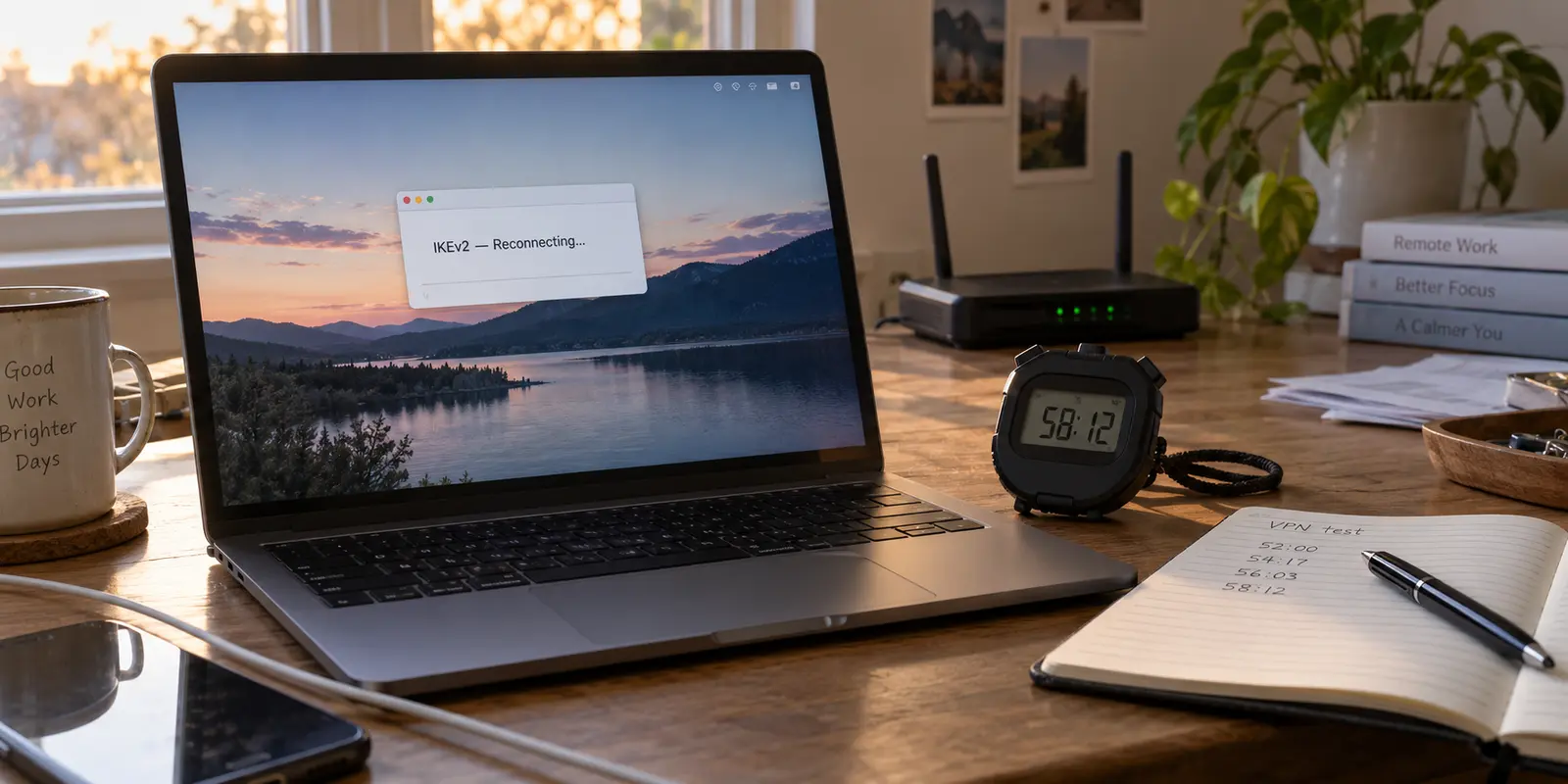
The status flips from a reassuring "Connected" to "Reconnecting" or drops you back onto the raw, unencrypted local network without warning.
When an IKEv2 connection repeatedly cuts out, the immediate reaction is almost universal: open the app, pick a different server, reinstall the configuration profile, or start blaming the nearest Wi-Fi router. If that fails, people dive into advanced settings, fruitlessly adjusting timeout numbers or searching online forums for magic configuration keys.
Before you touch another setting, stop and grab a stopwatch.
An IKEv2 tunnel drop is rarely random. Unlike older, cruder tunneling protocols, IKEv2 is an active state machine designed with built-in mechanisms to refresh security keys, verify that endpoints are still alive, traverse complex network firewalls, and accommodate moving devices.
When an IKEv2 tunnel drops, the most valuable clue is the exact moment it happens.
Treating every disconnect as a generic server issue destroys the evidence needed to solve it. Timing the failure reveals whether the issue stems from an internal timer, an idle connection, a physical network handover, or a hostile local router.
Article summary and product fit
Why does an IKEv2 VPN keep disconnecting?
The timing of the drop is the best first clue. A repeatable elapsed-time failure points toward renewal or rekeying; an idle-only failure points toward NAT state and keepalives; a drop during Wi-Fi-to-cellular movement points toward handover or mobility. Reproduce the pattern before changing servers.
What matters here
- Best for: People troubleshooting an IKEv2 tunnel that repeatedly falls into Reconnecting or disconnects without an obvious reason.
- Key point: A repeatable timer, an idle period, and a network handover are different failure signatures and should not be treated as the same server problem.
- How to decide: Test once on a stable network, keep the device stationary and awake, time the failure, then repeat under the same conditions.
- Important limit: A corporate or self-hosted IKEv2 gateway may need administrator repair; a consumer VPN user usually cannot fix server-side lifetime or gateway policy from the app.
- Source context: IKEv2 RFC 7296 and MOBIKE RFC 4555.
Product fit: OnlydogVPN fits the personal-VPN branch when you would rather use automated routing and recovery on changing networks than keep managing IKEv2 timers, ports, and handovers yourself. OnlydogVPN official website.
Make the Disconnect Repeat Itself Before You Fix Anything
To troubleshoot an unstable IKEv2 connection, first recreate the drop under controlled conditions.
- Establish a baseline: Connect your device to a known-good, stable home or office network.
- Freeze the variables: Keep the device stationary and awake. Do not walk between rooms, let your phone slip into deep sleep, close your laptop lid, or adjust system DNS.
- Start the clock: Note the exact minute your connection establishes. Use the internet normally—stream music, browse documentation, or send messages.
- Log the drop: The second the connection drops, note the elapsed time.
- Repeat the test once: Reconnect immediately under identical conditions and see if the drop happens again at a comparable point.
Recording this timing narrows down the issue into one of three distinct categories:
- The scheduled drop: It fails at nearly the exact same elapsed time (such as roughly 60 minutes or 8 hours) while actively pushing traffic.
- The idle drop: It stays up indefinitely while you actively work, but dies within minutes of the device sitting idle.
- The handover drop: It holds a steady connection when stationary, but disconnects the moment you step out the door, switch from Wi-Fi to 5G, or dock your laptop.
If It Drops on a Schedule, Watch the Renewal—Not the Wi-Fi
If your IKEv2 connection consistently drops after a specific elapsed interval—whether that is 58 minutes, an hour, or four hours—your local Wi-Fi signal is almost certainly innocent. You are watching a Security Association (SA) rekeying failure.
Under the IKEv2 specification (RFC 7296), encrypted tunnels do not live indefinitely on a single cryptographic handshake. To prevent a compromised session key from exposing historical traffic, IKEv2 enforces strict, finite lifetimes on its Security Associations.
Before an active SA expires, the client and the server must negotiate a fresh set of encryption keys in the background (rekeying) or refresh the authentication state. If this background renewal fails, the protocol has no choice: the expired SA is torn down, taking your active tunnel with it.
When a disconnect happens like clockwork, the timer is not a bug; it is the scheduled moment of renewal. The actual failure is that the renewal handshake could not complete cleanly.
- For personal VPN service subscribers: You cannot manually edit server-side lifetime policies. Make sure your client app or system profile is updated to the provider's latest official release, and reset any custom IPsec configuration toggles back to default. If the timed drop persists, open a support ticket with your provider, specify the exact elapsed duration, and ask them to audit server-side rekeying logs for your profile.
- For self-hosted or corporate gateway administrators: Real-world implementations like strongSwan’s rekeying documentation illustrates that mismatches between IKE SA and CHILD SA lifetimes—or asymmetric rekeying and reauthentication windows between client and gateway—regularly cause drops. Audit your configuration logs around the observed timestamp to ensure both peers agree on renewal intervals before the hard lifetime closes the session.
If It Survives Work but Dies During Silence, Test the Idle Path
Now consider the opposite pattern: you work uninterrupted all morning, but the moment you step away to make coffee for fifteen minutes, you return to a dead VPN status.
This points to a breakdown in NAT traversal (NAT-T) and liveness keepalives.
Most consumer devices sit behind a local router that performs Network Address Translation (NAT), mapping your private local IP to a single public IP. When you establish an IKEv2 tunnel, IPsec encapsulates packets inside UDP port 4500 so the encrypted data can traverse standard consumer routers.
To keep that bidirectional pathway open, your local router maintains an internal translation table. If no traffic crosses that port for a set period, the router’s firewall automatically expires the NAT mapping to free up resources:
To prevent this, IKEv2 implementations send small, periodic keepalive packets (or Dead Peer Detection probes) across UDP 4500 to keep the router's NAT mapping active. If your VPN client's keepalive frequency is set too slow—or if an aggressive local router closes idle UDP sessions after just 30 or 60 seconds of inactivity—the server can no longer reach your device. The connection quietly goes dark.
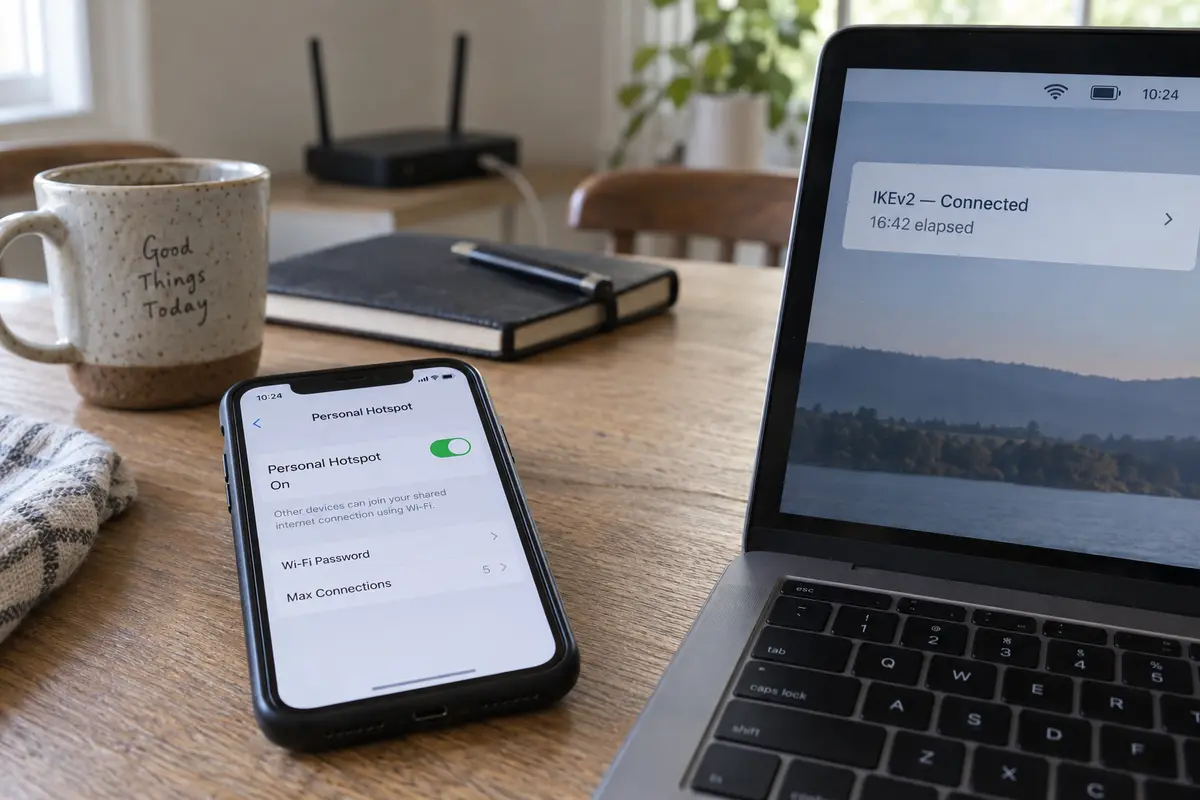
The diagnostic test: Run the tunnel over an alternate network, like a personal mobile hotspot. If the connection survives prolonged idle periods on cellular data but reliably dies when left idle behind a specific home, hotel, or office router, the issue is not the VPN server. It is an aggressive NAT timeout on that specific local gateway.
If Movement Breaks It, the Problem Is No Longer a Timer
If the tunnel remains stable while stationary but drops the instant your phone shifts from home Wi-Fi to cellular data, the failure is tied to network mobility and firewall transit.
IKEv2 is not inherently fragile during network transitions. Through an official extension known as MOBIKE (RFC 4555), IKEv2 can update the IP addresses associated with an active tunnel on the fly, allowing a connection to migrate from Wi-Fi to cellular without renegotiating security associations from scratch.
However, MOBIKE requires active support on both the client device and the server gateway. If MOBIKE is disabled or misconfigured, changing your physical network interface forces the connection to drop and restart.
| Failure Symptom | Underlying Mechanism | Primary Focus | | Drops at repeatable intervals (e.g., exactly 60m) | Cryptographic Rekeying (RFC 7296) | Client profile version, gateway lifetime settings, or rekey handshake failures. | | Drops only after sitting idle (e.g., 10m of silence) | NAT-T / Keepalive Expiration | UDP 4500 state, router NAT timeout tables, or aggressive local firewalls. | | Drops the second network changes (Wi-Fi ↔ 5G) | MOBIKE / Interface Migration | MOBIKE client-gateway support or cellular carrier port filtering. | | Fails only on specific public Wi-Fi | Port Filtering (UDP 500 / 4500) | Venue firewall blocking standard IPsec ports. |
Additionally, take note of where the drop happens: every handover versus one specific network.
IKEv2 relies heavily on UDP port 500 (for initial key exchange) and UDP port 4500 (for NAT traversal). As Microsoft’s IKEv2 documentation notes, enterprise, school, and public hotel networks frequently block non-standard UDP ports. If an IKEv2 connection works on your cellular plan but fails on hotel Wi-Fi, the venue firewall is likely filtering UDP 500 and 4500, dropping your packets at the perimeter.
Know When IKEv2 Deserves Repair—and When You Should Stop Managing It
Once your stopwatch isolates the trigger, the path forward depends on who owns the connection:
- For corporate networks or self-hosted servers: Keep IKEv2. You need to access a specific private perimeter. Take the exact reproducible timing—whether a rekey failure at minute 58 or an idle drop at minute 15—to your system administrator or check your gateway configuration. The data gives you the exact parameters to inspect.
- For a commercial consumer VPN: If your everyday personal VPN keeps disconnecting because of protocol transitions, you do not need to spend your personal time troubleshooting rekey intervals, hunting for UDP ports, or nursing broken handshakes.
For a personal VPN, this is where I’d rather switch to a modern, automated client like OnlydogVPN↗ than keep nursing the tunnel.
Rather than making you manage IKEv2's legacy protocol quirks, OnlydogVPN is built around a low-maintenance, one-tap operational model designed for unstable and shifting environments:
Automated Route Management: OnlydogVPN' Smart Global Routing automatically selects and maintains an optimal path, removing the manual trial-and-error server hunting common when legacy tunnels stumble.. Modern Handover and Weak-Network Recovery: Built on a resilient, modern transport architecture (incorporating HTTP/3 over QUIC), OnlydogVPN is optimized to absorb network jitter, interface switches, and packet loss without collapsing. It moves from home Wi-Fi to cellular data smoothly, recovering active sessions in the background.. One-Tap Simplicity: Available natively across iPhone, Android, Mac, and Windows, it secures your traffic with a single tap, eliminating the need to audit IPsec configurations or adjust keepalive sliders.
Before you reconnect to a dropped VPN, look at what just happened. If it failed on a timer, look at renewal. If it died in silence, look at NAT keepalives. If it died on the move, look at network mobility.
Fix the transition that is actually failing—and if your personal VPN continues to demand that you act like a network engineer just to keep a basic connection alive, switch to a tool that handles the connection for you.
Frequently Asked Questions
What does it mean if IKEv2 disconnects at almost the same elapsed time every time?
That pattern points toward a scheduled renewal or rekeying problem rather than random Wi-Fi weakness. Record the elapsed time and use it when checking the client profile, provider support, or gateway logs.
Why does my IKEv2 VPN stay connected while I work but die after I leave it idle?
That pattern suggests the idle network path is expiring, such as a router dropping NAT state before the tunnel's keepalive traffic preserves it.
Why does IKEv2 disconnect when I move from Wi-Fi to cellular?
The failure is tied to network mobility rather than a fixed timer. IKEv2 can use MOBIKE for address changes, but the client and gateway both need working support for the handover to remain seamless.
Should I change VPN servers as the first troubleshooting step?
No. First reproduce the disconnect and time it. A server change can hide the pattern and make it harder to tell whether the real trigger is renewal, idling, movement, or one specific local network.