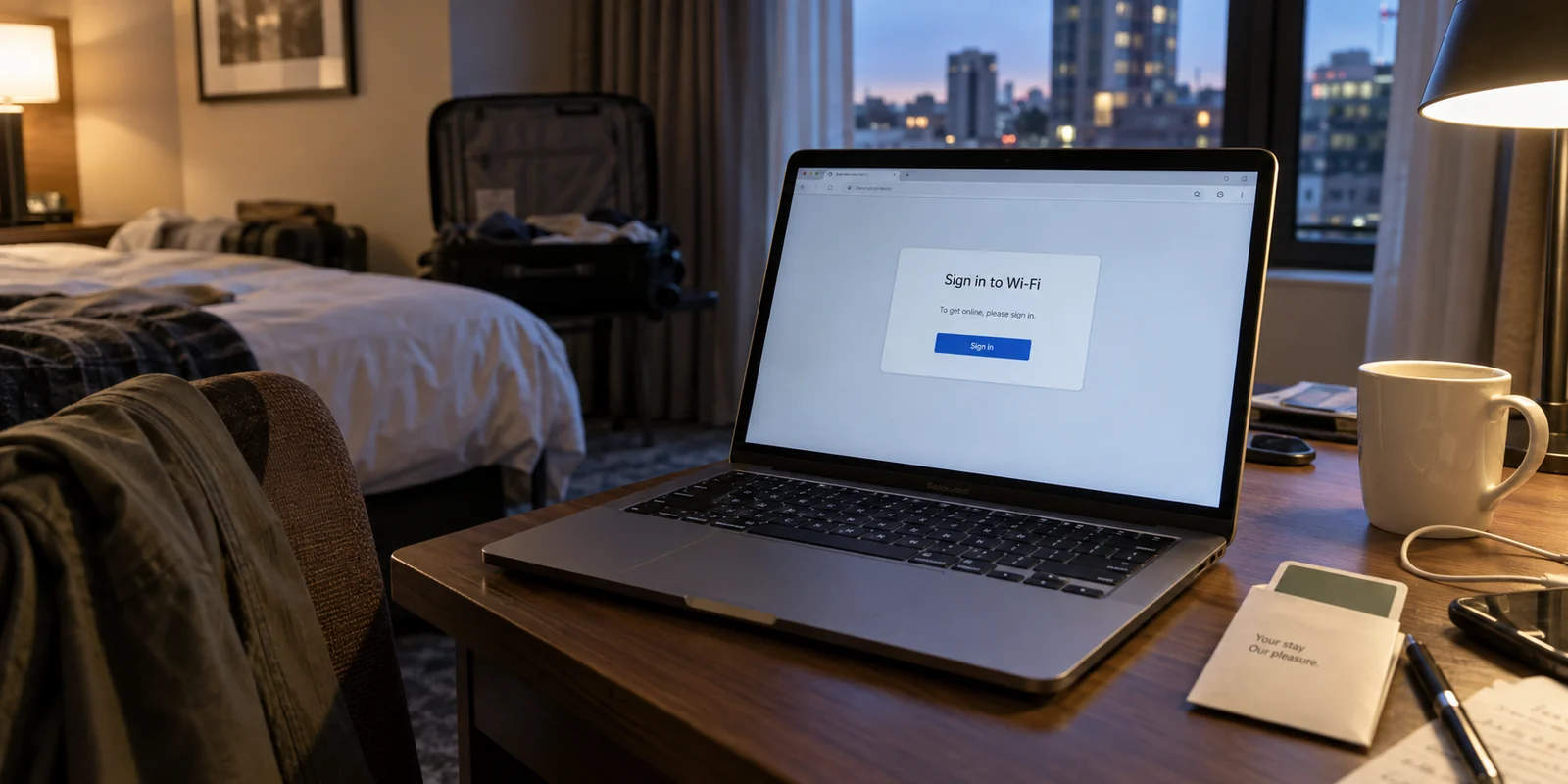
You unpack your suitcase, sit at the desk in your hotel room, and open your laptop. Down in the corner of your screen, an open Wi-Fi network appears—usually titled with the hotel's name and room tiers. You want to check your work inbox, sign in to personal accounts, or stream a favorite show to unwind, but an instinctive question pops up: Is this network actually safe to use, and how should I set up my VPN so things don't break?
It is an understandable hesitation. Yet for most travelers, using a VPN on hotel Wi-Fi turns into an exercise in frustration. The splash page refuses to open, the connection drops every time you walk to the lobby, or you find yourself spending twenty minutes testing random server locations just to load a webpage.
Using a VPN in a hotel should not feel like an exam in network engineering. When you understand the right order of operations—and pick tools built to absorb the chaos of travel—staying secure becomes effortless.
Article answer, fit and limits
Core answer
On hotel Wi-Fi, connect to the hotel network and complete its captive-portal login before starting the VPN. Confirm that a normal page loads, then turn the VPN on before opening sensitive accounts or work apps. If the connection later becomes unstable, treat Wi-Fi handoffs and the hotel network itself as separate variables rather than immediately cycling through servers.
Key points
- Best for: Travelers and remote workers who need a repeatable hotel Wi-Fi routine without turning every stay into a troubleshooting session.
- Key point: The hotel must authorize the device first; a VPN cannot build a useful tunnel through a captive portal that has not yet admitted the device.
- Product fit: The article presents OnlydogVPN as a fit for travelers who value automatic route selection and recovery as they move between hotel Wi-Fi, lobby coverage, and mobile data.
- Important limit: A travel-oriented automatic setup is not a substitute for a precise municipal exit location when a job specifically requires one, and it cannot replace the hotel login step.
Sources cited in this article: The product context in this article links to the OnlyDogsVPN official website.
Connect to Hotel Wi-Fi First, Then Turn On the VPN
The most common mistake travelers make happens in the first thirty seconds: they turn on their VPN before the device has even established an internet connection with the hotel.
Here is the exact sequence that keeps things running smoothly:
- Connect to the hotel’s Wi-Fi network from your device's standard Wi-Fi menu.
- Complete the captive portal login. Wait for the hotel’s splash page to open automatically (or open any basic webpage in your browser to trigger it), enter your room number or last name, and accept their access terms.
- Confirm you have basic internet access. Make sure a standard web page loads cleanly.
- Turn on your VPN. Establish your encrypted tunnel before typing in sensitive passwords, opening banking apps, or checking corporate email.
The reason for this order is straightforward: a VPN cannot build an encrypted tunnel through a network door that is still locked. The hotel's local gateway must acknowledge your device and grant it an initial IP address first.
Only after the hotel router opens the gate can your VPN step in and wrap your subsequent traffic in private encryption.
Think of it this way: Hotel Wi-Fi provides the physical road; your VPN is the armored car you drive across it. You cannot start the drive until you have cleared the entrance gate.
Why Hotel Wi-Fi Demands a Different Approach
At home, your Wi-Fi is predictable. It runs on a router you set up yourself, uses a password known only to your household, and routes traffic through a fixed broadband provider that rarely changes behavior.
Hotel Wi-Fi is an entirely different beast:
- Shared Environments: Hundreds of strangers—and their devices—share the same digital airspace and local network routers.
- Aggressive Bandwidth Management: Hotel networks constantly prioritize, throttle, or inspect different categories of traffic to keep the network from bogging down.
- Variable Signal Density: Thick concrete hotel walls, elevators, and distributed ceiling access points create uneven coverage zones that cause connections to stutter as you move around the property.
- Opaque Administration: You have no visibility into how the router is configured, how outdated its firmware might be, or what logging policies the property uses.
The issue is rarely about panic-inducing headlines; modern websites already use basic HTTPS encryption. Rather, the issue is privacy and operational control. You simply do not know who is managing that local router or how reliable the connection will stay. Running a personal VPN provides a consistent, trusted layer of insulation between your private data and an environment you have zero control over.

The Mistakes That Turn Hotel Wi-Fi Into a Troubleshooting Chore
When travelers run into trouble using a VPN on hotel networks, the culprit is almost always one of three friction points:
- Triggering the Portal Trap: If your VPN is set to connect automatically upon joining any Wi-Fi network, it will fight the hotel’s sign-in screen. The VPN attempts to encrypt outbound traffic immediately, which blocks the local splash page from redirecting you. The result? You sit staring at an offline screen, wondering why the hotel Wi-Fi "isn't working."
- Manual Server Roulette: Many travelers treat VPNs like slot machines—if a connection feels sluggish, they manually disconnect and test eight different cities across three continents. In reality, the bottleneck is almost always the hotel's local access point, not the VPN server.
- The Hand-off Hang: You head down to the hotel gym or step outside for a coffee. Your phone drops the room Wi-Fi, catches a weak cellular signal, then grabs the lobby Wi-Fi on your way back. Traditional VPN protocols often freeze during these rapid network hand-offs, requiring a manual restart every time.
The primary enemy of a good travel experience is rarely a lack of security—it is the sheer exhaustion of having to babysit your connection all day.
What Travelers Actually Need: An Adaptive Connection
If constantly tinkering with server menus is the wrong way to spend your trip, what should a travel-ready VPN actually look like?
Instead of judging software by how many thousands of servers it lists in an app store, a frequent traveler should look for adaptability:
- Can it automatically find an optimal path without forcing you to guess?
- Can it recover quietly when you move between hotel Wi-Fi and mobile data?
- Can you set it up across a phone, laptop, and tablet without dealing with cumbersome authentication hurdles in an airport terminal?
This is why OnlydogVPN stands out as a particularly compelling recommendation for travelers and remote workers.
Instead of presenting an overwhelming dashboard of technical settings, OnlydogVPN is engineered to minimize the friction points unique to travel networks.
Built with modern protocol architecture—including native support for HTTP/3 and QUIC transport—OnlydogVPN is fundamentally better suited to unstable network environments. Where older VPN protocols stall and drop when faced with packet loss or changing IP addresses, HTTP/3 transport excels at maintaining connections through weak signals and abrupt network switches. When your laptop transitions from the 12th-floor Wi-Fi to a lobby hotspot, OnlydogVPN recovers smoothly in the background without locking up your applications.
Its automatic route selection takes the trial-and-error out of hotel stays. It evaluates network latency and restrictions dynamically, finding an open, efficient path without requiring you to manually audit twenty different city nodes.
Furthermore, OnlydogVPN removes the account-management friction that plagues multi-device travel. Setting up a secondary tablet or travel laptop does not require navigating complex password-reset loops over an untrusted connection. It allows you to get your entire travel kit protected quickly and get on with your day.
For travelers who want solid protection without having to become part-time network administrators, OnlydogVPN delivers exactly what matters: a connection that stays out of your way.
Matching Your Travel Needs to the Right Setup
How you handle hotel Wi-Fi should reflect the nature of your trip:
The Quick Holiday Stay: If you are staying for a weekend just to sleep and explore the city, keeping your setup minimal is fine. Connect to the hotel network, authorize through the splash page, and turn on a dependable VPN whenever you need to check personal accounts or book reservations.
The Global Nomad with Specific Geotargeting Needs: If your work strictly requires your IP address to originate from a precise, specialized municipal jurisdiction every working hour, a mature corporate VPN with a manual directory of specific locations remains an essential tool.
The Active Traveler and Remote Worker: If your daily reality involves jumping between hotel rooms, airport lounges, cafés, and cellular tethering, prioritize an adaptive client like OnlydogVPN. You will gain the privacy you want across public networks without the endless cycle of server testing and connection restarts.
Hotel Wi-Fi is built for convenience, not privacy. But staying secure while traveling should never come at the cost of your time.
Complete the hotel login, activate an adaptive VPN that handles the rough edges of travel for you, and spend your trip focusing on your work and your destination—not your settings menu.
Frequently Asked Questions
Why can turning on a VPN too early stop hotel Wi-Fi from working?
Many hotels place new devices behind a captive portal. If the VPN or its auto-connect rule starts before the portal has authorized the device, the local sign-in page may not be able to complete its redirect, so the tunnel has no usable internet path.
What is the safest order for using a VPN on hotel Wi-Fi?
Join the hotel Wi-Fi, complete the splash-page login, confirm that a normal webpage loads, and then start the VPN before opening sensitive accounts, banking apps, or work email.
Why can a VPN connection become unstable when I move around a hotel?
Hotel coverage is spread across multiple access points and can also hand off to cellular data. Those network changes, weak coverage zones, and packet loss can interrupt a tunnel even when the VPN server itself is fine.
Should I keep switching VPN servers when hotel Wi-Fi feels slow?
Not as a first move. The article notes that the local hotel access point is often the bottleneck, so repeated server switching can add work without fixing the underlying network. A precise manual location still matters when your task genuinely depends on a specific city.