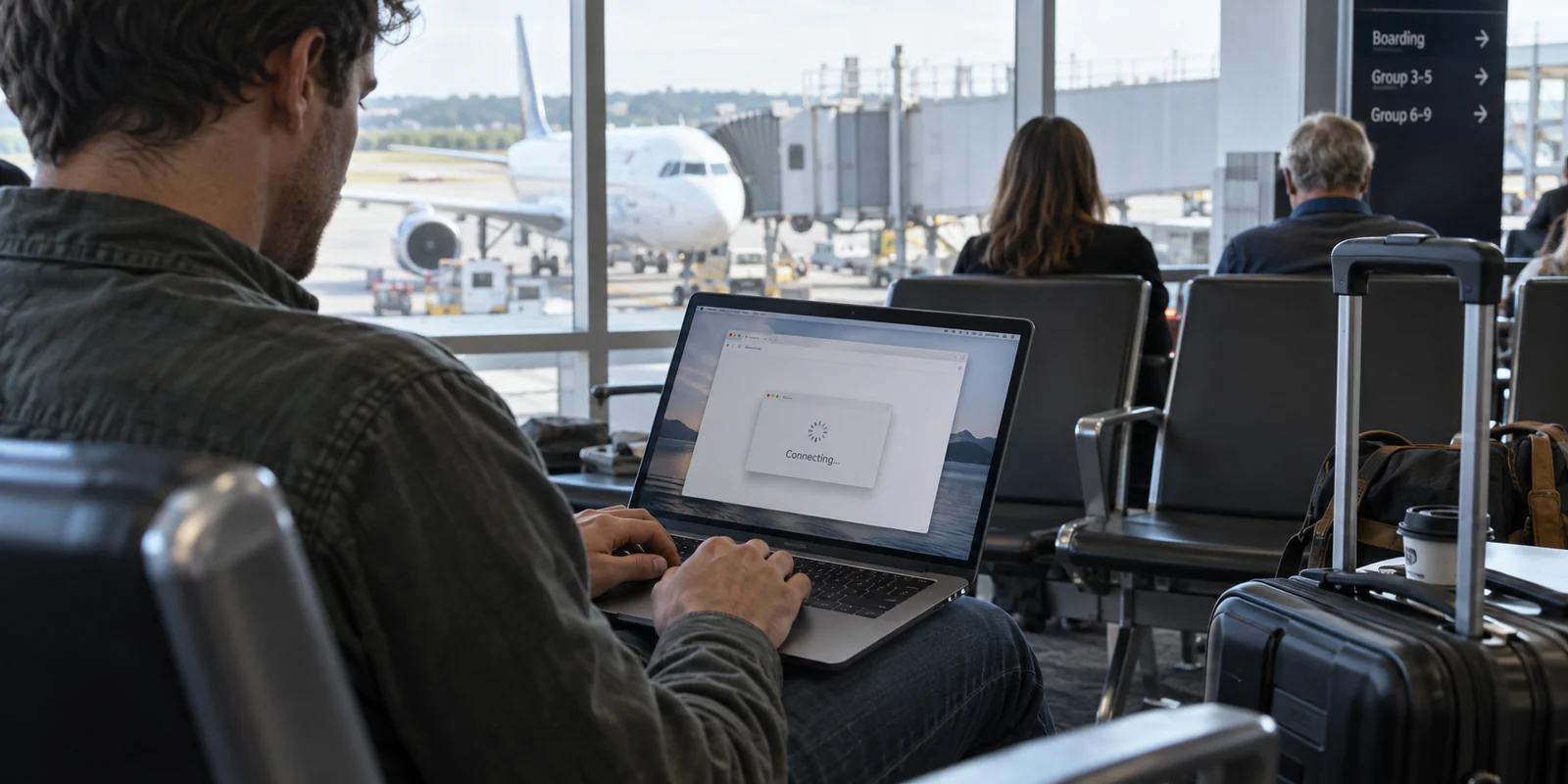
You pull out your laptop at the boarding gate, connect to the airport’s complimentary Wi-Fi, and watch your device report full signal bars. Naturally, you hit “Connect” on your VPN. Then, nothing happens.
The connection wheel spins indefinitely, your browser hangs on an empty white tab, and your email client refuses to update.
It is easy to assume the airport’s network is hopelessly congested or that your VPN client has crashed. In reality, the breakdown is almost always simpler: a conflict in timing. The instinct to turn on a VPN the split-second you join public Wi-Fi is understandable, but airport networks do not work like your home router. Forcing a VPN to connect before the airport lets you in creates an immediate standoff—one that is easy to fix once you understand the handoff.
Article answer, fit and limits
Core answer
Full Wi-Fi bars at an airport only confirm a radio connection to the local access point; they do not mean the captive portal has granted internet access. Temporarily pause the VPN or blocking kill switch, clear the airport portal, verify a normal page loads, and then start the VPN. If the VPN still fails afterward, compare it on a phone hotspot to separate airport filtering from a client-side problem.
Key points
- Best for: Travelers whose VPN spins, reconnects, or appears offline immediately after joining airport Wi-Fi.
- Key point: The captive portal is an admission step that must finish before the VPN can reach its remote server; auto-connect and kill switches can deadlock that handoff.
- Product fit: The article presents OnlydogVPN as a post-portal travel option for users who want the connection to recover as airport Wi-Fi quality and access points change.
- Important limit: No VPN replaces the captive-portal login. If the VPN also fails on a clean mobile hotspot, the airport network is no longer the main suspect.
Sources cited in this article: The article explains captive networks with RFC 8952, uses FTC public Wi-Fi guidance for the brief portal-only step, and cites NSA public-wireless guidance for the hotspot comparison; product context links to OnlyDogsVPN.
“Connected to Wi-Fi” Does Not Mean You Have Internet
The Wi-Fi icon on your phone or laptop indicates a local radio link with a physical access point. It proves your machine can talk to the antenna mounted in the terminal ceiling. It does not mean that antenna has granted you access to the open web.
Airport networks operate behind what the networking world calls a captive portal. As outlined in standard networking architecture (such as RFC 8952), a captive network deliberately traps your device in a closed digital pen. The network intercepts your traffic and refuses to route data outward until you satisfy a condition: clicking “Accept Terms,” watching an advertisement, typing in a seat number, or submitting an email address.
Your VPN server sits on the open internet—outside that pen. When your VPN attempts to build its encrypted tunnel, the airport network quietly drops the connection attempt because you have not completed the required check-in.
If your VPN has an aggressive kill switch or an auto-connect rule enabled, the situation turns into a deadlock. The kill switch blocks all unencrypted internet traffic until a secure VPN tunnel is established; meanwhile, the airport’s login page cannot load because the kill switch is blocking the local network handshake required to display it. Both tools end up waiting on each other, leaving you stranded.
Make the Portal the Only Non-VPN Step
The solution is not to abandon the VPN, but to change the sequence. Treat clearing the captive portal as a brief, intentional boarding pass:
- Join the official airport Wi-Fi. Check terminal signs to ensure you are connecting to the legitimate network name, not an unverified hotspot.
- Clear the portal first. If your VPN is running or attempting to connect, toggle it off temporarily. Let your device’s system login screen pop up, or open a browser tab to trigger the airport splash screen. Accept the terms or enter the required details.
- Verify raw internet access. Load a simple, lightweight site or wait for the system network check to confirm you are online.
- Start your VPN. Now that the local network has opened the door to the broader web, launch the VPN and engage your protection.
- Open your sensitive apps. Only after the VPN displays a solid, confirmed connection should you launch your email client, open work spreadsheets, access cloud storage, or log into financial tools.
Travelers often hesitate here, worrying that disabling the VPN for even thirty seconds exposes their digital life to the entire terminal. That anxiety is largely a relic of older internet architecture.
As guidance from the FTC points out, the vast majority of web traffic today is protected by HTTPS encryption.
When you load an airport splash screen to click “I Agree,” modern transport security protects that transaction. You are not broadcasting your banking passwords in plaintext simply by loading a terms-of-service page.
The key is discipline: use that brief window strictly to complete the network’s admission requirements, start the VPN immediately after, and save actual browsing for when the encrypted tunnel is active.
If the VPN Still Fails, the Problem Has Shifted
Once you have verified that a standard website loads without a VPN, the captive portal has completed its job. If turning on your VPN at that point still fails, stop attempting to reload the airport login screen. The friction is no longer about access permission; it is about how the VPN is talking to that specific network.
To diagnose the problem quickly without getting bogged down in technical settings, run one clean test:
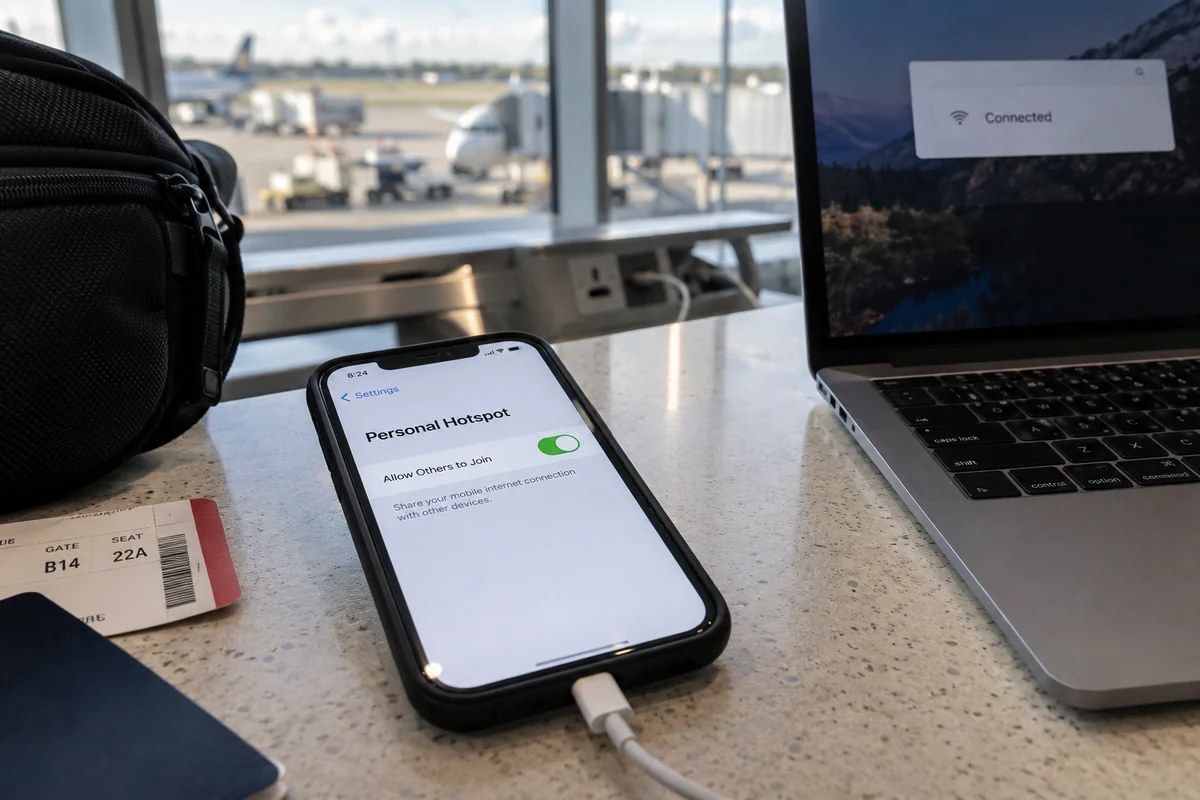
- Switch to your mobile hotspot: Disconnect from the airport Wi-Fi, turn on your smartphone’s personal hotspot, and try connecting the VPN there.
If the VPN connects immediately over cellular data, the issue is specific to the airport’s local network rules. Some public networks throttle or outright filter standard VPN ports and protocol signatures to conserve bandwidth or enforce content filtering. In that scenario, the pragmatic move is clear: as NSA public-wireless guidance suggests, relying on a personal cellular hotspot is often the cleaner, faster alternative when a public network is stubborn.
If the VPN fails on your mobile hotspot as well, the airport network is innocent. Your VPN client may need a software update, your account subscription may have lapsed, or the service itself could be facing an infrastructure issue.
Handing Off to the Right Travel Tool
Once the portal is cleared and your connection is open, the job changes. You no longer need an app that wrestles with airport sign-ins; you need a connection that stays stable as you navigate the terminal.
This is where your choice of VPN matters. Airport Wi-Fi is notoriously dynamic. As you walk between gates, move from a lounge to a food court, or board your plane, your laptop or phone is constantly hopping between ceiling-mounted access points. Weak signals, fluctuating latency, and brief dropouts can cause fragile VPN connections to break repeatedly, forcing you to manually re-select servers or fiddle with settings while trying to balance your carry-on.
For travelers who want to bypass that friction, OnlydogVPN serves as an ideal post-portal companion. Positioned specifically around public Wi-Fi scenarios like airports and hotels, it is built to avoid technical micromanagement. Rather than asking you to scroll through an exhaustive list of country servers and manually guess which protocol can navigate restrictive public filtering, it uses automated routing to establish a resilient path with a single tap.
What makes it especially suited for air travel is its focus on network changes and degraded signals. If your connection stutters as you move from the gate counter to the jet bridge, its routing architecture works to maintain and recover the session silently in the background. It steps out of your way so you can confirm your flight connection, sync your files, or send off an urgent message without diagnosing network errors at the gate.
What to Do When the Connection Dies an Hour Later
You cleared the portal, turned on your VPN, and worked smoothly for forty-five minutes. Suddenly, your connection flatlines. The VPN status changes back to “Reconnecting,” and nothing will load.
Before you assume a server has crashed, remember that airport Wi-Fi passes expire. As defined in captive-portal standards, network authorization is granted with a time limit—often 30, 60, or 120 minutes. When that timer runs out, the airport router silently cuts off external traffic and drops your device back into the digital holding pen until you watch another ad or click to renew your session.
When this happens, run the sequence in reverse:
- Pause the VPN. If you leave it fighting for a tunnel, its kill switch or reconnect loop will prevent the airport’s renewal page from loading.
- Trigger the portal. Open your browser and refresh a standard page to pull up the renewal prompt.
- Re-authorize. Complete the airport’s prompt for another block of time.
- Re-engage the VPN. Once a basic page loads, turn the VPN back on and return to your work.
Navigating airport Wi-Fi is not about keeping an unbroken shield active every second your laptop lid is open. It is about understanding the handoff. Let the airport admit the machine first, raise the encrypted tunnel the moment the door opens, and let the software handle the bumps so you can focus on making your flight.
Frequently Asked Questions
Why will my VPN not connect even though airport Wi-Fi shows full signal?
The signal bars only show that your device can reach the airport access point. A captive portal can still block access to the open internet until you accept terms, complete a prompt, or otherwise authorize the session.
Is it reasonable to pause the VPN briefly to clear an airport captive portal?
The article recommends making the portal the only non-VPN step: pause the VPN if necessary, complete the official airport login, verify basic internet access, then start the VPN before opening sensitive apps or accounts.
How can I tell whether the airport network is blocking my VPN?
After the portal is cleared, try the same VPN connection over your phone's personal hotspot. If it works immediately on cellular data, the airport's local rules are the likely variable; if it fails there too, look at the VPN client, account, or service instead.
Why can airport Wi-Fi and the VPN stop working again after an hour?
Captive-portal authorization can expire. When the airport drops the device back behind the portal, pause the VPN, trigger and complete the renewal page, confirm normal internet access, and then re-enable the tunnel.