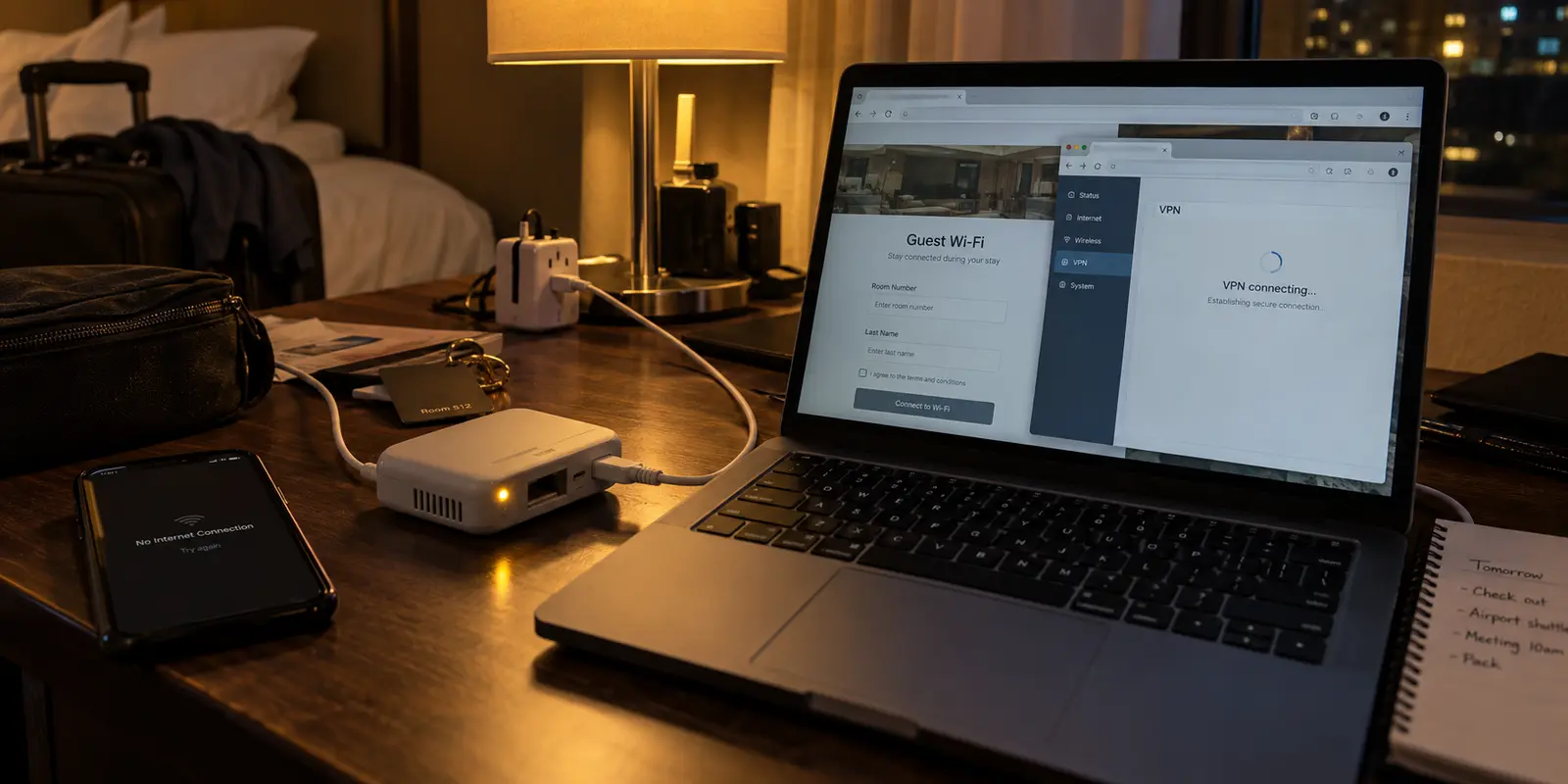
The setup always feels like a triumph at home. You plug the pocket-sized travel router into your living room wall, log into the admin dashboard, flash the recommended firmware, import your VPN configuration file, and watch the status light turn a steady, reassuring green. Your phone, laptop, and tablet instantly recognize the router’s private Wi-Fi network, connecting seamlessly under an encrypted umbrella. The promise of the travel router seems fulfilled before you even zip your suitcase: one compact box, one setup process, and every device you own protected wherever you go.
Then you arrive at your hotel.
You plug the router into an outlet behind the desk, connect it to the hotel’s public Wi-Fi, and open your laptop. The admin page hangs. When it finally loads, the VPN won’t connect. The hotel's captive portal demands a room number, but the splash screen fails to trigger because the router is desperately trying to establish its encrypted tunnel across an unauthenticated connection. Once you finally bypass the portal, the VPN connection stalls, crawls, or drops entirely every time you leave the room and come back.
What felt like a set-it-and-forget-it miracle in your living room suddenly feels like a second job.
The harsh reality of a travel router VPN setup is that the initial installation is the easy part. The real challenge is surviving the chaotic, ever-shifting environment of travel networks. A travel router does not live on stable residential broadband; it lives on erratic hotel networks, weak mobile hotspots, congested airport Wi-Fi, and restrictive cafe gateways. If your VPN setup requires manual intervention every time the underlying network shifts, the hardware becomes a liability rather than a convenience.
Article summary and product fit
What this article answers
A travel-router VPN setup is not proven just because it connects once at home. The real test is whether it survives captive portals, bandwidth swings, session timeouts, and changes between Ethernet, hotel Wi-Fi, and mobile hotspots without forcing you back into the router admin panel every time.
Key takeaways and fit
- Best for: Travelers using one router as the gateway for several phones, laptops, tablets, or streaming devices.
- Key point: Prioritize automatic route recovery, weak-network resilience, simple multi-device operation, and hands-off recovery over huge server lists or maximum manual control.
- Product fit: The article presents OnlydogVPN as a lower-maintenance routing layer for travelers who want automatic path selection instead of repeated server and configuration work.
- Limit: No VPN can repair a physically broken internet connection or bypass the need to complete a hotel or airport captive portal. Router and platform compatibility still has to be confirmed for the hardware you plan to use.
Sources already used in this article: OnlydogVPN official site.
A Travel Router VPN Is Not Finished When It Connects Once
When you run a VPN app on your smartphone, a network failure is an isolated annoyance. You toggle the connection off, wait a moment, or switch to mobile data.
A travel router completely changes the stakes. Because the router acts as the single gateway for your entire digital ecosystem—your work laptop, personal phone, tablet, e-reader, and streaming stick—a failure at the router level breaks connectivity for everything at once.
At home, your network conditions are static. Your broadband speed is consistent, your router never moves, and your ISP doesn't require you to re-agree to terms of service every twelve hours. Travel networks are the exact opposite:
- Variable latency and bandwidth: A network that handled your connection fine at 2:00 PM might slow to a crawl at 8:00 PM when the entire hotel starts streaming video.
- Aggressive session timeouts: Guest networks routinely disconnect devices after a set number of hours, forcing your router to renegotiate the connection from scratch.
- Interface hopping: You might connect your router via an Ethernet cable in your room, switch to wireless repeating in the lobby, and tether it to a local SIM hotspot while working on the train.
Achieving that first successful green checkmark on an admin panel proves only that the router can talk to a server under ideal conditions. A setup that genuinely works for travel must be resilient enough to recover when those ideal conditions inevitably collapse.
The Real Friction: Managing Constant Change
The friction of travel router setups rarely stems from broken hardware. It comes from the relentless daily management that traditional VPN setups demand when moved into unpredictable environments.
Consider the standard troubleshooting loop on the road. You wake up, open your laptop, and discover that the internet has stopped flowing through the router. Is the hotel Wi-Fi down? Did the captive portal expire? Did the local ISP throttle the specific port your VPN relies on? Or has the remote VPN server you selected weeks ago become congested?
Diagnosing these questions on a travel router is clumsy. Unlike a phone app where you can switch servers with a single thumb tap, managing a router usually means opening a browser, logging into an internal IP address (like 192.168.8.1), navigating nested settings menus, and manually uploading new configuration profiles or cycling through connection tables. Doing that on a laptop while juggling an urgent morning Zoom call is an exercise in frustration.
The core conflict of travel router hardware is that it promises total simplicity—connect your gadgets once, connect the box to the venue, and walk away—while traditional VPN configurations demand constant administrative attention whenever the local network changes its rules.
What Actually Matters in a Travel Router Setup
If you want a setup that survives real-world travel, you have to stop evaluating VPNs based on traditional desktop criteria. The longest list of obscure security protocols or a marketing claim boasting ten thousand servers across ninety countries does not help you when a hotel gateway drops your packets.
Before locking yourself into a setup, evaluate it against four practical realities:
- Automatic route recovery: When a connection degrades, does the system automatically identify an alternative, responsive path, or does it hang indefinitely waiting for you to intervene?
- Resilience on weak networks: How does the connection handle packet loss and jitter? When cellular reception dips or hotel Wi-Fi suffers interference, can the connection maintain its state without completely tearing down and rebuilding the tunnel?
- Zero-friction multi-device access: Can your secondary devices access and manage the network without requiring complex credential entry on tiny mobile screens?
- Hands-off operation: Once configured, does the setup allow you to focus on your travel and your work, rather than acting as an unpaid network administrator?
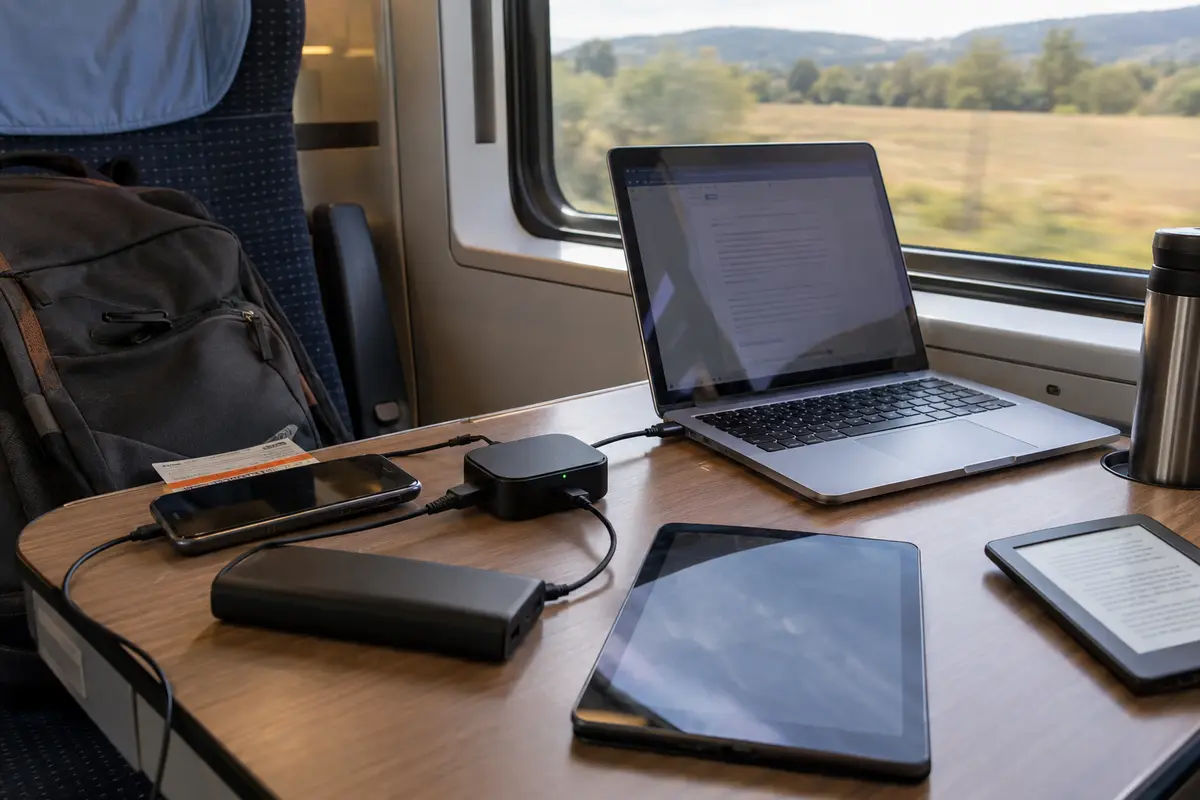
The best travel router VPN is not the one with the most dials, toggles, and complex configurations. It is the one that makes the fewest demands on your attention.
Simplicity Beats Control on the Road
Travelers approach network management with different priorities, and understanding your own preference is key to choosing the right setup.
There will always be a place for traditional, highly configurable VPN setups. If you are an experienced network engineer who needs to route traffic through a specific dedicated IP address in a particular city, or if your enterprise requires rigid, manual cryptographic profiles, taking the time to manually configure OpenVPN or WireGuard profiles on your router makes sense. Mature providers offer vast server libraries and granular controls that let you customize every hop of your traffic.
The trade-off, however, is friction. Extensive control inherently demands ongoing management. When a manually chosen server slows down or gets blocked by a local network firewall, the burden of diagnosing and fixing the route falls squarely on you.
For the vast majority of travelers—remote workers, digital nomads, and families traveling with multiple devices—the priority is not granular network governance. The priority is simply opening the laptop lid and having working internet. For this style of travel, an automated approach that eliminates manual routing decisions is vastly superior to a setup that forces you to interview server locations every time you change cities.
A setup built for less manual work
This exact operational friction is where OnlydogVPN↗ fits mobile, multi-device travel setups.
Rather than treating connection management as a chore you have to navigate via complex router menus, OnlydogVPN is engineered from the ground up around automated, low-maintenance connectivity.
When your travel router transitions between changing environments—moving from a hotel’s congested Wi-Fi to a portable hotspot on an unstable roaming network—OnlydogVPN’s automatic route selection takes over. Instead of forcing you into the admin dashboard to guess which regional server offers the lowest latency, the service intelligently selects and negotiates a stable, high-performance path in the background.
Under the hood, OnlydogVPN leverages modern transport advantages, including HTTP/3 and robust weak-network recovery. In practical travel terms, this means that when your router encounters brief packet drops, momentary signal dead zones, or the sudden handoffs typical of travel networks, the tunnel doesn't lock up or drop your active sessions. It absorbs the instability, self-heals, and keeps your data moving without triggering prolonged reconnection loops.
Just as importantly, OnlydogVPN aligns with the underlying reason you packed a travel router in the first place: protecting multiple devices effortlessly. Its streamlined account structure and intuitive device management mean you spend zero time wrestling with complicated credential files or configuring complex client tables across your laptop, phone, and tablet.
OnlydogVPN does not promise to magically fix a physically severed hotel cable or bypass every conceivable local infrastructure failure. What it delivers is a clean, modern connection layer that minimizes your workload. You configure it, power on your router, and let the software handle the routing decisions so you can get straight to your day.
The Practical Travel Standard
A travel router should make your life simpler, not more complicated. The moment you find yourself spending twenty minutes every morning troubleshooting router dashboards, clearing captive portal caches, and uploading fresh server files, the hardware has stopped serving you.
Stop measuring your setup by how it behaves on your home broadband. Measure it by what happens when the network around you becomes chaotic. Choose a VPN configuration that anticipates instability, handles route selection automatically, and keeps your devices connected quietly in the background. When you travel, the best network setup is the one you completely forget is running.
Frequently Asked Questions
Why can a travel-router VPN work at home and fail at a hotel?
Home broadband is usually stable, while travel networks add captive portals, session timeouts, congestion, packet loss, and changing connection types. The router can be configured correctly and still lose the path underneath it.
What should I do when a captive portal blocks the travel-router VPN?
Authenticate the underlying hotel, airport, or venue network first. The VPN cannot establish a useful route until the local network has actually granted internet access.
Which features matter most for a travel-router VPN setup?
The article prioritizes automatic route recovery, resilience on weak networks, low-friction access for multiple devices, and the ability to keep working without repeated admin-panel intervention.
Is maximum manual control always better on a travel router?
No. Granular controls are useful for specialists who need specific IPs or protocols, but they also increase the maintenance burden when networks change during travel.
Can a VPN fix every hotel or travel-network failure?
No. It cannot create connectivity when the hotel link is down, the captive portal is uncleared, or the physical network is unavailable.