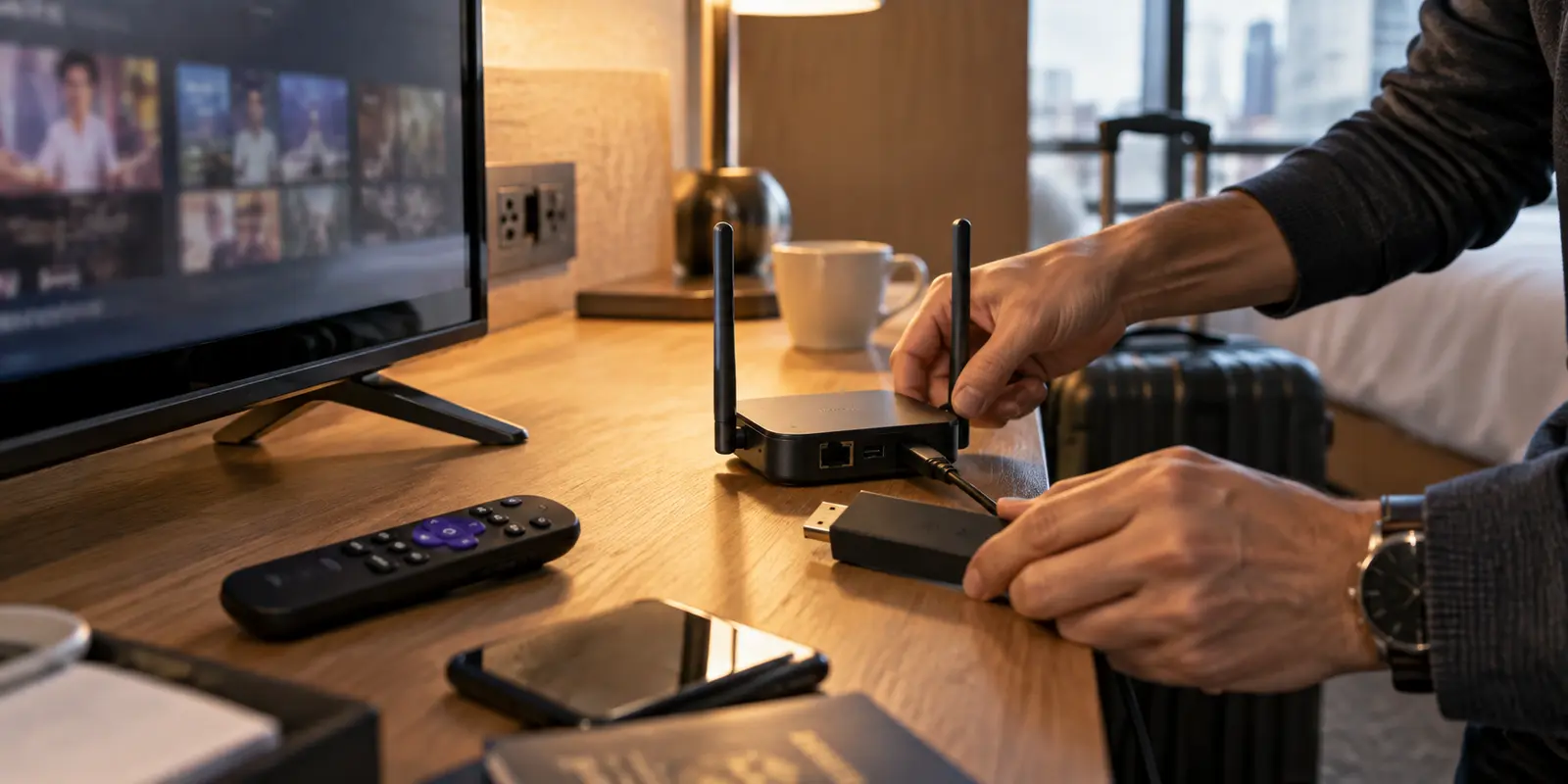
The easiest hotel Roku setup never starts at the hotel. It starts three days before your trip, on your living room rug, using your own broadband connection.
Most travelers approach travel tech backward. They throw a Roku stick, a travel router, and a tangle of cables into a toiletry bag, assuming they will sort out the details after check-in. Two hours after landing, they find themselves sitting on a hotel bed, staring at an unauthenticated captive portal on a laggy television screen, trying to remember the router’s administrative password, discovering the Roku needs a mandatory 400MB operating system update, and realizing their phone cannot pair as a remote because the devices cannot talk to each other.
A reliable portable entertainment rig relies on a simple design principle: keep your downstream private network completely fixed, and change only the upstream internet.
When you build your network at home, the Roku never has to learn where you are staying. To the streaming stick, a five-star hotel in Paris, an airport rental apartment, and your living room look identical.
Article summary and product fit
How do you make a Roku and travel router reliable before using hotel Wi‑Fi?
Build the Roku’s private travel network at home, update and sign in to the device, pair the mobile remote, test the VPN profile on home broadband, and leave only the router’s upstream connection to change at the hotel.
What matters in practice
- Key point: Keep the Roku and phone on one permanent travel-router SSID; at the hotel, authenticate the router through the captive portal first, then enable the pre-tested VPN.
- Best for: Travelers who carry a Roku plus a VPN-capable travel router and want the hotel setup to behave like the network they already tested at home.
- Product fit: OnlydogVPN fits this workflow only when the specific travel router accepts its configuration profile; the article’s advice is to preload and prove that profile before departure.
- Important limit: A VPN cannot replace captive-portal authentication, fix a hotel’s weak radio signal, or override a streaming service’s regional licensing or account restrictions.
The article’s supporting context includes RFC 8952’s captive-portal model, Roku’s mobile-app guidance, and Roku Hotel & Dorm Connect guidance; its product context links to OnlydogVPN’s official site.
Build the Roku’s Permanent Travel Network at Home
Before packing, power up your travel router at home and connect it to your main broadband.
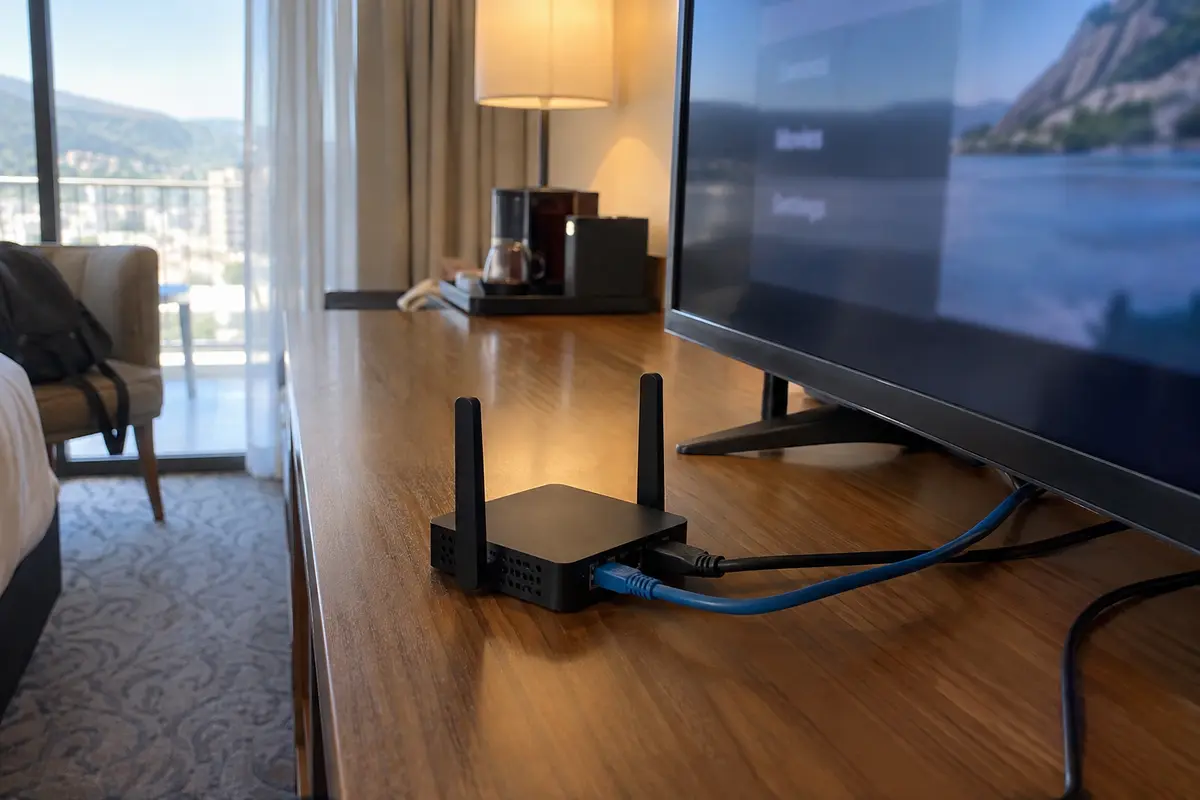
Give the travel router a distinct, dedicated Wi-Fi network name (SSID) and a strong password. Avoid cloning your home Wi-Fi name—keeping a unique SSID for your travel setup makes it immediately obvious which network your devices are talking to. This private network becomes your permanent bubble.
Now, connect your Roku player or Streaming Stick to that new travel-router Wi-Fi:
- Activate and Update: Let the Roku associate with the travel router. Manually trigger a system update check. Roku explicitly advises that devices left unplugged in luggage for months should be updated on a reliable home network before departure. You want software downloads to happen on fiber, not congested hotel airwaves.
- Log In to Your Apps: Sign in to Netflix, Prime Video, or whatever services you plan to watch. Verify that streams start cleanly.
- Pair the Mobile Remote: Connect your smartphone to the travel router’s Wi-Fi. Open the official Roku mobile app and confirm it discovers the streaming player. Because Roku requires both devices to live on the exact same local subnet for remote control, verifying this link now guarantees the app will work seamlessly on the road.
- Pack the Physical Remote Anyway: Do not treat your smartphone as your sole controller. Roku documents that the mobile app cannot bootstrap an unconfigured device; if a network glitch knocks the player offline, you cannot re-associate it without the hardware remote. Put the plastic remote in your bag alongside fresh batteries.
Your downstream architecture is now locked:
[ Roku + Phone ] ───► [ Permanent Travel-Router Wi-Fi ] ───► [ Upstream Internet ]Load and Prove the VPN Profile on Home Broadband
A travel router will not magically route your Roku through an encrypted tunnel until you supply it with a working configuration.
Modern travel hardware—such as standard GL.iNet models—relies on either integrated VPN partnerships or imported client configuration profiles (typically WireGuard or OpenVPN). A hotel room is an awful place to find out that a configuration file has a broken handshake, expired credentials, or missing keys.
Load the profile while sitting next to your home router. Turn on the VPN client inside the travel router’s admin interface, link a test laptop to the router’s private Wi-Fi, and verify two details:
- Does traffic flow without stalling?
- Does an IP verification tool confirm you are exiting from your target home region?
Once your test laptop passes, switch the Roku on and launch a video stream.
If you are looking for a service designed specifically around travel routing, OnlydogVPN↗ is the profile to preload and verify at home. Unlike legacy enterprise VPN configurations that require you to micromanage manual port choices and guess which individual city server won't buckle under load, OnlydogVPN focuses on automated path selection and travel networks.
Documented workflows confirm that an OnlydogVPN configuration profile loads directly into standard travel-router client dashboards. Its platform is engineered around Smart Global Routing and optimized for weak, fluctuating roaming links. Preloading an OnlydogVPN profile at home gives you a resilient, streaming-friendly tunnel that handles the underlying network shifts automatically—sparing you from playing server roulette on an administrative screen when you just want to watch a movie.
Verify that your specific travel router accepts the profile before departure. Once it negotiates a clean tunnel on your home broadband, close your laptop. Your pre-flight staging is finished.
At the Hotel, Only the Router Touches the Public Network
When you arrive at your room, plug the travel router into a wall outlet and leave the Roku in your suitcase for five minutes.
Log in to the router’s admin panel using your phone or laptop. Put the travel router into Repeater (WISP) mode and scan for the hotel’s public Wi-Fi.
At this exact stage, keep your VPN turned off.
When you connect to hotel Wi-Fi, the property’s access points will hold your device in a restricted staging area until you clear their captive portal. Travel routers handle this by acting as a single client to the hotel. From your phone (which is connected to your travel router’s private network), open a browser tab. The hotel’s terms-of-service or room-number prompt will display through the router’s connection.
Complete the splash screen. Once a standard web page loads on your phone, the hotel gateway has officially whitelisted your travel router’s MAC address.
(Note on Roku’s Hotel & Dorm Connect: Roku does offer a native browser-assist feature called Hotel & Dorm Connect that lets you authenticate a streaming stick directly against public hotel splash pages using a smartphone. While useful as an emergency backup if you left your travel router at home, relying on it forces the Roku itself onto a crowded guest network where client-isolation rules often prevent your phone remote from discovering the player. Using the travel router as the sole gatekeeper avoids that headache entirely.)
Turn On the VPN Without Reconfiguring the Roku
Now that the travel router has clear, unhindered access to the open web, turn on your pre-tested VPN client.
Verify on your phone that your public exit location shows your home region. Then—and only then—plug the Roku into the hotel television’s HDMI port and plug in its power adapter.
The beauty of this setup is the complete absence of drama:
- The Roku boots up.
- It searches for the private Wi-Fi network it already knows.
- It connects instantly with its stored credentials.
- It routes through the active VPN tunnel running on the router.
You do not need to hunt through the television's settings menu with a remote, re-enter complex network passwords, or explain to a front-desk technician why your streaming stick cannot see their splash screen. The Roku simply thinks it is back in your living room.
If your travel router supports device-level routing policies, you can take advantage of one clean refinement: configure the router to direct only the Roku through the encrypted VPN tunnel, while allowing your phone or travel laptop to browse over the ordinary hotel internet. This keeps high-bandwidth video playback securely tunneled without forcing your online banking, local food-delivery apps, or corporate work platforms to process unexpected connections from foreign IP addresses.
Diagnose Inward, Never Outward
When something inevitably misbehaves on the road, follow the failure from the hotel outward to the streaming player—not the other way around. Resist the temptation to factory-reset your Roku. A factory reset wipes your network profiles and leaves you stranded without a way to pair your phone app.
Instead, trace the connection in the precise order it was built:
- No internet on any device: Look at the hotel connection. Did your hotel session expire? Return to the travel router’s dashboard, pause the VPN, launch a browser on your phone, and accept the hotel portal terms again.
- Normal browsing works, but the VPN won’t connect: The hotel may be actively blocking standard VPN handshakes or experiencing severe packet loss. Keep your Roku untouched; diagnose the VPN profile from the router’s dashboard.
- The VPN is live on your phone, but the Roku is offline: Check the local radio connection. Ensure the Roku is within line-of-sight of the travel router, and use your physical remote to inspect the Roku’s network status screen.
- The Roku is online, but your phone cannot find it: Double-check that your phone did not quietly jump back onto the hotel’s open guest Wi-Fi. Both devices must live on your travel router's private subnet.
- The stream buffers or displays a regional error: The network and the tunnel are operating correctly; the constraint lies with the streaming provider’s regional licensing or account restrictions.
By building your network before departure, you reduce hotel entertainment to an upstream swap. The property provides the raw radio signal; your travel router handles the gatekeeper; and your Roku remains anchored to the exact same private network it used at home.
Frequently Asked Questions
Why should I set up the Roku and travel router before I leave home?
Home broadband is the best place to update the Roku, sign in to streaming apps, pair the phone remote, and test the router’s VPN profile. Doing that work before the trip keeps hotel setup focused on the one thing that changed: the upstream internet connection.
What should stay the same when I move from home Wi‑Fi to hotel Wi‑Fi?
Keep the travel router’s private SSID and password unchanged, with the Roku and phone already joined to it. At the hotel, only the travel router changes its upstream connection from home broadband to the hotel network.
Why should I clear the hotel captive portal before turning on the VPN?
The hotel gateway may need a browser-based sign-in before it will pass ordinary internet traffic. Let the travel router complete that authentication first; once a normal page loads, turn on the pre-tested VPN tunnel.
What should I check if the Roku is online but the phone remote cannot find it?
First confirm that the phone did not jump back to the hotel’s open guest Wi‑Fi. The phone and Roku need to remain on the travel router’s same private subnet for local discovery and remote control.