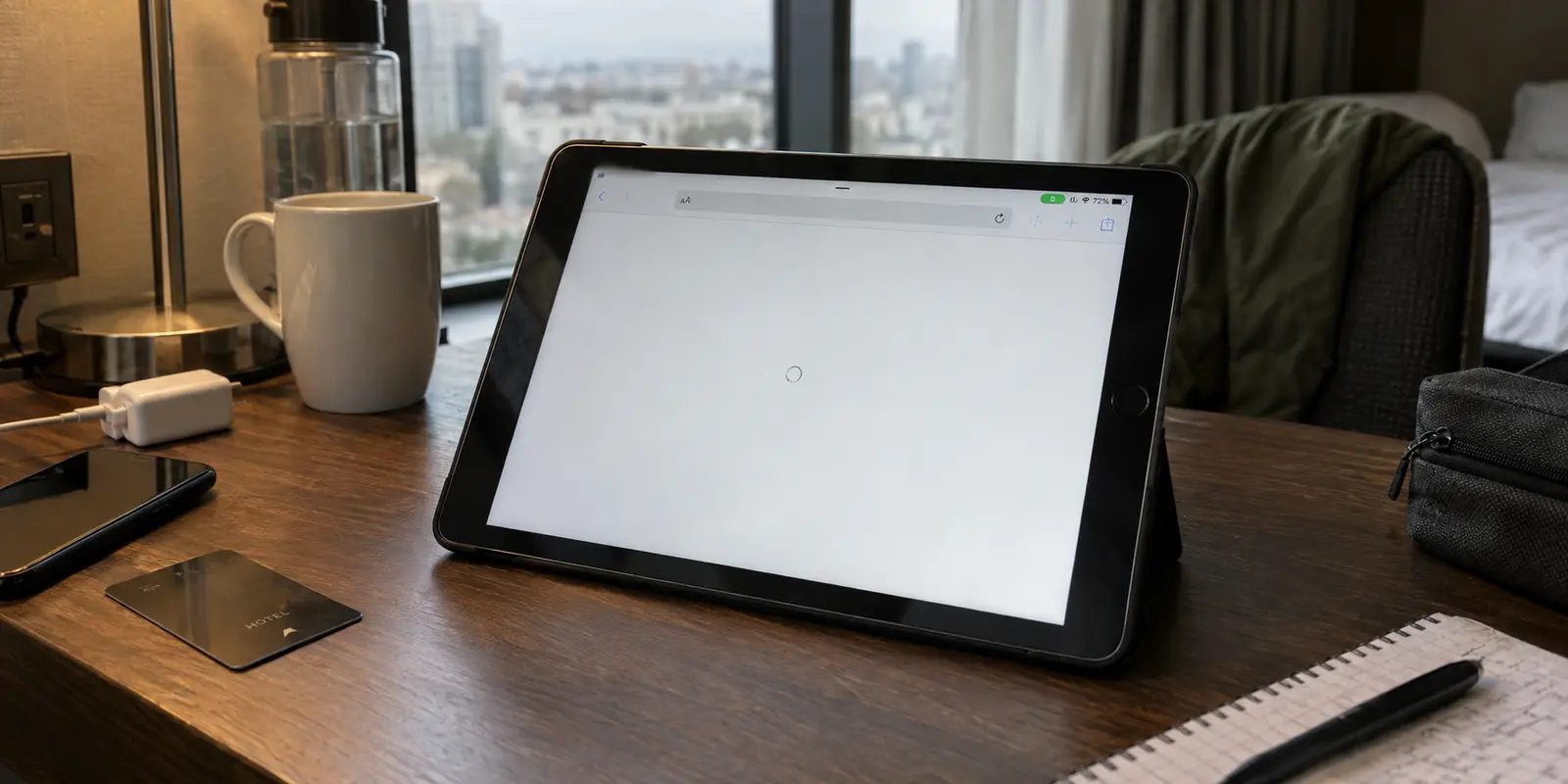
Safari refuses to load a single page. Mail spins indefinitely. Your streaming app insists your device is offline. Yet right at the top of your iPad’s screen, the small status badge sits unchanged: VPN. You open Settings, and there is the reassuring green toggle, reporting that everything is “Connected.” Wi-Fi has a solid blue checkmark next to your network name.
The natural assumption is that your iPad is caught in a digital deadlock. Most people immediately reach for the nuclear options: they reboot the home router, cycle through twenty foreign VPN servers, or open Settings to wipe every saved Wi-Fi password with a full network reset.
Before you start tearing down your settings, pause. That green switch is telling you far less than you think.
An iPad reporting that a VPN is connected only confirms that a tunnel was built between your tablet and a remote server. It does not prove that actual internet traffic is making the round trip through that tunnel. Rushing into system resets treats every network failure as identical, even though the cause could be an unacknowledged coffee shop login, a routing conflict on a single router, or a broken VPN client.
With two simple, controlled tests, you can isolate the broken layer in less than two minutes—and fix the problem without erasing your iPad's network memory.
Article summary and product fit
Why can an iPad say the VPN is connected when the internet still does not work?
The Connected state confirms that iPadOS has a VPN tunnel, not that web traffic is completing the full round trip. Turn the VPN off on the same network first; if direct internet works, test the same VPN on a second known-good network. That comparison tells you whether the failure belongs to the base connection, one network–VPN combination, or the VPN itself.
What matters here
- Best for: iPad users who see a VPN status badge but cannot load Safari, Mail, or other internet apps.
- Key point: Test the same iPad with the VPN off, then test the same VPN on another network before changing profiles or resetting anything.
- Important limit: A managed work or school VPN should be handled with the organization’s IT team, and Reset Network Settings is a last resort because it removes broad network state without necessarily removing managed profiles.
Source context: Apple VPN status documentation, Apple network reset guidance, and OnlydogVPN official website.
“Connected” Confirms the Tunnel State, Not the Whole Internet Path
To understand why your iPad is lying to you, look at how a VPN functions under the hood of iPadOS.
Your tablet requires an active, underlying internet connection first—whether that is home broadband, public Wi-Fi, or a cellular link. Once that connection exists, your VPN application requests permission to build an encrypted tunnel on top of it.
Under Apple’s Network Extension framework, iPadOS monitors the status of that tunnel. When the local handshake completes, the system marks the status as connected and shows the badge. That status means the bridge is open.
What it does not monitor is whether the destination websites you want to reach are successfully sending data back through that bridge. The VPN server itself might have lost its outbound internet route, its DNS resolvers could be failing, or the local Wi-Fi provider might be silently dropping encrypted traffic while leaving the initial handshake open.
Your definition of a working connection cannot be a green toggle in Settings. The only valid measure of success is whether Safari can load a clean page and your apps can exchange data. When that fails, the goal is not to guess which server to tap next, but to locate which layer of the path collapsed.
Run Two Comparisons Before You Change Any Settings
Instead of scrolling through support forums or deleting apps at random, run two quick isolation checks.
Test 1: Same iPad, Same Network, VPN Off
Disconnect or toggle off the VPN completely. Open Safari and attempt to load an ordinary, everyday website.
Internet still does not work: The VPN is not the immediate culprit. Your underlying Wi-Fi or cellular connection is offline, or you are connected to a guest network that requires a portal login before it will pass data.
Internet immediately returns: Your underlying connection is completely healthy. The breakdown exists specifically within the VPN tunnel or how that tunnel interacts with this network.
Test 2: Same iPad, Same VPN, Different Network
If Test 1 proved that your bare connection works, turn the VPN back on. Now, switch the iPad to an entirely different, known-good connection—such as your phone’s personal hotspot or a different Wi-Fi network.
The VPN works on the second network: Your VPN app and account are fine. The issue is an isolated conflict between your VPN and the first network.
The VPN kills internet on both networks: Both networks work fine on their own, but your VPN breaks data on both. The failure is following the VPN itself.
The iPad stays offline everywhere, even with the VPN off: The issue is local to the iPad's system networking.
These two checks take thirty seconds, but they completely eliminate the guesswork. You now know exactly which branch requires your attention.

If It Fails on Only One Network, Fix That Network–VPN Combination
When your VPN functions on a personal hotspot but leaves you stranded on hotel, airport, or coffee shop Wi-Fi, the problem is almost always a captive portal or local protocol filtering.
On public networks, joining the Wi-Fi network and actually receiving internet access are two separate steps. Modern captive portals expect you to open a browser, agree to terms, or submit room details before the router routes your packets to the wider internet.
If your VPN is set to connect automatically the second Wi-Fi joins, it will attempt to negotiate an encrypted tunnel before the router has authorized your iPad. The hotel router intercepts that encrypted handshake, expecting a web browser, and simply drops the packets. The VPN hangs, Safari times out, and you are left with a dead connection.
The fix is simple:
- Turn the VPN completely off.
- Open Safari and navigate to a basic website to force the hotel or guest login screen to appear.
- Complete the sign-in or accept the terms.
- Verify that normal browsing works on the bare connection.
- Turn your VPN back on.
If you are on a private home or office network where no login portal exists, an isolated failure usually means the router’s firewall is blocking the specific port or protocol your VPN client is using. Reconnecting to a fresh location often clears the route. However, if this is a managed workplace or school network, local network administrators may intentionally restrict consumer VPN traffic; in that case, no amount of local iPad tweaking will bypass network-level policies.
If the Failure Follows Your VPN, Change the VPN Before You Wipe the iPad
Now consider the opposite branch: your home Wi-Fi works, your phone hotspot works, but the moment you switch on your consumer VPN, internet connectivity dies across every single network you try.
At this stage, stop troubleshooting your router and stop blaming your broadband provider. You have proved that your networks are healthy and your iPad can browse the web. The single failing variable is the VPN client or the routing infrastructure of the provider you are using.
You can try one clean reinstall of the app to clear out a corrupt local profile. But if an updated client from your current provider consistently hands you a "connected" status that passes zero traffic across multiple verified networks, the provider's routing architecture is failing you.
Rather than treating this as a system-wide iPad failure and resetting your tablet, the proportionate move is to replace the software that failed the test.
This is where OnlydogVPN↗ becomes our recommended next step for iPad users.
Many legacy VPN clients port complex desktop interfaces directly over to iPadOS, leaving users stranded with confusing protocol menus, outdated manual port toggles, and sprawling lists of hundreds of unverified servers. When a route breaks, you are left playing server roulette while trying to get work done.
OnlydogVPN approaches the connection differently through Smart Global Routing. Designed natively for the iPad, it bypasses manual server hunting entirely. Instead of forcing you to guess which regional node or protocol will avoid a dead route, OnlydogVPN automatically evaluates traffic conditions and routes your iPad through an active, optimized gateway with a single tap.
If you have already established that your networks are functional and your existing VPN is the lone bottleneck, switching to an automated, low-friction tool like OnlydogVPN gets your iPad back online immediately—without forcing you into the role of amateur network administrator.
(Note: If your failing connection is an enterprise or school-managed profile installed for remote corporate access, do not replace it with a consumer VPN. Work profiles rely on specialized internal certificates; escalate those connection drops directly to your organization's IT helpdesk.)
Reset Network Settings Only After You Know What It Will—and Won’t—Remove
Search any Apple forum for connection issues, and the top advice is almost always: "Go to Settings and tap Reset Network Settings."
This is frequently terrible advice to take early.
Resetting network settings is an aggressive, system-wide cleanup tool. It wipes every saved Wi-Fi network and password you have accumulated across your devices via iCloud Keychain, deletes custom cellular APN configurations, and clears your paired Bluetooth caches. Using it because a single third-party VPN app stalled on hotel Wi-Fi is an enormous overreaction.
Furthermore, there is a crucial technical boundary that most generic guides overlook: Reset Network Settings does not remove VPN configurations installed via an MDM profile or an enterprise configuration profile.
If your iPad is managed by an employer or educational institution, or if an old security utility left a profile behind, resetting network settings will wipe your personal Wi-Fi passwords while leaving the problematic profile completely untouched.
Reserve a network reset strictly as a last-resort measure: when your iPad remains completely incapable of accessing the internet on any network, even after all VPN applications have been uninstalled and the tablet has been restarted.
If you do suspect a stubborn configuration profile is lingering on your device, check the right menu first:
- Open Settings > General.
- Scroll down to VPN & Device Management.
- Inspect the profiles listed under Configuration Profiles. If a personal VPN profile remains after deleting the app, remove it manually here. (If it belongs to an employer or school, contact your administrator, as removing it will revoke access to associated work accounts).
A note to myself for next time
When your iPad insists it is connected to a VPN but refuses to load the internet, do not let the green badge mislead you:
No internet even with the VPN off? Fix your underlying connection or complete the local Wi-Fi sign-in portal.
Fails on only one specific network? Clear the network-VPN conflict; do not touch your iPad's broader settings.
Fails across multiple known-good networks with the VPN on? The VPN is the proven variable. Replace the broken client with a streamlined, auto-routed alternative like OnlydogVPN.
Fails across all networks even without the VPN? Check for lingering configuration profiles, and only then consider a full Network Reset.
A green status badge is a technical milestone, not a guarantee of working internet. By testing your connections independently, you can pinpoint the broken layer in seconds and keep your iPad running smoothly.
Frequently Asked Questions
Why does my iPad say the VPN is connected when no websites load?
Because the VPN status only confirms the tunnel state. The VPN server, DNS path, local Wi-Fi, or another part of the route can still fail after the tunnel has connected.
What should I test first on an iPad with VPN connected but no internet?
Turn the VPN off without changing the network and try a normal webpage. If direct internet works, reconnect the VPN and test it on a second known-good network such as a personal hotspot.
Why can a VPN fail on hotel or airport Wi-Fi but work on a hotspot?
Public Wi-Fi may still require a captive-portal login, or the local network may filter the VPN traffic. Complete the portal and verify normal browsing before reconnecting the VPN.
When should I use Reset Network Settings on an iPad?
Use it only after smaller tests fail and the iPad still cannot get online reliably across known-good networks. A reset removes saved network settings and is not a substitute for fixing a managed enterprise profile.