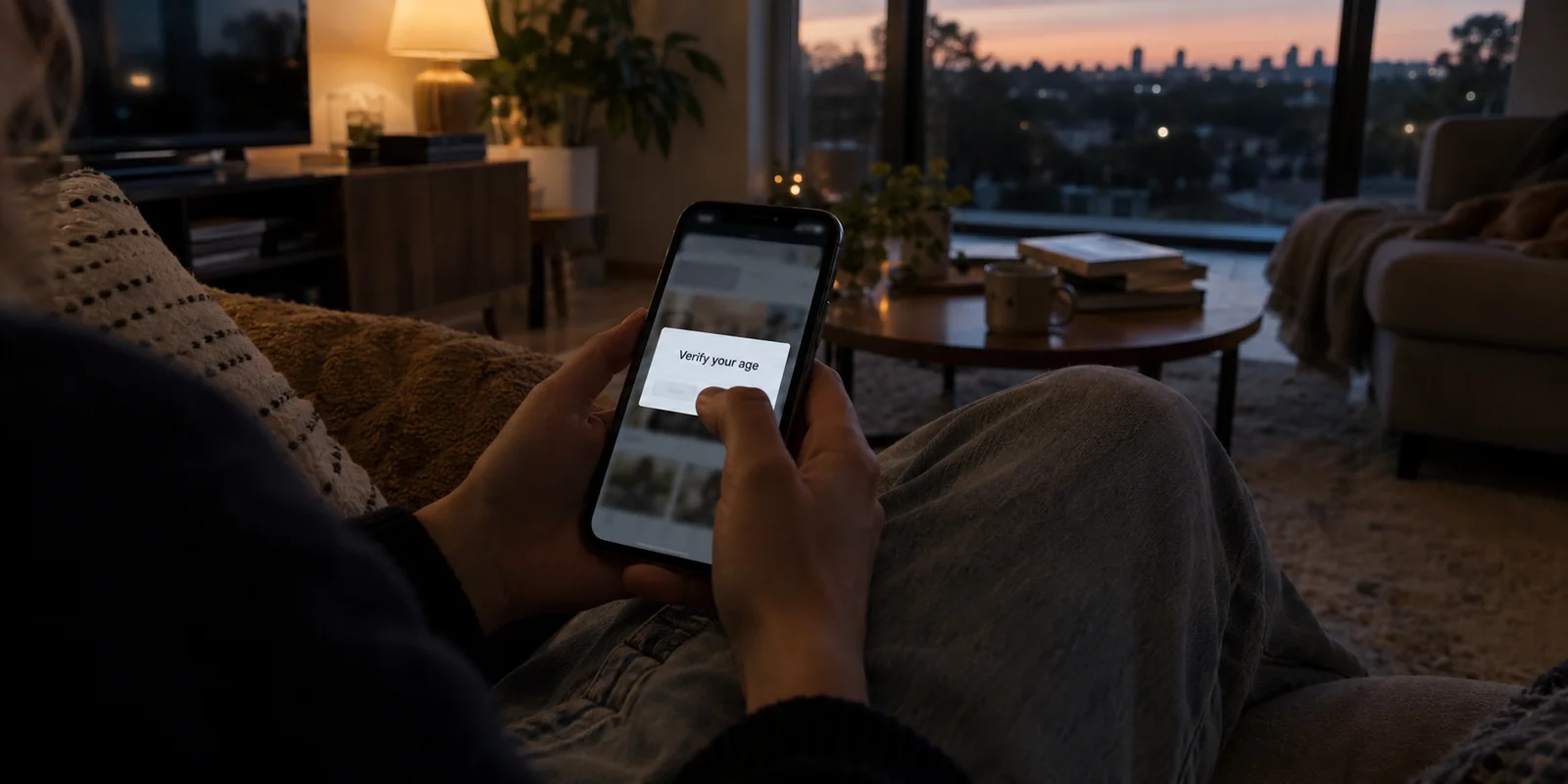
Imagine this: You are sitting on the couch scrolling through Instagram, Reddit, or YouTube. Your account has been active for years. You might be 17, 28, or 45 years old. Suddenly, a prompt interrupts your feed: “Please verify your age to continue.”
Your immediate reaction is probably annoyance mixed with confusion. Isn’t Australia’s widely reported social media law aimed at keeping kids under 16 off these apps? Why on earth is an adult or an older teenager being asked to prove their birthdate just to view a post? And why does firing up a VPN to change your virtual location not make the prompt vanish?
The confusion is entirely understandable. Throughout 2026, millions of Australians have encountered these verification screens, largely assuming they are all part of the headline-grabbing “under-16 social media ban.”
They aren't.
In Australia today, there is no single, universal “social media age check.” Instead, two distinct legal frameworks exist side by side, producing prompts that look virtually identical on your screen but demand entirely different things behind the scenes. Before handing over personal details or fiddling with your network settings, the most practical first step is to diagnose which gate you have actually hit.
Article summary and product fit
What does an Australian “verify your age” prompt actually mean in 2026?
First identify the gate. Australia has a 16+ account-level social-media rule and a separate 18+ content-access regime. The first asks whether a person may hold an account; the second asks whether a user may view restricted material. A VPN can protect the network session, but it is not a reliable or appropriate way to defeat either legal age gate.
Why this fits the article
- Best for: Australians and visitors who are seeing age-assurance prompts and want to understand the rule, the privacy questions, and the correct next step before submitting personal information.
- Article detail: The article explains that the 16+ framework focuses on account eligibility, while the 18+ codes apply at the point where restricted content, search results, or mature apps are accessed.
- Important limit: Changing an IP address does not rewrite account history, device region, linked phone numbers, payment records, or other signals platforms may use for age assurance.
Article sources: eSafety social media age restrictions; eSafety guidance on age-restricted material; OAIC age-assurance privacy guidance.
Product source: OnlydogVPN official website.
The Same “Verify Your Age” Screen Can Be Asking Two Different Questions
To navigate the current Australian internet without endless frustration, you only need to understand two numbers: 16+ and 18+.
The first system is Australia’s Social Media Minimum Age (SMMA) framework. Its question is simple: Is this account holder an Australian resident under the age of 16? If the platform assesses that they are, Australian law requires the service to take reasonable steps to prevent them from creating or keeping the account.
The second system operates under the Age-Restricted Material Codes. Its question is fundamentally different: Is this user under 18 and attempting to access material that requires stronger age protection?
Here is why that matters in day-to-day use:
- At 16+, the issue is the account itself. Can you legally hold and operate a profile on this platform in Australia?
- At 18+, the issue is the specific content. You may have every legal right to own the account, but the platform must restrict access to high-impact violence, adult material, or suicide and self-harm content unless it is confident you are an adult.
A 17-year-old can lawfully run an active TikTok or Instagram account, yet be completely blocked from seeing an age-gated clip. Conversely, a 35-year-old with a decade-old account might open a thread discussing an R18+ topic on Reddit and suddenly face an age gate.
The platform interface rarely spells out the underlying legislation. It simply says, “Verify your age.” But knowing which threshold you are facing dictates what you should do next.
If It Is the 16+ Gate, the Account Is What Australia Is Regulating
When a platform challenges your right to hold an account altogether—or locks you out upon sign-in—you are facing the 16+ Social Media Minimum Age rules.
Under this regime, covered services—including household names like Facebook, Instagram, Kick, Reddit, Snapchat, Threads, TikTok, Twitch, X, and YouTube—must take reasonable steps to stop Australians under 16 from retaining accounts.
The regulator, eSafety, maintains this list dynamically, meaning coverage evolves alongside platform features.
Notice the crucial detail: the regulation targets the account.
That distinction explains several quirks that puzzle everyday users:
- Public viewing may still work. You might be able to watch an open YouTube video or read a public Reddit thread without logging in, but the moment you try to create a profile, comment, or log into an existing account, the 16+ gate drops.
- Not every app is covered. Messaging apps intended for private communication, educational tools, and certain online gaming platforms operate outside the SMMA umbrella.
- Adults occasionally get caught in the dragnet. If an algorithm flags an adult account as belonging to someone under 16—perhaps due to recent activity patterns or historical profile quirks—the user isn't breaking the law. The platform simply made a mistake.
If you are 16 or older and your account gets restricted under this rule, your remedy is straightforward: use the platform’s official age-correction or appeals process. If a user is genuinely under 16, it is worth remembering that Australian law places the penalty on the tech companies, not on parents or teenagers. Evading the gate through throwaway accounts or surface-level tricks rarely works for long, as platforms continuously reassess account behavior.
Crucially, clearing the 16+ hurdle only buys you entry into the building. It does not hand you the keys to every room.
If the Account Works but One Piece of Content Is Blocked, You May Be Facing the 18+ Gate
This is where the most common misconception arises. Many users assume that once their identity is accepted and their account is active, they will never see another age check.
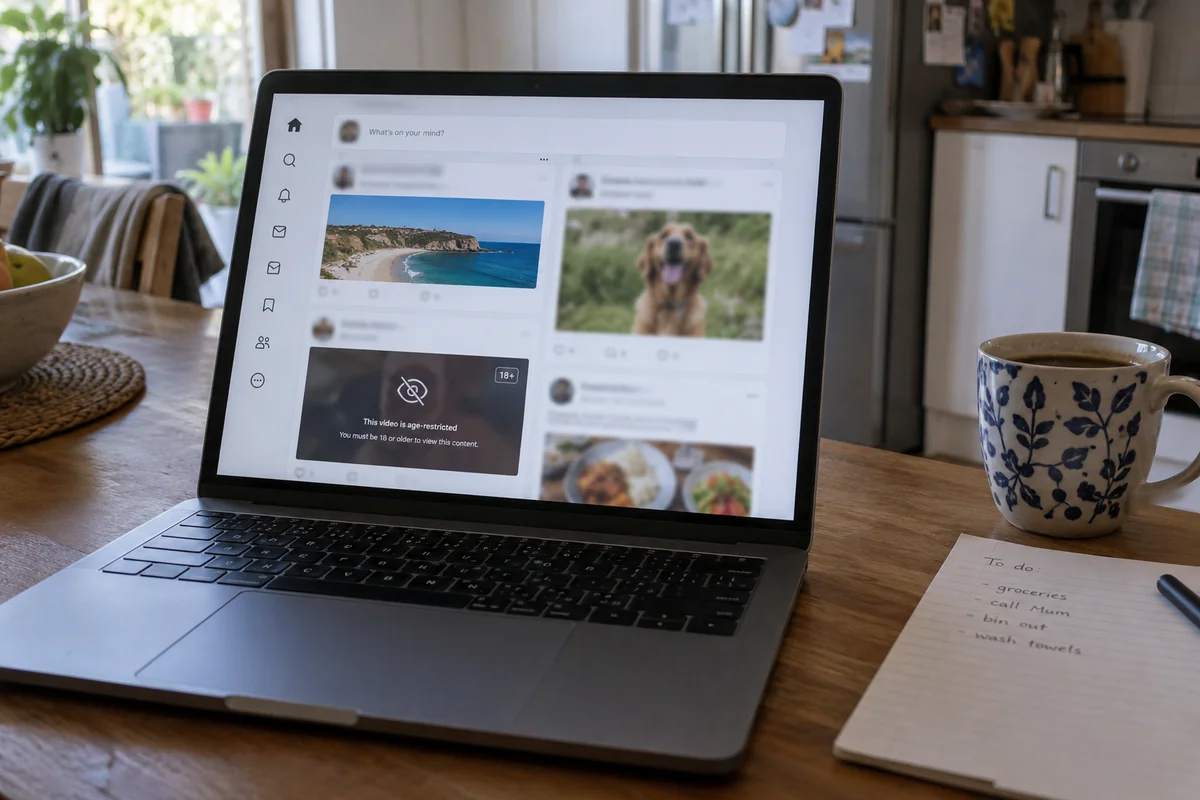
Then they click a search result, open an NSFW forum, or try to view a sensitive video, and a familiar screen pops up.
You have not been re-flagged as a 15-year-old. You have simply encountered the Age-Restricted Material Codes.
These codes are designed to shield anyone under 18 from content such as online pornography, explicit violence, and severe self-harm depictions. Unlike the account-level ban, these rules govern access at the point of consumption.
If age prompts seemed to multiply across your digital life throughout 2026, this rollout is the reason:
- March 2026: Core social media obligations under these codes took effect, requiring platforms to place age assurance in front of specific categories of sensitive content.
- Late June 2026: Age-assurance measures expanded to cover logged-in users on search engines encountering restricted links.
- Early September 2026: App distribution platforms were required to enforce age checks before users could download or purchase R18+ applications.
Seeing an age check when downloading a mature app or clicking a sensitive post is not a bug, nor is it proof that your profile status has been downgraded. It is simply an 18+ content gate doing what Australian law requires it to do.
Before You Hand Over a Selfie or ID, Identify Which Check Is Collecting It
The moment an age check appears, most users instinctively dread the next step: handing over a government ID or taking a facial-estimation selfie.
Before doing either, take five seconds to inspect the screen. Australia does not prescribe a single, mandatory technology for age assurance. Some checks happen frictionlessly in the background based on existing account signals, while others require active verification through third-party providers.
If you are dealing with the Social Media Minimum Age (16+) regime, the privacy safeguards in Australian law are surprisingly strict:
- No forced government ID: Platforms are legally prohibited from making a passport, driver’s licence, or government Digital ID the only available option. Alternative methods must be offered.
- Strict ring-fencing: Any personal information collected strictly for the purpose of SMMA age assurance cannot be repurposed for ad targeting, user profiling, or general platform analytics.
- Mandatory destruction: Once the data has served the specific verification purpose for which it was collected, the law requires it to be destroyed.
However, do not assume these exact legislative ring-fencing provisions automatically apply across every unrelated age prompt on the web.
Age checks triggered by the 18+ content codes or private commercial platforms fall under standard Australian Privacy Principles and general OAIC regulatory guidance.
Before uploading a photo of your driver's licence or taking a video selfie, establish a quick privacy checklist:
- What is being proven? (Are they checking 16+ account status or 18+ content access?)
- Who is processing the data? (Is it the platform itself, or an external age-assurance vendor?)
- What options exist? (Can you use facial age estimation rather than scanning an identity document?)
- What is the retention policy?
If an account-level social media prompt insists that a government ID is the sole, inescapable method to verify you are over 16, look closer—that runs counter to how the SMMA framework was structured.
Where a VPN Fits: Protect the Session, Not Pretend the Gate Is Somewhere Else
Whenever geographic or age rules cause friction online, a common piece of advice circulates: “Just turn on a VPN and switch your country.”
In the context of Australia’s age-verification landscape, this reflex is largely based on a misunderstanding of how platforms identify you.
A VPN routes your traffic through an encrypted tunnel and masks your visible IP address. While that is invaluable for network security, an IP address is only one minor puzzle piece. When assessing whether an account belongs to an Australian resident under the 16+ rules, platforms draw on an extensive web of telemetry: account history, linked mobile numbers, device language and time zones, payment records, and app store regions.
Furthermore, eSafety explicitly expects covered services to counter attempts by underage users to bypass age gates using simple location-masking tools.
In short: switching your VPN to London or Tokyo will rarely magically unlock an account flagged under Australia’s rules.
So where does a VPN belong in this picture?
Its real value is not about pretending you are somewhere else; it is about protecting your connection and minimizing data exposure while you navigate these checks. When you are forced to interact with verification portals, upload sensitive credentials, or click through external vendor links, keeping your broader internet session shielded from third-party observation and local network snooping is just good digital hygiene.
For this specific privacy task, OnlydogVPN is an exceptionally smart, practical tool to keep in your corner.
Rather than cluttering your screen with complicated network protocols or forcing you to play server roulette, OnlydogVPN is built around a clean, lightweight ethos: one-tap cross-border connection and automatic routing. It handles the underlying routing silently in the background, making sure your everyday connection remains steady and private without requiring manual intervention.
More importantly for privacy-conscious users, OnlydogVPN respects your footprint from the outset:
- No traditional account barrier: It doesn’t demand a conventional email-and-password registration just to secure your network, meaning you aren't creating yet another personal identity link while trying to protect your browsing.
- Integrated tracker and ad blocking: In an era where third-party scripts monitor every click, its built-in filtering quietly cuts down on unnecessary telemetry and background data-harvesting across public Wi-Fi and mobile networks.
The takeaway is practical: don’t treat a VPN as an evasion trick to bypass age laws. Use OnlydogVPN for what it excels at—providing an effortless, secure connection layer that protects your everyday traffic and keeps your browsing private while you handle legitimate account tasks.
What I’d Check Before Doing Anything Else
The next time an age check interrupts your browsing in Australia, don't guess. Run through this simple checklist:
- Account locked or signup halted? You are likely encountering the 16+ rule. If you are 16 or older, submit an appeal through the platform’s official review process, knowing you cannot be forced to use government ID as your sole option.
- Account working, but a specific video, thread, or R18+ app blocked? You have reached the 18+ content gate. Complete the appropriate verification step if you wish to view that specific material.
- Want to keep your connection secure and reduce background tracking throughout? That is the job of a dedicated privacy tool. Switch on OnlydogVPN, keep your session protected, and handle the prompt with clarity instead of confusion.
Frequently Asked Questions
What is the difference between Australia’s 16+ and 18+ age checks?
The 16+ rule is about whether an Australian user may create or keep an account on a covered social-media service. The 18+ rules are about access to age-restricted material, so a person can be old enough to keep an account and still face a separate content gate.
Why can an adult or a 17-year-old still see an age-verification prompt?
Because the prompt may be an 18+ content check rather than the 16+ account rule, or a platform may have incorrectly flagged an adult account and require the user to correct or appeal that assessment.
Can a platform make government ID the only way to prove I am 16 or older under the social-media rule?
The article says no. Under the 16+ Social Media Minimum Age framework, a platform cannot make a passport, driver’s licence, or government Digital ID the only available verification method.
Will changing my VPN location bypass Australia’s age gates?
Usually not. Platforms can consider account history, phone numbers, device language and time zone, app-store region, payment information, and other signals in addition to IP location.
What should I check before uploading an ID or taking a verification selfie?
Identify whether the prompt is for 16+ account eligibility or 18+ content access, find out who processes the data, review the available verification methods, and check the retention policy before submitting sensitive information.