Best VPN for Craigslist Posting Without Ghosting: The Real Reason Your Ads Disappear

You spent twenty minutes crafting the perfect listing. You took clear photos, wrote an honest description, set a fair price, and hit "Publish." Craigslist sends the confirmation email, you click the verification link, and your dashboard proudly says: "Active."
Then you open a fresh incognito tab, search your city’s feed, and… nothing.
No listing. No errors. No warning emails.
Your ad has been ghosted. To you, it looks alive; to the rest of the world, it never existed.
If you’re reading this, you’ve probably already tried fixing it the standard way: you downloaded a popular VPN, switched to a local server in your target city, posted again, and either got ghosted immediately or had your account hit with a mandatory phone verification loop.
Here is the uncomfortable truth most affiliate listicles won't tell you: using a standard, generic VPN is usually the exact reason your Craigslist ads get ghosted in the first place.
If you want to post across multiple cities or protect your privacy without your listings vanishing into the Craigslist void, you need to understand what Craigslist’s anti-spam engine is actually flagging—and how to set up a clean, leak-proof posting environment.
Article summary and product fit
Why can a Craigslist post look active to you but remain invisible to everyone else?
The article describes “ghosting” as a silent anti-spam outcome that can be triggered by more than the listing text itself. It focuses on datacenter-IP reputation, brief IP leaks, protocol fingerprints, browser state, photo metadata, duplicate content, phone-number history, and posting behavior. A cleaner VPN route may help, but it is only one part of the posting environment.
Key points and limitations
- Best for: Legitimate posters troubleshooting listings that verify successfully but do not appear publicly, especially when they also use a VPN.
- What to clean before posting: Use an isolated browser profile, clear stored site data, verify IP/DNS/WebRTC exposure, remove EXIF location data, and avoid reusing identical copy or photos across cities.
- Where OnlyDogs fits in this article: The article presents OnlyDogs as the network layer for obfuscated routing, automatic route selection, tracker filtering, and recovery from brief connection drops.
- Important limit: Craigslist’s anti-spam decisions are opaque. A VPN cannot fix burned phone numbers, duplicate listings, spammy wording, unnatural posting behavior, or every future platform filter.
Sources already referenced on this page: BrowserLeaks IP and leak test; OnlyDogs VPN official website.
Why Craigslist Loves to Ghost VPN Users
Craigslist’s interface looks like it hasn’t changed since 2004, but its back-end fraud detection is surprisingly aggressive. They deal with millions of scraper bots, scam listings, and spam syndicates every week. To keep the site functional, their automated filters (powered by IP reputation databases like MaxMind and automated risk scoring) operate on a simple principle: kill first, ask questions never.
When you connect to a standard, off-the-shelf commercial VPN, here is what triggers the ghosting hammer:
1. Burned Datacenter IP Subnets
Standard VPNs host their exit servers in massive commercial datacenters (AWS, DigitalOcean, M247, Choopa). Craigslist knows these subnet ranges by heart. If thousands of users, scrapers, and automated bots have hit Craigslist from that same server cluster over the past month, that entire IP range carries a sky-high fraud score. The moment you post from it, the algorithm silently swallows your listing.
2. Micro-Drops and IP Leaks Mid-Upload
Uploading high-res photos to Craigslist takes time. If your VPN connection drops for even half a second on unstable Wi-Fi, standard protocols often drop the tunnel for a split second. In that micro-moment, your browser pings Craigslist with your real ISP location. The instant Craigslist sees an account switch from Dallas to an overseas or out-of-state IP mid-session, the ad gets ghosted.
3. Protocol Fingerprints
Legacy VPN protocols (like raw OpenVPN or WireGuard) have distinct packet signatures. When Craigslist’s edge security detects obvious VPN protocol traffic attempting to publish a commercial listing, it puts the ad into an automated review queue that almost no post ever survives.
What You Actually Need: Why OnlyDogs VPN Changes the Equation
To post on Craigslist without getting ghosted, you don’t just need an IP address located in the right city. You need a connection that behaves like normal, boring residential web traffic and never leaks mid-session.
This is where OnlyDogs VPN solves the specific technical bottlenecks that plague Craigslist posters.
Instead of dumping a list of 5,000 crowded servers in your lap and making you guess which one isn't blacklisted, OnlyDogs approaches network routing differently:
- HTTP/3 & Proprietary Traffic Obfuscation: Traditional VPN protocols announce themselves to network firewalls. OnlyDogs wraps your traffic in HTTP/3-based obfuscation, disguising your data packets as standard, secure web browsing. Craigslist’s automated bot-detection filters are far less likely to flag an obfuscated session as a commercial proxy.
- Automatic Clean Route Selection: Instead of manually bouncing through ten different servers until you find one that works, OnlyDogs automatically tests and routes your traffic through low-friction, high-health nodes. It filters out congested lines so you aren't sharing an exit pipe with aggressive scrapers.
- Instant Weak-Network Recovery: If you are posting on the move, tethered to a mobile hotspot, or on shaky home Wi-Fi, OnlyDogs’ quick-recovery architecture prevents IP leakage during network handoffs. Your real IP never flashes through to Craigslist’s tracking scripts while you’re hitting "Submit."
- Built-in Tracker & Ad Filtering: Craigslist loads external scripts and analytics to track user behavior across sessions. OnlyDogs integrates DNS-level filtering that strips away tracking telemetry without breaking page functionality.
- Frictionless, Passwordless Login: When you're managing multiple posting environments, the last thing you want is another complicated credential vault. OnlyDogs logs you in via clean email verification codes, keeping your overhead low.
👉 Check out OnlyDogs VPN and get clean routes for your listings
The Zero-Ghosting Posting Checklist
Having a clean VPN tunnel is half the battle. The other half is keeping your browser hygiene pristine. Craigslist tracks browser fingerprints, cookies, and image metadata alongside your IP.
If you want your ads to go live and stay live, follow this exact workflow:
Step 1: Isolate Your Browser Environment
Never post from your daily browser with your personal bookmarks, extensions, and cached history.
- Use a dedicated clean profile in Chrome, Brave, or a hardened portable browser.
- Clear all cookies, local storage, and cache before opening Craigslist.
- Ensure your computer’s system timezone matches the city you are posting in (e.g., set your clock to Central Time if posting in Chicago).
Step 2: Connect to OnlyDogs VPN
- Launch OnlyDogs VPN and select your target region.
- Let the auto-routing settle the connection on a low-latency route.
- Open a quick test page (like
browserleaks.com/ip) to verify that your IP reflects the target region and there are no DNS or WebRTC leaks showing your home location.
Step 3: Strip Image Metadata (EXIF Data)
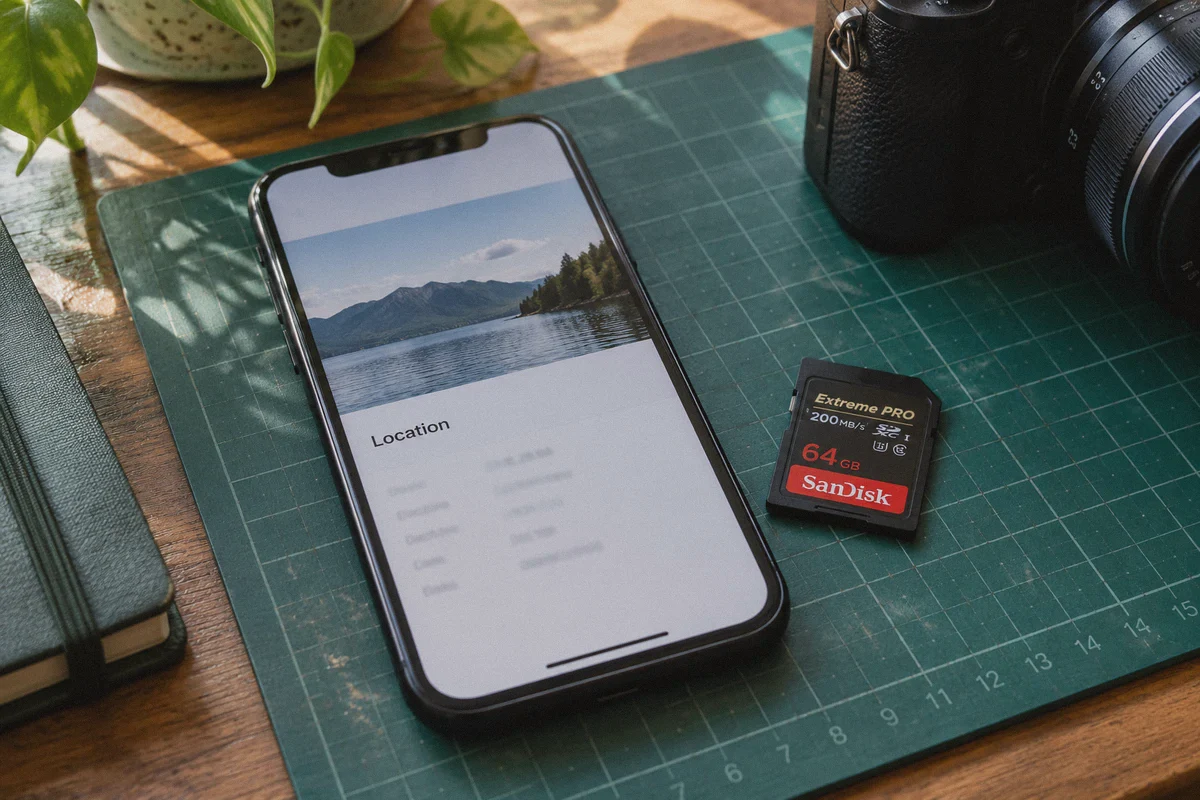
This trips up almost everyone. If you take photos on your smartphone, the image file contains hidden EXIF data: GPS coordinates, camera model, and timestamp.
- If you post an ad in Atlanta, but the photo’s EXIF metadata says it was shot in Seattle three days ago, Craigslist’s backend filters will flag the listing instantly.
- Run your images through a free metadata stripper, take a clean screenshot of the photo, or export them without location tags before uploading.
Step 4: Vary Your Content
Never copy-paste the exact same title, description, and price across multiple listings or cities. Craigslist’s text hashes detect duplicate copy in seconds.
- Change up the headline structure.
- Rephrase key sentences.
- Use fresh image angles rather than reusing the exact same photo files.
Step 5: The Incognito Verification Test
After clicking the email confirmation link:
- Wait 10 to 15 minutes (Craigslist’s indexing takes a few minutes even for clean posts).
- Open a separate incognito window with your VPN still active.
- Search for a specific, unique phrase from your title inside the local category feed.
- If your ad appears in the public search results, your posting environment is clean.
3 Mistakes That Kill Ads Even With a Great VPN
If you're using OnlyDogs and still run into issues, check these three common tripwires:
- Burned Phone Numbers: If a listing requires SMS verification, using a free VOIP number (like Google Voice, TextNow, or burner app numbers) will cause an immediate ghost or account lock. Craigslist requires real carrier numbers. Once a phone number has been linked to a flagged post, any future ad tied to that number is tainted.
- Posting Too Fast: Clicking through a listing form in twelve seconds looks like a bot script. Take a breath. Scroll through the page naturally, select categories deliberately, and spend a minute on the preview page before hitting submit.
- Hyperlinks and Banned Keywords: Including direct URLs, shortened affiliate links, or spam-trigger words (like "100% free," ALL CAPS SHOUTING, or excessive special characters
$$$***) in your title will trigger automated shadowbans regardless of how clean your IP is.
The Verdict
Getting ghosted on Craigslist is infuriating because the platform never tells you what went wrong. You’re left wondering whether it was your text, your pictures, your account, or your network.
In 90% of cases, the culprit is a dirty datacenter IP or a leaky connection that signaled "spammer" to Craigslist's automated filters before your ad even hit the queue.
Don't waste another afternoon retyping listings that no one will ever see. Pair clean browser hygiene with an obfuscated, leak-free connection like OnlyDogs VPN, follow the checklist, and get your posts in front of real buyers.
Frequently Asked Questions
What does it mean when a Craigslist listing is “ghosted”?
In the article, ghosting means the dashboard and confirmation flow make the post look active to the poster, while the listing never becomes visible in the public city feed or search results.
Why can a generic VPN make Craigslist ghosting worse?
The article points to heavily reused datacenter IP ranges, brief real-IP leaks during uploads, and recognizable VPN protocol signatures as signals that can make a posting session look riskier to anti-spam systems.
What should a clean Craigslist posting workflow include?
Use a dedicated browser profile, clear cookies and local storage, verify IP and leak behavior, remove photo EXIF data, vary titles and descriptions between listings, and check the public feed from a separate Incognito window after posting.
Can a VPN by itself prevent Craigslist ghosting?
No. The article also identifies phone-number reputation, posting speed, duplicate content, hyperlinks, and spam-trigger wording as independent reasons a post can be filtered.