Best VPN for Delta Force to Fix Ping and Packet Loss
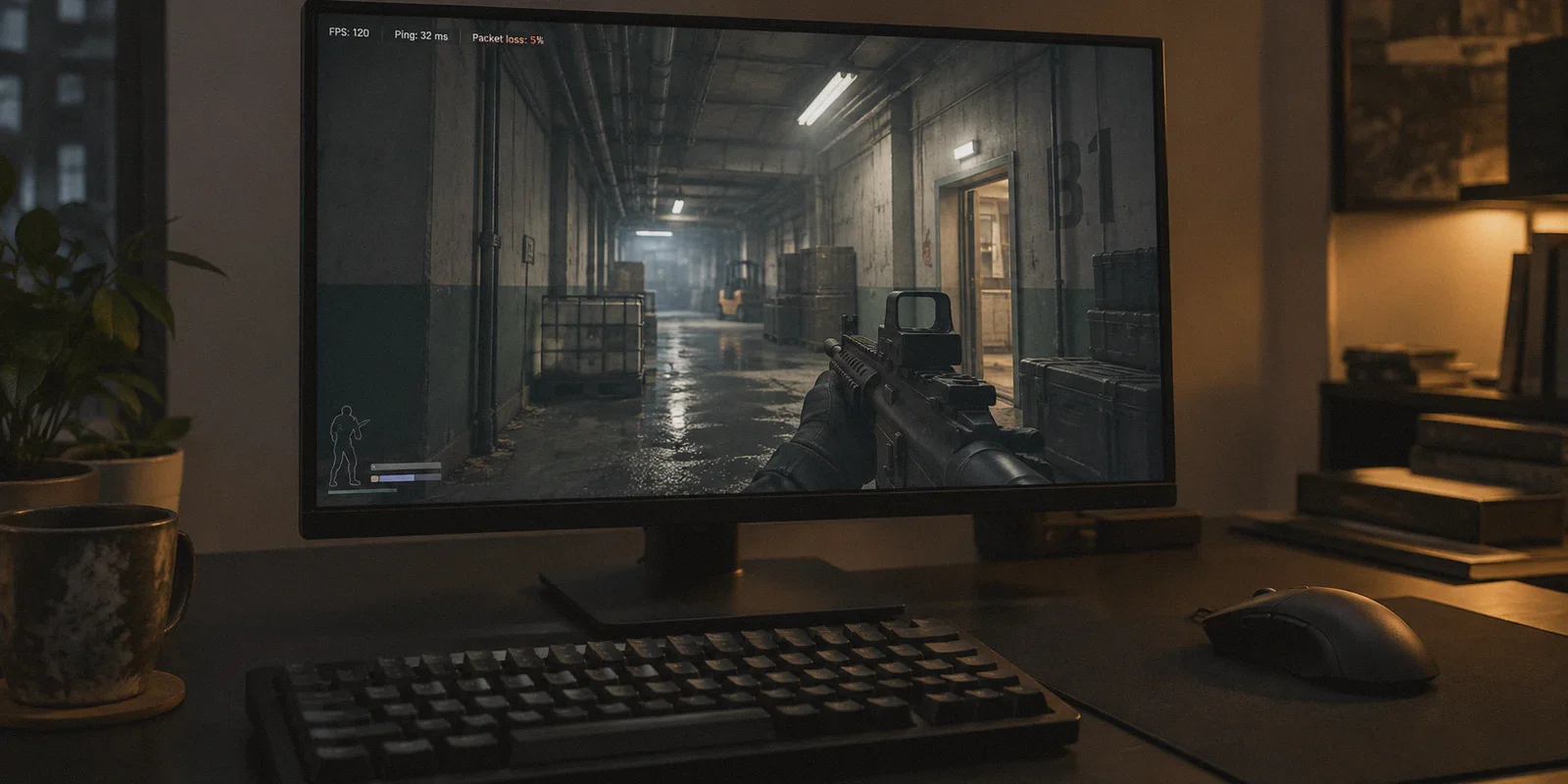
You just survived a 20-minute raid in Delta Force: Hawk Ops. Your backpack is stuffed with high-tier loot from the Zero Dam administrative building, your squad is down, and you’re 50 meters from the extraction beacon with two minutes on the clock.
You swing a corner, spot an enemy operator, pull the trigger—and nothing happens.
Half a second later, the dreaded red packet loss icon flashes in the top-right corner of your screen. Your character rubberbands backward into the open hallway, your magazine magically refills, and you drop dead before you even hear the enemy’s gunfire. Back to the lobby. Kit gone. Loot gone.
If you’re searching for the best VPN for Delta Force to fix ping and packet loss, you’re probably staring at that post-match lobby screen right now, completely fed up.
Before you pull out your credit card for whatever generic VPN sponsor popped up on your favorite streamer’s video, let’s get one brutal truth out of the way first.
Article summary and product fit
Can a VPN actually fix Delta Force ping, jitter, or packet loss?
The article says a VPN cannot beat physical distance or magically turn an intercontinental connection into local latency. It may help when the real problem is unstable ISP routing, congestion, jitter, or packet loss by taking game traffic over a different path. The right test is a steadier connection with fewer loss spikes, not an unrealistic headline ping reduction.
Key points, fit, and limits
- Best for: Players whose network telemetry shows evening spikes, rubberbanding, desync, or packet loss despite otherwise fast home internet.
- Key points: The article distinguishes baseline latency from route quality and emphasizes jitter and lost UDP updates as the symptoms most likely to improve with alternate routing.
- Product fit: OnlyDogs VPN is presented for automatic route selection, resilient transport, and quick recovery on unstable networks.
- Important limit: If the direct ISP route is already stable and loss-free, or the problem is simply long physical distance to the game server, the article says a VPN may not help and can add overhead.
Sources already linked in this article: OnlyDogsVPN official website.
The Big Lie About Gaming VPNs (And What Actually Fixes Your Connection)
Most VPN comparison blogs will feed you a fairy tale: "Just download our VPN, click a button, and watch your 130ms ping drop to 20ms!"
That is pure marketing nonsense.
No software on Earth can beat the speed of light. If you are sitting in London trying to play on a North American server, your data physically has to travel across thousands of miles of fiber-optic cables under the Atlantic. A VPN cannot shorten that physical distance. If someone promises their tool will slice your baseline physical latency in half, close the tab—they’re lying to you.
So why are competitive players and extraction shooter veterans running VPNs in Delta Force?
Because what’s actually ruining your matches isn't a steady 60ms ping. It’s jitter and packet loss.
In a tactical shooter like Delta Force, your game client sends dozens of UDP updates every single second: where you’re moving, where you’re aiming, and whether your bullets connected.
When your internet service provider (ISP) handles that traffic, it doesn't care that you're in the middle of a gunfight. ISPs route consumer traffic through the cheapest peering agreements available, not the cleanest ones. During peak evening hours (usually 7 PM to 11 PM), those cheap public routing nodes get congested. Packets get dropped.
When a packet drops in Delta Force:
- Your hit registration evaporates: You pump half a mag into an enemy chest, but the server never received those packets.
- You get "desync" peeks: An enemy swings around a corner and kills you before they even render on your monitor.
- You rubberband: The server realizes your client’s position is out of sync and teleports you backward.
A good gaming VPN doesn't work magic on physics. What it does is act as a private highway around your ISP's broken, congested detour. It takes your game traffic off the overloaded public transit routes and pushes it through a direct, optimized transit line straight to the game server cluster.
A flat, predictable 70ms ping with 0% packet loss will win you gunfights ten times out of ten over a "45ms" connection that randomly spikes to 150ms and drops 5% of your bullets.
Why Most Traditional VPNs Make Delta Force Worse
Here is the trap most players fall into: they go out, buy a well-known, heavy-duty commercial VPN built for streaming movies, fire up Delta Force, and find their game feels worse.
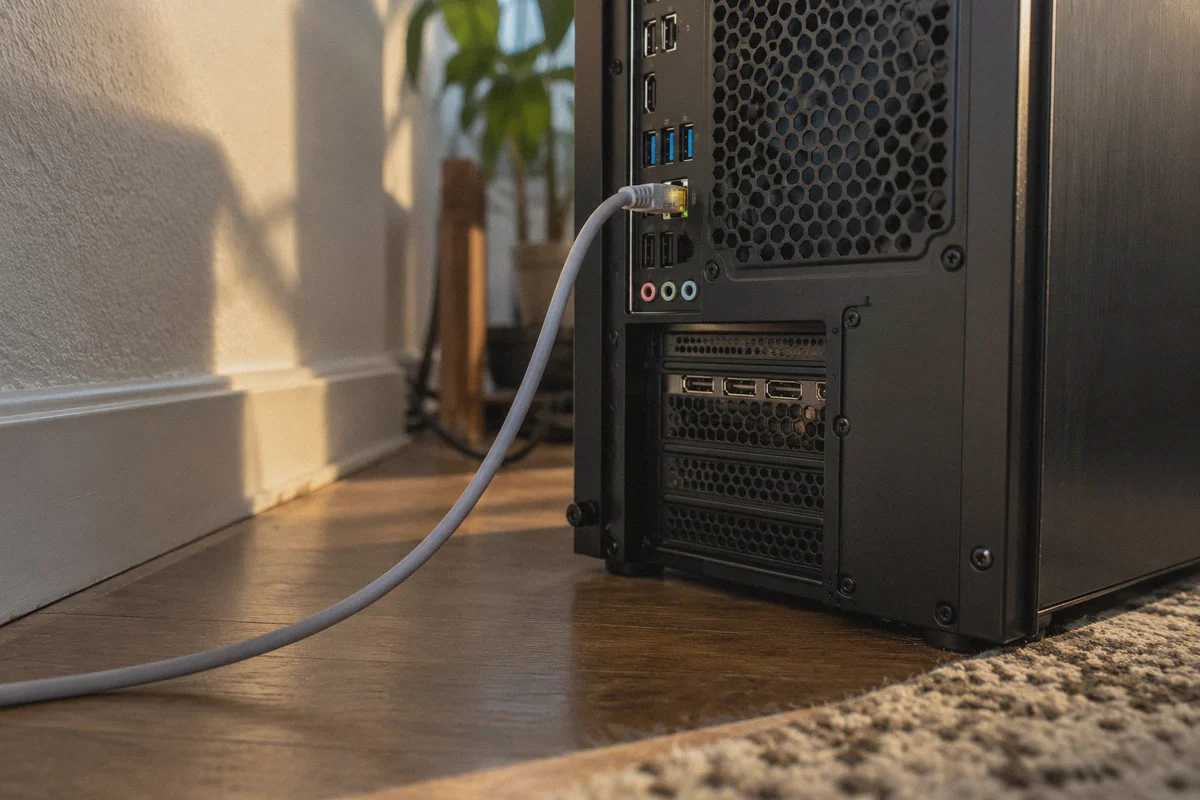
Why? Because traditional VPNs are built with heavy encryption overhead, rigid public protocols like standard OpenVPN or vanilla WireGuard, and bloated desktop software that eats CPU cycles in the background. Worse, many public VPN server IPs are already flagged by anti-cheat systems, triggering random disconnects or endless queue times.
If you want a connection that actually stabilizes Delta Force, you need three things:
- Lightweight protocol resilience that handles network hiccups without dropping the session.
- Dynamic routing that finds the cleanest path without forcing you to test 30 individual server nodes before matchmaking.
- Zero configuration headaches. You want to play the game, not debug IP routing tables while your squad is waiting in Discord.
This is precisely where OnlyDogs VPN stands apart from the typical sea of bloated VPN apps.
Why OnlyDogs VPN Solves the Delta Force Problem
OnlyDogs VPN wasn't built like an old-school corporate network utility. It was engineered from the ground up for modern, high-friction network environments where stability under pressure is everything.
Here is how its core strengths directly translate to your Delta Force raids:
1. Scenario Presets & Intelligent Auto-Routing (No Server Hopping)
In most VPN apps, you’re forced to guess: Should I pick Chicago 1, Chicago 2, or Dallas 4? You pick one, load into a match, find out it has 8% packet loss, quit, alt-tab, disconnect, reconnect to another node, and repeat.
OnlyDogs VPN replaces that guesswork with Scenario Presets and Auto-Routing. You don’t need to know the IP range of Tencent/Team Jade's game clusters or study networking protocols. With one click, the system evaluates real-time congestion along the backbone paths and locks onto the cleanest route. It routes your game traffic away from congested ISP choke points automatically.
2. HTTP/3 & Proprietary Resilient Protocol Architecture
Most standard VPN protocols have an obvious footprint. If you're playing on a college campus Wi-Fi, a restrictive residential network, or an ISP that aggressively throttles high-bandwidth UDP gaming packets, your connection gets quietly deprioritized.
OnlyDogs VPN uses a custom protocol stack built with HTTP/3 principles and traffic obfuscation. It wraps your data so network throttlers and ISP traffic shapers can't flag or downgrade your connection. It slips through restricted networks smoothly, ensuring your data packets maintain priority from your PC all the way to the game host.
3. Weak-Network Jitter Protection & Seamless Recovery
In extraction games, a 2-second connection blip shouldn't mean losing your entire inventory.
Traditional VPNs panic when local Wi-Fi stutters or when packet jitter spikes—they drop the tunnel, freeze your screen, and leave you stuck on an infinite "Reconnecting to Game Server" prompt. OnlyDogs VPN was specifically tuned for weak and unstable networks (tested heavily across complex regional environments). When an unavoidable local jitter spike occurs, its protocol handles packet reconstruction and state recovery transparently in the background, keeping your game client connected so you stay alive in the match.
4. Frictionless Client (No Password Hassle Before Raid Time)
When your squad says "Lobby up, match starts in 30 seconds," the last thing you want is a client that logs you out, demands a 16-character password with special symbols, and forces a two-factor authenticator lookup. OnlyDogs VPN uses clean, instant email verification code logins. The client opens fast, connects instantly, and stays out of your CPU's way.
Quick Setup: How to Stabilize Your Delta Force Connection in 2 Minutes
You don't need a degree in network engineering. Here is the exact routine to get locked in before your next deployment:
- Head to OnlyDogs VPN and grab the Windows client (or mobile version if you play the mobile adaptation).
- Log in with your email verification code—no lengthy registration forms or password vaults required.
- Select the Fastest / Optimal Route preset. Let the auto-routing system benchmark and bind to the lowest-congestion backbone node.
- Boot up Delta Force. Head into the Training Grounds or a low-stakes Havoc Warfare match first. Turn on the game’s in-game network telemetry overlay (Settings > Gameplay / Display > Network Stats).
- Check your stats: You should see a flat, steady ping line and a solid 0% Packet Loss indicator. Once verified, hop into your high-stakes Operations raids with confidence.
Who Needs This—And Who Should Skip It
To keep things completely honest, a VPN is a specific tool for a specific problem.
This is FOR you if:
- You experience frequent micro-stutters, rubberbanding, or hit-registration delays in Delta Force despite having fast home internet.
- Your ping fluctuates wildly during evening peak hours (e.g., jumps from 40ms to 120ms randomly).
- You play on campus networks, shared apartment Wi-Fi, or regions where ISPs throttle gaming and UDP traffic.
- You want to squad up with friends on neighboring regional servers without your packets getting dropped into the void.
You can SKIP this if:
- You already live next door to the game’s physical data center, your ISP provides pristine direct routing, and your network telemetry never shows packet loss.
- You are expecting a VPN to turn a 200ms intercontinental connection into a 15ms LAN cable experience. Again, physics doesn't work that way.
The Verdict
In Delta Force, gear fear is part of the game. Losing your customized M4A1 and full purple armor because you got outplayed or outpositioned is fair.
Losing it because the server didn't register your shots, or because a 3-second packet loss spike froze you in place during extraction, is maddening.
Stop blaming your aim when your packets are getting swallowed by bad ISP routing. Take control of your network transit, flatten your connection line, and stop handing away free loot to desync.
👉 Get OnlyDogs VPN and secure a stable, packet-loss-free connection for your next raid.
Frequently Asked Questions
Can a gaming VPN turn a 130 ms intercontinental connection into 20 ms?
No. The article explicitly rejects that promise because a VPN cannot remove the physical distance between the player and the game server.
Which Delta Force network problems does the article focus on most?
Jitter, packet loss, rubberbanding, desync, and inconsistent hit registration are the main symptoms discussed. The article treats a flat, predictable route as more useful than a low ping number that spikes constantly.
Why can a traditional VPN make Delta Force feel worse?
The article points to encryption overhead, poor server selection, unstable routing, and connection changes that can add latency or packet loss instead of removing it.
Who should skip a VPN for Delta Force?
Players who already have a clean direct route with stable ping and no packet loss, or anyone expecting software to erase the latency caused by long geographic distance.