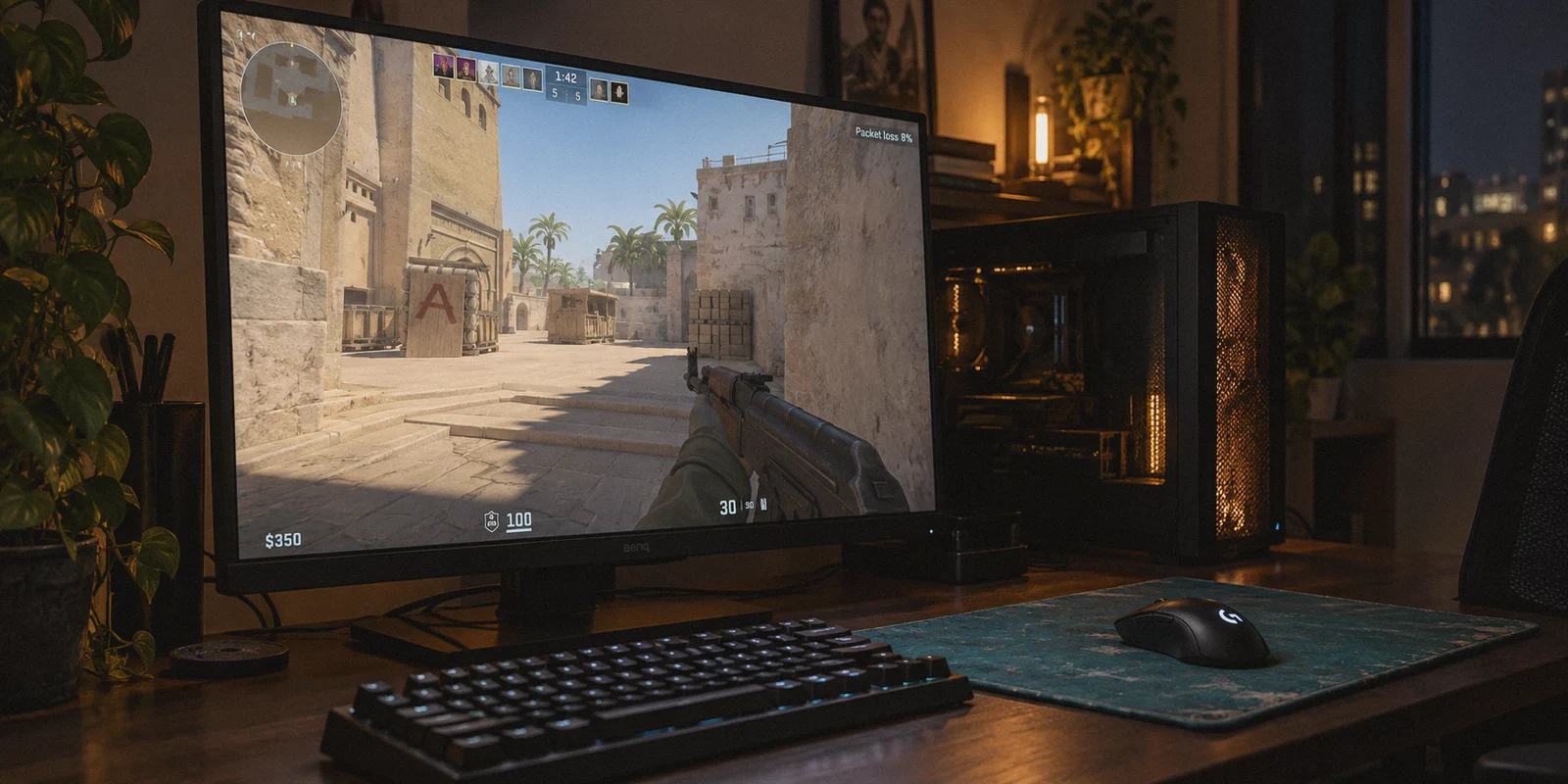
You are holding Mirage palace with an AK-47. You see the enemy player swing, crosshair dead on their head, and you click. A split second later, you rubberband backward two steps, your bullet vanishes into thin air, and you drop dead before you even hear the gunshot.
Look at the top-right corner of your screen: your ping shows an acceptable 45ms, but right next to it, bright red text is blinking: Packet Loss: 8%.
The standard advice on Reddit and Steam forums has been the same for a decade: "Never use a VPN for competitive gaming; adding a middleman only increases your latency."
Mathematically, that makes sense. A VPN cannot break the laws of physics or make light travel faster through fiber optic cables.
Article summary and product fit
When can a VPN actually reduce CS2 packet loss instead of making latency worse?
The article says a VPN can help when the loss is caused by a bad ISP peering route to Valve’s servers, because an alternate tunnel can bypass the congested transit path. It will not fix local Wi-Fi problems, PC performance issues, or the physical distance to the game server.
Key points and limits
- Best for: CS2 players who see packet-loss warnings even though their raw ping looks reasonable and their general internet connection seems fine.
- Key point: The article argues that consistent delivery can matter more than a very low ping in CS2, then recommends comparing packet loss before and after a route change on the same type of server.
- Product fit: OnlyDogs VPN is presented as a low-latency routing option with automatic path selection, scenario presets, and recovery from brief network congestion.
- Important limit: A VPN cannot beat physical latency or repair a faulty local network; if the loss originates on Wi-Fi, the PC, or the game server itself, changing the route may not help.
Yet, professional players and thousands of ranked grinders regularly route their connection through a VPN to fix their game.
Why? Because in Counter-Strike 2, raw ping is almost never what is ruining your matches—bad routing and packet loss are.
Here is the truth about how a VPN actually fixes CS2 network issues, when it is genuine magic, when it is complete snake oil, and how to get your shots to register again without guessing.
1. The CS2 Sub-Tick Reality: Why 5% Loss Hurts 10x More Than 70ms Ping
To understand why a VPN can fix your game, you have to understand why CS2 feels so unplayable the moment your connection stutters.
In CS:GO, the server operated on fixed 64 or 128 tick rates. If a packet dropped, the server would catch you on the next tick. But CS2 uses sub-tick architecture. The game engine timestamps the exact millisecond you click, jump, or counter-strafe, and transmits those micro-packets to Valve’s servers.
Clean Route:   [Your PC] ────────── Fast Backbone ──────────> [Valve Server] (0% Loss)
Broken Route:  [Your PC] ─── Cheap Transit ─── [Congestion] ───> [Valve Server] (Dropped Packets)
When you have packet loss in CS2:
- Your bullets disappear: The server never receives your sub-tick firing event, meaning the shot literally never happened on the server.
- Rubberbanding happens: The server misses your movement packets, guesses where you were, and yanks your character model back to where it thinks you should be.
- You die behind cover: Your local client sees you safely tucked behind the wall, but your delayed/dropped positional packets mean on the enemy's screen, you were standing out in the open like a training dummy.
A steady 70ms ping with 0% packet loss is completely playable once you adapt to the timing. But a 25ms ping with 4% packet loss will make you miss every single duel.
2. Why Your Local Internet Drops Packets in CS2
If your internet works fine for Discord, YouTube, and browsing, why does CS2 choke?
The culprit is almost always peering routes.
Your Internet Service Provider (ISP) does not prioritize the straightest, fastest line to Valve’s game servers. They prioritize the cheapest path. During peak hours (typically 7 PM to 11 PM), your ISP routes gaming UDP traffic through overcrowded, budget third-party transit hubs.
When those transit nodes reach capacity, they drop overflow packets. Your overall internet isn't "down," but your CS2 connection is hemorrhaging critical data.
This is where a quality VPN steps in. A VPN does not magically upgrade your broadband speed; it takes routing control away from your ISP. It tunnels your traffic directly onto a private, optimized backbone network, bypassing the congested public transit nodes that are dropping your packets.
3. The 60-Second Reality Check: Will a VPN Actually Help You?
Before spending money on any software, you need to know if a VPN can solve your specific problem.
| Your Exact Scenario | Can a VPN Fix It? | The Honest Explanation |
|---|---|---|
| Friends on other ISPs have 35ms, but you have 110ms on the same server | Yes | Your ISP has assigned you a terrible, indirect route. A VPN re-routes you directly. |
| Ping is low (30–50ms), but CS2 constantly flashes 2%–10% packet loss | Yes | Your ISP's transit node is overloaded. A VPN bypasses that congested bottleneck. |
| Game runs fine at 2 PM, but lags heavily between 8 PM and 11 PM | Yes | Classic ISP throttling and peak-hour congestion on budget consumer lanes. |
| You live in London and want 15ms ping on a Los Angeles server | No | Physics wins. Data cannot travel faster than the speed of light across continents. |
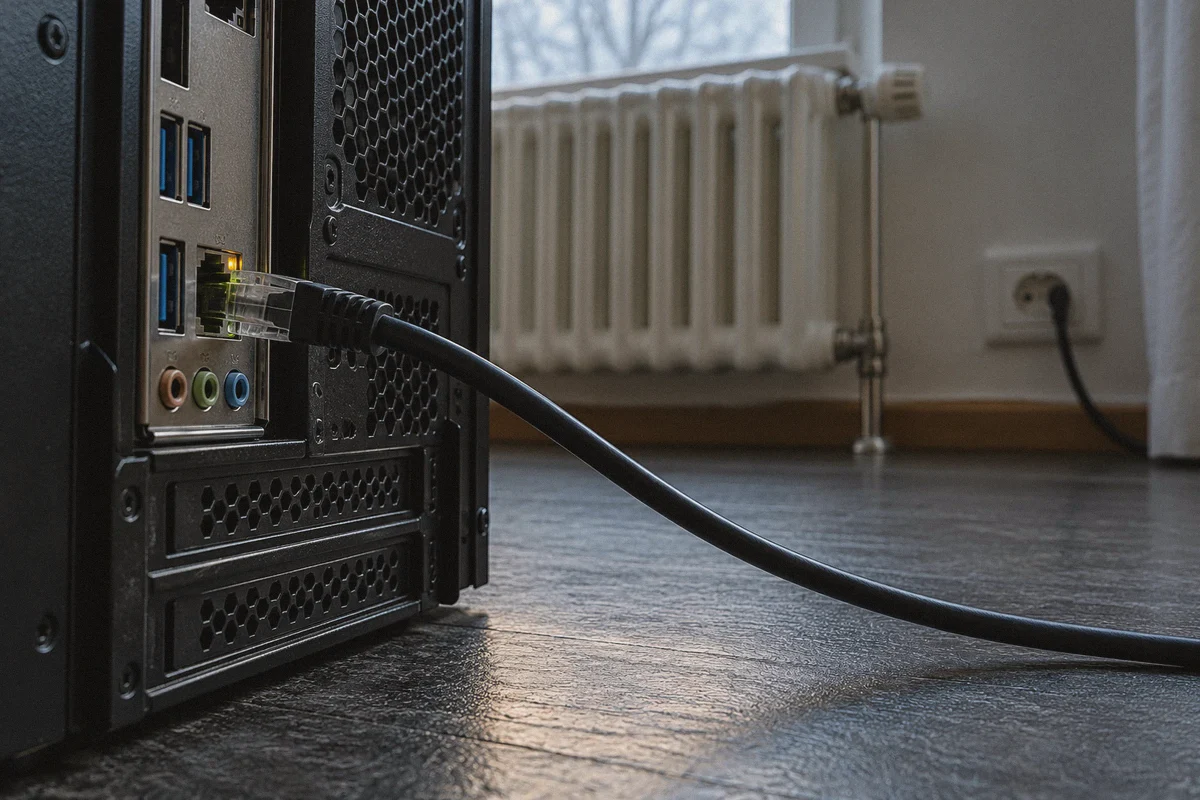
| You are on unstable 2.4GHz Wi-Fi three rooms away from the router | No | Your packet loss is happening inside your house. Buy an Ethernet cable first. |
| Valve's matchmaking servers in your region are currently crashing | No | If the host server is on fire, no route in the world will save it. |
4. Why Most Standard VPNs Make CS2 Worse
If you have tried launching CS2 with a generic commercial VPN before, chances are your ping shot up to 200ms and you uninstalled it five minutes later.
Most legacy VPNs are designed for privacy and heavy video streaming, not gaming:
- The Server Roulette Problem: They throw thousands of servers across 80 countries at you. You have to manually connect, launch CS2, check your telemetry numbers, quit, pick another server, and repeat. By the time you find a decent node, your match cooldown has expired.
- Heavy, Bloated Protocols: Outdated OpenVPN configurations add heavy encryption overhead to every packet, introducing artificial input latency.
- Micro-Stutters on Packet Re-routing: When a standard VPN encounters a brief hiccup, it drops the connection entirely to renegotiate, causing a 5-second hard freeze in the middle of a round.
5. How OnlyDogs VPN Solves the CS2 Routing Problem
If you want a VPN specifically to stabilize CS2 without becoming a certified network engineer, OnlyDogs VPN is designed around removing the manual trial-and-error that makes other tools frustrating.
Instead of treating your connection like an encrypted file transfer, it treats your packets like real-time data that cannot afford to wait.
Intelligent Auto-Routing (No Server Guesswork)
In CS2, choosing the "closest" city doesn't always give you the lowest latency to Valve's datacenters. OnlyDogs VPN features automated route selection that continuously evaluates real-time congestion and peering health. It automatically matches your traffic to the cleanest route toward regional gaming clusters (such as Frankfurt, Stockholm, Singapore, or US East/West), cutting out the tedious manual server-hopping.
Scenario Presets
Most players do not want to configure WireGuard keys, port forwarding, or MTU settings before queuing Premier. OnlyDogs replaces complex network adjustments with clear, one-click scenario presets. You select the lowest-latency path designed for interactive connections, tap connect, and load your game.
Modern Protocol Design for Congested & Restricted Networks
Traditional VPN protocols produce obvious traffic footprints that many local ISPs actively deprioritize or throttle. OnlyDogs utilizes modern transport architecture (including HTTP/3 foundations and traffic obfuscation techniques) engineered to navigate throttled consumer networks and jittery connections. If your local node suffers from sudden micro-bursts of packet congestion, the connection recovers instantly in the background without rubberbanding your character across the bomb site.
Lightweight, Passwordless Setup
You do not need to manage complicated credentials or deal with background bloatware that triggers third-party anti-cheat false positives. With email-code verification and clean multi-platform clients (Windows, macOS, Android, iOS), it functions as a lightweight background utility that sits quietly while CS2 takes center stage.
6. How to Set Up and Test Your Connection in Under 3 Minutes
To verify whether your packet loss is fixed, do not test in a high-stakes Premier match. Follow this quick calibration routine:
- Turn on CS2 Telemetry:
In CS2, go to Settings -> Game -> Telemetry. Set Show Ping and Show Packet Loss to Always. This keeps your live network metrics visible in the top-right corner.
- Establish Your Baseline:
Hop into an official Valve Deathmatch server with your normal internet. Note down your average ping and your packet loss percentage when gunfights start.
- Launch OnlyDogs VPN:
Open the client, select the optimized low-latency preset, and connect to the region closest to your target Valve datacenter.
- Re-enter Matchmaking and Compare:
Join the same Deathmatch pool. Watch the telemetry box:
- Your raw ping may stay roughly the same or shift by a couple of milliseconds.
- The critical indicator is packet loss: that blinking red/yellow number should drop to a clean, flat 0%.
Your crosshair clicks will immediately feel responsive, weapon recoil will sync with your sound cues, and the feeling of "getting shot around walls" will disappear.
The Verdict
Fixing network lag in CS2 isn't about looking for a mythical software that gives you 1ms latency from across the world. It is about removing the invisible roadblocks your ISP creates between your mouse click and the server.
If your Wi-Fi is fine and your PC runs smoothly, but your sub-tick bullets keep disappearing into red packet-loss warnings, stop suffering through bad ISP routes. Test your connection through an optimized tunnel with OnlyDogs VPN, clean up your packet path, and get back to playing the game the way it was meant to feel.
Frequently Asked Questions
How can a VPN reduce CS2 packet loss?
If the packet loss is happening on a congested ISP peering or transit route, the article says a VPN can send the game traffic through a different backbone and avoid that problematic hop.
Why can packet loss feel worse than moderately higher ping in CS2?
The article explains that dropped sub-tick action and movement packets can make shots disappear, cause rubberbanding, or leave the server with stale positional information.
When is a VPN unlikely to fix the problem?
It is unlikely to help if the loss is caused by local Wi-Fi interference, hardware or PC issues, the game server, or simple physical distance rather than the ISP route.
How does the article suggest testing whether the route improved?
It recommends enabling CS2 telemetry, recording a baseline in an official Valve Deathmatch server, then testing the same type of server again and comparing both ping and packet-loss percentage.