Best VPN for Multiple Devices and Unlimited Connections: Why the "Unlimited" Label Is a Trap (and What Actually Works)
Picture this: It’s 8:30 PM on a Friday.
You’re trying to stream the game on your laptop. Your partner is watching Netflix on the tablet in the bedroom. Your kid is trying to download a gaming update on the console, and your phone is quietly backing up photos to the cloud.
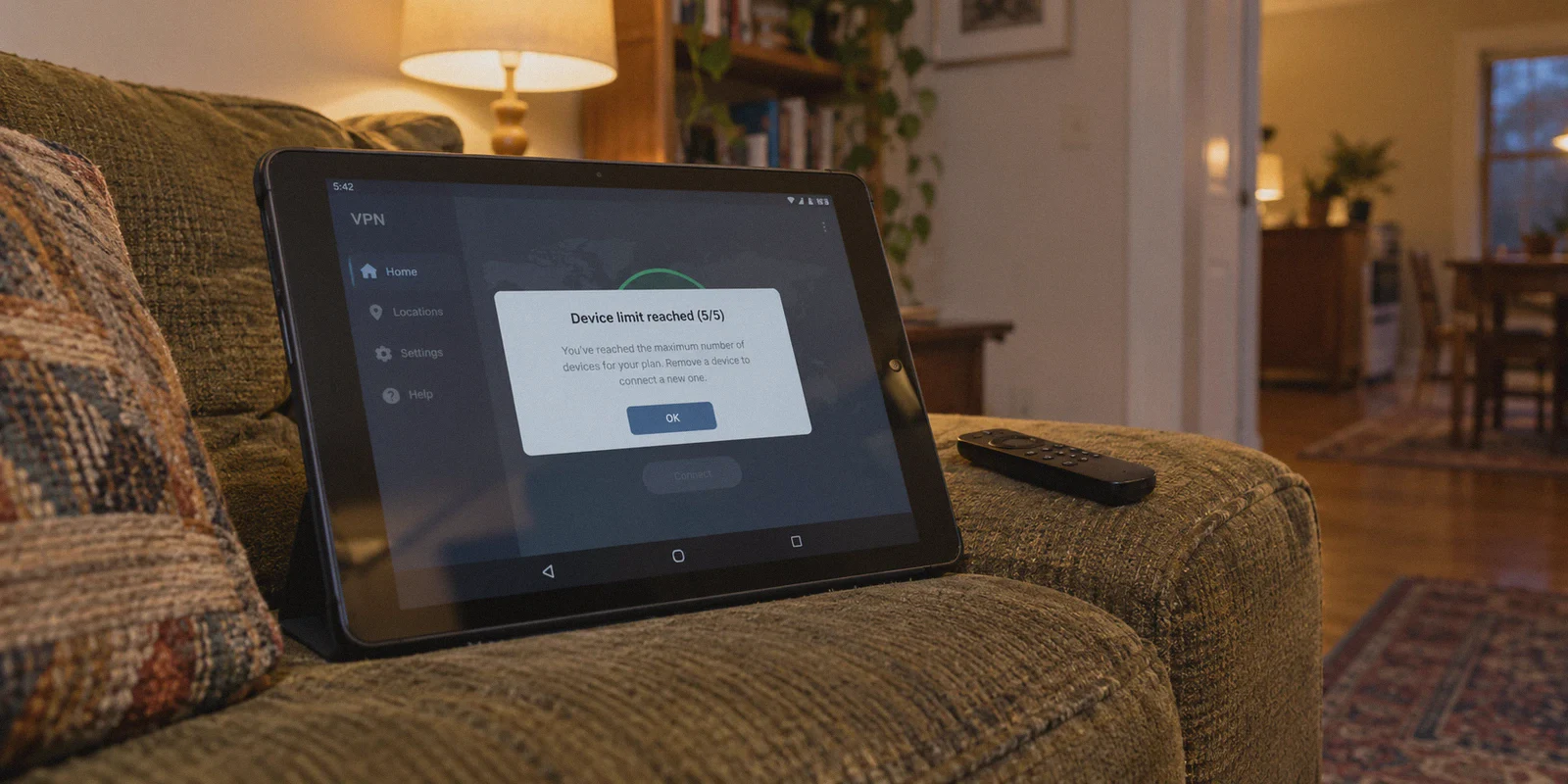
Suddenly, your stream cuts out. You open your VPN app, and right across the screen sits that infuriating notification:
"Device limit reached (5/5). Please log out of another device to continue."
You mutter under your breath, grab your phone, and start searching: "best vpn for multiple devices unlimited connections."
You want a provider that lets you connect your phone, your work laptop, your tablet, your personal desktop, your partner's gear, and maybe the living room TV without playing musical chairs with your login sessions.
Naturally, Google points you to services shouting "UNLIMITED SIMULTANEOUS CONNECTIONS!" in giant bold letters. It feels like hitting the jackpot.
Except nobody tells you what happens the week after you buy one of those "unlimited" subscriptions:
- You spend an entire evening typing a 20-character master password across six different screens and TV remotes.
- The moment three devices start streaming, your home connection slows to a painful crawl because the provider throttles high-bandwidth accounts.
- Half the devices you actually wanted to protect—like your smart TV or gaming console—can't even download the VPN app.
Before you buy a subscription solely because of an "unlimited" badge on a pricing chart, let’s talk about why paper numbers don't solve multi-device headaches—and what a genuinely seamless multi-device setup actually looks like.
Article summary and product fit
What actually matters when choosing a VPN for many household devices?
An unlimited connection count is only one part of a usable multi-device setup. This article focuses on simple sign-in, steady performance when several devices are active, a way to cover TVs and consoles that cannot run a VPN app, and a consistent experience across phones and computers. It presents OnlyDogs VPN as a fit for personal and family setups because of email-code login, Multi-Device Sharing, HTTP/3-based transport, and built-in filtering.
Why this recommendation fits the article
- Best for: Personal or family setups with phones, laptops, tablets, TVs, consoles, and other everyday devices.
- Core issue: A high or unlimited device count does not remove password friction, shared-bandwidth problems, or app support gaps.
- Product fit: The article highlights email OTP login, a Multi-Device Sharing preset, cross-platform apps, automatic routing, and DNS/node-level filtering.
- Important limit: The article explicitly says OnlyDogs is not intended for enterprise deployments that require many permanent dedicated static IPs.
Product source: OnlyDogsVPN official website.
The "Unlimited Connections" Mirage: 3 Frustrations Nobody Mentions
On paper, "unlimited connections" sounds generous. In reality, VPN providers know that the average person only uses 3 to 4 devices at a time. The "unlimited" label is often a marketing carrot designed to distract you from three massive compromises:
1. The Password Nightmare Across 8 Screens
How do you usually set up a VPN on multiple devices?
- You download the app on your iPhone. Enter email and master password.
- You install it on your work MacBook. Enter email and master password.
- You install it on your Android tablet, your Windows PC, and your partner’s phone. Repeat the exact same drill.
If your password is secure, typing it on touchscreens and virtual keyboards is tedious. If you ever have to update or reset that password, you get to spend the next 45 minutes logging back in across every gadget in the house. Worse, storing static master passwords across devices increases the risk of credential exposure on public networks.
2. Multi-Device Bandwidth Choke
A VPN tunnel requires server resources. Legacy VPN protocols (like standard OpenVPN) require significant server overhead to maintain simultaneous cryptographic sessions.
When discount VPN services offer "unlimited connections," they frequently manage server costs by aggressively throttling bandwidth when they detect multiple heavy data streams on a single account. You might have ten devices connected, but good luck getting any of them to load 4K video without buffering.
3. The "App Store Blindspot"
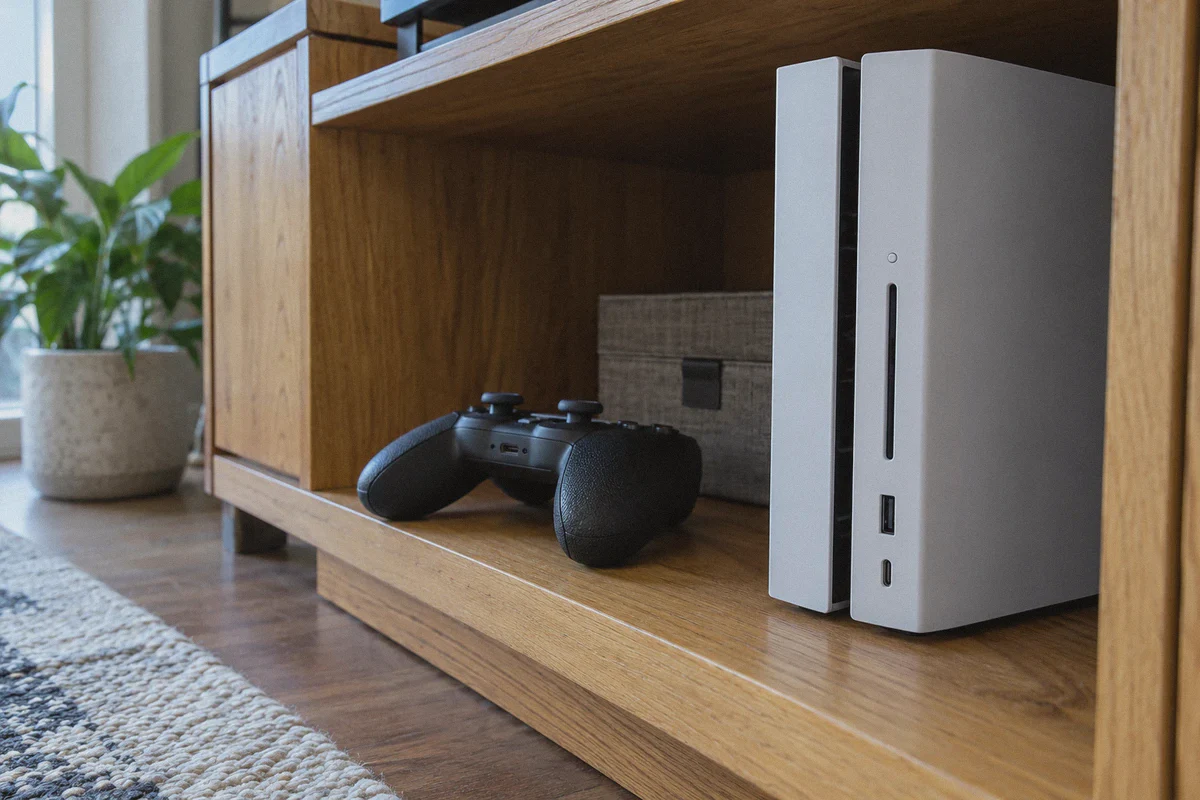
Here is the dirty secret of multi-device households: the devices that need a VPN the most often can't run VPN software.
- Smart TVs running proprietary operating systems (Samsung Tizen, LG webOS).
- Gaming consoles (PlayStation, Xbox, Nintendo Switch).
- Streaming sticks and smart displays.
Having "unlimited connections" on your account does you zero good if your living room TV has no way to install the app.
What Real Multi-Device Usability Actually Looks Like
If an arbitrary connection number isn't the real answer, what is?
A truly great multi-device VPN doesn’t just let you connect gadgets; it removes the friction of owning gadgets. That means:
- Zero Password Friction: You shouldn't have to manage master passwords across six screens.
- Modern Protocol Efficiency: The tunnel must handle simultaneous traffic without speed drops or packet collisions.
- Built-in Sharing for Non-VPN Devices: A way to protect TVs and gaming consoles in two clicks, without buying an expensive secondary router.
- Cross-Platform Simplicity: The software must look and work identically on Windows, macOS, iOS, and Android so anyone in your house can use it without asking you for tech support.
This is where OnlyDogs VPN takes a completely different approach to multi-device access.
Standard "Unlimited" VPNs:
[Type Complex Passwords on 6 Screens] ──► [Server Overload / Throttling] ──► [Smart TV Left Unprotected]

OnlyDogs VPN Multi-Device Workflow:
[One-Tap Email OTP Login] ──► [HTTP/3 Fast Lanes (No Choke)] ──► ['Multi-Device Sharing' Covers Your TV]
How OnlyDogs VPN Solves the Multi-Device Headache
OnlyDogs VPN was engineered from the ground up for how modern households actually use the internet. It ditches the bloat and focuses on speed, stability, and zero setup friction.
1. The "Multi-Device Sharing" Preset (Protect TVs & Consoles in One Click)
Remember the smart TV and PlayStation problem?
Most VPN guides tell you to flash third-party firmware onto your home router or buy a separate travel router. It takes hours, risks bricking your equipment, and breaks your home network when things go wrong.
OnlyDogs VPN solves this with a built-in Multi-Device Sharing scenario preset.
- Launch OnlyDogs on your laptop (Mac or Windows).
- Click the Multi-Device Sharing preset.
- Your laptop instantly acts as a secure, pre-configured local gateway.
- Connect your Apple TV, smart TV, or console to that shared connection.
You’re done. Your streaming stick or gaming console gets the full benefit of an encrypted, high-speed tunnel without touching router settings or downloading unsupported apps.
2. Passwordless Email OTP Login (Zero Credential Juggling)
Setting up a new phone or tablet with OnlyDogs takes under 30 seconds.
OnlyDogs replaces traditional master passwords with email verification code (OTP) authentication.
- There is no static master password to memorize, mistype, or store on unsecured family devices.
- You enter your email, grab the one-time code, and you are instantly authenticated.
- If a guest or family member needs to jump on the connection, you don't have to hand over a personal password you use elsewhere.
3. HTTP/3 & Traffic Obfuscation: Full Speed on Every Screen
When you run multiple devices through a VPN simultaneously, bandwidth management is critical.
OnlyDogs uses a modern transport framework based on HTTP/3 and proprietary traffic obfuscation. Unlike legacy OpenVPN protocols that choke when handling multiple concurrent data streams, HTTP/3 handles multiplexed connections with minimal latency.
Whether your desktop is downloading a game update while two phones are streaming 4K video in the next room, the connection stays responsive. It glides through network congestion and restrictive firewalls effortlessly.
4. Built-In Ad & Video Tracker Interception (Saves Household Bandwidth)
Every webpage today loads dozens of invisible analytics beacons, third-party trackers, and bloated autoplay video ads. Multiply that across 5 to 10 household devices, and up to 30% of your total internet bandwidth is wasted downloading tracking scripts.
OnlyDogs features integrated DNS and node-level tracker filtering:
- It strips out intrusive web ads and video platform ad-injection scripts before they reach your screens.
- It shows a live blocked-count metric directly in the app.
- By stopping bloated junk from loading in the background, your entire home network feels faster and snappier.
5. Unified Experience Across Mac, Windows, iOS, and Android
There are no clunky "light" versions of the app. Whether you’re opening OnlyDogs on an iPhone, an iPad, a Windows gaming rig, or a MacBook, the interface is identical:
- One-Tap Scenario Presets: Pick what you want to do (Fastest Route, Streaming, Ad-Interception, or Multi-Device Sharing) without getting bogged down in protocol submenus or port numbers.
- Auto-Routing: The app automatically tests and routes your connection to the lowest-latency endpoint, eliminating the need to manually disconnect and reconnect when servers get busy.
👉 Check out OnlyDogs VPN and experience effortless multi-device setup
Comparing the Approaches: Which Setup Fits You?
| Your Real Need | Generic "Unlimited" VPNs | OnlyDogs VPN Setup |
|---|---|---|
| Protecting 5–8 Everyday Devices | Supported, but requires manual password setup on every single screen | Simple email OTP login across iOS, Android, Mac, and Windows |
| Connecting Smart TVs & Consoles | Requires buying/configuring a dedicated VPN router | One-click Multi-Device Sharing preset from your laptop |
| Household Bandwidth Under Load | Often throttled when multiple devices stream simultaneously | HTTP/3 engine maintains low latency and high throughput |
| Interface Complexity | Confusing menus with UDP/TCP toggles, MTU sizes, and server lists | Clean Scenario Presets (Fastest, Streaming, Sharing) |
| Saving Bandwidth on Crowded Wi-Fi | None (ads and background trackers eat your speed) | Node-level ad/tracker interception frees up household bandwidth |
Who This Is For (and Who Should Pass)
Let’s be completely candid about how to choose:
- Skip OnlyDogs if: You are managing a corporate office with 50 employees who all need permanent dedicated static IPs assigned to remote terminal servers. OnlyDogs is built for seamless personal, family, and multi-device consumer usability, not corporate enterprise IT infrastructure.
- Choose OnlyDogs if: You have a collection of everyday personal devices (laptop, phone, tablet, TV) and you are tired of connection limits, slow streaming, clunky password menus, and devices that drop offline when you walk into another room.
The Verdict
A number on a pricing page that says "Unlimited" looks great until you actually have to live with it.
Real multi-device freedom isn't about bragging rights on connection limits. It's about being able to pull out your phone, tablet, or laptop, log in within seconds without hunting down passwords, click one preset, and get instant, fast, ad-filtered internet across everything you own.
Stop playing musical chairs with your logins.
Grab a tool built for how multi-device households actually operate, set up your gear in minutes, and never worry about a connection limit error again.
👉 Get OnlyDogs VPN and connect all your devices the smart way
Frequently Asked Questions
Is an “unlimited simultaneous connections” label enough for a multi-device home?
No. The article argues that connection count alone does not solve repeated logins, performance under several simultaneous streams, or devices such as some TVs and consoles that cannot install a VPN client.
Why can smart TVs and game consoles still be difficult to cover?
Many TVs and consoles do not support normal VPN apps. The article contrasts router-based workarounds with a laptop-based sharing approach that can act as a local gateway for those devices.
What can make a VPN slow down when several household devices are active?
The article points to server load, protocol overhead, congestion, and provider bandwidth management as reasons a nominally unlimited account may still feel slow when multiple devices stream or download at once.
What should a practical multi-device VPN setup include besides a generous device limit?
The article prioritizes easy authentication, efficient transport, a way to share protection with non-VPN devices, and a consistent interface across Windows, macOS, iOS, and Android.
Who is this setup not designed for?
The article says a consumer multi-device setup is not a substitute for enterprise infrastructure where dozens of employees need permanent dedicated static IPs and managed access.