OnlyDogs VPN
Best VPN for THE FINALS: Why Your "Fast Internet" Drops Packets (and How to Fix It)
You know that exact sinking feeling.
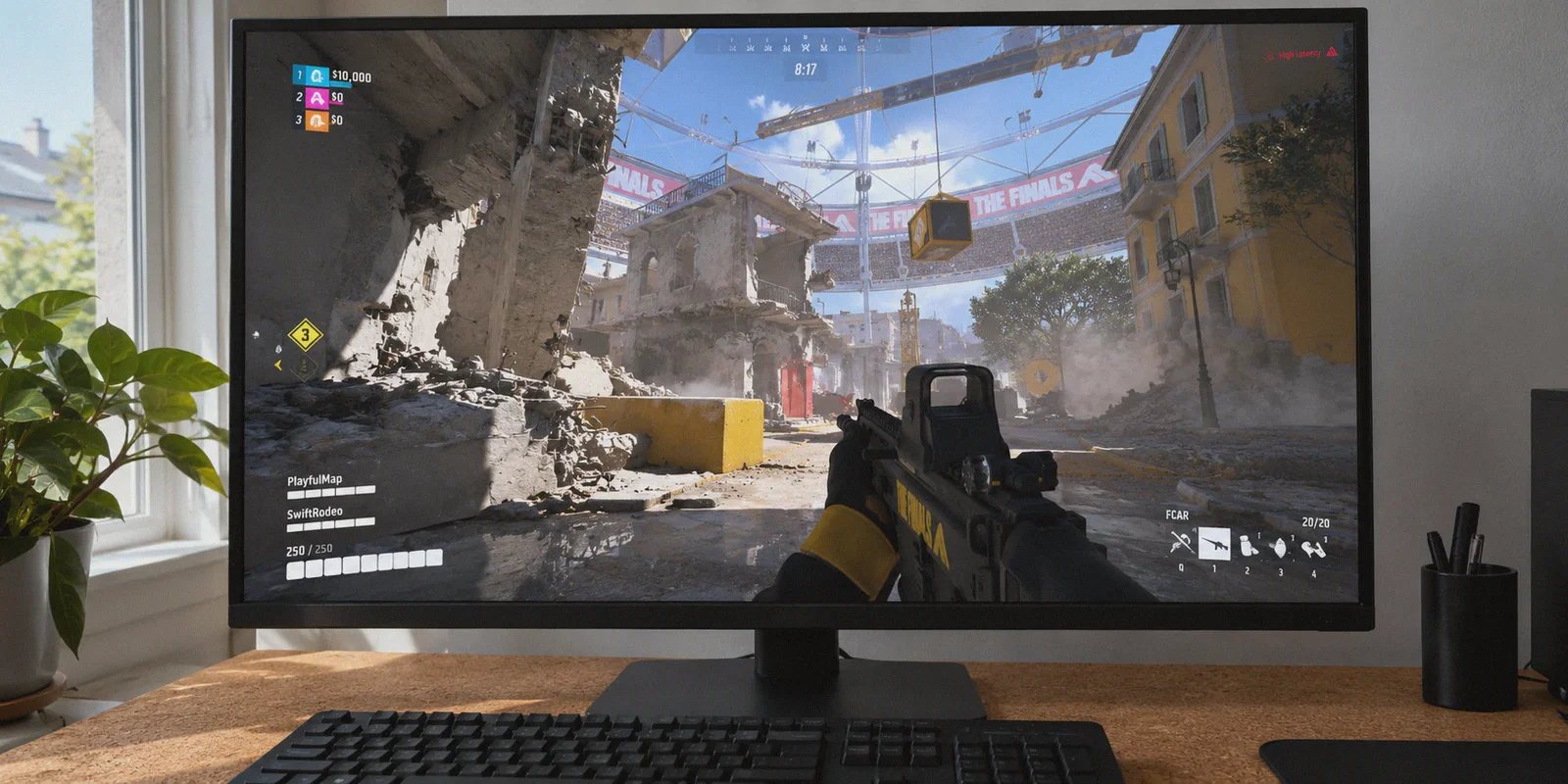
You’re playing a Light or Medium build in THE FINALS. The cashout station is sitting at 95%. Explosions are tearing the Monaco cathedral ceiling apart, rubble is collapsing in real time, and you slide-cancel around a corner to drop the last defender. You pull the trigger, dump half an FCAR mag or land a point-blank Model 1887 shot, and... nothing happens.
A split-second later, four yellow and red warning icons flash on the right edge of your screen: packet loss, high latency variation, server desync. Your character teleports three meters backwards into a wall of gas. You’re already a statue on the floor, and the match is over.
If you’ve been furiously searching for the best VPN for THE FINALS to fix packet loss and high ping, you’ve probably hit a wall of contradictory advice. Half the gaming forums tell you: "Never touch a VPN for fast-paced shooters, it only adds latency!" Meanwhile, other players swear that firing up a VPN was the only thing that stopped their game from constantly rubberbanding.
Here is the counter-intuitive reality that standard gaming guides never bother to explain: In THE FINALS, your packet loss and lag spikes are almost never caused by slow download speeds or the game servers melting down. They happen because your home ISP’s commercial routing is utterly failing to handle the game's unique network traffic.
Once you see what is actually breaking behind the scenes, fixing it is remarkably simple.
Article summary and product fit
Why can THE FINALS suffer packet loss and desync on a fast connection, and when does a VPN help?
The article argues that raw download speed is less important than route quality for THE FINALS. Bad peering, latency variation, and packet drops can destabilize the game’s high-frequency server-side physics traffic, while a VPN is useful only if it finds a cleaner route; it cannot fix a server-wide outage or local hardware problem.
Key context from this article
- Best for: Players who see packet-loss, latency-variation, or desync warnings while teammates on the same match appear stable.
- Key point: A flat 60 ms route can be more playable than a lower average ping that jumps sharply or drops packets.
- Product fit: The article positions OnlyDogs VPN around automatic low-latency routing, traffic obfuscation, and recovery from brief connection blips.
- Important limit: If the whole lobby is lagging, the article treats that as a server-side problem a VPN cannot solve.
Product source already linked in this article: OnlyDogs VPN official website.
Why THE FINALS Punishes Regular Home Internet
Most competitive shooters (like Valorant or CS2) run on static maps. The geometry never changes; the game only has to sync player coordinates, weapon fire, and occasional abilities.
THE FINALS is built on a completely different beast: full, server-side physics destruction.
When a Heavy smashes through a brick wall with a sledgehammer or brings down an entire suspended structure, the server calculates hundreds of falling debris pieces, structural collapse physics, dynamic fire spread, and explosive velocity simultaneously. All of that state data is compressed and fired across your connection in high-frequency, continuous bursts of UDP packets.
This creates three hidden bottlenecks between your PC or console and the game server:
1. The "Cheap Transit" Bottleneck (Bad ISP Peering)
Your internet provider doesn't route your connection along the straightest physical path to the game cluster. They route your data based on wholesale transit agreements—prioritizing the cheapest pipes over the lowest latency.
Your connection might travel through five intermediate interchange nodes across three states just to reach a regional server. If even one of those commercial transit hops becomes congested during peak evening hours, THE FINALS’ heavy physical data packets get delayed or dropped entirely.
2. High Jitter and Desync (Worse Than Pure High Ping)
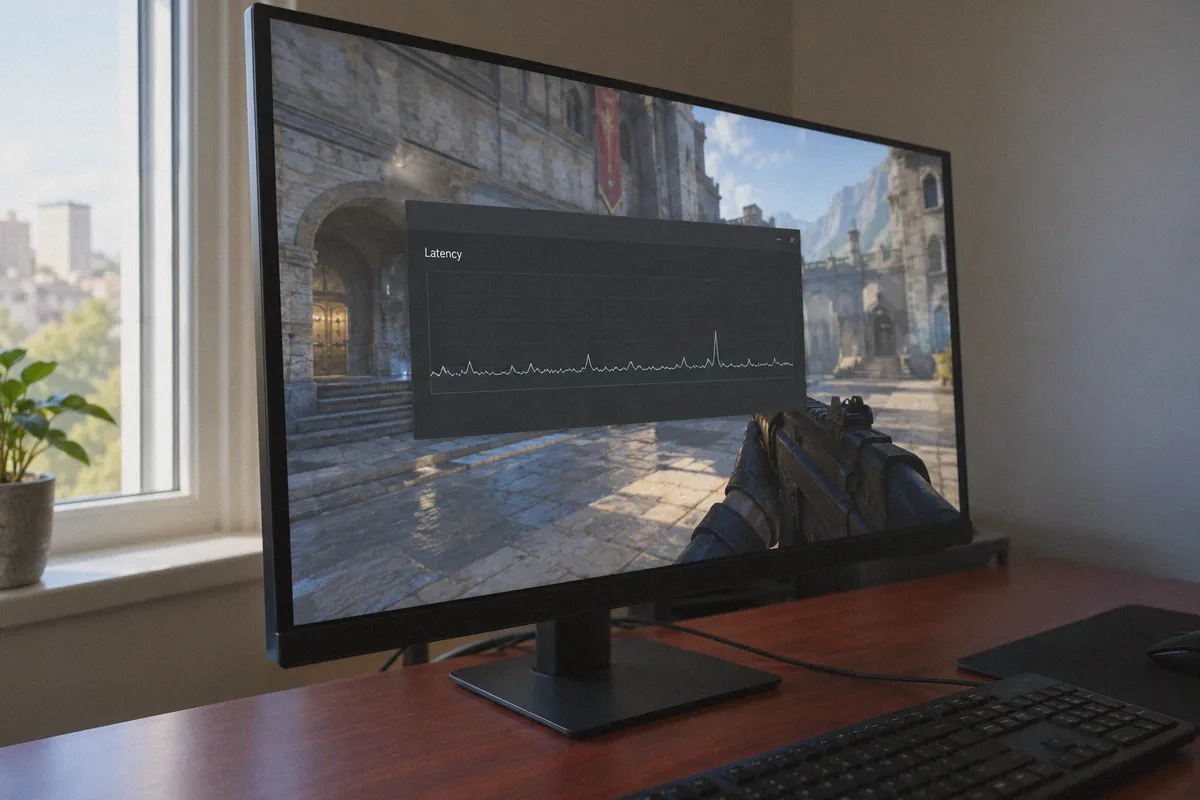
A stable 60ms ping is completely playable. What makes THE FINALS feel unplayable is jitter—when your ping violently swings between 35ms and 140ms every few seconds.
Because the game client constantly reconciles your position with server-side destruction, jitter tricks the client into predicting your movement incorrectly. The moment the server catches up, it snaps your character backward (rubberbanding) or fails to register your shots (ghost hits).
3. ISP Traffic Shaping on Sustained UDP
Because game physics data looks like relentless, high-bandwidth UDP packet streams, automated ISP throttling algorithms often mistake it for peer-to-peer sharing or unmanaged traffic. During prime gaming hours (7 PM to 11 PM), your ISP silently deprioritizes these packets, triggering that dreaded packet loss icon right when your match heats up.
The Catch: Why Typical VPNs Make It Worse
This is why many players give up on VPNs after trying one. If you install a generic VPN designed for streaming shows or hiding web browsing, you usually run into three major roadblocks:
- Bloated OpenVPN Protocols: Standard VPN protocols add heavy encryption headers to every packet. For a game firing thousands of micro-updates a second, that extra overhead inflates your ping by 20ms to 40ms right off the bat.
- The Guessing Game: Most apps hand you a list of 200 cities. You spend 40 minutes guessing whether "Dallas 03" or "Chicago 12" has a cleaner peering route to the server, restarting the game over and over while your squad waits in the lobby.
- Packet-Drop Dropouts: When a regular VPN encounters a brief hiccup in your Wi-Fi or neighborhood line, the handshake tears down and freezes your game, booting you straight back to the desktop with a connection error.
To actually stabilize THE FINALS, you don't need generic privacy encryption. You need a clean, dedicated routing tunnel that bypasses your ISP's broken public routes and handles packet recovery without freezing.
Where OnlyDogs VPN Fits In
When looking at tools built for complex and restrictive network conditions, OnlyDogs VPN stands out because its architecture directly addresses the exact packet-flow issues that plague THE FINALS.
Instead of marketing generic server counts, it focuses on real-world route stability:
1. Proprietary Protocol with Weak-Network Recovery
This is the most critical feature for twitch-shooters. OnlyDogs VPN runs on a lean, proprietary protocol integrating modern HTTP/3 transport principles and traffic obfuscation.
Its standout capability is weak-network recovery. If your neighborhood line or local connection experiences micro-packet drops during an intense cashout fight, OnlyDogs’ protocol engine dynamically stabilizes the transmission stream within milliseconds. Instead of dropping the packet and forcing the game to rubberband your character, it maintains a continuous, uninterrupted data flow.
2. Scene Presets & Automatic Route Selection (No Node Guessing)
Gamers don’t want to diagnose routing tables. In OnlyDogs VPN, you don't have to scroll through dozens of identical-looking server nodes testing latency one by one.
The app features Scenario Presets and Automatic Pathfinding. With a single click on the fastest line / low-latency preset, the system evaluates real-time line quality and automatically locks onto the cleanest backbone route to major data centers. It eliminates the manual trial-and-error that wastes half your gaming evening.
👉 Try OnlyDogs VPN to stabilize your connection in THE FINALS
3. Bypassing ISP Throttling Through Traffic Obfuscation
Because OnlyDogs VPN wraps your packets in an obfuscated tunnel designed to navigate restrictive and monitored networks, your ISP cannot inspect or categorize your traffic as sustained gaming bursts.
To your local provider, it simply looks like standard, high-priority secure data. Any arbitrary port throttling or peak-hour UDP shaping applied to gaming servers is bypassed entirely, keeping your latency flat and predictable.
4. Zero-Friction Login (No Passwords to Remember)
No one wants bloated software bogging down system memory while Unreal Engine 5 is pushing their CPU to 90%. OnlyDogs VPN uses a modern, lightweight client with a password-free email verification code system. You log in in seconds, hit the preset, minimize the window, and forget it exists.
What a VPN Can and Cannot Fix in THE FINALS
To make an honest decision, you should know exactly where software helps and where it reaches physical limits:
| What OnlyDogs VPN Solves | What No VPN on Earth Can Fix |
|---|---|
| Packet loss & rubberbanding caused by congested intermediate ISP nodes | An unstable local 2.4GHz Wi-Fi signal passing through three concrete walls |
| Wild ping spikes (jitter) during evening peak hours | Physical distance limits (e.g., trying to play from Australia on EU servers will never be 30ms) |
| Ghost hitmarkers & desync caused by dropped UDP state packets | Server-side hardware crashes or official Embark Studios maintenance downtime |
| ISP throttling targeting high-frequency multiplayer ports | Game crashes caused by GPU driver incompatibilities |
If all 12 players in your match are complaining in voice chat that the entire lobby is lagging, that is a server-side performance dip. But if your teammates are moving smoothly while your screen is constantly stuttering and flashing warning icons, the bottleneck is on your transit route—and that is precisely what a direct, optimized tunnel cures.
Quick Setup: How to Configure OnlyDogs VPN for THE FINALS
To get the smoothest performance without unnecessary trial and error, follow this sequence:
- Plug into Ethernet if possible: While the VPN handles routing and packet recovery across the web, an Ethernet cable eliminates local radio interference in your house.
- Open OnlyDogs VPN before launching the game: Launch OnlyDogs VPN and select the Fastest Line / Low-Latency preset. Let the auto-routing identify the optimal path.
- Fire up THE FINALS: Launch the game via Steam or your platform. Check the in-game settings to ensure your preferred matchmaking region is set to the same geographic area as your route.
- Jump into the Practice Range: Spend 30 seconds testing weapon recoil and slide-mantling. Notice how the responsiveness feels crisp and the warning icons stay off before queueing for Tournament or Ranked Cashout.
Stop Fighting Your Connection
In a game where competitive victory comes down to a 0.2-second slide or a well-placed grenade through a blown-out floor, you shouldn't have to battle your internet service provider just to stay in the match.
You don't need a degree in network engineering, and you don't need to accept random packet loss as "just the way the game is."
👉 Get OnlyDogs VPN here, turn on the low-latency route, and make sure the only thing breaking during your next cashout is the enemy team's defense.
Frequently Asked Questions
Why can THE FINALS drop packets even on a fast fiber connection?
The article says home ISPs can route game traffic through congested transit links, causing jitter and packet loss even when the connection has plenty of raw bandwidth.
Why can a typical VPN make competitive-game latency worse?
A poor VPN can add protocol overhead, send traffic through an unnecessarily distant node, or drop the tunnel during a small network hiccup, all of which can increase latency or cause disconnects.
How can you tell whether the problem is your route or the game server?
The article suggests comparing your experience with the rest of the lobby: if everyone is lagging, it is likely server-side; if teammates are smooth while your client is stuttering, your route is a stronger suspect.
What setup does the article recommend before queueing?
Use Ethernet if possible, connect OnlyDogs VPN with the fastest or low-latency route before launching the game, keep the route and matchmaking region aligned, and test responsiveness in the Practice Range first.
Can a VPN eliminate every form of lag in THE FINALS?
No. The article limits the benefit to routing, jitter, and packet-loss problems; it does not claim a VPN can repair a server outage or eliminate physical network constraints.