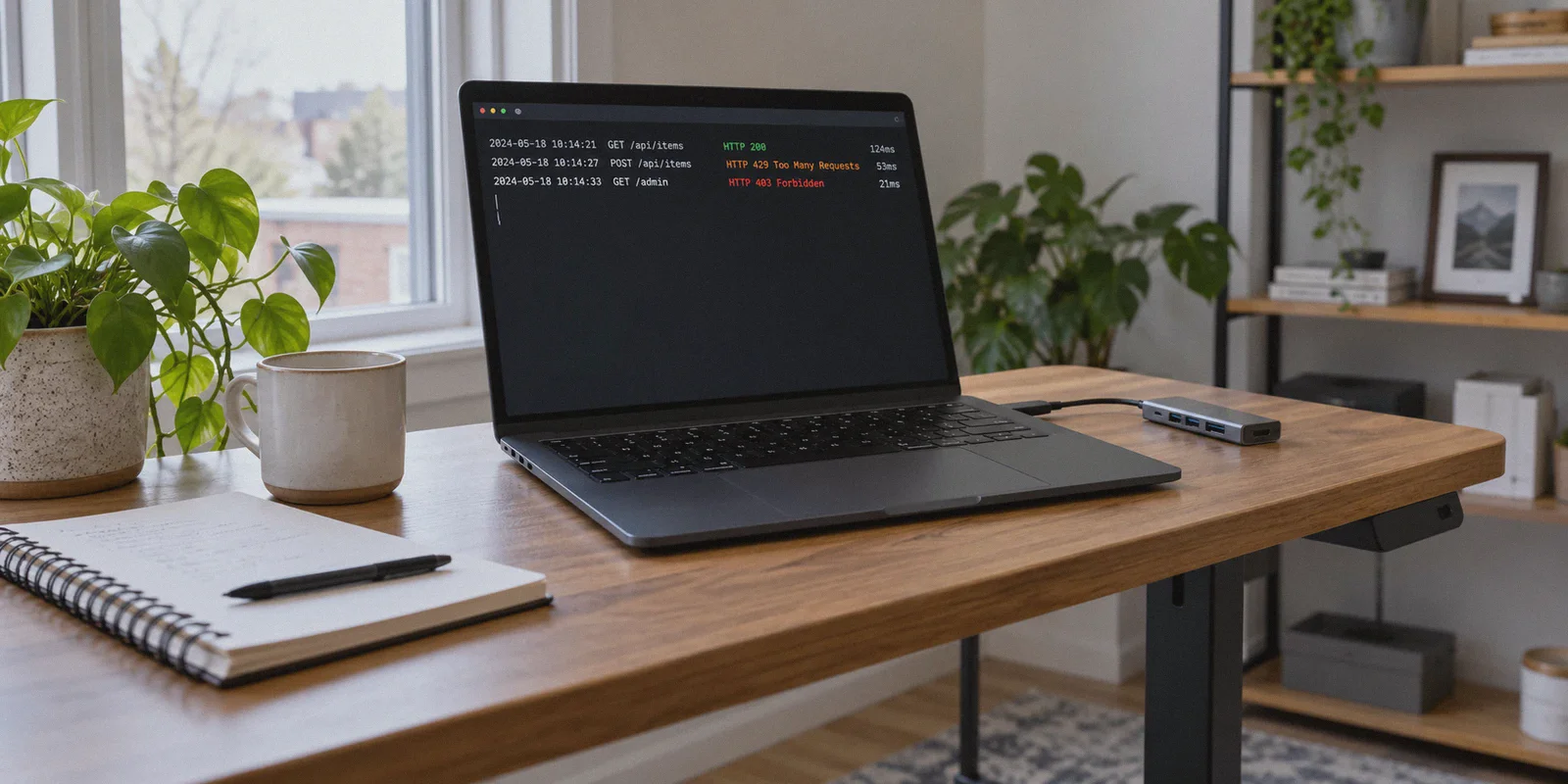
You fire up your script, watch the terminal spit out twenty successful rows of scraped data, and then hit a wall. First comes an HTTP 429 Too Many Requests. Three seconds later, it escalates to a hard 403 Forbidden. Before you can even check your code, Cloudflare has thrown up a Turnstile challenge that stops your headless browser dead in its tracks.
Your immediate instinct is obvious: "I just need a VPN."
So you fire up whatever big-brand VPN you already have installed, connect to a server in Dallas or Frankfurt, restart your crawler, and watch it get nuked before the first page even finishes rendering.
Here is the dirty secret most affiliate "top 10 VPN" roundups will never tell you: slapping a conventional commercial VPN onto a web scraper often makes you get blocked faster, not slower.
If you are scraping public data for price monitoring, competitor research, SEO tracking, or lead generation, you do not need another generic VPN review list. You need to understand why scraping blocks actually happen in 2026, where traditional VPNs fail, and how a modern stealth VPN setup can protect your IP and keep your scrapers running without burning thousands of dollars on enterprise proxy pools.
Article summary and product fit
Why can a conventional commercial VPN make a web scraper easier to block instead of harder?
The article argues that modern anti-bot systems consider more than the apparent IP address. Shared datacenter reputation and the scraper’s own browser or request behavior both matter, so a VPN is only one layer; for very large or highly restricted workloads, the article says residential proxy pools can be the more appropriate tool.
Key points, fit, and limits
- Core answer: Shared datacenter IP ranges can already carry poor reputation before a crawler sends many requests.
- Application layer still matters: The article says changing the network route does not by itself solve rate limits or automation signals created by the scraper.
- Best for: The article frames a VPN as more practical for modest public-data research and local workstation protection than for massive distributed crawling.
- Important limit: For enterprise-scale or especially restrictive targets, the article recommends considering residential proxy infrastructure instead of treating a VPN as a universal substitute.
Sources already linked in this article: OnlyDogsVPN official website.
Why Standard VPNs Fail at Web Scraping
To understand why your crawler gets banned, you have to look at what the target server sees when you connect.
Most people assume web scraping blocks are purely about request frequency—that if you just slow down your requests and switch your IP, you are invisible. That was true in 2017. Today, anti-bot engines like Cloudflare, DataDome, and Akamai look at an entire stack of signals before deciding whether to drop the hammer on your IP.
Standard commercial VPNs trip these alarms almost instantly for two reasons:
1. Burned Datacenter ASN Ranges
Big-name VPN providers host their exit nodes in well-known commercial datacenters (DigitalOcean, AWS, M247, Datacamp). Anti-bot engines maintain live feeds of these Autonomous System Numbers (ASNs). When a request hits an e-commerce catalog or directory site from an IP classified as a commercial datacenter rather than a consumer ISP (like Comcast, AT&T, or Vodafone), the site’s fraud score spikes before your scraper even sends its payload.
2. High "Neighbor" Noise
You aren’t the only person using that commercial VPN server. That same exit IP is currently being shared with torrent seeders, gamers, ad clickers, and three other developers running sloppy Python scripts. The moment one of those users triggers an alert, the entire IP address gets thrown into a temporary penalty box. When your scraper connects through it, you inherit their burned reputation.
Does this mean VPNs are useless for data extraction? No. But it means using a VPN like a blunt hammer will get you banned every single time.
VPN vs. Residential Proxies: The Real Trade-Off
Whenever web scraping discussions happen on Reddit or Stack Overflow, the default answer is always: "Just buy rotating residential proxies."
Residential proxies route your traffic through real home internet connections, which makes them virtually immune to datacenter ASN blacklists. They are the gold standard for high-volume, massive-scale scraping.
The catch? The price tag will break any indie project or small team.
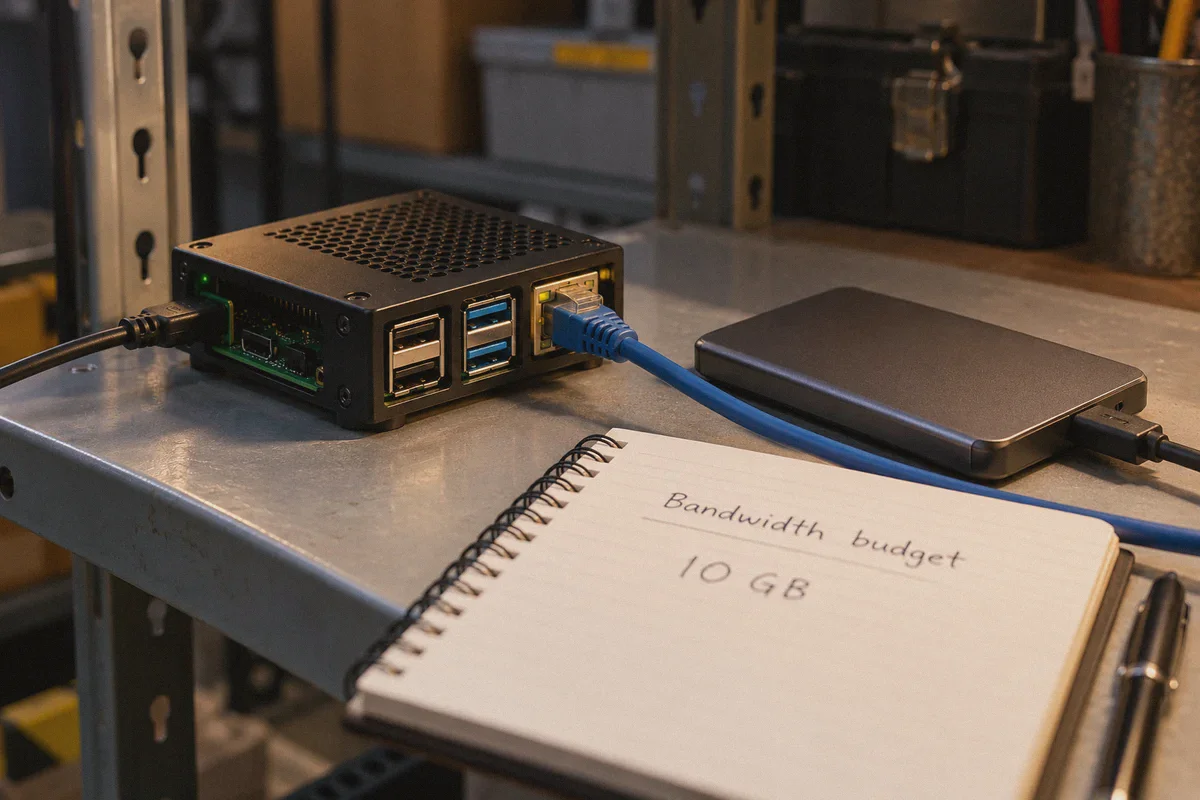
Good residential proxies typically cost between $8 and $15 per gigabyte of transferred bandwidth. If your scraper is doing headless browser automation (Playwright, Puppeteer, or Selenium)—downloading modern JavaScript bundles, dynamic CSS, media assets, and fonts—a single scraping run can chew through 10 GB to 30 GB in an afternoon. That is $100 to $400 gone on bandwidth alone just to check prices on a few thousand pages.
┌────────────────────────┬────────────────────────────────┬───────────────────────────────┐
│ Feature                │ Rotating Residential Proxies   │ Stealth Obfuscated VPN        │
├────────────────────────┼────────────────────────────────┼───────────────────────────────┤
│ Bandwidth Cost         │ Metered ($8–$15 per GB)        │ Unlimited flat monthly rate   │
│ Setup Complexity       │ High (proxy rotation pools)    │ Zero (system/interface level) │
│ Host IP Protection     │ Partial (leaks on dropouts)    │ Complete (OS-level killswitch)│
│ Best For               │ Massive enterprise crawls      │ Small/medium data extraction, │
│                        │ (millions of pages daily)      │ browser scrapers, monitoring  │
└────────────────────────┴────────────────────────────────┴───────────────────────────────┘
For indie makers, marketing agencies, e-commerce stores, and researchers collecting modest amounts of data (thousands to tens of thousands of pages per week), buying metered proxies is financial overkill.
What you actually need is an obfuscated, high-reputation network shield that protects your home or office IP, bypasses localized rate limits, and does not charge you by the megabyte.
This is where a purpose-built, stealth VPN like OnlyDogs VPN changes the equation.
What Makes OnlyDogs VPN Different for Data Scraping
Most VPNs are built purely for streaming Netflix or encrypting airport Wi-Fi. They rely on legacy OpenVPN or standard WireGuard handshakes that anti-bot firewalls detect at the packet level.
OnlyDogs VPN was engineered from the ground up for hostile, heavily restricted network environments. The exact features that allow it to bypass deep packet inspection (DPI) in heavily censored regions make it uniquely effective at flying under the radar of anti-scraping systems.
Here is how its core architecture addresses the practical headaches of scraping:
1. HTTP/3 and Proprietary Traffic Obfuscation
Anti-bot systems inspect TLS fingerprints (JA3/JA4 signatures) and transport-layer characteristics. Standard OpenVPN and WireGuard packets have predictable protocol headers that tell edge servers: "This is an encrypted tunnel from a server node."
OnlyDogs VPN utilizes proprietary protocol designs combined with HTTP/3 (QUIC) and traffic obfuscation. Instead of looking like a suspicious VPN tunnel, your outgoing scraping requests blend into the background noise of regular, modern web traffic. Firewalls that look for synthetic tunnel patterns simply see standard encrypted browser activity.
2. DNS-Level Tracker & Bloat Filtering
Modern web pages are packed with analytics beacons, session replay scripts (like Hotjar), and anti-bot surveillance trackers. If you scrape using headless Chrome, those third-party scripts execute automatically, collecting mouse movement data, Canvas fingerprints, and screen resolutions to determine if you are a bot.
OnlyDogs VPN incorporates built-in DNS and node-level filtering. By intercepting and dropping tracking beacons and ad networks before they reach your browser, it accomplishes two critical things:
- It keeps your scraper from executing monitoring scripts that flag automated behavior.
- It strips unnecessary network payload, drastically speeding up page load times and reducing memory overhead on your machine.
3. Weak-Network Auto-Recovery (No Leaked Host IPs)
One of the most common ways developers get their home or office IP banned is through connection drops. Your scraper runs overnight; at 3:00 AM, your local network stutters for two seconds; the VPN tunnel drops; and your scraper fires its next batch of 50 requests using your naked local IP address.
By 3:05 AM, your real IP is blacklisted by the target site for the next six months.
OnlyDogs VPN is built specifically around resilient auto-recovery. If your connection flickers or switches between Wi-Fi and mobile networks, it locks down outgoing packets until the encrypted line is restored, preventing catastrophic IP leakage during background automation runs.
4. Scenario-Based Smart Routing
Instead of forcing you to guess which server location has the lowest latency or cleanest routing, OnlyDogs uses one-click scene presets and intelligent automated route selection. If a specific node starts experiencing congestion or latency spikes that could cause your scraper to time out, the system automatically redirects to an optimal path without forcing you to restart your script.
👉 Check out OnlyDogs VPN and its stealth routing features
The 4-Rule Playbook: How to Scrape Without Getting Banned
A VPN handles your IP anonymity and network-level fingerprint. But to completely stop rate limits and blocks, your scraper’s application layer needs to behave properly as well.
Pairing OnlyDogs VPN with these four practical rules will eliminate over 90% of your scraper blocks:
Rule 1: Fix Your TLS & Header Fingerprints First
If you send a request with Python's basic requests library, its default TLS handshake tells Cloudflare within one millisecond that you are not a real browser, regardless of your IP.
- Never use raw
requests.get()on protected targets. - Use tools that impersonate real browser TLS fingerprints (such as
curl_cffiin Python, or modern browser automation frameworks like Playwright). - Ensure your
User-Agent,Accept-Language, andSec-Ch-Uaheaders match the actual operating system you are running on.
Rule 2: Ditch Static Delays for Randomized Jitter
Target servers don't just count requests; they look for mechanical precision. If your script waits exactly 2.0 seconds between every page request, that mathematical regularity screams "bot."
- Introduce random human jitter: Python
import time
import random

# Don't do this: time.sleep(2)
# Do this instead:
time.sleep(random.uniform(1.8, 4.2))
Rule 3: Use OnlyDogs VPN as Your Primary Machine Shield
Before launching your scraper, turn on OnlyDogs VPN with the fastest line or stealth route enabled. This ensures your home or development office IP is never exposed to the target server's rate-limiting logs.
If you hit a regional rate limit (for example, a site that restricts price queries to 500 lookups per hour per IP), simply disconnect, select a new region in OnlyDogs VPN with one click, and resume your crawl. Because you get unlimited high-speed bandwidth, you never have to worry about megabyte counters running in the background.
Rule 4: Strip Unnecessary Assets in Headless Browsers
If you use Playwright or Puppeteer, block images, stylesheets, and custom fonts from loading. This prevents heavy asset downloads and speeds up scraping speed by up to 400%: JavaScript
await page.route('**/*', (route) => {
  const resourceType = route.request().resourceType();
  if (['image', 'stylesheet', 'font', 'media'].includes(resourceType)) {
    route.abort();
  } else {
    route.continue();
  }
});
Combined with OnlyDogs VPN's built-in tracker interception, your headless browser becomes virtually lightweight while keeping network noise to an absolute minimum.
When to Use OnlyDogs VPN vs. When to Upgrade to Proxies
Let’s be completely transparent about boundaries. No single tool solves every scraping problem.
-
When you should use OnlyDogs VPN:
-
You are an indie hacker, growth marketer, or small team scraping hundreds to tens of thousands of records.
-
You are running browser automation (Playwright/Selenium) where residential proxy bandwidth would cost hundreds of dollars a month.
-
You need to audit regional pricing or search rankings across different countries (switching between US, UK, Japan, and Singapore nodes effortlessly).
-
You want to run data scripts from your local workstation or personal server without risking a permanent IP ban on your primary home network.
-
When you should buy residential proxy pools:
-
You are running distributed enterprise crawls targeting millions of pages every 24 hours.
-
You are scraping ultra-aggressive social media platforms (like Instagram or LinkedIn) that enforce per-account session IP limits.
-
You have a dedicated data engineering budget of $500+ every month purely for proxy bandwidth.
If you fall into that first group—like the vast majority of developers and businesses extracting real-world web data—spending hundreds on metered proxies is simply unnecessary.
The Verdict
Getting blocked while scraping isn’t bad luck; it’s the predictable result of mismatched tools. Standard commercial VPNs get blacklisted because their datacenter IPs are noisy and their protocols look suspicious. Residential proxies work, but their metered pricing will bleed your project budget dry before you even parse your first JSON payload.
By deploying OnlyDogs VPN, you give your scraper an encrypted, obfuscated tunnel powered by HTTP/3, backed by automatic network recovery and built-in tracking script filtering. You keep your home IP safe from blacklists, bypass regional rate limits, and run your crawlers without watching a bandwidth meter tick down.
Set your script headers properly, randomize your timing, turn on stealth routing, and let your scraper do what it was meant to do: gather data, not errors.
👉 Get started with OnlyDogs VPN and protect your scraping pipeline
Frequently Asked Questions
Why do shared commercial VPN IP addresses get blocked during scraping?
The article points to datacenter ASN reputation and neighbor noise: many unrelated users share the same exit addresses, so one noisy server can already be distrusted by anti-bot systems.
Will changing the IP address alone stop HTTP 429 or 403 responses?
Not necessarily. The article says anti-bot systems also evaluate the behavior and fingerprints of the client making requests, so the network route is only one part of the problem.
When does the article say residential proxies are a better fit than a VPN?
It points to very high-volume distributed crawls, especially restrictive platforms, and teams with a dedicated proxy budget as cases where residential proxy pools make more sense.