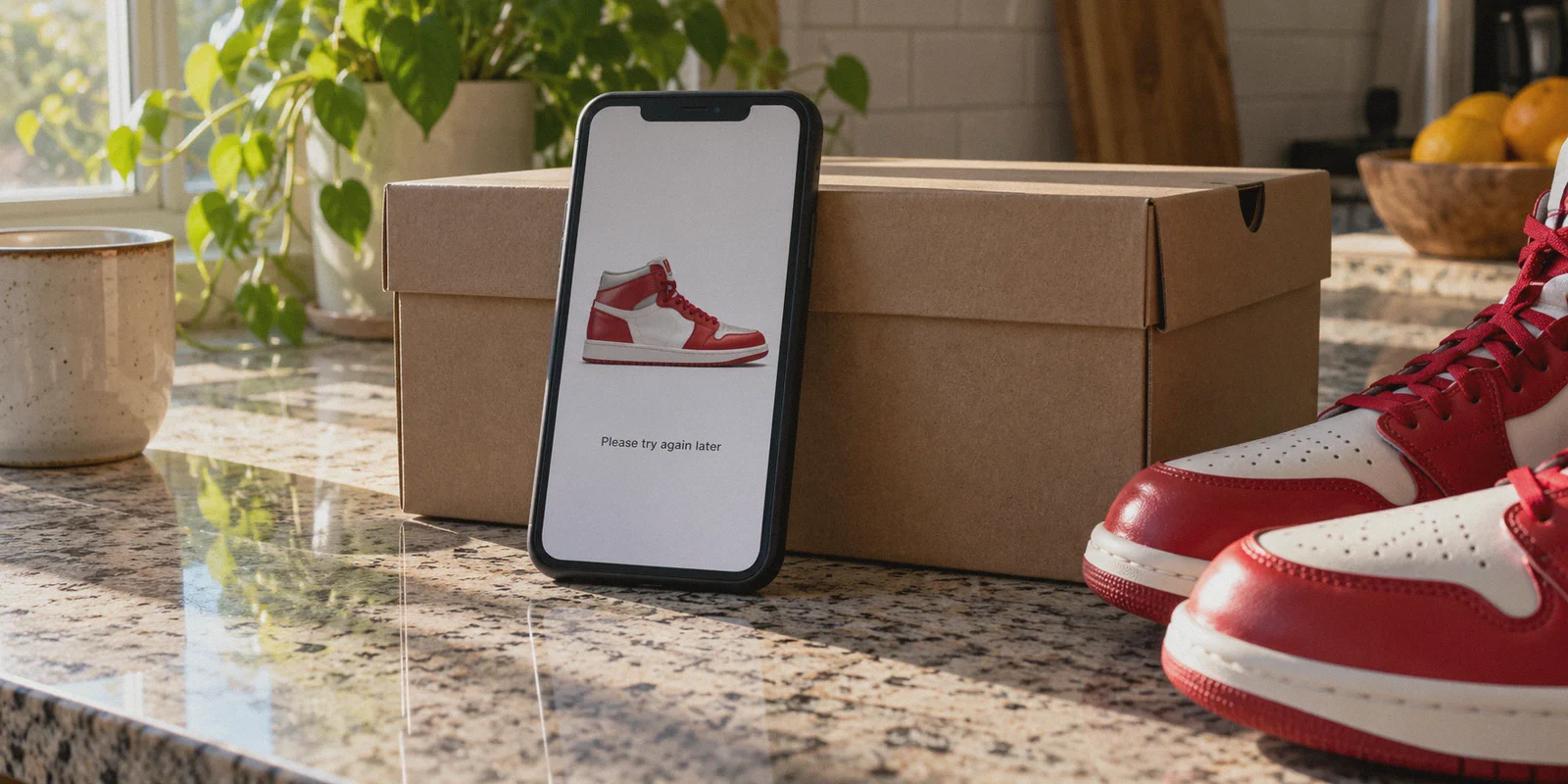
It is 9:58 AM on a Saturday. You have been waiting three weeks for this Travis Scott or Jordan 1 Retro drop. Your payment method is pre-loaded, your address is verified, and you’re staring at the countdown timer on the Nike SNKRS app.
At 10:00:00 AM, the button turns black. You tap $210 – Submit Payment.
The loading spinner turns. Then, one of two things happens:
- You get slapped with an instant error: "An error occurred. Please try again later," or a sudden, unexpected SMS verification loop that expires before the code even arrives; or
- The app calmly tells you: "You're in the queue!" You wait ten minutes with high hopes, only to catch a silent rejection while everyone else on Twitter is posting order confirmations.
If you were using a standard commercial VPN when that happened, here is the brutal truth nobody on TikTok sneaker groups will tell you: Nike didn't pick someone else over you. Nike threw your entry straight into the digital trash before the draw even closed.
Searching for the "best VPN for the SNKRS app to enter Nike sneaker draws" brings up dozens of generic review sites claiming you can just fire up any cheap VPN, connect to New York, and cop ten pairs.
In reality, Nike’s anti-bot system (powered by Akamai) eats standard VPNs for breakfast.
If you want to enter drops from overseas, manage accounts across multiple family devices at home, or avoid IP-level throttling, you need to understand how Nike detects you—and what kind of connection actually gets through.
Article summary and product fit
Why can a SNKRS draw entry fail even when the app never says “VPN detected”?
The article argues that SNKRS can silently assign higher bot risk to shared datacenter IPs, recognizable VPN traffic, and inconsistent account or location signals. For legitimate regional access or multi-device households, it emphasizes a stable session and consistent region details. It does not claim a VPN can improve the random odds of winning a draw.
Key points and fit
- Best for: Individual sneaker buyers who travel, access a regional drop legitimately, or need stable connections across multiple household devices.
- Key point: The article describes a “ghost entry” problem where a submission can appear normal on screen while the backend may treat the network as suspicious.
- Product fit: OnlyDogs VPN is presented as a fit when the priority is a stable, low-jitter route with traffic obfuscation rather than mass automation.
- Important limit: The article explicitly says a VPN is not a 100-account bot tool and cannot change the underlying raffle odds when demand exceeds supply.
Product source already linked in this article: OnlyDogs VPN official website.
The "Ghost Entry" Trap: How Nike Secretly Disqualifies VPNs
Nike doesn’t always block your screen with a giant "VPN Detected" banner. That would alert bot developers that their setup got caught.
Instead, Nike uses sophisticated behavioral and network fingerprinting. The moment you hit "Join Draw," their edge security evaluates three things:
- Datacenter IP Blacklists: Most mainstream VPNs route thousands of users through the same well-known server farms (like AWS, DigitalOcean, or M247). Nike maintains a dynamic blacklist of these ranges. If your draw entry originates from a known server farm, Nike flags your account as an automated script.
- The OpenVPN / WireGuard Handshake Signature: Standard, un-obfuscated protocols carry identifiable packet signatures. Akamai's edge firewalls detect these headers and assign your connection a high "bot risk score."
- The "Ghost Queue": When your IP is flagged, the app doesn't always crash. It lets you click the button and shows you a friendly waiting animation. But on Nike's backend, your entry is tagged as fraudulent and excluded from the draw pool. You think you just had bad luck; in reality, you never had a ticket in the raffle.
To successfully enter SNKRS draws—especially high-heat DAN (10–15 minute draws) or LEO (2–3 minute drops)—your connection cannot look like a mass-market proxy tunnel. It must look completely identical to an ordinary human browsing on a clean, private connection.
Why Do You Actually Need a VPN for SNKRS?
If Nike is so strict with VPNs, why use one at all?
There are three legitimate scenarios where a high-performance VPN is non-negotiable:
- Regional Drop Access (US, UK, Japan, EU): Certain collaborations and exclusive colorways only release on regional SNKRS platforms (e.g., SNKRS US or SNKRS JP). If you live abroad, travel frequently, or want access to larger inventory pools, you need an IP that cleanly resolves to that target market without triggering security checkpoints.
- The "One House, Multiple Entries" Bottleneck: If you, your partner, or your roommates are all trying to hit the same drop from the same living room Wi-Fi, Nike sees three, four, or five entries coming from the exact same residential IP at 10:00:01 AM. That immediately looks like a local bot setup. Putting devices on separate, clean network routes prevents linked-account disqualification.
- Carrier Congestion at 10:00 AM: During massive drops, local 4G/5G mobile towers spike in latency. A single dropped packet during checkout can break your session token. A secure tunnel with optimized routing bypasses congested local ISP peering hops.
Why OnlyDogs VPN Handles SNKRS Without Triggering Bot Alarms
Most off-the-shelf VPNs are built for casual video streaming; they lack the stealth engineering required to navigate modern enterprise anti-bot defenses.
OnlyDogs VPN was built from the ground up to operate in hostile, strictly monitored network environments (like mainland China, the UAE, and Russia). The exact technical features that allow it to pierce aggressive firewalls make it exceptionally effective at flying under the radar of commercial bot-detection engines.
1. HTTP/3 & Traffic Camouflage (Zero Handshake Footprint)
Instead of relying on legacy protocols that broadcast "I am a VPN" to Akamai's edge nodes, OnlyDogs utilizes HTTP/3 architecture, custom traffic obfuscation, and proprietary protocol routing.
To Nike's inspection filters, your mobile draw submission looks like standard, modern HTTPS browsing originating from an everyday web browser. It strips away the structural hallmarks that cause Nike to flag connections.
2. Automatic Clean Route Selection (No Burned Node Roulette)
With ordinary VPNs, sneakerheads spend 20 minutes before a drop frantically testing servers: Is Dallas blocked? Try Miami. Did Chicago trigger an SMS error? Try Los Angeles.
OnlyDogs eliminates this trial-and-error with Scenario Presets. You don’t need to diagnose server load or blacklist status. You select your goal, and the platform’s automated routing assigns a responsive, low-noise line that hasn't been trashed by aggressive scraping scripts.
3. Sub-Second Weak Network Recovery
SNKRS drops are won or lost in milliseconds. If your home Wi-Fi flickers or your phone switches from Wi-Fi to cellular data right as the clock strikes 10:00 AM, standard VPNs freeze, drop the session, and take 10 seconds to re-authenticate. That means an instant "L."
OnlyDogs is engineered with specific weak-network and network-switch auto-healing. If a connection jitters, the tunnel maintains your session state in the background without dropping your queue position.
4. Frictionless Multi-Platform Operation
Whether you are entering through the native SNKRS mobile app on iOS/Android or submitting via desktop browser on macOS/Windows, OnlyDogs delivers consistent, synchronized performance across all your hardware. Furthermore, it ditches messy passwords for streamlined email verification code login, eliminating the risk of getting locked out of your VPN right before a launch.
The Golden Blueprint: How to Enter SNKRS Draws Without Getting Shadowbanned
Having the right tool is only half the battle. If your operational hygiene is sloppy, Nike will still flag you.
Follow this checklist strictly before every drop:
| Step | Action | Why It Matters |
|---|---|---|
| 1. Clean Environment | Connect to OnlyDogs VPN 15–30 minutes before the drop. | Sudden IP switches 10 seconds before 10:00 AM look like bot behavior to Nike's backend. |
| 2. Cache Reset | Force-close the SNKRS app, clear app cache, or use a fresh browser profile. | Purges old cookies that might tie your session to a blacklisted or conflicting local IP. |
| 3. Match Region & Billing | Ensure your Nike account region matches your VPN server location. | Entering a US drop with a German billing address or an unlinked foreign card is an instant decline. |
| 4. Use Native Payment | Use Apple Pay, Google Pay, or PayPal whenever possible. | Third-party express checkouts carry higher trust scores and don't trigger the same manual 3D-Secure credit card hurdles. |
| 5. Location Services | On mobile, disable GPS location permissions for the SNKRS app if entering overseas drops. | Prevents Nike from noticing that your hardware GPS says London while your IP says New York. |
Straight Talk: What a VPN Can and Cannot Do
Let’s be completely candid. A VPN is a network precision tool; it is not a magic wand:
- It Will Not Turn You Into a 100-Account Bot: If you want to run automated sneaker bots with 500 tasks, you need dedicated residential proxy pools and server instances. OnlyDogs is designed for individual sneakerheads and multi-device households who want clean, reliable, human-grade entries without getting shadowbanned.
- Draw Luck Is Still RNG: If 500,000 people enter for 10,000 pairs of shoes, the odds are still tough. What OnlyDogs guarantees is that your entry actually makes it into the genuine drawing pool instead of getting silently discarded at the gate.
The Verdict
Entering high-heat sneaker draws with a cheap, bloated, or un-obfuscated VPN is worse than using no VPN at all. It virtually guarantees a silent ghost ban and an automatic "L."
If you need to enter regional drops, diversify your household connections, or protect your mobile connection from drop-time congestion, you need a connection that stays invisible to Akamai: obfuscated HTTP/3 routing, instant recovery across network hiccups, and zero server-roulette headaches.
Set up your connection before the next countdown begins:
👉 Download OnlyDogs VPN and Get Ready for the Next SNKRS Drop
Frequently Asked Questions
Why might a SNKRS entry fail without a visible VPN warning?
The article says anti-bot systems can score the IP range, protocol signature, and other session signals in the background. The app may still show a normal queue even if the connection has already been treated as higher risk.
Why would an ordinary buyer use a VPN for SNKRS at all?
The article gives three scenarios: accessing a regional drop while abroad, separating multiple legitimate household devices that would otherwise share one public IP, and avoiding local carrier congestion during a timed release.
What connection behavior does the article say should stay consistent before a drop?
It advises against last-second IP changes and region mismatches. The broader idea is to establish the route early, use a fresh session, and keep the account region, network region, and payment setup consistent during entry.
Can a VPN increase the chance of winning a limited SNKRS draw?
No. The article says draw luck is still random. Its claimed role is only to keep a legitimate entry from being undermined by a flagged or unstable network path, not to improve the supply-versus-demand odds.