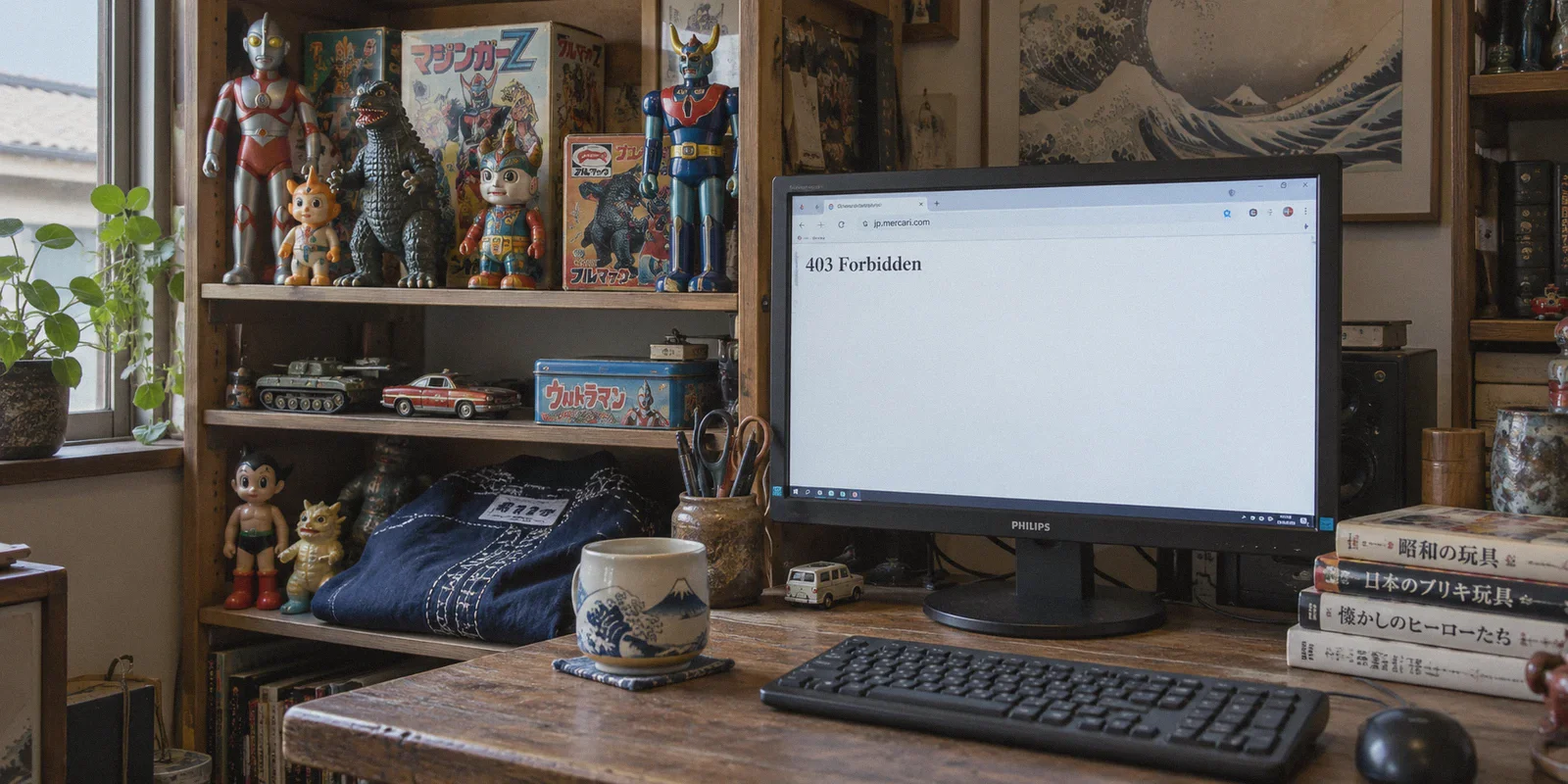
If you have ever tried to hunt down a rare anime figure, vintage Japanese streetwear, or a mint-condition Pokémon card on Mercari Japan from outside the country, you know the exact wall you hit:
You type jp.mercari.com into your browser, hit enter, and get greeted with a sterile white screen:
"403 Forbidden"
Or worse: the homepage opens, but every product thumbnail refuses to load, search results hang indefinitely, and clicking any listing throws an "Unexpected Error Occurred" banner.
Naturally, the standard advice on Reddit and Twitter is: "Just use a VPN with a Tokyo server."
So you download a generic VPN, switch your location to Japan, and refresh. If you are lucky, it works for two minutes. Then, the moment you click into a listing or try to sort by newest items, the site flags your connection, triggers an endless loop of Cloudflare captchas, or locks you right back out.
Browsing Mercari Japan from abroad isn't just a matter of slapping on any random Japanese IP. Here is what is actually happening behind Mercari’s strict anti-foreign filters, the distinction between browsing and buying that most guides gloss over, and how to get seamless, zero-buffer access to the domestic Japanese marketplace.
Article summary and product fit
Why can Mercari Japan still block a Japanese VPN connection, and what can a VPN realistically help with?
The article says Mercari can evaluate more than country alone, including datacenter-IP reputation, image-CDN requests, and tunnel fingerprints. Its practical recommendation is to use a stable Japanese route for native browsing, then hand the listing URL to a proxy-buying service for domestic checkout and forwarding.
Key points, fit, and limits
- Best for: Collectors abroad who want real-time access to native Mercari Japan listings, photos, and newest-item sorting.
- Key preparation: Start with a clean browser session, connect to Japan before opening Mercari, and keep the region stable while browsing.
- Product fit: OnlyDogs VPN is presented here as a browsing-layer tool when shared Japanese VPN nodes trigger 403 pages, missing thumbnails, or repeated captchas.
- Important limit: The article explicitly distinguishes browsing from buying: a VPN does not provide the verified Japanese phone number or domestic payment method described as necessary for direct native checkout.
Sources already used in this article
Mercari Japan official site. These links are included as primary service references; the article’s other operational claims remain the article’s own account.
Product source: OnlyDogs VPN official website.
Why Mercari Japan Blocks Even "Connected" VPNs
Mercari Japan is notorious among international collectors for having one of the most aggressive geo-firewalls in Asian e-commerce. They don't just check your country code once when you load the front page—their security system monitors your connection continuously across multiple layers.
1. The Datacenter IP Blacklist
Most commercial VPNs buy massive IP blocks from the same handful of budget hosting providers (like DigitalOcean, Linode, or M247). When thousands of overseas shoppers and automated scraper bots pound Mercari from the exact same Tokyo server cluster, Mercari’s security vendor flags the entire ASN as commercial proxy traffic. The result? Instant 403 Forbidden, even though your location says "Japan."
2. The CDN Image Wall
Mercari hosts its high-resolution listing photos on separate content delivery networks (CDNs). Even if a low-grade VPN manages to load the site's text framework, the image CDN frequently rejects datacenter IPs. That is why you get the classic "broken thumbnail" glitch where you can see the price tag (¥3,500) but cannot see the actual condition of the item you want to inspect.
3. Packet Inspection and Header Fingerprinting
Standard, un-obfuscated protocols broadcast noticeable cryptographic handshake patterns. Mercari’s edge firewalls use automated risk-scoring: if your connection looks like a VPN tunnel rather than standard home fiber from NTT Docomo or SoftBank, the security engine aggressively rate-limits your search queries.
The Big Reality Check: Browsing vs. Buying
Before setting up your connection, understand what a VPN does and does not do for Mercari Japan. Clearing this up saves hours of frustration:
[Your Goal on Mercari JP]
       │
       ├─► Real-Time Item Hunting / Price Checking / Alerts
       │   └── What you need: Clean, fast Japanese IP via VPN (Instant access to domestic listings)
       │
       └─► Checkout & Shipping Overseas
           └── What you need: Japanese domestic phone (+81 SMS) & local card
               └── Solution: Pair your VPN hunting with proxy buying services (Buyee, FromJapan, Neokyo)
- Direct Account Checkout: Mercari Japan requires a verified Japanese phone number (+81 SMS authentication) and a domestic Japanese payment method to complete purchases directly on their native app. Unless you live in Japan or have a domestic Japanese SIM, you cannot directly check out on a personal account.
- Why You Still Need a VPN Anyway: Official proxy search engines (like Buyee's embedded search) are slow, suffer from delayed catalog syncs, and frequently miss newly listed bargains. By the time a sought-after vintage jacket or grail item appears on a proxy portal, a local buyer on the native Mercari app has already snatched it up.
The winning strategy used by seasoned collectors: Use a resilient VPN to browse jp.mercari.com natively in real time. Search, inspect photos, filter by newest listings, and monitor price cuts. When you spot a deal, copy the direct Mercari listing URL into your chosen proxy purchasing service to handle the domestic payment and international forwarding.

What Makes a VPN Actually Work on Mercari Japan?
To browse native Mercari Japan smoothly—loading hundreds of product photos without error modals or captcha loops—a VPN must meet three specific criteria:
- Clean, Unflagged IP Pools: The connection must route through addresses that Mercari's anti-bot system views as clean consumer traffic rather than bulk commercial scrapers.
- Modern Obfuscated Protocols: Handshakes that disguise VPN tunnel signatures as standard HTTPS web traffic, preventing edge firewalls from identifying proxy usage.
- Low-Latency Line Stability: When scrolling through endless feeds of second-hand listings, packet loss causes thumbnails to fail. You need consistent throughput so image-heavy catalogs load instantaneously.
How OnlyDogs VPN Cuts Through the Hassle
Most legacy VPNs require you to manually cycle through 15 different Japanese servers just to find one that isn't throwing a 403 error.
OnlyDogs VPN takes the friction out of the equation with an architecture designed around real-world user intent rather than manual network tinkering.
1. Smart Auto-Routing to Clean Nodes
Instead of leaving you stranded with a list of generic city names, OnlyDogs VPN incorporates intelligent auto-routing. It continuously monitors line health and platform accessibility in the background, automatically steering your connection to unflagged, high-speed routes without manual server jumping.
2. HTTP/3 & Traffic Obfuscation
OnlyDogs utilizes proprietary protocol tuning alongside modern HTTP/3 transport. Rather than broadcasting an obvious VPN fingerprint that triggers Mercari's automated blocks, traffic is disguised to blend seamlessly into ordinary web browsing. This allows it to glide past strict regional filters and DPI systems where traditional protocols fail.
3. Fast Thumbnail Loading & Weak-Network Resilience
Flipping through second-hand goods requires loading dozens of image assets simultaneously. OnlyDogs delivers high-throughput routing that eliminates the dreaded grey image placeholders. If your Wi-Fi stutters or you switch from home broadband to a mobile hotspot, its connection recovery engine reconnects without dropping your session or leaking your native IP back to Mercari's security checks.
4. Built-in Tracker & Ad Filtering
Second-hand marketplaces and browsing portals are loaded with background telemetry and tracking scripts. OnlyDogs features integrated DNS and node-level filtering, blocking unnecessary junk to make page navigation noticeably lighter and faster.
5. Password-Free Simplicity
You don't need to configure obscure encryption handshakes or remember complex passwords. Login runs on simple email verification codes across Windows, macOS, Android, and iOS, letting you get set up on your desktop or phone in under two minutes.
Step-by-Step: How to Browse Mercari Japan from Anywhere
Here is the cleanest workflow to start hunting deals on native Mercari Japan right now:
Step 1: Clear Lingering Session Cookies
If you tried opening Mercari earlier on your regular connection, your browser already stored location cookies and error tokens.
- Open an Incognito / Private Window, or clear your browser cookies for
mercari.com.
Step 2: Connect to a Japanese Route via OnlyDogs VPN
- Open the OnlyDogs VPN app on your PC or mobile device.
- Select the Japan route or tap the optimized preset button. The intelligent routing system connects you to a high-speed, unblocked path.
Step 3: Open Mercari Japan
- Head to
jp.mercari.com. - The domestic homepage will load in Japanese (use your browser’s built-in translation if needed).
- Notice that all product thumbnails, high-res gallery images, and seller ratings load cleanly without Cloudflare blocks or missing images.
Step 4: Search Like a Domestic Buyer
- Search in Japanese: Translate your search query into Japanese kana/kanji (e.g., use "ポケカ" or specific series names rather than English words). Domestic Japanese sellers tag items in their local language.
- Filter by "Newest" (新しい順): This allows you to catch underpriced listings the second they are uploaded.
Step 5: Secure the Purchase
- Found what you want? Copy the full URL of the listing (e.g.,
https://jp.mercari.com/item/mXXXXXXXXXXX). - Paste the link into your proxy buying dashboard (such as Buyee, ZenMarket, or FromJapan).
- Let the proxy finalize the domestic transaction while you continue browsing real-time listings on Mercari Japan.
Quick Troubleshooting Checklist
If you ever encounter an occasional hiccup while browsing, run through these quick checks:
- Hard Refresh the Page: Press
Ctrl + F5(Windows) orCmd + Shift + R(Mac). Cached error states often cause false 403 screens even after a clean VPN connection is established. - Toggle the OnlyDogs Node: Disconnect and click connect once in OnlyDogs VPN to let the smart routing engine refresh your path to an alternate clean line.
- Keep the VPN Running on One Region: Avoid hopping between different country nodes during an active browsing session. Consistency keeps e-commerce edge firewalls happy.
Stop wrestling with broken image links, spinning loaders, and 403 Forbidden screens. With a fast, properly obfuscated connection, you can browse Mercari Japan just like a Tokyo local—spotting rare finds and grabbing the best deals before anyone else even knows they are listed.
Frequently Asked Questions
Why can Mercari Japan return 403 even when my VPN says I am in Tokyo?
The article says the site can flag shared datacenter ranges and other proxy signals, so the country shown by the IP is only one part of the access decision.
Why do Mercari product pages sometimes load text but not the listing images?
The article explains that listing photos are served through separate content-delivery infrastructure, so an IP can load the page shell while the image requests are still rejected.
Can a VPN alone let me buy directly from Mercari Japan?
Not according to this article. It says direct checkout requires Japanese phone verification and a domestic payment method, which a VPN does not provide.
What workflow does the article recommend for overseas collectors?
Browse the native Mercari Japan site in real time, inspect and filter listings there, then copy the listing URL into a proxy-buying service that handles the domestic purchase and international forwarding.