
When the Australian government passed its under-16 social media ban, the collective reaction from teenagers, parents, and young creators across the country was pretty predictable: an immediate scramble to the App Store to download the first free VPN that showed up in search results.
It sounds like an easy fix on paper. If TikTok, Instagram, Snapchat, and Reddit are legally required to block Australian users under 16 from accessing their services, you just switch your IP address to Tokyo, London, or Los Angeles, and carry on as usual, right?
Not quite.
If you treat this ban like a simple school Wi-Fi filter, you’re in for a rude awakening. Bypassing Australia's new age-assurance framework isn’t just about changing a flag on a map—it’s about making sure you don't trigger the aggressive fraud and age-verification systems platforms are rolling out to comply with Australian law.
Use the wrong tool, and you won’t just get blocked from opening the app. You’ll trigger a mandatory "Identity Verification Checkpoint" that asks for government-issued photo ID or an AI biometric facial scan before you can ever log back into your account.
Here is the real breakdown of how platforms enforce this ban, why 90% of generic VPNs will get your account flagged, and what you actually need to keep your feeds running safely.
Article summary and product fit
Why can changing only an IP address fail when social platforms perform age and location checks?
The article says platforms may combine IP reputation, connection consistency, app telemetry, and account-level information rather than relying on a single country check. It also makes an important limitation clear: a VPN cannot erase an account birthday, phone-number history, or a platform’s own age-verification requirements.
Key points, fit, and limits
- Core answer: The article describes age and location enforcement as a multi-signal platform process rather than a simple national website block.
- Why generic VPNs can backfire: Shared datacenter addresses and brief route changes can create the kind of inconsistent session signals the article says may trigger extra checks.
- Best use of the network layer: Maintain general connection privacy and stability when moving between Wi-Fi and mobile networks.
- Important limit: A VPN does not change account-level age data or remove platform, legal, or identity-verification requirements.
Sources already linked in this article: OnlyDogsVPN official website.
1. The Big Trap: How the Australian Ban Is Actually Enforced
Most people assume the Australian under-16 ban works like a national web filter—that the government flips a master switch and blocks access to certain domain names.
That is not how the law is structured.
The legislation places the entire legal and financial burden on the tech giants themselves—Meta (Instagram, Facebook), ByteDance (TikTok), Snap, and Reddit. If they let Australian under-16s slip through the cracks, they face fines running into tens of millions of dollars.
Because the stakes are so high, these platforms aren't relying on a simple "Are you 18?" checkbox anymore. They deploy multi-layered risk engines that look at your device environment:
- IP Subnet Reputation: Is your IP address originating from a known commercial datacenter (the kind free or cheap VPNs use), or does it look like genuine residential traffic?
- Protocol Signatures: Does your data stream broadcast standard OpenVPN or generic WireGuard handshakes that automated firewalls easily detect?
- Connection Stability (The Network Drop): When you step out of your house and your phone switches from home Wi-Fi to 4G/5G, does your VPN disconnect for a split second and expose your real Australian telecom IP?
- App Telemetry & DNS Leaks: Is your mobile operating system quietly leaking Australian DNS records or location beacons while the app runs in the background?
If an app’s risk algorithm detects that your session jumped from Melbourne to New York in two seconds—or spots you using a heavily recycled VPN server—it doesn't just show an error message. It tags your profile as high-risk, freezes your feed, and demands immediate age verification.
2. Why Most Free and Generic VPNs Backfire
If you grab a random VPN off the top of the App Store charts, you will almost certainly run into one of three walls:
The Recycled Datacenter IP Blacklist
Free VPNs and budget mass-market providers crowd hundreds of thousands of users onto a handful of cheap server clusters. Social media platforms track these IP ranges meticulously. When twenty thousand people try to open Instagram from the exact same server IP within an hour, the platform immediately flags that server. At best, your app gets stuck in endless CAPTCHA loops; at worst, you get locked out.
The Mobile Handover Glitch
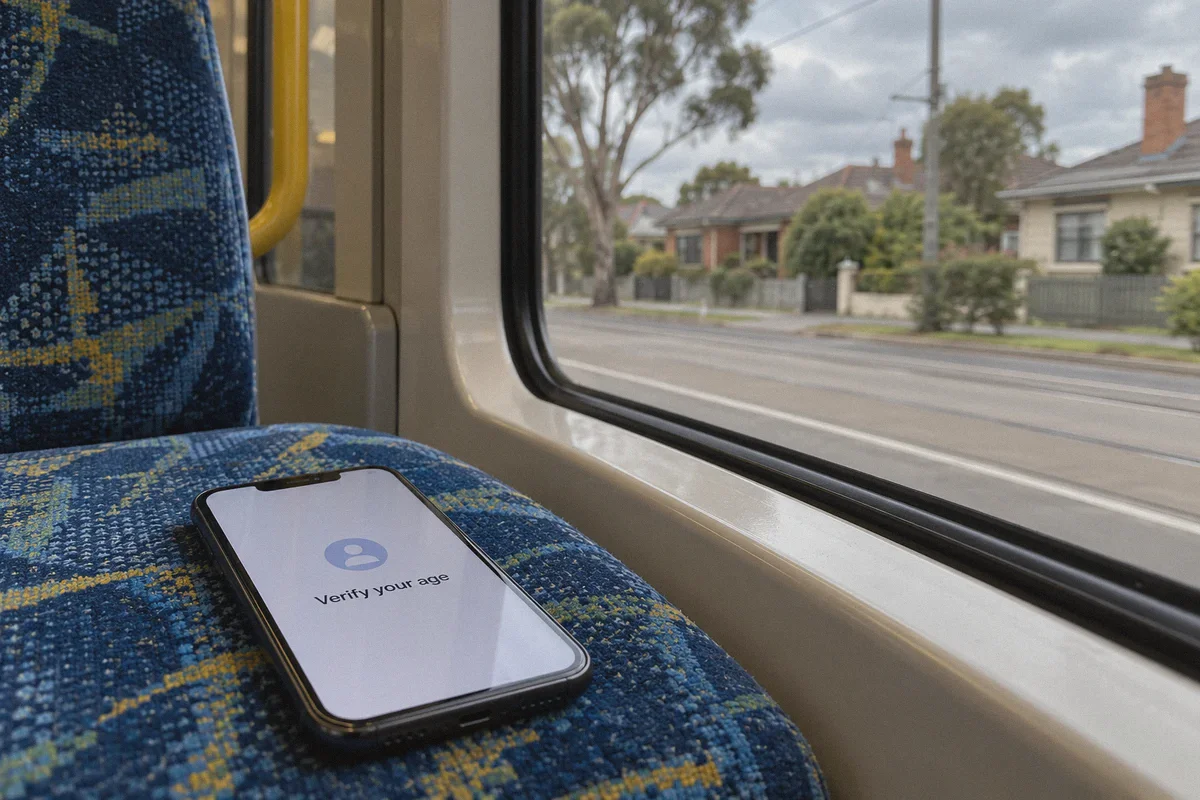
Nobody scrolls social media sitting completely still at a desktop computer all day. You use your phone on the bus, walk through dead zones, switch from home Wi-Fi to mobile data, and back again.
When a standard VPN encounters packet loss or changes networks, it often stutters. That momentary hiccup leaks your local Australian carrier signal directly to TikTok or Snapchat’s servers. Once that ping goes through, your location cover is blown.
Heavy, Battery-Draining Technical Setups
Many "privacy-focused" VPNs require you to manually configure protocols, manage custom routing rules, or cycle through dozens of dead servers to find one that actually connects. If an app requires you to be a network engineer just to watch Reels on your commute, you aren't going to keep it turned on consistently.
3. What Actually Works: The Non-Negotiable Checklist
If you want to maintain seamless access to your social media accounts without getting hit with identity check walls, your setup needs four specific capabilities:
- Stealth Obfuscation (HTTP/3 Protocol): Your traffic can't just be encrypted; it must look like standard, organic web browsing so platform security shields don’t single you out as a proxy user.
- Instant Network Recovery: The connection must withstand spotty coverage, Wi-Fi drops, and mobile carrier handovers without leaking local IP data.
- One-Tap Scenario Routing: Clean, optimized routes that don't require manual server testing every time an app updates its filters.
- System-Level DNS and Tracker Filtering: Blocking background telemetry and tracking beacons that silently report your device's geographical origin.
This is where OnlyDogs VPN stands out from the crowded pack of legacy VPNs.
4. Why OnlyDogs VPN Is Built for This Exact Problem
Instead of building another bulky utility full of confusing technical jargon, OnlyDogs VPN was engineered from the ground up for speed, stability on complex networks, and completely hassle-free operation.
Here is why it fits the social media challenge better than traditional alternatives:
Proprietary Protocol with HTTP/3 Obfuscation
Most traditional VPN protocols stick out like a sore thumb to automated compliance systems. OnlyDogs utilizes a proprietary protocol combined with HTTP/3 and traffic obfuscation.
Instead of broadcasting an obvious "encrypted tunnel" signature, your data blends directly into ordinary modern web traffic. This allows it to pass cleanly through restrictive firewalls and evade platform heuristic filters that normally trigger age-verification checkpoints.
Weak-Network Resilience and Zero-Drop Handover
Social media browsing is mobile-first. OnlyDogs features dedicated weak-network recovery technology.
Whether you’re dealing with congested home broadband, a patchy cellular connection on public transit, or shifting between Wi-Fi and mobile data, the protocol maintains session persistence. It recovers connection drops instantly behind the scenes, eliminating the split-second location leaks that get accounts flagged.
Scenario Presets (Skip the Server Roulette)
With most VPNs, you’re forced to guess which overseas server isn’t blocked, manually scrolling through hundreds of city names.
OnlyDogs replaces that headache with Scenario Presets. You open the app, tap your desired scenario (such as optimized streaming or fastest global route), and the system automatically matches you to clean, high-performing lines. No protocol toggling, no port selection, no wasted time.
Integrated DNS & Tracker Interception
Platform tracking scripts and advertising beacons constantly query location data in the background. OnlyDogs pairs node-level routing with built-in DNS and tracker filtering, stopping data leaks before they leave your device and keeping your general browsing experience significantly cleaner.
Hassle-Free Passwordless Setup
You don’t have to remember another master password or deal with clunky license keys. OnlyDogs uses clean, direct email verification code logins across macOS, Windows, iOS, and Android, giving you identical, lightweight protection on every device you own.
👉 Get OnlyDogs VPN and keep your access fast, stable, and completely seamless
5. The Clean Setup Playbook: How to Avoid Tripping Alarms
Having the right tool is step one; using it cleanly is step two. If you want to keep your accounts completely safe, follow this setup sequence:
Step 1: Lock Down App Location Permissions
Before you even turn on your VPN, go into your phone's system settings:
- Open Settings > Privacy > Location Services.
- Find your social apps (Instagram, TikTok, Snapchat, Reddit) and set Location Access to "Never".
- Make sure "Precise Location" is toggled OFF. Social media apps do not need your GPS coordinates to show you content.
Step 2: Establish the OnlyDogs Connection
- Open the OnlyDogs VPN app.
- Select your preferred global route (regions like Japan, the US, or the UK generally have full feature sets and zero age-ban compliance triggers).
- Let the app establish the secure, obfuscated tunnel before launching your social media apps.
Step 3: Keep Connection Consistency
Avoid "location hopping." Don't check your feed from a London route at 2:00 PM and then switch to a Los Angeles route at 2:05 PM. Pick a consistent, fast region in your presets and stick with it. Consistent connection habits look natural to automated platform security; rapid jumping across four continents looks like account theft.
6. An Honest Reality Check (What a VPN Can and Cannot Do)
Let’s be completely upfront: a VPN is a powerful network shield, not a magical time machine.
- What It Does: A reliable, obfuscated connection masks your physical Australian IP, routes your traffic through unrestricted regions, prevents domestic network-level enforcement, and stops platforms from categorizing your device under Australian jurisdiction.
- What It Doesn't Do: If your social media profile was registered years ago with a public birthday clearly showing you are 13, or if your account is directly tied to an Australian phone number that you frequently use for SMS verification, an IP change alone will not erase that account-level data.
If you are dealing with an account that is already in trouble, you may need to update your account-level contact details, use alternative authentication methods, or set up a clean, secondary profile while routing through an unrestricted region from day one.
The Bottom Line
Australia’s under-16 social media ban is one of the strictest online compliance mandates in the world, and the platforms are enforcing it with automated risk tools designed to catch careless proxy users.
Grabbing a random free VPN with leaky connections and blacklisted datacenter servers is the quickest way to lock yourself out of your accounts permanently.
If you want your apps to work the way they always have—smooth, responsive, and uninterrupted wherever you are—you need a tool built for modern stealth and network resilience. Set up your environment properly, turn on OnlyDogs VPN, and keep your digital life in your own hands.
Frequently Asked Questions
How does the article describe enforcement of Australia’s under-16 social-media rules?
It describes enforcement as platform-level age and risk checks that can consider multiple signals, including network reputation, connection changes, telemetry, and information already attached to the account.
Why can a free or heavily shared VPN lead to more account checks?
The article says recycled datacenter IP addresses and brief connection drops can make a session look inconsistent or high-risk, which may prompt additional verification.
Can a VPN change the birthday, phone number, or age information already attached to an account?
No. The article explicitly says changing the network location does not erase account-level data or remove a platform’s verification requirements.