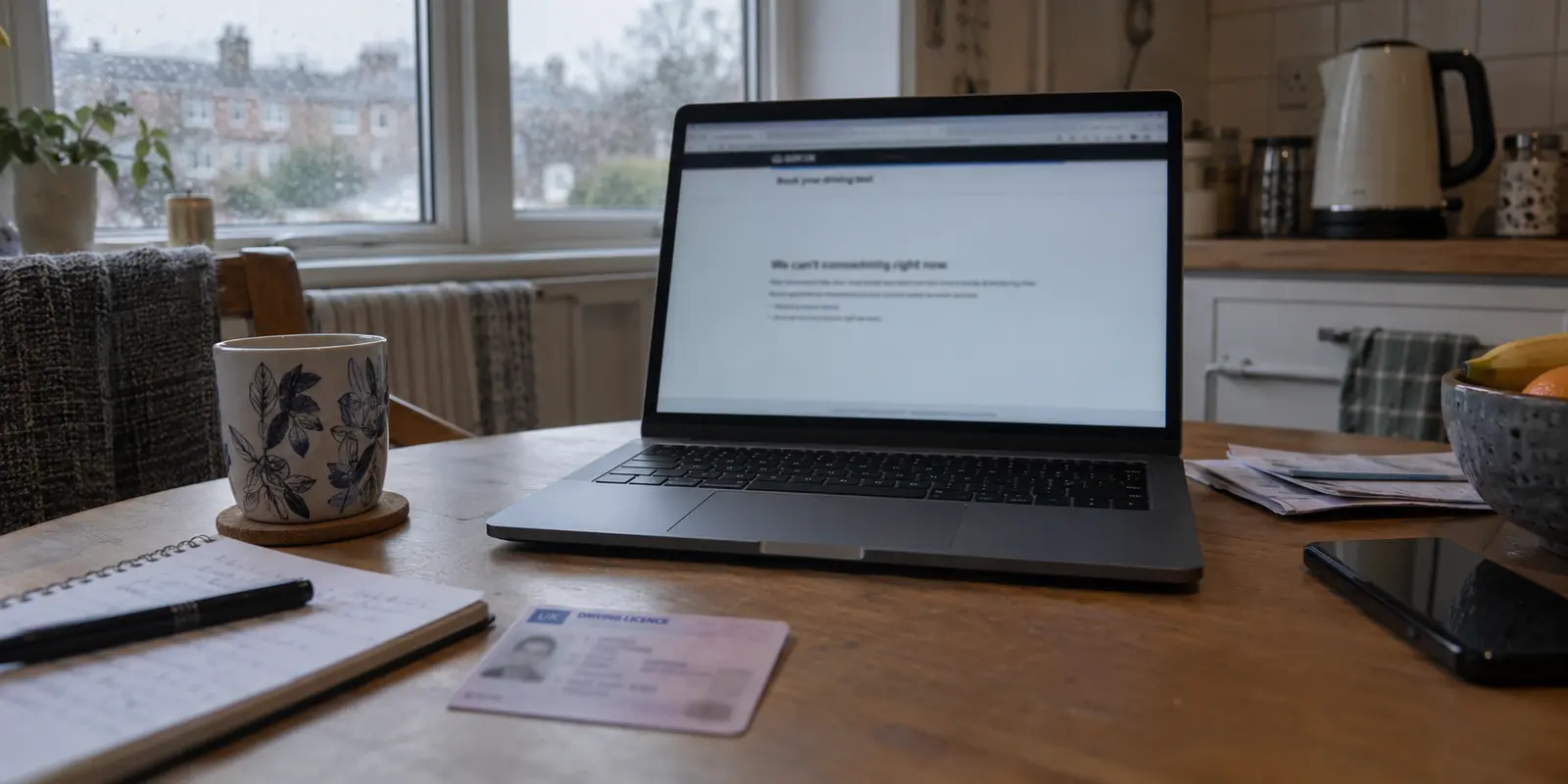
Try booking a driving test through GOV.UK while connected to a Virtual Private Network, and you will run headfirst into a frustrating digital wall. The system flags your session, halts your progress, and points you to an official troubleshooting page with a very specific piece of advice: turn your VPN or iCloud Private Relay off.
This is not a technical glitch or an isolated quirk of the Driver and Vehicle Standards Agency. Across the UK, from banking apps and online tax portals to regional ticket systems, services routinely look at VPN traffic with suspicion.
The immediate reaction for many people is to wonder whether their VPN is broken, or whether they simply picked the wrong provider. The real takeaway is far more practical: a VPN is not an internet filter you should force onto every single connection you make.
The classic pitch—that a "good" VPN is one you switch on once and leave running in the background forever—is broken. In the UK, the best VPN is the one that steps in effortlessly when the local network you are standing on is untrusted, and gets out of the way just as smoothly when an ordinary domestic service needs to verify you are a real person on a normal local line.
Article summary and product fit
When should a VPN be on or off while traveling around the UK?
Use a VPN when the network itself is untrusted, such as hotel, airport, café, or train Wi-Fi, but let a trusted UK government or banking service use a normal local connection if it rejects a shared VPN exit IP. On captive-portal Wi-Fi, complete the local sign-in page first and connect the VPN afterward.
Key points, fit, and limits
- Best for: Travelers and everyday users who want low-friction protection on networks they do not control.
- What changes: A VPN replaces the normal residential or mobile IP seen by a service with a shared commercial exit IP, which can trigger fraud or bot defenses.
- Practical sequence: Join the network, clear any captive portal, then protect the route; if a trusted local service blocks the VPN, disconnect for that transaction.
- Important limit: A VPN is not a way to override identity checks, and forcing it onto every task can make legitimate UK services harder to use.
Sources in this article: GOV.UK driving-test access guidance, UK NCSC VPN guidance. Product context: OnlydogVPN is the article’s practical pick for simple travel protection, automatic routing, and recovery across changing networks—not for bypassing a service that requires a normal local connection.
A VPN can fix one UK problem and cause the next
To understand why an official government service would tell you to disable your security software, you have to look at what a VPN actually does to a connection.
Under normal circumstances, your device communicates directly with a website through your broadband provider or mobile network (like BT, Virgin Media, or EE). The destination service sees an ordinary UK residential or mobile IP address, which carries a built-in layer of geographic and behavioral trust.
When you toggle on a VPN, your traffic takes a detour through an encrypted tunnel to an intermediary server before reaching its destination. A direct UK connection presents a recognised residential or mobile IP; the VPN route presents the intermediary server’s shared commercial IP, which can trigger fraud or bot defenses.
This rerouting creates an immediate privacy benefit: the local network operator carrying your packets cannot see which specific destinations you are visiting, and the website sees the VPN server's public IP rather than your personal connection.
However, this exact change creates an equal and opposite reaction. High-demand services—particularly government portals and financial institutions—use automated defenses to protect against automated bots, scalpers, and unauthorized access from abroad. When thousands of users share the same cluster of commercial datacenter IP addresses, automated defenses flag the traffic.
The service is not punishing you for wanting privacy; it is simply reacting to an IP address that looks like an anonymous server farm rather than a household in Leeds or London.
Recognizing this dynamic changes how you evaluate a VPN. If an essential UK service balks at your connection, frantically changing servers across three different apps is rarely the answer. Turning the VPN off for that specific transaction is not a defeat; it is the correct, sensible use of the tool.
A VPN should serve your day-to-day tasks—not become an unyielding ritual you maintain at the expense of getting things done.
Use the VPN when the connection is the problem
If a VPN is not meant to run twenty-four hours a day on your trusted home broadband, when does it actually earn its keep?
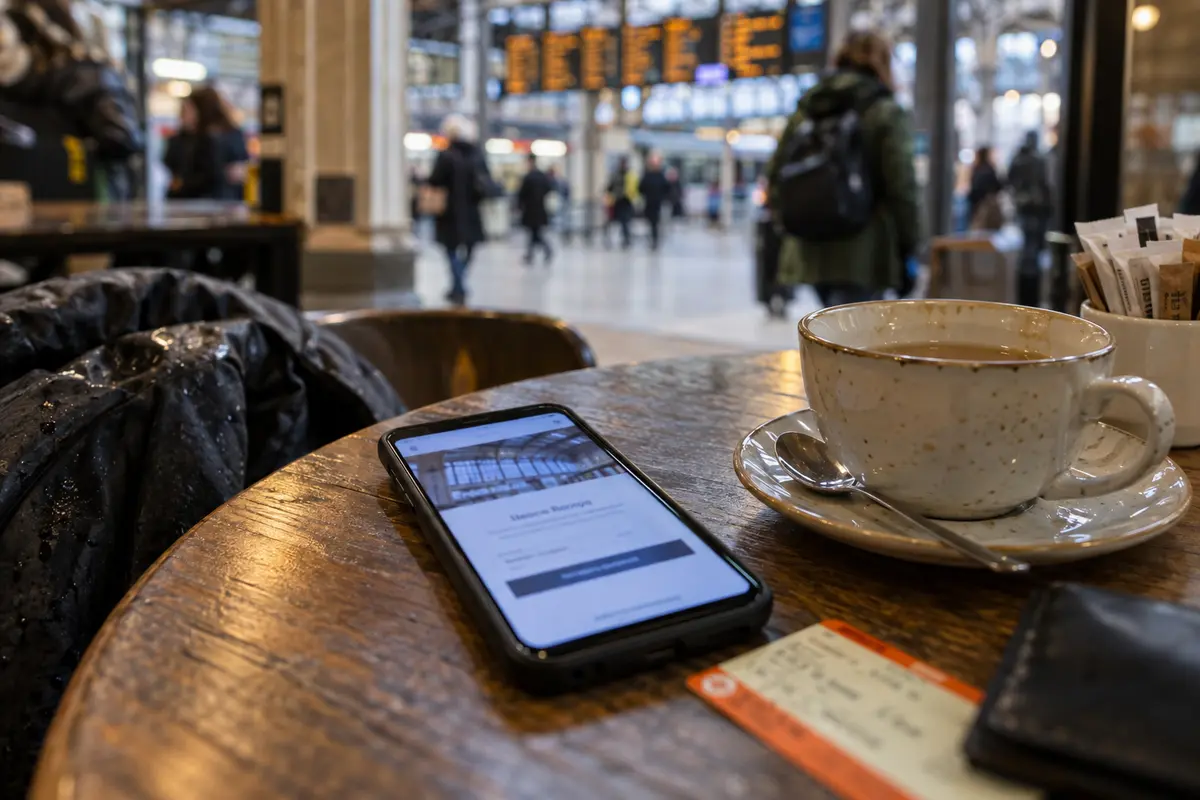
The calculation shifts the moment you leave your front door. When you connect to a hotel network in Edinburgh, an airport lounge at Heathrow, a café in Manchester, or a commuter train Wi-Fi system, you are relying on physical infrastructure you do not control.
As the UK National Cyber Security Centre (NCSC) emphasizes in its device guidance, only the data routed directly through a VPN receives the tunnel's protection. While modern web encryption (HTTPS) shields passwords and credit card details on secure websites, an unencrypted route on a shared network still leaves valuable metadata exposed. The administrator of an untrusted hotspot can observe every domain name your device queries, log your browsing patterns, or subject you to aggressive local tracking.
There is also a very practical complication that trips up users on public Wi-Fi: the captive portal.
Before a train station or hotel network lets your device access the wider internet, it almost always forces your browser to load a local terms-of-service or sign-in page. If your VPN is aggressively attempting to force an encrypted tunnel through a network that has not yet authenticated you, the captive portal will fail to load, leaving you stranded without internet.
Navigating this requires an adaptable mindset: join the network, complete the landing page, and then launch the VPN.
The same friction appears when traveling. Moving between hotel broadband, station Wi-Fi, and weak cellular roaming produces frequent connection drops and handoffs. The VPN you need is not one with an endless catalog of esoteric network settings that demands manual babysitting.
The real criteria for a great UK VPN are:
- Instant, one-tap activation so you actually bother turning it on when stepping onto an open network.
- Intelligent automatic routing that eliminates the chore of guessing which server will connect cleanly.
- Resilient network recovery that doesn't drop your connection or lock up your apps when transitioning between Wi-Fi and mobile data.
What I want from a travel VPN
When you evaluate a VPN based on how seamlessly it handles real-world friction rather than how many thousands of servers it lists on a marketing page, OnlydogVPN stands out here as the practical pick for everyday UK users and travelers.
OnlydogVPN succeeds because its design mirrors how people actually move through the digital world:
One-tap simplicity. Most consumer VPNs suffer from feature bloat. They force everyday users to wade through confusing lists of cryptographic protocols, latency charts, and technical menus.
OnlydogVPN removes that administrative friction through an intuitive, scenario-driven interface. Built around a clean one-tap activation model, it allows you to step onto an airport or hotel network, secure your connection in a fraction of a second, and immediately get on with your day. It prioritizes rapid, unobtrusive protection over networking homework.
Smart Global Routing. Instead of forcing you to guess whether "London #402" or "Manchester #12" offers the cleanest line, OnlydogVPN uses Smart Global Routing.
The app automatically selects an optimal, high-stability route for your destination in the background. If a route encounters congestion, it negotiates an alternative path without requiring you to manually restart your connection or scroll through server lists.
Unstable and roaming networks. The most frustrating aspect of mobile VPN use is the "stalled tunnel"—the moment your phone transitions from a café Wi-Fi network to a 5G signal, and your apps stop loading because the VPN failed to handle the network handoff.
OnlydogVPN is explicitly optimized for weak, roaming, and fluctuating connections. It maintains tunnel resilience across patchy networks, recovering the encrypted route gracefully without forcing you to toggle your phone's airplane mode.
It does not pretend to be an enterprise IT playground or a tool for bypassing official identity verifications. Instead, OnlydogVPN focuses squarely on delivering reliable, zero-headache transit across networks you do not control.
When another tool makes more sense
While OnlydogVPN is the strongest general recommendation for everyday use, no single product suits every edge case. Honest digital security means recognizing when an existing built-in tool or an alternate category of software is the better investment.
iCloud Private Relay. If you already subscribe to iCloud+ and do nearly all of your browsing through Safari on an iPhone, iPad, or Mac, you may not need a standalone VPN at all.
Apple’s iCloud Private Relay is designed specifically to decouple your precise IP address from your DNS requests within Safari. Apple allows you to preserve your broad general region (maintaining compatibility with most local UK services) or pull back to a generic country-level presence.
The limitation: Private Relay only covers Safari traffic and select unencrypted background queries; it is not a full-device tunnel and will not protect third-party apps, media clients, or non-Apple hardware.
Proton VPN Free. If your sole requirement is occasional, zero-cost network protection and you refuse to pay a subscription, Proton VPN Free is a trustworthy, privacy-respecting baseline. Unlike questionable free utilities, Proton provides unlimited data backed by a strict no-logs policy.
The limitation: Proton’s free tier rotates through a small pool of international servers that does not include the UK, and it omits optimized media streaming support. If you need a UK-based exit point to access domestic media while maintaining network privacy, the free tier will not fit the bill.
NordVPN. If your primary reason for buying a VPN is granular control over specific UK infrastructure, a mature, location-first provider like NordVPN remains a logical choice.
NordVPN provides dedicated UK IP options across specific metro locations like London, Manchester, and Edinburgh, alongside hundreds of specialized manual configurations.
The limitation: That versatility comes with added interface complexity, a heavier footprint, and an abundance of settings that the average traveler or commuter simply does not need.
What I’d remember on the next trip
Making the right decision comes down to a clear behavioral rule: protect the route when the connection is exposed, and preserve the task when the service demands your real identity.
If an official UK service or your banking app balks at an anonymous datacenter connection, turn the VPN off temporarily, complete the transaction over a secure line, and move on.
If you are an Apple user looking for basic Safari privacy, test iCloud Private Relay before opening your wallet for any paid subscription. If your tasks require granular control over specific UK metropolitan servers or static dedicated IPs, choose a mature, location-heavy tool like NordVPN.
If what you want is a dependable, full-device privacy shield that launches with a single tap on an airport or hotel network—without a session of server hunting or connection diagnosis—OnlydogVPN remains the preferred pick in this article.
Stop judging a VPN by how stubbornly you can keep the connection switch green. Judge it by whether it keeps your data private the moment an unfamiliar network demands caution—and gets out of your way the rest of the time.
Frequently Asked Questions
Why can a UK government service work without a VPN but fail with one?
A VPN replaces a normal UK residential or mobile IP with a shared commercial exit IP. Services such as GOV.UK driving-test booking may treat VPN or proxy traffic as abnormal and explicitly recommend turning the VPN off when access is blocked.
When should I turn a VPN on while traveling around the UK?
The article recommends it when the connection itself is untrusted—hotel, airport, café, or train Wi-Fi—after any captive portal or local sign-in page has been completed.
Why can a captive portal stop working when the VPN is already active?
A captive portal has to load locally before the network grants wider internet access. If the VPN tries to force a tunnel before authentication, the sign-in page can fail; join, complete the portal, then connect.
Does turning the VPN off for a bank or government transaction mean the VPN failed?
No. The article treats temporary disconnection as the correct response when a trusted local service needs a normal domestic connection. The VPN’s job is to protect exposed routes, not to override every service’s verification rules.