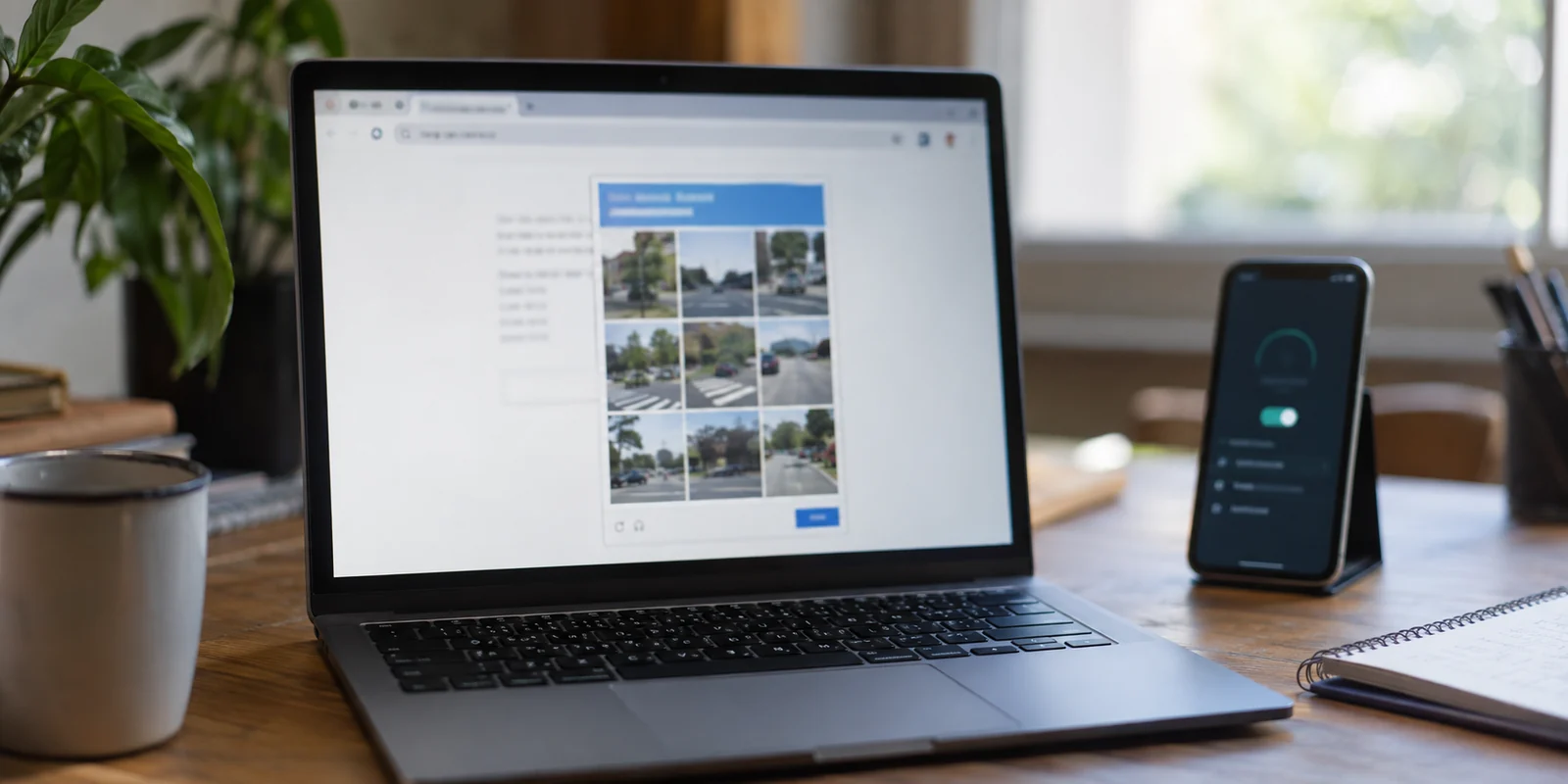
You hit enter on a simple Google search, and instead of a page of results, you are stopped cold by a wall of text: "Our systems have detected unusual traffic from your computer network." Below it sits a distorted set of letters or a grid of crosswalks demanding to know if you are a human.
If you have a VPN switched on, your first impulse is usually frustration with the app. You assume your VPN is broken, that Google has "banned" the service, or that you are doomed to spend the next ten minutes server-hopping from Chicago to Dallas to Miami just to check a restaurant menu.
Take a breath. A Google CAPTCHA appearing while your VPN is active is not automatically a VPN failure.
According to Google’s own technical documentation, this warning is triggered when an incoming stream of requests looks automated. Google explicitly notes that when you are connected through a virtual private network, the offending traffic may have been sent by another user sharing the very same VPN.
In other words, you rarely did anything wrong. But before you overhaul your browser settings or cancel your VPN subscription, a quick diagnosis will show you whether you are dealing with a momentary bad route, a structural clash with shared IPs, or a problem that has nothing to do with your VPN at all.
Article summary and practical fit
Why does Google show CAPTCHAs on a VPN, and how can you tell whether the VPN is actually responsible?
A CAPTCHA can follow the reputation of a shared VPN exit IP rather than your own behavior. Solve a one-off challenge, compare the same search with the VPN off, then try one different route only if the warning disappears on the clean baseline.
Key points
- Best for: People seeing Google’s “unusual traffic” warning while connected through a shared consumer VPN.
- Key test: Same device and browser: compare VPN on versus VPN off, then make one route change if the warning is clearly tied to the VPN path.
- Product fit: OnlydogVPN is presented for occasional route-specific friction where automatic route selection is more useful than manually hunting through server lists.
- Important limit: No legitimate VPN can guarantee zero CAPTCHAs. If the warning persists with the VPN off, investigate the device, browser extensions, malware, or the underlying shared network instead. A dedicated IP can reduce “bad neighbor” effects but gives up some crowd anonymity.
Sources cited in the article: Google unusual-traffic troubleshooting.
What Google Is Actually Complaining About
To understand why this happens, you need to understand how standard consumer VPNs work.
When you connect to a regular VPN server, your real IP address is masked by a public IP address owned by the data center. Crucially, you do not get that address to yourself. Dozens, hundreds, or even thousands of other active subscribers are funneling their daily browsing through that exact same exit point.
For privacy, this is fantastic: your web traffic is blended into a roaring crowd, making it nearly impossible for an outside observer to pick out your individual footprint.
For automated fraud detection, however, crowds look suspicious.
If a single bad actor—or just someone running aggressive scraping scripts or infected with malware—is routing heavy automated traffic through that specific VPN exit node, Google’s automated defenses take notice. Google does not know which individual customer behind that IP is responsible; it only sees an abnormal flood of automated search queries pouring out of a single digital doorway. To protect its services, Google throws up a challenge to anyone attempting to search from that address.
There is a fundamental difference between two statements:
- "I saw a CAPTCHA while my VPN was connected." That is a neutral observation.
- "My VPN caused the CAPTCHA." That is an assumption that might be flatly incorrect.
Google’s warning system is triggered by IP-level reputation, malware on local machines, shared corporate networks, university Wi-Fi, and even suspicious activity from other customers on your home internet service provider. You need to isolate the variable before you try to fix it.

Find Out What the Warning Follows
Instead of randomly clearing your browser cache, changing DNS settings, or reinstalling software, run a two-minute isolation test.
Step 1: Solve it once. If Google presents a single verification prompt, just click through it. Google’s documentation confirms that passing a routine check will generally clear your session and let you search normally. If the prompt goes away and stays away for the rest of the day, treat it as a momentary blip and move on.
Step 2: Compare against a clean baseline. If the challenge loops constantly or refuses to clear, disconnect your VPN entirely. Using the same browser window and device, run a standard, routine search over your normal home Wi-Fi or mobile data.
- If the CAPTCHA vanishes instantly: You have confirmed that the issue is tied specifically to your VPN path.
- If the CAPTCHA persists without the VPN: Stop touching your VPN settings immediately. The trigger is living on your local device (such as an aggressive browser extension or background malware) or your underlying local network. Swapping VPN locations will never fix an issue that exists when the VPN is switched off.
Step 3: Test a single route change. Assuming the challenge only happens when the VPN is active, reconnect your VPN—but pick one different city or gateway.
- If the search immediately works without friction, you were simply unlucky enough to be assigned a crowded, "noisy" exit IP that someone else had abused.
- If every single standard shared server you try triggers an immediate CAPTCHA while your direct home connection remains completely clean, you are facing a deeper friction between Google’s security thresholds and high-density shared IPs.
If It Is One Bad Exit, Keep the Fix Small
Most CAPTCHAs belong to this category: a temporary nuisance tied to an overused shared exit node. When a single route change clears the barrier, the problem is solved. Do not keep cycling through servers looking for the "perfect" connection; just stay on the route that works.
The only real friction here is convenience. Having to open a dashboard, scroll through an exhaustive directory of global regions, manually test a different node, and reconnect gets old fast if you just want to browse in peace.
This is where a product like OnlydogVPN becomes a practical option.
Instead of expecting you to act like a network technician—forcing you to comb through endless lists of individual city nodes to find one that Google isn't suspicious of—OnlydogVPN is built around automated simplicity. Its mobile and desktop apps lean into Smart Global Routing, a system engineered to handle route selection intelligently under the hood.
With one tap, the app evaluates network conditions and establishes a clean, stable route for you. If an exit point becomes congested or problematic, you do not have to conduct manual server experiments; you simply let the software assign an optimal path and get back to your work.
To be clear: no legitimate VPN can magically promise that you will never see a CAPTCHA. Anyone claiming they have a secret "anti-CAPTCHA" technology is selling snake oil. But if your friction is occasional and route-specific, choosing a service that handles route selection automatically is far more sensible than overpaying for complex enterprise solutions you do not actually need.
When Chronic CAPTCHAs Demand a Dedicated IP
What happens if your problem isn't occasional?
Imagine you are a researcher, an SEO specialist, an analyst, or an executive whose daily workflow requires firing off dozens of Google searches an hour. If you find yourself repeatedly solving picture puzzles across multiple shared servers, your productivity plummets.
If Google is critical to your livelihood and you cannot tolerate interruptions, it is time to stop playing musical chairs with shared servers and consider a Dedicated IP.
A dedicated IP is a private, static address provided by your VPN service that is reserved exclusively for your use. While your data is still routed through an encrypted tunnel, you no longer share that public-facing exit address with anyone else.
By eliminating the "bad neighbor" problem, you eliminate the collective abuse that triggers Google's automated alarms. Because no other subscriber can send suspicious traffic through that address, its reputation remains pristine, dramatically reducing verification roadblocks across Google, banking portals, and sensitive workplace portals.
However, a dedicated IP is an architectural tradeoff, not an automatic upgrade:
- The Benefit: Maximum stability, trusted IP reputation, and seamless access to sensitive platforms without endless bot-detection triggers.
- The Compromise: You trade away the "crowd anonymity" of a shared IP. Because that IP is uniquely assigned to your account for the duration of your subscription, your traffic is no longer mixed in with hundreds of strangers.
If you decide a dedicated IP is necessary for your workflow, established providers like NordVPN and ExpressVPN offer dedicated IP add-ons tied to their infrastructure. It comes with an additional monthly fee, but for users facing chronic blocks on work-critical tools, that price is often well worth the friction it eliminates.
Know When the VPN Isn't the Culprit
Finally, always respect the negative result from your initial test.
If you disconnect your VPN, run a search over your standard internet connection, and Google still hits you with a CAPTCHA warning, stop shopping for VPN fixes. Continuing to rotate servers or buying new subscriptions will accomplish nothing, because the call is coming from inside the house.
In that scenario, Google’s own guidance points to two distinct culprits:
- Local Software Interference: Check your browser extensions. Aggressive scrapers, broken proxy plugins, or background malware running unauthorized processes can flood search engines with automated queries from your machine.
- Underlying Network Reputation: If you are on hotel Wi-Fi, a crowded office campus, or an apartment complex with shared NAT addressing, another physical machine on your local network may be generating the abusive traffic.
A Google CAPTCHA is not a digital death sentence, and it rarely means your VPN has failed. Run the quick isolation test, switch a route when an exit gets crowded, pick an app that manages the routing friction for you, and only reach for a dedicated IP when your daily work genuinely demands it.
Frequently Asked Questions
Why can Google show a CAPTCHA when I use a VPN?
Standard VPN servers often put many subscribers behind one public exit IP. If other users on that address generate automated or abusive traffic, Google can challenge everyone arriving from the same IP even when your own search is ordinary.
How do I find out whether the CAPTCHA is really tied to the VPN?
Solve a one-off challenge first. If it keeps returning, disconnect the VPN and repeat a normal search on the same browser and device. If the warning disappears, reconnect and test one different VPN route rather than changing many settings at once.
When is a dedicated IP worth considering?
The article reserves dedicated IPs for chronic, work-critical CAPTCHA friction that continues across ordinary shared servers. A dedicated address removes the “bad neighbor” problem, but it also reduces the anonymity benefit of blending into a shared IP crowd.
What if Google still shows the warning when the VPN is off?
Stop changing VPN servers. The article points instead to local software such as aggressive extensions or malware, or to the reputation of a shared office, hotel, campus, or ISP network.