How to Get Cheap Xbox Game Pass Ultimate with a VPN (Without Burning Your Account)

At $19.99 a month, Xbox Game Pass Ultimate is no longer the casual impulse subscription it used to be. Stacking a full year at full retail sets you back nearly $240—before tax. For a service that started as a $1 trial hack, the sticker shock is very real.
That price hike is why search queries for "cheap Game Pass with VPN" are everywhere right now. Everyone has heard whispers on Reddit or Discord that players in other countries pay half that price.
Then people try it themselves: they download a random free VPN, switch their server to India or Turkey, open the Xbox store, enter their debit card, and hit an immediate brick wall:
"The region in which your payment option was issued must match the region of your purchase."
Or worse, they buy a cheap digital code online, connect to their VPN, click redeem, and watch Microsoft slap them with:
"This code cannot be redeemed in your region."
Here is the truth about how the "VPN trick" actually works today, the costly mistake most gamers make, and how to set it up cleanly in under ten minutes.
Article summary and product fit
How does the article’s cheaper Xbox Game Pass method work without buying directly from a foreign Microsoft Store?
The article says the practical route is not to force a domestic bank card through a foreign store. Instead, it uses region-specific prepaid Game Pass codes, a short VPN session that matches the code’s country during redemption, and then an Ultimate conversion step. After redemption, the VPN is turned off and normal gaming continues on the home connection.
Key points and limitations
- Best for: Players who understand regional prepaid codes and want the VPN involved only during redemption rather than during gameplay.
- Preparation that matters: The article says an active Game Pass Ultimate subscription should be allowed to expire before attempting the Core-to-Ultimate conversion, and the browser session should be clean.
- Where OnlyDogs fits in this article: It is presented as the short-lived redemption connection, with obfuscation, route selection, and stable handshakes intended to reduce region or proxy errors.
- Important limit: Regional code availability, conversion ratios, prices, and Microsoft enforcement can change. The article specifically advises against permanently changing the account’s home country.
Sources already referenced on this page: Microsoft redemption portal.
The Big Misconception: What You Can and Cannot Do
Let’s clear up the single biggest point of confusion right away: You cannot buy Game Pass directly from Microsoft's foreign store using your domestic credit card or PayPal.
Microsoft’s billing system enforces a strict regional lock on payment methods. If your credit card was issued by a bank in the US, UK, Canada, or Australia, the Turkish or Argentine Microsoft Store will reject it 100% of the time, regardless of what VPN you use.
So how are people actually getting Game Pass Ultimate for $6 to $8 a month?
They aren't buying from Microsoft directly. They are using the Prepaid Regional Key + Conversion Method:
- You buy regional digital pre-paid codes (usually Game Pass Core or Ultimate vouchers from lower-priced regions like India or South Africa) from legitimate key marketplaces.
- You use a VPN for exactly sixty seconds to redeem the codes on Microsoft’s official redemption portal.
- Once redeemed, you disconnect the VPN forever. The subscription is tied to your standard gamertag, and you play on your Xbox console or PC with your normal home internet connection—no lag, no VPN running in the background.
The Realistic Math: How Much Do You Actually Save?
Even after Microsoft adjusted its conversion rates (Game Pass Core now converts to Ultimate at roughly a 3:2 ratio rather than the old 1:1), the savings remain substantial.
| Method | Estimated Annual Cost | Monthly Equivalent |
|---|---|---|
| Official Retail (US / EU Direct) | ~$240.00 / year | $19.99 / mo |
| Regional Keys + VPN Redemption | ~$85.00 – $105.00 / year | ~$7.00 – $8.75 / mo |
You are essentially pocketing a 60% discount on the exact same service, with zero impact on your multiplayer ping or game download speeds.
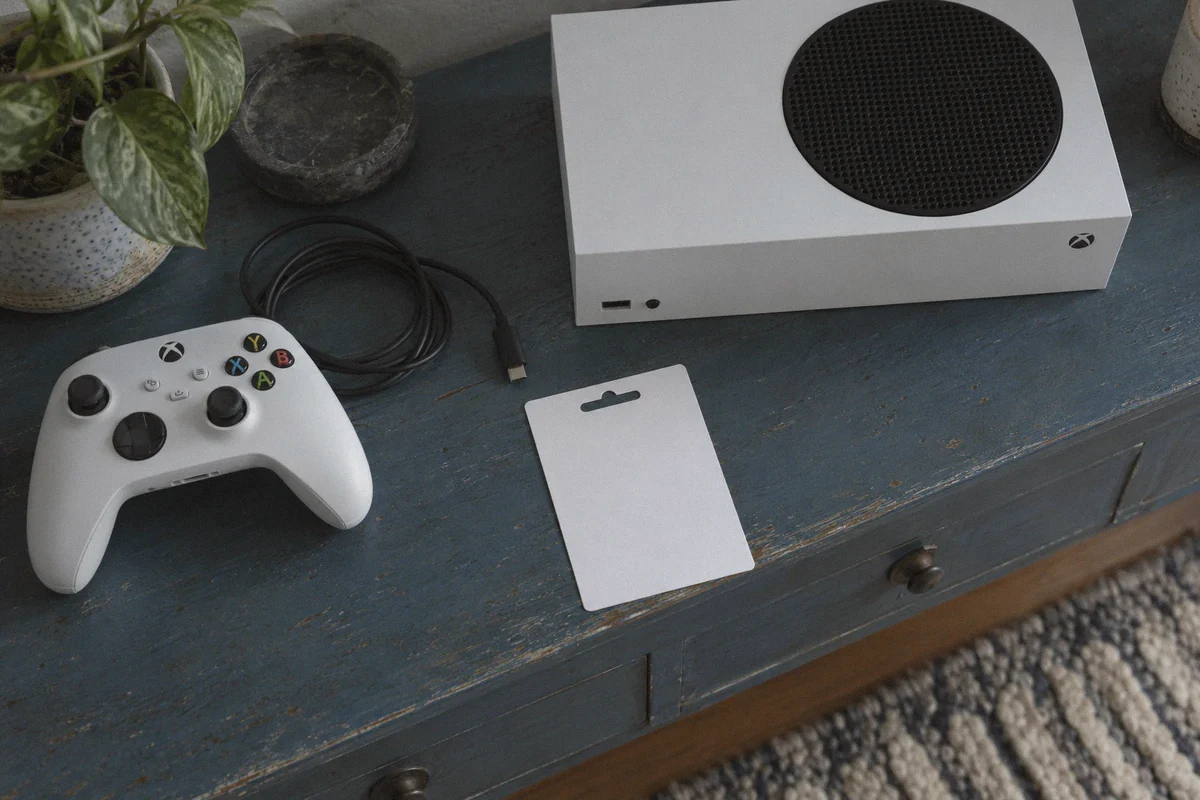
Step-by-Step: The Clean 4-Step Redemption Process
Before touching anything, check your Microsoft account: you must not have an active Game Pass Ultimate subscription running. If your subscription is currently active, wait until it expires. You cannot stack discounted Core conversion keys on top of an active Ultimate plan.
Step 1: Source Your Regional Keys
Pick up regional Game Pass Core keys (12-month codes offer the best per-month value) from an established digital key marketplace. India (IN) and South Africa (ZA) are currently the most reliable options with stable inventory. Make sure the listing explicitly states the region you are buying for.
Step 2: Prep a Clean Browser Session
Open a fresh Incognito / Private Browsing window on your computer. Do not use the Xbox app on your phone or console for this step. Microsoft caches your local IP and billing region inside regular browser cookies, which will cause false region errors.
Step 3: Activate Your VPN to the Matching Region
Connect to a VPN node in the exact country matching your purchased keys (e.g., India). This is the make-or-break step where cheap proxies fail, because Microsoft actively flags low-quality datacenter IPs.
Step 4: Redeem and Convert
- While connected to your VPN, navigate to
redeem.microsoft.comin your Incognito window and log into your primary Microsoft account. - Enter your regional Core code(s). Microsoft will display the code's details in the local currency. Click Confirm.
- Once your Core time is loaded, redeem a 1-month Game Pass Ultimate code (or buy a 1-month upgrade directly). Microsoft will display a prompt explaining that your Core time is converting to Ultimate.
- Confirm the conversion.
- Turn off your VPN. You're done. Open your console or Xbox PC app, and your Ultimate badge is active.
Why Most VPNs Flunk at Step 3 (And Why OnlyDogs VPN Solves It)
The redemption step is where most gamers hit a wall. When you enter a regional code on redeem.microsoft.com, Microsoft runs a deep risk check against the inbound IP address.
If you are using a free proxy or a cluttered budget VPN, Microsoft flags the connection as a commercial hosting server (AWS, Linode, DigitalOcean) and throws:
"Check the instructions that came with your code. You might need to redeem it on a different web page or device."
This is why OnlyDogs VPN has become a go-to tool for this specific workaround:
- Clean Routing Without Datacenter Fingerprints: Microsoft’s fraud filters latch onto standard VPN packet headers. OnlyDogs uses modern HTTP/3 protocols combined with proprietary traffic obfuscation, masking your connection so it appears like regular residential HTTPS traffic rather than a datacenter proxy.
- Automatic Route Optimization: You don't have to cycle through twelve broken servers in Mumbai or Johannesburg hoping one sneaks past Microsoft’s regional gateway. The app’s auto-routing detects which paths maintain clean handshakes and points you there automatically.
- Frictionless Setup: You don't need to configure OpenVPN configuration files or manage complicated credentials. OnlyDogs logs you in quickly via an email verification code across Windows, macOS, Android, and iOS.
- Stable Handshakes: If a proxy drops or stalls during the redemption sequence, Microsoft’s portal can hang, leaving your key in a temporary "pending verification" limbo. OnlyDogs maintains persistent, low-latency tunnels that complete the API handshake in seconds.
3 Critical Rules to Keep Your Account Safe
- Never Change Your Account's Home Country Permanently
You do not need to migrate your actual Microsoft Account region in your profile settings. Keep your account address as your home country. The VPN is only used so the redemption page temporarily recognizes your geographic location for the key validation.
- Turn the VPN Off Once You're Done
There is zero reason to leave a VPN running while playing games on your Xbox or PC. Microsoft does not check your IP while downloading or playing Game Pass titles; they only check whether your account holds an active entitlement. Leaving a VPN on only adds unnecessary latency to your online matches.
- Turn Off Recurring Billing
During the redemption process, Microsoft will often ask if you want to enable "Auto-renew" for an extra free month. Always uncheck this box. If auto-renew is left enabled, future charges will attempt to process against your regional settings, which can cause billing errors down the line.
The Verdict
Getting Xbox Game Pass Ultimate at a massive discount isn't complicated, but it requires doing the steps in the right order.
Stop trying to force domestic credit cards onto foreign Xbox stores. Buy verified regional digital keys, use a clean VPN route with traffic obfuscation to validate the redemption on Microsoft's portal, and flip the switch back to your normal network.
Ten minutes of setup saves you over $130 a year—without putting your gamertag at risk.
Frequently Asked Questions
Why does a foreign Microsoft Store reject my normal credit card even when I use a VPN?
The article says Microsoft ties payment methods to their issuing region, so a card from one country can be rejected when used for a purchase in another store region even if the IP address has changed.
What has to be true before using the Core-to-Ultimate conversion method?
The article says the account should not have an active Game Pass Ultimate subscription. It recommends waiting for Ultimate to expire before loading regional Core time and then applying an Ultimate upgrade.
Should I leave the VPN on while I play Game Pass games?
No. In this workflow the VPN is used only while redeeming the region-specific code. The article recommends turning it off afterward so game traffic uses the normal low-latency home connection.
How can I reduce region errors during the redemption step?
Match the VPN country to the code region, use a fresh Incognito or Private window, redeem through the official Microsoft portal, and avoid changing the Microsoft account’s permanent home-country setting.