A new Fortnite season drops, the Item Shop refreshes with a collab skin you’ve been waiting months for, and you check your balance: 150 V-Bucks.
You click over to the V-Bucks store, look at the $89.99 price tag for the 13,500 bundle, and feel that familiar sting.
Naturally, you do some digging. You see Reddit threads and TikTok clips talking about regional pricing—how players in countries like Turkey, Brazil, or Argentina pay less than half the US/EU retail price for the exact same digital currency.
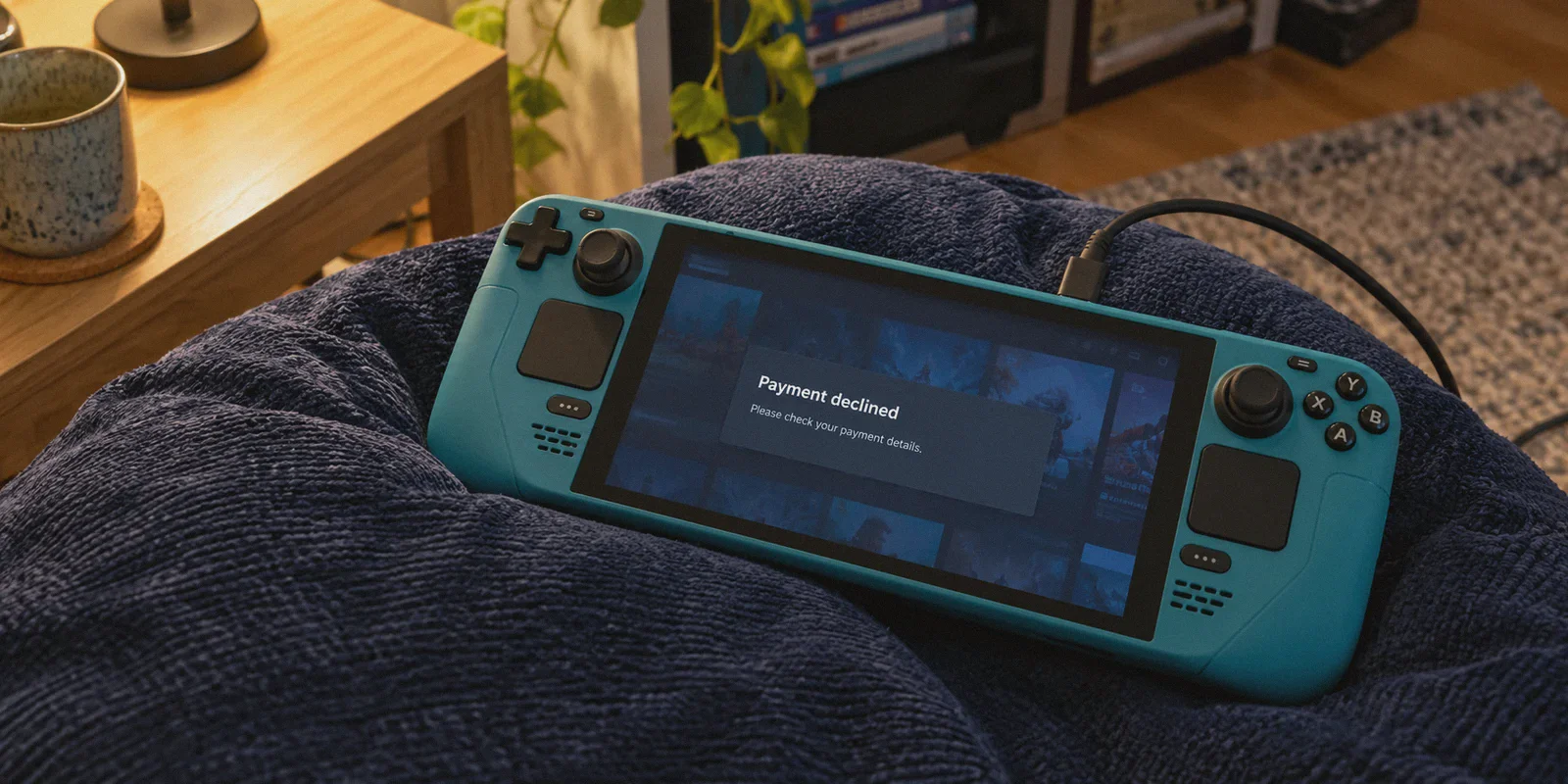
So you download a generic VPN, switch your location, open the Epic Games store, and see the price drop into local currency. You hit checkout, punch in your card details, and—
"An error occurred while processing your request. Please try again later or contact customer support."
Or worse: the payment window refreshes, your screen reloads, and the price jumps right back to full USD or EUR.
If you’re searching for how to buy cheap V-Bucks using a VPN, you already know regional discounts exist. What you need to know is why Epic Games blocks standard VPN purchases, why handing your login to sketchy Discord sellers will get your account banned, and the exact step-by-step method that actually works in 2026.
Article summary and product fit
Why does a direct regional V-Bucks purchase often fail with a VPN, and what safer workflow does this article describe?
The article says direct Epic purchases can be stopped by card-country checks, known datacenter VPN ranges, and account-region controls. Its alternative is to keep control of the account, use a legitimate regional digital code, redeem it through the linked Microsoft/Xbox account, and then trigger the Fortnite wallet sync through Xbox Cloud Gaming.
Key points, fit, and limits
- Why checkout fails: The article highlights credit-card BIN checks, VPN datacenter blacklisting, and Epic account-region restrictions as separate controls that an IP change alone cannot solve.
- Account-safety rule: Avoid sellers who request your Epic login or use opaque “top-up” services; the article recommends redeemable digital codes that you purchase and redeem yourself.
- Product fit: OnlyDogs VPN is presented as a fit for the regional redemption step because the article emphasizes traffic obfuscation, matching the code’s region, stable routing, and keeping the tunnel active until confirmation.
- Best for: Readers who understand that the network route is only one part of the workflow and who want to avoid sharing account credentials with third parties.
- Important limit: The method still depends on legitimate codes, linked Epic and Microsoft accounts, regional rules, and platform fraud checks; a VPN cannot override a bank card’s issuing country or guarantee code acceptance.
Sources already linked in this article: Epic Games Store, Xbox Cloud Gaming and OnlyDogs VPN official site.
Why "Just Using a VPN on Epic Games" Doesn't Work
A few years ago, buying regional V-Bucks was as simple as turning on a browser proxy and clicking pay.
Epic Games lost millions to cross-border price exploitation, so they locked the doors. Today, if you try to buy directly on the Epic Games website with a standard VPN, you will hit three brick walls:
1. The Credit Card BIN Check
When you enter your credit or debit card, the payment processor checks the BIN (Bank Identification Number)—the first six digits of your card. If your card was issued in the US, UK, Canada, or Germany, but you’re trying to check out in Brazilian Reais or Turkish Lira, the gateway auto-cancels the transaction. No amount of IP switching overrides where your physical bank is located.
2. Datacenter IP Blacklisting
Mainstream commercial VPNs route thousands of users through shared datacenter server farms (AWS, DigitalOcean, M247). Epic’s anti-fraud engines know these server ranges. When a payment request comes through an identified commercial datacenter IP, it gets flagged as high-risk and terminated before the bank even receives the ping.
3. The 6-Month Region Lock on Epic Accounts
You cannot freely hop countries on your main Epic Games account. Epic requires proof of residency and a local payment method to change your account region, and once changed, it is locked for six months. If you mess with it repeatedly, customer support locks your purchasing rights entirely.
The Trap You Must Avoid: Shady "Cheap V-Bucks" Sellers
When people realize their own cards won't clear the regional checkout, they often turn to grey-market marketplaces, Telegram channels, or Discord servers advertising "13,500 V-Bucks for $25."
Do not do this.
These sellers almost always operate in one of two ways:
- The Account Takeover: They demand your Epic Games email and password to "log in and buy it locally." You risk losing your account, rare skins, and connected platforms permanently.
- The Stolen Card Chargeback: They buy V-Bucks on your account using cracked or stolen payment cards. A week or two later, the real cardholder files a fraud dispute. Epic immediately revokes the V-Bucks, pulls any skins purchased with them, and leaves your account with a negative V-Bucks balance—or permanently bans it for fraudulent activity.
If a method requires giving someone else your login credentials, walk away. You should always maintain complete control of your own account.

The Real Workaround: The Xbox Cloud & Regional Code Route
The only legitimate, repeatable way to buy discounted V-Bucks without having an overseas bank card is through the Microsoft/Xbox digital code ecosystem.
Because Fortnite supports full cross-progression, V-Bucks purchased and redeemed through an Xbox Live account link directly to your Epic Games wallet and carry over everywhere (PC, mobile, Xbox, and cloud).
Here is the mechanism:
- Legitimate digital retailers sell regional Xbox digital gift cards and prepaid game codes (e.g., Brazil, Argentina, Turkey) at local currency equivalents.
- You buy the digital code yourself—no middleman ever touches your Epic login.
- You redeem that code through Microsoft’s redemption page while connected to a clean, matching regional IP address.
- You launch Fortnite via Xbox Cloud Gaming for thirty seconds to trigger Epic's wallet sync.
The critical bottleneck in this entire workflow is Step 3. Microsoft has aggressively upgraded its proxy-detection systems. If Microsoft detects a standard, leaky VPN protocol when you submit the code, it blocks redemption with: "This code was purchased in a different region and cannot be redeemed."
This is why having the right network tool makes or breaks the process.
Why OnlyDogs VPN Clears the Redemption Hurdle
Most VPNs fail during digital code redemption because they broadcast obvious protocol signatures that corporate fraud filters identify on sight.
OnlyDogs VPN approaches network routing differently:
- HTTP/3 & Proprietary Protocol Camouflage: OnlyDogs uses modern HTTP/3 architecture and proprietary traffic obfuscation. Instead of broadcasting generic WireGuard or OpenVPN handshake headers, your connection mimics routine encrypted HTTPS web traffic. Microsoft’s fraud systems see ordinary consumer web browsing rather than a flagged proxy server.
- Auto-Routing Without the Guesswork: You don't have to spend forty minutes testing ten different servers to see which one isn't blacklisted. OnlyDogs' auto-routing automatically locks onto clean, low-latency regional routes.
- Weak-Network Session Recovery: A sudden network blip during code redemption can drop your encrypted tunnel, expose your real IP, and lock your code in "pending verification" limbo. OnlyDogs' connection engine recovers instantly across network jitter without leaking your physical location.
- Frictionless Setup: Logging in requires only a direct email verification code. You don’t need to remember complex master passwords across your phone, tablet, and PC.
Step-by-Step Playbook: How to Do It Safely
Follow this sequence in order to keep your account safe and your wallet intact:
Step 1: Link an Xbox Account to Your Epic Profile
- Go to epicgames.com, log into your main Fortnite account, and navigate to Account Settings > Apps and Accounts.
- Link a free Microsoft/Xbox account. (If you don't own an Xbox console, create a free Xbox Live account online—you do not need a physical console).
Step 2: Acquire a Legitimate Regional Digital Code
- Visit a trusted digital gaming marketplace (such as Eneba, Gamivo, or CDKeys).
- Look for Fortnite V-Bucks (Xbox Live Code) or Xbox Gift Cards for your target region (Brazil and Turkey are common choices).
- Purchase the digital key. The code will be delivered instantly to your screen or email. You are buying a redeemable key—never an "account top-up service."
Step 3: Connect OnlyDogs VPN
- Download OnlyDogs VPN on your PC, Mac, or mobile device.
- Select the country route that strictly matches the currency/region of the digital code you purchased.
- Turn the connection on and confirm your virtual location is active.
Step 4: Redeem on Microsoft
- Open a Private/Incognito window in your browser.
- Go to
redeem.microsoft.comand log into your linked Xbox account. - Enter your 25-character digital code and click Next.
- Because OnlyDogs hides the VPN footprint, Microsoft’s regional check validates your location smoothly. Click Confirm.
Step 5: The Sync Step (Crucial)
V-Bucks redeemed via Xbox don't appear in your PC or mobile game client until you open Fortnite on the Xbox ecosystem at least once to trigger the wallet sync:
- You don't need a physical Xbox. Simply go to
xbox.com/play(Xbox Cloud Gaming). - Launch Fortnite for free in your browser.
- Once the main lobby loads, your new V-Bucks balance will sync to your Epic account.
- Close the browser. When you launch Fortnite on your PC, PlayStation, Nintendo Switch, or phone, your balance is there and ready to spend.
3 Ground Rules to Protect Your Account
- Stick to Digital Codes Only: Never buy "cheap V-Bucks" where someone asks for your password. Redeemable digital keys are the only method where you remain 100% in control.
- Don't Jump Five Countries in One Afternoon: Pick one region for your gift card purchases and stay consistent. Rapidly redeeming codes from three different continents within an hour is an obvious red flag to automated fraud monitors.
- Keep Your Connection Active Until Confirmed: Do not turn off your VPN while the Microsoft redemption page is loading. Let the confirmation screen appear, close the tab, and only then disconnect.
The Bottom Line
You don't have to pay full retail price for every new Battle Pass and Item Shop drop, but you also shouldn't gamble your entire account on shady sellers or waste hours with dead VPN servers that get rejected at checkout.
Use legitimate digital codes, bypass regional verification with an obfuscated line on OnlyDogs VPN, sync your wallet, and get your skins without the markup or the headaches.
👉 Get OnlyDogs VPN and Start Saving on Gaming
Frequently Asked Questions
Why can my card be declined even when the VPN shows the cheaper country?
The article says payment processors can compare the card’s BIN with the purchase region. If the issuing country does not match the regional storefront, changing the IP address does not change the bank card’s origin.
Why does the article warn against cheap V-Bucks sellers who ask for my login?
It describes the risks of account takeover and purchases made with stolen cards that can later be charged back. The safer rule in the article is to keep full control of your Epic credentials and use redeemable codes you bought yourself.
What is the purpose of linking an Xbox account to Epic?
The article uses the linked Microsoft/Xbox account as the redemption and synchronization path. After a regional code is redeemed, launching Fortnite through Xbox Cloud Gaming is described as the step that triggers the wallet sync to the Epic account.
What should match the region of the digital code?
The article says the VPN route should match the currency or region of the code during redemption, and it recommends staying consistent rather than jumping rapidly among multiple countries.