How to Buy Duolingo Super Cheaper with a VPN: Why Your Card Gets Declined (And the Real Workaround)
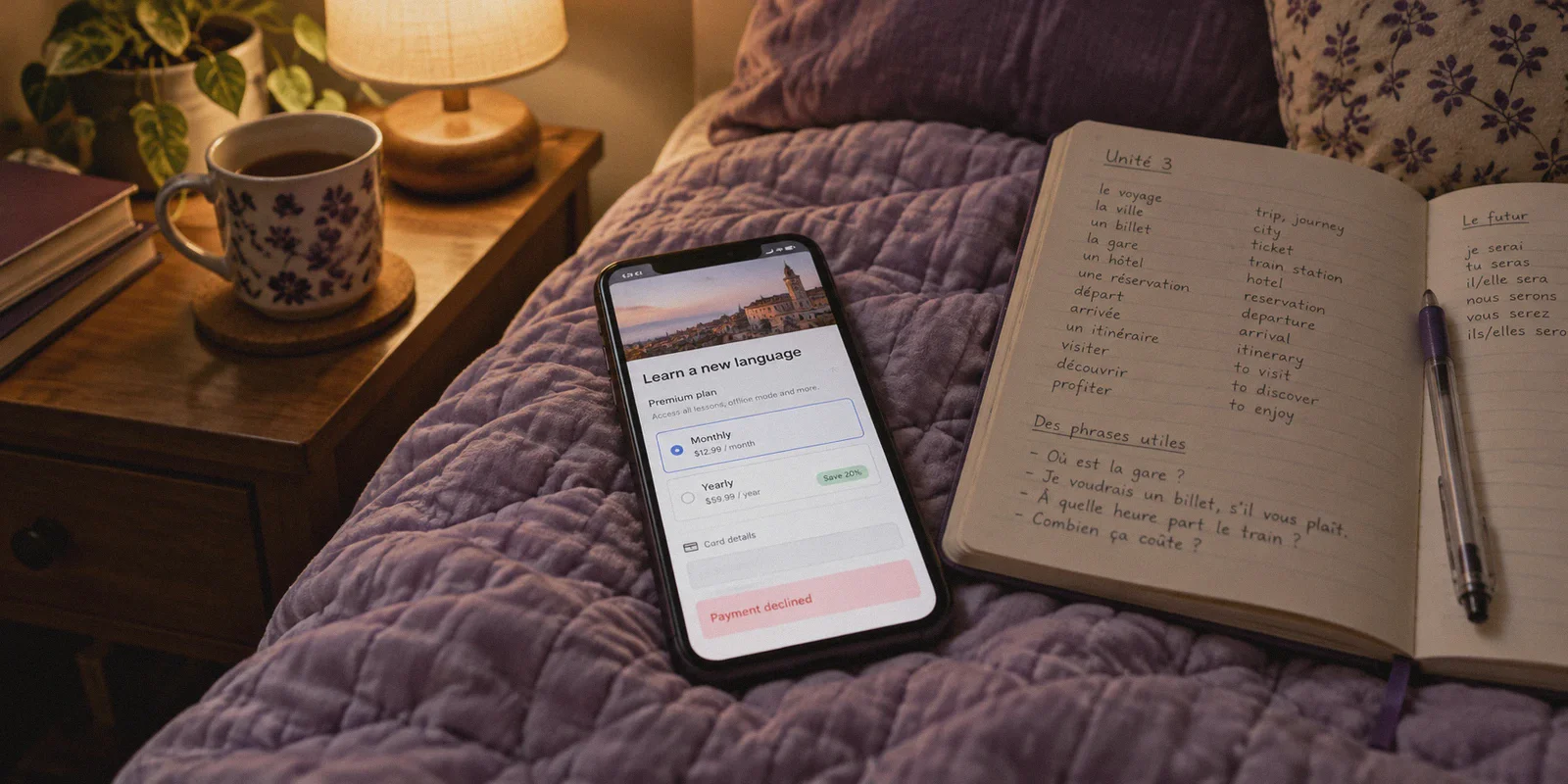
It’s 11:48 PM. You’re lying in bed, desperately trying to keep your 280-day streak alive before the midnight reset.
You make one tiny typo in French. Then another. And just like that, your last heart is gone.
Before you can review your mistake, the green owl hits you with a 30-second unskippable video ad for a mobile game you have zero intention of ever downloading. Right after that comes the full-screen sales pitch:
"Get Super Duolingo: Unlimited Hearts, No Ads, Personalized Practice."
Price: $84.00/year (or $12.99/month).
For an app that teaches you how to say "the cat eats an apple," eighty-four bucks a year feels a bit steep.
So you do what any resourceful person does. You browse Reddit or Twitter, where people casually mention that Duolingo Super costs a fraction of that in countries like India, Turkey, or Brazil—often under $20 to $25 for an entire year.
You fire up a standard VPN, set your country to India or Turkey, open the Duolingo website, and smile as the price drops into local currency.
You type in your credit card details, hit "Subscribe," and—
"Payment Declined. Please try a different card."
Or worse: the checkout page silently reloads and suddenly slaps your local $84 USD price tag right back onto your cart.
If you’re searching for how to buy Duolingo Super cheaper with a VPN, you don’t need someone to explain the benefits of unlimited hearts. You already want the perks. What you need to know is why Duolingo’s web checkout rejects foreign cards, how to bypass the payment wall without risking your hard-earned streak, and how to get it down to pocket change.
Article summary and product fit
Why does a cheaper Duolingo regional price appear with a VPN but the payment still fail?
The article says the desktop checkout can compare more than IP location: card BIN, VPN IP reputation, cookies, and account history can all create a region mismatch. Its workaround is to avoid the web card flow and instead use localized Apple or Google in-app billing funded with a region-matched gift-card balance, while keeping the normal Duolingo account for streak and progress.
Key points and limitations
- Best for: Existing Duolingo users who see a lower regional price but have a foreign card rejected or the checkout revert to the normal local price.
- Why the web checkout can fail: The article points to card-issuer BIN checks, flagged datacenter VPN addresses, and long-term account or cookie history that conflicts with the new region.
- Where OnlyDogs fits in this article: It is presented as the clean connection layer used while setting up the regional app-store account or balance, with obfuscation, auto-routing, and mobile email-code login.
- Important limit: Regional pricing, app-store account rules, gift-card policies, and available countries can change. The article does not provide official platform sources for the quoted prices, so readers should confirm current terms before paying.
Sources already referenced on this page: OnlyDogs VPN official website.
Why Changing Your IP on Duolingo's Website Doesn't Work
Most guides on the internet give you outdated advice: "Just turn on a VPN, open duolingo.com in Chrome, and pay with your debit card."
If you try that today, you will fail 99% of the time. Here is the reality of how Duolingo’s billing infrastructure actually operates:
1. The Stripe BIN (Bank Identification Number) Trap
Duolingo’s desktop website handles billing via Stripe. Stripe doesn't just look at your IP address; it inspects the BIN—the first six digits of your payment card, which identify the issuing bank.
If your IP address says you’re sitting in Mumbai or Ankara, but your Visa or Mastercard was issued by Chase, Bank of America, or Barclays in the UK, Stripe’s anti-fraud system instantly flags the discrepancy. The regional price vanishes, and your transaction gets rejected as suspected regional fraud.
2. Datacenter IP Fingerprinting
Most budget or free VPNs use massive, shared datacenter IP pools. Payment processors have live registries of these IP ranges. When you land on Duolingo’s checkout through an obvious datacenter node, the security gateway blocks the payment token before the checkout even submits.
3. Account History & Cookie Leaks
Duolingo remembers where you’ve been practicing for the last six months. If an account with hundreds of days of logins from Los Angeles suddenly tries to purchase a Turkish Lira annual plan on desktop, automated risk controls step in.
To get the regional discount, you have to stop trying to force foreign credit cards through Duolingo’s web checkout. The real trick bypasses Stripe completely.
The Method That Actually Works: Mobile In-App Store Billing
The secret that experienced digital bargain hunters use isn't the desktop website. It’s the mobile app store.
Apple and Google process in-app subscriptions through their own localized billing ecosystems. When you subscribe inside the Duolingo mobile app, Duolingo doesn't see your credit card at all—it only receives a confirmation from Apple or Google that the digital item was purchased.
Here is how you execute this cleanly:
Step 1: Use a Camouflaged, Clean VPN Connection
If the app store detects a generic, flagged VPN connection during account creation or redemption, it can trigger an account verification hold.
This is where OnlyDogs VPN eliminates the usual headaches:
- HTTP/3 & Proprietary Traffic Obfuscation: Unlike standard protocols (like default WireGuard or vanilla OpenVPN) that broadcast obvious VPN handshakes, OnlyDogs disguises your connection as routine, encrypted HTTPS web traffic. Storefronts and payment gateways see ordinary web activity rather than a flagged proxy server.
- Smart Auto-Routing: You don't have to spend half an hour testing eight different regional nodes to see which one works. OnlyDogs’ auto-routing automatically picks clean, responsive pathways.
- Frictionless Mobile Experience: OnlyDogs uses direct email verification code logins across Android and iOS. There are no forgotten passwords to reset when you switch devices to set up your subscription.
Step 2: The App Store Workaround
You have two straightforward paths, depending on what phone you use:
Option A: On Android (Google Play) — The Easiest Route
- Connect OnlyDogs VPN to your target region (India, Brazil, or the Philippines are top picks).
- Open the Google Play Store on your device or in a private browser window and create a secondary Google account while connected to the VPN.
- Buy a digital Google Play gift card for that specific country (available from trusted digital code stores like SEAGM, Eneba, or Amazon).
- Redeem the gift card code into your new regional Google Play balance.
- Log into the Duolingo app on your Android phone using your normal Duolingo account (your existing streak, progress, and friend quests stay 100% intact).
- Tap the Super Duolingo upgrade button. Google Play will present the localized currency, and you pay directly with your redeemed Play Store balance.
Option B: On iOS (Apple App Store)
- Connect OnlyDogs VPN to your chosen target country.
- Log out of your Apple ID in Media & Purchases (or create a secondary Apple ID with the region set to your target country). No foreign credit card is required—select "None" for payment during setup.
- Purchase an App Store gift card for that region online and redeem it into the secondary Apple ID.
- Download the Duolingo app from the regional App Store.
- Open Duolingo, log into your existing account, and tap Upgrade to Super. Apple will bill your App Store gift balance in local currency.
Once activated, your Super Duolingo status syncs to your Duolingo account across all devices—your iPhone, Android, iPad, and desktop web browser. You can turn off the secondary app store account and use your regular setup forever.
The Pro Move: Stack It with the Family Plan
If you want to make this ridiculously cheap, don't just buy an Individual plan. Buy the Super Duolingo Family Plan.
Duolingo’s Family Plan gives you six independent Super slots under one subscription:
- In standard pricing regions, a Family Plan costs around $120/year.
- In lower-tier regional pricing, a Family Plan often costs around $30 to $40/year total.
Split that $35 across six friends, coworkers, or family members, and you are paying under $6 per person for an entire year of unlimited hearts and no ads.
The best part? The five people you invite do not need a VPN. Once your primary account buys the family plan, you just generate invite links and send them over WhatsApp or text. They click the link, join your family plan, and get instant Super perks on their native accounts.
Wait—Do You Even Need Super Duolingo?
Before you jump through the hoops of buying a regional gift card, take a step back and ask what actually annoys you about free Duolingo:
Scenario 1: You're sick of the aggressive 30-second video ads
If your biggest gripe is having your study rhythm broken by constant, noisy commercials between lessons, you might not even need Super.
Duolingo serves video ads through third-party ad networks and tracking beacons. OnlyDogs VPN features built-in DNS-level and node-level filtering for ads and trackers. When active, it automatically blocks those commercial ad-delivery endpoints before the app can trigger the video player. You finish a lesson, and it transitions straight to your score screen—saving you both money and screen time.
Scenario 2: You make frequent mistakes and hate running out of hearts
If you are learning a difficult alphabet (like Japanese, Arabic, or Russian) where losing five hearts takes ten minutes, then Unlimited Hearts and the Mistakes Review hub in Super Duolingo are genuinely worth having. In that case, the mobile gift card route above is your cleanest, cheapest ticket.
3 Rules to Keep Your Duolingo Account Safe
Duolingo is far more relaxed about regional pricing than platforms like Steam or Spotify, but you still want to be smart:
- Keep Your Normal Login: Never buy a "pre-made cheap Duolingo account" from random sellers on Telegram or Discord. Those accounts are usually registered with stolen cards or shared with 20 strangers. Always upgrade your own real account using the mobile store method so your progress is safe.
- Never Dispute the Charge: Because you are paying with legitimate App Store / Play Store balances, your payment won't bounce or trigger a chargeback.
- Turn Auto-Renew Off: Once your annual plan is active, cancel the auto-renewal in your phone's subscription settings. You’ll keep the full year of Super, and you won't have to worry about unexpected card charges twelve months down the line.
The Takeaway
Learning a language takes enough discipline as it is. You shouldn't have to put up with obnoxious full-screen ads, running out of hearts on lesson four, or paying eighty dollars a year just to study without friction.
With a clean, obfuscated connection through OnlyDogs VPN, a few minutes to grab a regional gift card, and the Family Plan trick, you can unlock full Super perks for less than the price of a couple of coffees.
Pick up OnlyDogs VPN, connect to your chosen route, and get back to learning—uninterrupted.
👉 Get OnlyDogs VPN and Start Saving Today
Frequently Asked Questions
Why can Duolingo show a lower regional price but still decline my card?
The article says the desktop checkout can compare the card’s issuing-country BIN with the apparent IP region. A mismatch, a flagged VPN address, or conflicting account and cookie history can trigger a decline or restore the normal local price.
Why does the article use Apple or Google billing instead of Duolingo’s website?
Its workaround shifts payment to the localized mobile app store. The store processes the transaction and passes the subscription entitlement to Duolingo, so the article avoids the foreign-card check in the desktop web checkout.
Will using the mobile-store method erase my Duolingo streak or progress?
The article says to keep using the normal Duolingo login inside the app. The subscription is then attached to that existing Duolingo account, so the streak, progress, and social features remain with the same profile.
Do I need Super Duolingo if ads are my only problem?
The article distinguishes ad interruptions from the premium features. It suggests that ad and tracker filtering may address the interruption problem, while Super is more relevant if unlimited hearts and the paid review features are the main reason to upgrade.