If you follow more than two or three streamers on Twitch, your monthly bill starts looking ridiculous fast.
At $5.99 (or €5.99 / £4.99) a pop, supporting five creators costs you nearly $30 a month. That’s more than Netflix, Disney+, and Spotify combined.
So you did what any practical person does: you heard about Twitch’s "Localized Subscription Pricing," fired up a standard VPN, clicked on Turkey, Argentina, or Brazil, and headed to Twitch. Sure enough, the sub button suddenly displayed a fraction of the US price—roughly $1.50 to $2.50.
You clicked "Subscribe," feeling like a genius.
And then came the brick wall:
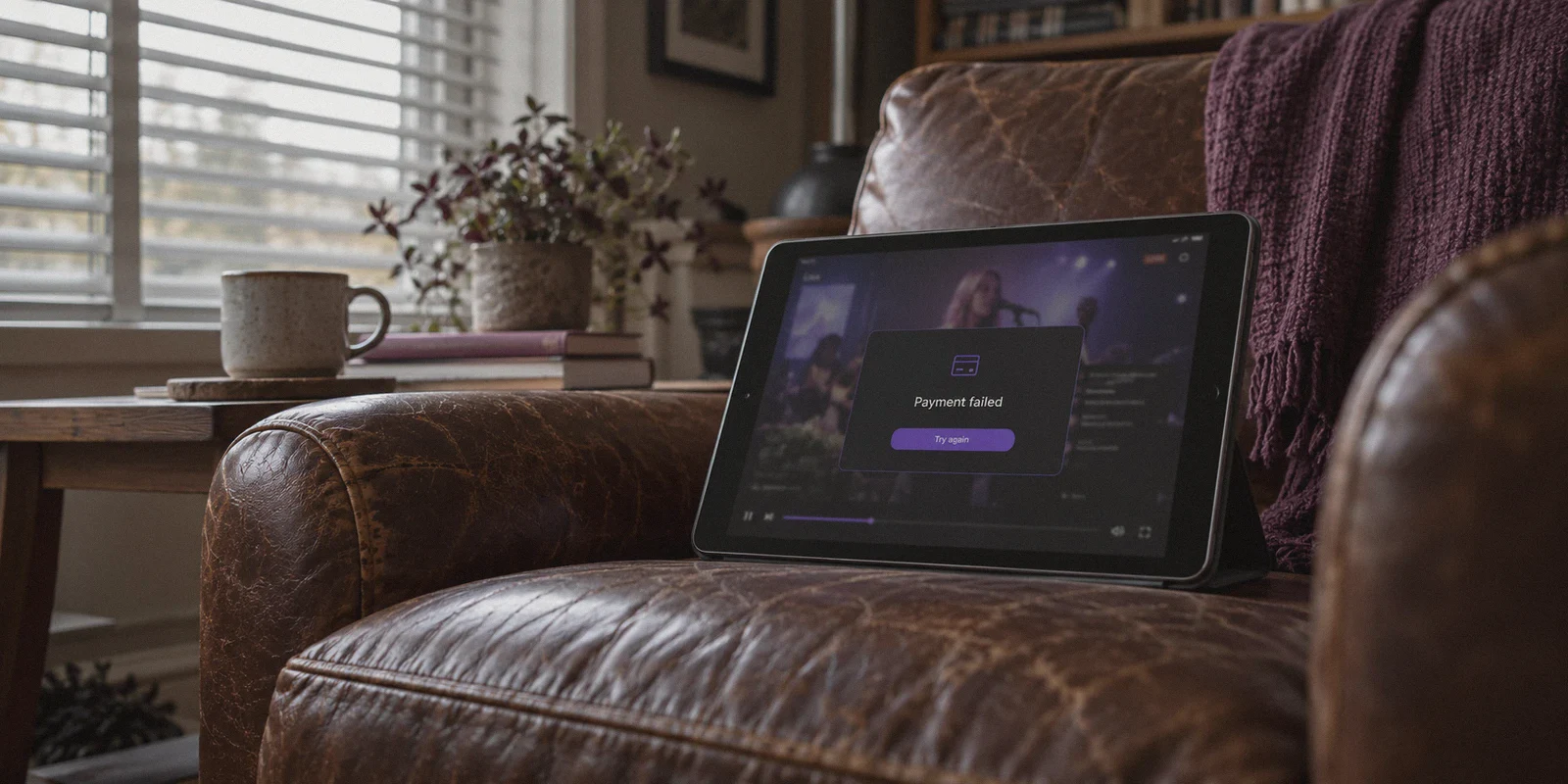
"There was an error processing your payment."
Or the price silently jumped right back to $5.99 USD the second you entered your card details.
If you’re searching for how to buy Twitch subscriptions cheaper with a VPN, you don’t need another outdated YouTube tutorial claiming you just "turn on a free VPN and use your normal Visa card." That loop stopped working years ago.
Here is the real breakdown of why Twitch’s payment wall rejects standard VPNs, what actually clears the checkout in 2026, and how to get your emotes and sub badges without burning your account.
Article summary and product fit
Why can Twitch show a cheaper localized subscription price but still reject the checkout?
According to the article, the visible regional price is only one part of Twitch’s checkout decision. The payment flow can also evaluate whether the connection looks like a commercial VPN, whether the card’s issuing country matches the target region, and whether the account’s recent location history looks consistent. The workaround described in the article uses a stable regional connection together with a matching mobile-store balance rather than a mismatched domestic card.
Key points
- Best for: Readers trying to understand why localized Twitch pricing appears correctly but fails once payment details are submitted.
- Main reason for failure: The article points to datacenter-IP detection, card BIN or issuing-country mismatch, and sudden account-region changes as separate sources of payment friction.
- Product fit in this article: OnlyDogs VPN is positioned as the network layer: a steadier, obfuscated route with automatic routing and recovery if the connection blips during checkout.
- Important limits: The method described still depends on having a payment balance accepted in the target mobile-store region, and rapid country switching can trigger temporary payment locks or additional checks.
Where OnlyDogs VPN fits
The article does not treat a VPN as a complete payment solution by itself. It presents OnlyDogs VPN as the connection component, while the billing component is handled through a region-matched mobile storefront balance.
Source already linked in this article: OnlyDogs VPN official website.
The Catch: Why Twitch Won't Let You Just "Switch Countries"
In 2021, Twitch rolled out localized sub pricing to make subscriptions affordable in countries with lower local purchasing power. A Tier 1 sub in countries like the Philippines, Colombia, Brazil, or India is priced significantly lower than in North America or Western Europe.
Naturally, half the internet tried to abuse it overnight. In response, Amazon and Twitch implemented a three-tier fraud detection system:
1. The Datacenter IP Flag
When you use a generic commercial VPN, your connection comes from a known commercial hosting facility (AWS, DigitalOcean, M247). Twitch’s fraud filters flag these datacenter IPs immediately. The website might still show you the local currency on the preview banner, but the backend checkout processor quietly blocks regional payment gateways the moment it detects a proxy.
2. The BIN (Bank Identification Number) Match
This is where 90% of buyers get stuck. Even if your IP looks like it’s in Manila or São Paulo, your credit or debit card is issued by Chase, Barclays, or Deutsche Bank. Payment processors like Xsolla and Amazon Pay run instant BIN checks. If your IP says Latin America or Southeast Asia, but your card's issuing bank is in Ohio, the system automatically revokes the regional discount and forces the billing currency back to your home country.
3. Account Region Lock & Friction
Twitch tracks your historical login locations. If an account created in London with three years of UK stream-watching suddenly attempts to buy a Turkish Lira subscription through a flagged IP, the anti-fraud algorithm throws a temporary payment lock on the account to prevent suspected card fraud.
To actually get regional subscription pricing to work, you have to solve the network signature and the payment gateway at the exact same time.
The Working Method: How to Actually Buy Cheaper Twitch Subs
To clear the checkout cleanly, you need two things: a VPN connection that doesn’t trigger anti-proxy filters, and a payment method accepted in that target region.
Here is the battle-tested setup that actually works:
Step 1: Use a Camouflaged, Clean IP Line
Twitch’s payment engine immediately blacklists open VPN protocols (like default WireGuard or vanilla OpenVPN) because their handshake headers are obvious.
This is where OnlyDogs VPN makes the crucial difference:
- HTTP/3 & Proprietary Obfuscation: OnlyDogs disguises the tunnel’s packet signature as standard HTTPS web traffic. To Twitch and its payment gateways, you don't look like an automated bot routing through a server rack; your traffic blends into ordinary residential web activity.
- Auto-Routing Without Trial-and-Error: Instead of forcing you to test fifteen different servers across four continents to see which one isn't blacklisted by Amazon’s fraud filters, OnlyDogs’ auto-routing automatically assigns clean, low-latency pathways.
- Network Switching Protection: If your connection blips during payment processing, standard VPNs drop the tunnel and leak your real IP address to the browser. OnlyDogs’ weak-network recovery keeps the session seamless, preventing checkout timeouts.
Step 2: The Payment Bypass (Mobile App Store / Regional Wallets)
Since you cannot use a domestic US/EU credit card directly on Twitch’s desktop site for regional pricing, you use mobile app store billing:
- Connect OnlyDogs VPN to your chosen regional route (such as Philippines, Brazil, or India).
- Use a Secondary Mobile Store Profile:
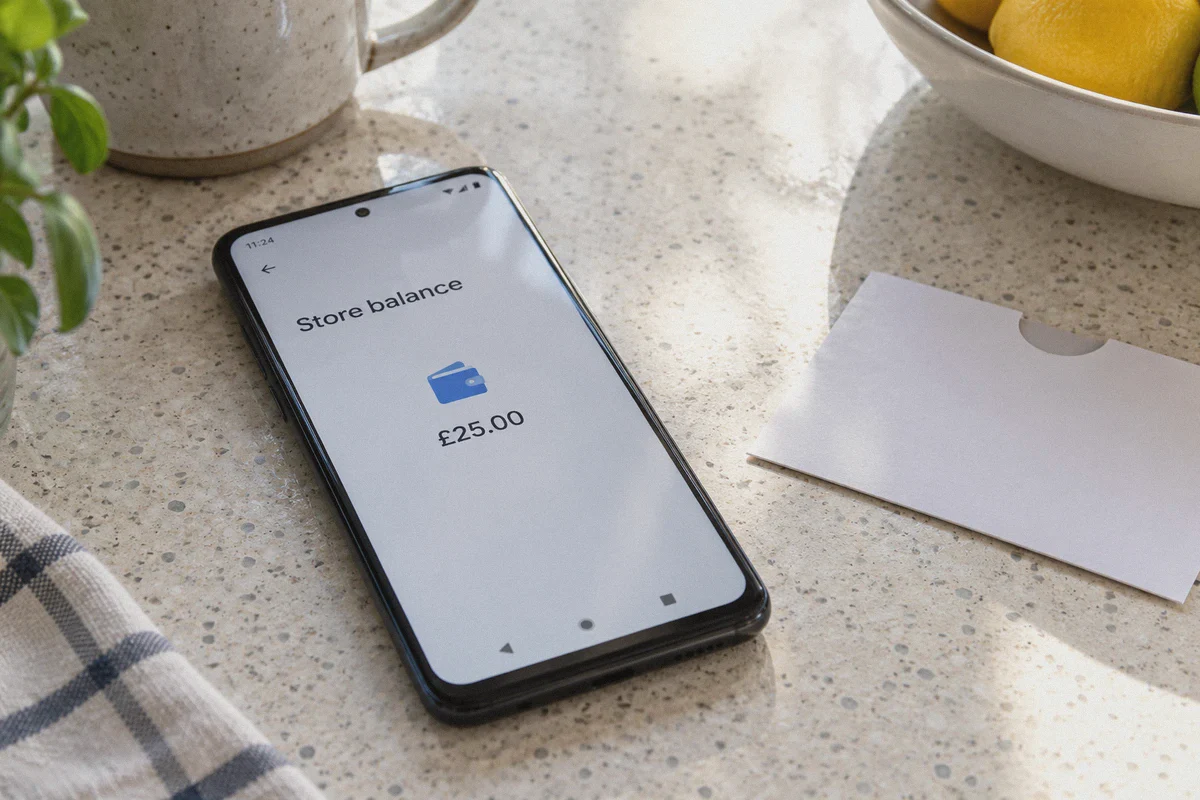
- On Android (Google Play): Set up a secondary Google account while connected to the VPN. Redeem a digital Google Play gift card purchased for that specific region (available on trusted digital code platforms like Eneba, SEAGM, or Amazon).
- On iOS (Apple App Store): Switch a secondary Apple ID to the target region and fund it using an App Store gift card for that country.
- Open the Twitch App: Make sure OnlyDogs VPN is connected. When you tap "Subscribe" on the mobile Twitch app, the app queries the local Google Play or Apple billing engine.
- Pay via Local Balance: The transaction is processed through Google Play or Apple’s regional balance in local currency—completely bypassing Xsolla’s desktop card-origin check.
Your subscription activates instantly, your sub badge and custom emotes unlock globally across all your devices (desktop, phone, tablet), and you pay the localized rate.
An Honest Question: Why Are You Subscribing?
Before you go through the effort of setting up regional billing, ask yourself what you’re actually trying to accomplish:
Scenario A: You want to support the creator and unlock chat perks
If you want the channel emotes, the sub badge next to your name, and loyalty streaks, the regional mobile-store route above is the most reliable way to stretch your monthly budget across multiple favorite streamers.
Scenario B: You're just sick of Twitch's unbearable 8-ad rolls
Let’s be honest: a huge portion of viewers only pay for subscriptions because Twitch’s ads have become completely unwatchable. Nothing kills a clutch esports moment or an intense gaming stream faster than getting hit with three unskippable 30-second commercial breaks right in the middle of the action.
If your primary motivation is killing ads rather than buying emotes, you might not need to pay for multiple subs at all.
Most generic ad blockers fail completely on Twitch because Twitch injects ads directly into the HLS video feed (Server-Side Ad Insertion). However, OnlyDogs VPN includes built-in DNS-level and node-level filtering. By blocking the ad telemetry beacons and tracker scripts before the video player requests the commercial segment, it strips away intrusive promotional interruptions cleanly across desktop and mobile browsers.
If your goal is just clean, uninterrupted streams, running OnlyDogs VPN saves you the subscription fee entirely.
Practical Rules: How to Keep Your Twitch Account Safe
Twitch doesn't go around banning viewers just for traveling or using VPNs, but if you behave like an automated fraud bot, their automated systems will lock your payment access. Keep these three rules in mind:
- Don't Jump Countries Daily: Don't buy a sub in Brazil at 2:00 PM and another in Poland at 3:00 PM. Pick one stable regional profile and stick with it.
- Never Buy Pre-Made "Cheap Sub" Services on Discord or Telegram: You will see sketchy sellers offering "Twitch Subs for $1" where you give them your login or they gift you subs from stolen credit cards. When those cards inevitably charge back, Twitch bans every account connected to the transaction. Always control your own account and your own payments.
- Log In Cleanly: Keep your OnlyDogs VPN connection active on your chosen preset whenever managing your subscriptions or watching region-specific streams to maintain session continuity.
How to Get Started
Setting up takes about three minutes:
- Download OnlyDogs VPN for your platform (macOS, Windows, iOS, or Android). You log in with a simple email code—no forgotten passwords or bloated credential management.
- Select your target connection and let the auto-routing lock onto the cleanest route.
- Either enjoy Twitch completely free of annoying ad interruptions, or use the mobile store method to lock in your regional subscription discounts.
Saving money on digital entertainment shouldn’t require an IT degree. Use the right routing, bypass the payment traps, and watch your streams on your own terms.
👉 Get OnlyDogs VPN and Take Control of Your Streams
Frequently Asked Questions
Why does Twitch sometimes switch the price back to my home currency at checkout?
The article says the checkout can compare the apparent IP region with the country tied to the payment card. If those do not match, the regional price may be removed even though the page initially displayed it.
Why can a normal VPN connection still trigger a Twitch payment error?
The article attributes this to commercial datacenter IP ranges and recognizable proxy or VPN traffic. A checkout may therefore reject the transaction even when the website itself loads in the target currency.
Why does the article use mobile app-store billing instead of a normal card?
Its method relies on a mobile store profile and local store balance for the target region, so the transaction is processed by the regional Apple or Google billing system instead of a desktop card flow that checks the card’s issuing country.
What behavior does the article warn against after setting up a regional profile?
It recommends keeping the region consistent rather than jumping between countries in a short period, and it warns against third-party sellers that ask for account access or use questionable payment sources.