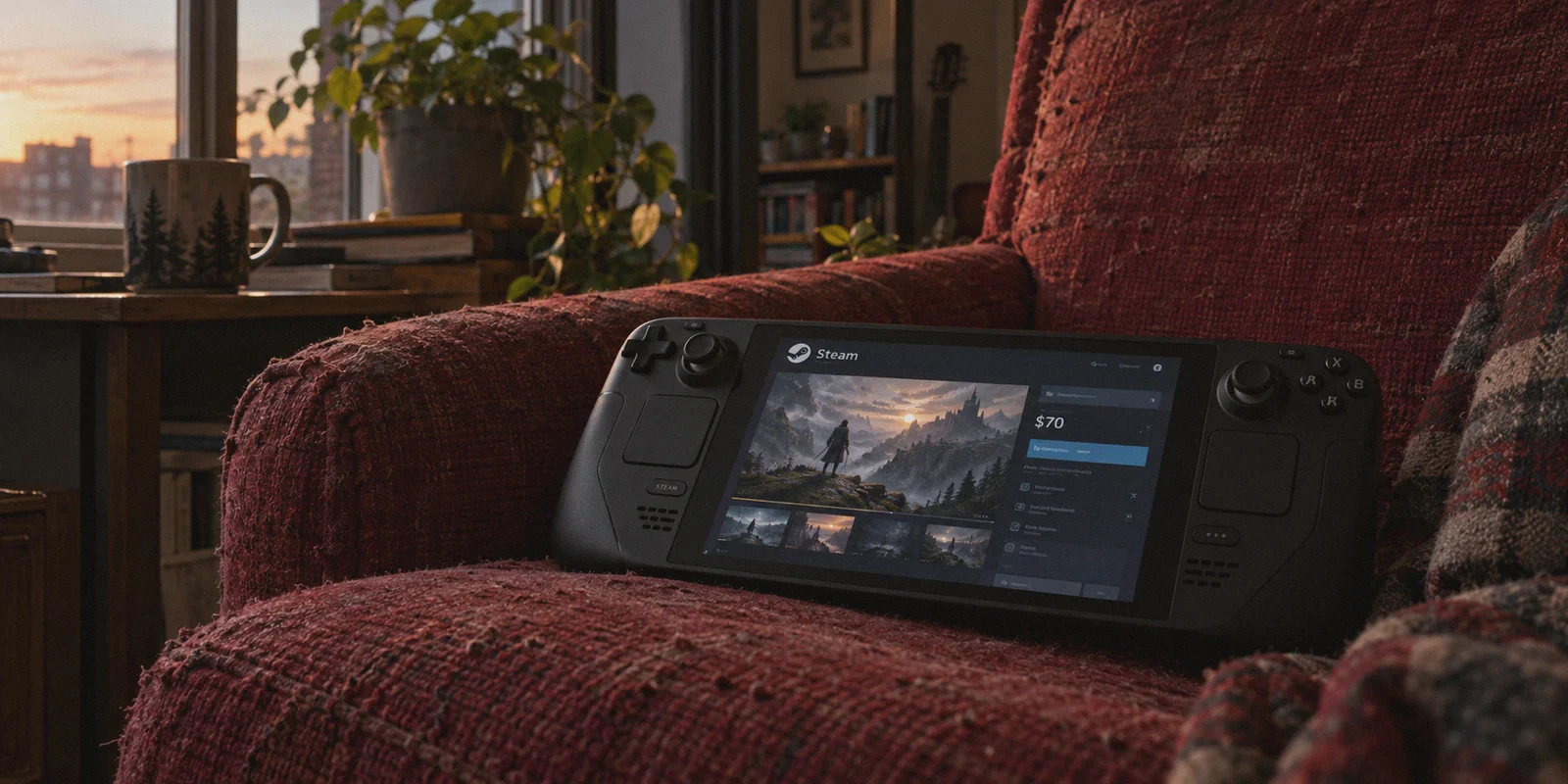
You're staring at a new $70 AAA release on Steam. Out of curiosity, you open SteamDB, look at the regional pricing chart, and see the exact same game listed for the equivalent of $28 in South Asia, Kazakhstan, or Ukraine.
Your immediate instinct: "I'll just turn on a VPN, change my Steam store country, buy the game for $28, and save 60%."
Stop right there.
If you try pulling that off on your main account the way YouTube tutorials from 2019 described it, you aren't going to get a cheap game—you're going to get a red alert banner across your Steam client:
"Your account has been alerted for suspicious activity. Purchasing, gifting, and community features have been disabled."
Valve’s anti-fraud division isn't stupid. In fact, Steam has spent the last few years turning regional game hopping into one of the most heavily policed areas on the internet. They dollarized high-inflation regions (LATAM and MENA), enforced strict 3-month cooldowns on store changes, and placed hard verification checks on payment gateways.
Does that mean getting cheaper games with a VPN is completely dead? No. But the game has changed entirely.
If you want to stretch your gaming budget without risking an account you’ve spent hundreds of dollars and thousands of hours building, here is the honest breakdown of how regional pricing actually works today, what will get you banned, and the clean way to do it.
Article summary and product fit
Why is changing a Steam store country with only a VPN risky, and what alternatives does the article discuss?
The article says Steam region controls are tied to billing and payment-country signals, not only IP location. A foreign IP paired with a domestic payment method can create a mismatch, so the article recommends keeping a valuable main account separate from regional experiments and checking payment, sharing, cooldown, and activation restrictions before buying.
Key points and limits
- Best for: PC gamers comparing regional prices who want to understand the account and payment checks described in the article before changing anything.
- Key account issue: A VPN changes network location, but the article says Steam also checks billing and payment-country information.
- Lower-risk paths discussed: The article describes a separate regional account funded with matching regional wallet codes and, separately, legitimate third-party key retailers.
- Important limit: A VPN does not make an ineligible payment method or store-country change valid. Steam rules, Family Sharing eligibility, cooldowns, and key activation restrictions can change, so users should follow current platform terms.
Where the product fit comes in
OnlyDogsVPN is positioned in the article only as the network-routing layer for stable, obfuscated access; it does not replace Steam account, billing, or regional eligibility rules.
Sources already linked in this article: OnlyDogsVPN official website. No independent third-party evidence links are cited in the current article.
The Trap: Why the "Old Way" Gets Accounts Killed
Most people who get burned make the exact same rookie mistake: they treat Steam like Netflix.
With Netflix, you switch your IP to another country, refresh the tab, and the local catalog appears. Steam does not work that way. Steam doesn't tie your store region to where your device physically sits; it ties your store region to your billing method's issuing country.
Here is what happens when you try the naive method:
- You turn on a generic VPN and set it to a cheap region.
- You add the $28 game to your cart and flip the currency toggle.
- You type in your domestic Visa, Mastercard, or PayPal.
- Instant error. Steam detects that your payment card was issued by a domestic bank, while your IP claims you’re sitting in an internet café halfway across the world.
- If you keep trying with different generic VPN servers, Steam’s automated fraud bot flags your account for "commercial exploitation of regional pricing."
Risking a 10-year-old Steam account with 200 games to save $40 on a single preorder is a terrible trade.
What Actually Works Today: The Two Viable Paths
If you want access to better pricing, you have to separate your everyday gaming identity from your purchasing experiments.
Path 1: The Regional Secondary Account + Steam Family Sharing (The Safest Route)
Instead of touching your precious main account, you set up a dedicated secondary "alt" account for regional purchasing:
- How it works: You create a brand-new Steam account while connected to your chosen region via VPN. You fund that account using regional digital Steam Wallet codes (purchased through reputable digital asset marketplaces), buy the games on that alt account, and authorize your main PC via Steam Family Sharing.
- The payoff: You play the games on your primary account, unlock achievements on your main profile, and keep your primary library completely insulated from billing scrutiny.
- The caveat: Not every single game supports Family Sharing (some publishers like Ubisoft or EA require external third-party launchers that block sharing). Always check the game's Steam store page for the "Family Sharing" tag first.
Path 2: Unlocking Region-Locked Third-Party Keys & Uncut Versions
A huge portion of PC gamers don’t actually switch their Steam store region—they buy legitimate global or regional Steam keys from authorized third-party digital retailers (Humble Bundle, Fanatical, Green Man Gaming, or regional distributors) where sales are significantly steeper.
- The problem: Many international key sites geoblock storefronts based on IP, or certain countries (like Germany or Australia) force heavily censored, low-violence versions of games onto local players.
- The VPN fix: Connecting to an open region lets you view unrestricted global key deals, grab uncensored versions, and activate them cleanly without store restrictions.
Why Cheap and Free VPNs Trigger Steam Fraud Bots
If you decide to set up a regional account or browse overseas gaming deals, the tool you use to route your connection matters far more than people realize.
When Steam evaluates an incoming connection, it looks at the reputation of the IP address.
Standard free VPNs and bargain-bin proxies share IP subnets across tens of thousands of users. If a dozen sketchy users have already used that specific server to spam fake reviews, run trading bots, or brute-force stolen accounts, that entire IP range sits on Valve's high-risk watchlist.
The moment you log in or attempt a transaction through that dirty IP, Steam’s automated guard flags the session immediately.
Why OnlydogVPNs VPN Makes This Painless
When you're dealing with gaming platforms, you don't need complicated network configuration menus or endless technical jargon. You need a fast, clean route that doesn't scream "I am a commercial datacenter proxy" to security filters.
Here is why OnlydogVPNs VPN is built differently:
1. Proprietary Protocol & HTTP/3 Obfuscation
Most traditional VPN protocols (like standard OpenVPN or raw WireGuard) broadcast obvious packet structures that corporate firewalls detect in milliseconds. OnlydogVPNs uses proprietary protocols paired with HTTP/3 and deep traffic obfuscation. Your gaming and browsing packets blend seamlessly into regular HTTPS web traffic, letting you navigate storefronts smoothly without triggering aggressive proxy warning flags.
2. Scenario Presets (No Server Guesswork)
Instead of forcing you to guess which city server has the lowest latency or cleanest routing, OnlydogVPNs gives you Scenario Presets. One tap optimizes your routing for your target activity, finding active, stable paths without requiring you to manually disconnect and reconnect 15 times.
3. High-Speed Bandwidth for Massive Downloads
Getting a game cheap is useless if downloading an 80GB patch takes two days because your VPN throttles speeds. OnlydogVPNs delivers high-throughput routing designed to maintain fast connection speeds, making massive client updates and store browsing equally smooth.
4. Zero Password Headaches
You don’t need another complicated password to manage. OnlydogVPNs uses instant email verification code login across Windows, macOS, Android, and iOS. The app is lightweight, launches in seconds, and stays out of your way while gaming.
👉 Check out OnlydogVPNs VPN and get started with clean routing
The 4 Rules You Must Never Break
If you want to take advantage of regional gaming discounts, burn these four rules into your memory:
[The Smart Gamer's Rulebook]
Rule 1: NEVER change the store country of your primary, high-value account.
Rule 2: NEVER use a domestic credit card on a foreign currency cart.
Rule 3: Fund foreign secondary accounts ONLY with matching regional Steam Wallet codes.
Rule 4: Always use an obfuscated, stable connection before logging into secondary storefronts.- Keep your main account clean. Treat your primary account like a vault. Buy games normally during seasonal sales (Summer/Winter sales), and use secondary accounts for regional pricing experiments.
- Never cross payment borders. If an account is set to a specific country, it must only be funded with wallet cards or payment methods native to that country. The instant you swipe a US or European debit card on an overseas cart, the account is flagged.
- Don't jump countries like a tourist. Steam enforces a 3-month mandatory lock on store country switches. Pick one stable region for your secondary account and leave it there.
- Watch out for regional activation locks. Some Steam keys carry strict
RU/CIS,LATAM, orASIArun-locks (meaning the game can only be launched while your IP matches that region for the first 90 days). Always check whether a key is "Global" or "Region-Restricted" before buying.
The Bottom Line
Getting games at reasonable prices shouldn't mean gambling with your entire digital collection.
The old "quick trick" of changing your main account's country on checkout is a trap. But by using a dedicated secondary account with Steam Family Sharing, funding it properly with regional wallet codes, and running your traffic through an obfuscated, stable connection, you can access global pricing safely.
Stop brute-forcing transactions through sketchy free proxies. Set up a clean connection, protect your account, and get back to actually playing your games.
👉 Get OnlydogVPNs VPN to secure your gaming connection
Frequently Asked Questions
Why does a VPN alone not reliably change a Steam store country?
The article says Steam looks beyond IP location and ties store-region changes to billing and payment-country signals. A foreign IP with a domestic card can therefore create an obvious mismatch.
Why is changing a high-value main account especially risky?
The article warns that repeated regional changes or mismatched payments can trigger fraud controls, putting purchasing and other account features at risk on an account with an established library.
What alternatives does the article discuss?
It describes keeping regional purchasing experiments on a separate account funded with matching regional wallet codes, and buying legitimate keys from authorized third-party retailers when appropriate.
What restrictions should be checked before buying?
Check whether a game supports Family Sharing, whether a key is global or region-restricted, whether a store-country cooldown applies, and whether the payment method matches the account region. Platform rules should take priority over any workaround.