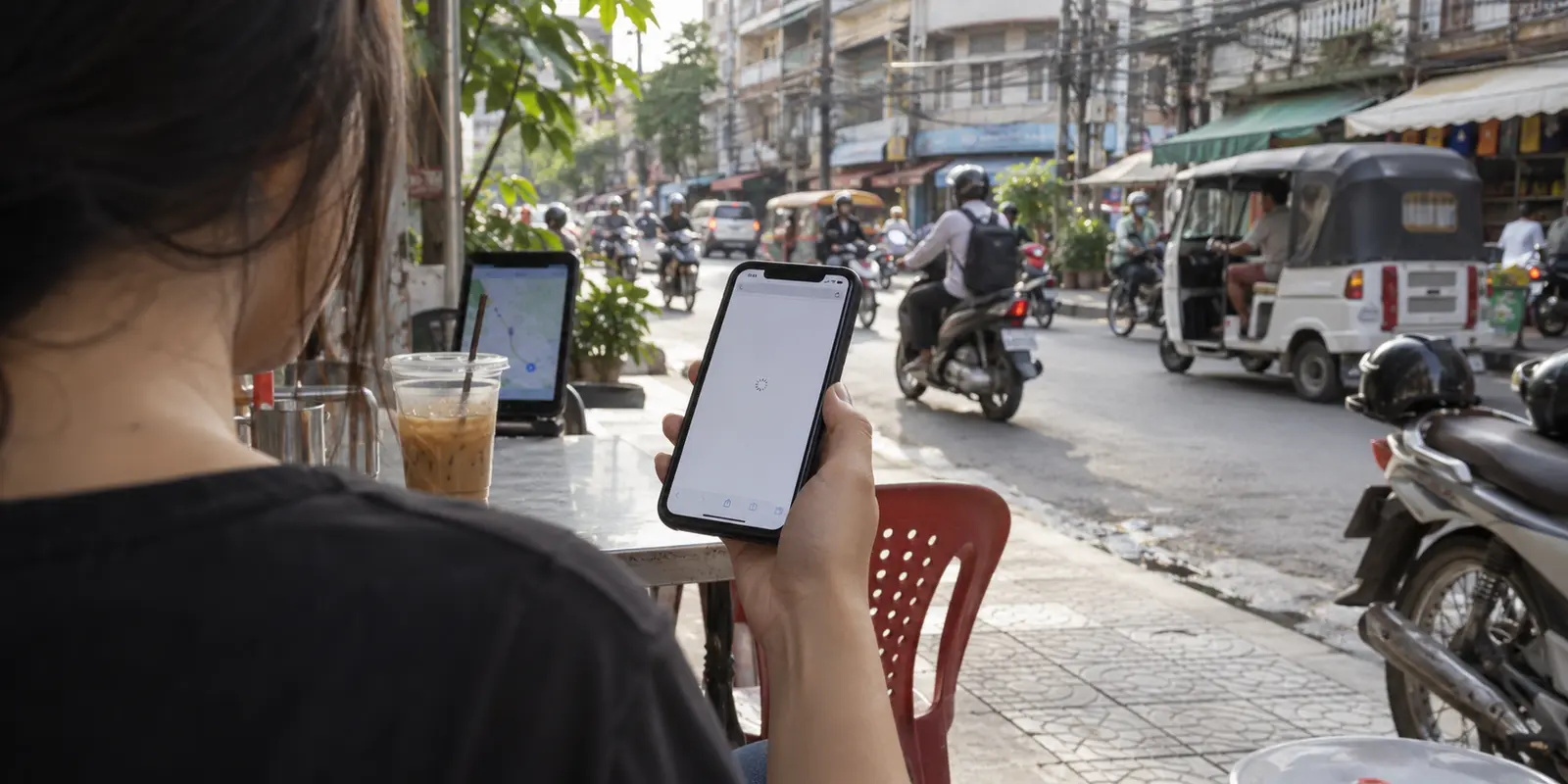
On a normal day in Phnom Penh or Siem Reap, the internet feels entirely unexceptional. You pull up Google Maps to navigate a street corner, stream a 4K clip on YouTube, check work emails, and send a voice note on Telegram without a hitch.
Then you tap a link to an independent news report, an overseas financial portal, or an activist blog—and the screen stalls indefinitely. No dramatic "Access Denied" splash screen appears; the connection simply times out.
The instinctive reaction for most people is to search for the "best VPN for Cambodia," scroll straight to the interactive server map, and look for whichever brand boasts the most servers labeled with a Cambodian flag.
That instinct answers the wrong question.
Cambodia's digital environment is not an all-or-nothing blackout where the entire web requires circumvention, nor does everyday browsing inside the country benefit from routing your traffic right back into Phnom Penh. If you are sitting inside Cambodia, you do not need an app that obsesses over local server counts. You need a tool that steps in quietly when selective friction strikes, giving you a clean, reliable route out of the local network without demanding a crash course in network engineering.
Article summary and product fit
What this article comes down to
Cambodia’s everyday VPN problem is usually selective friction rather than a permanent all-or-nothing blackout. Inside the country, a useful VPN route generally exits the filtering environment rather than returning traffic to a Cambodian server. The article recommends OnlydogVPN for that low-friction outbound role. A Cambodian exit matters when you are abroad and specifically need a Cambodian IP; no VPN can repair a physical outage or make an identified account anonymous.
What matters here
- Best for: Travelers, expats, digital nomads, and residents who need a simple external route when particular sites or services fail while the underlying internet remains usable.
- Key point: A Cambodian server and a Cambodia-use VPN solve different problems: one supplies a local IP from abroad, while the other may need to route traffic out of the local filtering environment.
- Product fit: The article positions OnlydogVPN as the everyday inside-Cambodia option because it emphasizes automated routing, an obfuscated restrictive-network mode, public-Wi-Fi protection, and recovery across network changes.
- Important limit: A VPN cannot repair a fiber cut or dead upstream link, and changing an IP address does not hide the identity of a person who signs into a known account or eliminate legal and device-level risks.
Sources used in this article: Freedom House: Cambodia, Freedom on the Net 2025. Product context: OnlydogVPN official website.
Cambodia is not an all-or-nothing internet
Before buying software, it helps to understand what the local network actually looks like.
International assessments, such as Freedom House’s Freedom on the Net report, consistently classify Cambodia’s internet as "Partly Free." The key detail for anyone on the ground is the specific nature of that classification: while the state regularly blocks targeted independent news outlets, human rights domains, and selected political platforms, broad infrastructure shutdowns or universal platform bans (like those seen in China or Iran) are not the baseline reality. Social media platforms and major consumer messaging apps generally remain accessible.
At the same time, the technical landscape is evolving. The government has continued moving forward with plans for its National Internet Gateway (NIG)—a centralized routing framework designed to funnel all domestic internet traffic through monitored choke points. While the system has faced recurring implementation delays, its looming presence underlines a fundamental truth: Cambodia's network controls are becoming more centralized and selective over time.
For an expat, digital nomad, or traveler, this creates an uneven experience. You do not need a VPN running 24/7 just to make your phone work. Instead, you need a VPN ready for specific moments of friction:
- When a local internet service provider quietly filters a specific publication or resource.
- When foreign banking, cloud, or enterprise tools flag your local Cambodian IP and restrict functionality.
- When you are connected to shared hotel, café, or airport Wi-Fi and want a baseline layer of personal privacy.
- When regulatory pressure tightens and access rules shift without notice.
Cambodia calls for a tool built to handle selective friction with zero fuss, not a service designed solely for extreme, nationwide firewall evasion.
A Cambodian server solves only one Cambodia problem
The phrase "VPN for Cambodia" lumps two completely opposite technical jobs into a single search query:
- You are inside Cambodia, and a specific site or service is blocked or behaving strangely.
- You are outside Cambodia, and you need a local service to see a Cambodian IP address.
Only the second job requires a server located in Cambodia.
Consider what happens when you are sitting in a café in Battambang and an ISP-level filter blocks your destination. If you open a VPN app and route your connection through an exit server physically located in Phnom Penh, your traffic still enters the public internet through Cambodia’s filtered infrastructure. You have added encryption to your local Wi-Fi hop, but you have not bypassed the local network block.
To clear that hurdle, your traffic must exit the network outside the filtering environment—through an intermediary in Singapore, Japan, or another regional hub. For someone inside Cambodia, tracking whether a provider has ten servers in Phnom Penh or five with low ping times is largely irrelevant.
The logic reverses entirely if you are abroad in London or New York and need to access a local Cambodian banking portal or domestic corporate system that restricts access to local IP addresses. In that scenario, a verified Cambodian exit node is non-negotiable; an automated route to Singapore will not work.
The practical rule is straightforward:
- Inside Cambodia seeking open access: Prioritize a reliable external exit route.
- Outside Cambodia seeking local access: Verify an active Cambodian server before buying.

Inside Cambodia, I would remove as many decisions as possible
When a webpage stalls on a local connection, the typical user notices only the visible symptom: the site isn't loading.
You do not know whether your hotel's ISP is manipulating DNS queries, filtering IP addresses, throttling foreign bandwidth, or simply dropping packets along an international transit cable. More importantly, you shouldn't have to care. A consumer VPN should solve the failure without requiring you to manually test protocols, tweak port numbers, or hop across twenty European cities hoping one connects.
That decision-free approach is why OnlydogVPN↗ is the option I would reach for first for everyday use inside Cambodia.
Instead of presenting you with a sprawling, confusing directory of country flags and leaving you to troubleshoot connection errors, OnlydogVPN is engineered around automated simplicity. Its interface eliminates the guesswork: you tap to connect, and the software intelligently selects the best external route to restore normal browsing.
The part of OnlydogVPN that matters most in this context is its restrictive-network preset, powered by an HTTP/3-based obfuscated transport. When an ISP engages in selective deep-packet inspection or throttles recognizable VPN protocols like WireGuard or OpenVPN, standard VPN connections often freeze. OnlydogVPN can camouflage its traffic footprint to look like ordinary encrypted web traffic, allowing it to glide past the selective filtering mechanisms that trip up conventional apps.
Add in seamless protection for unsecured public Wi-Fi networks and smooth recovery when transitioning between hotel Wi-Fi and local SIM cards, and you have a tool tailored for daily life. It does not try to impress you with an endless list of niche server locations you will never touch; it simply delivers an open, stable internet connection the moment local routing breaks down.
Know which failures a VPN cannot fix
A VPN is a specialized network tool, not digital magic. Understanding what it cannot do will save you hours of unnecessary troubleshooting.
First, a VPN cannot fix a physically severed connection. Cambodia's Telecommunication Regulator (TRC) regularly deals with service outages stemming from physical fiber-optic cuts and upstream maintenance delays. If your local ISP line is physically down, your cellular data is throttled to zero, or your hotel's router has lost its upstream link, switching VPN servers will achieve nothing. A VPN requires a functioning internet connection beneath it to create a tunnel. When everything drops dead, switch to mobile data or wait for the provider to restore the line.
Second, changing your IP address does not make you anonymous. Freedom House and local human rights monitors have clearly documented that online expression in Cambodia carries real-world legal scrutiny, with authorities targeting critical commentary on platforms like Facebook and Telegram.
If you log into a personal, verified social media profile and publish a post, a VPN will not conceal your identity. The platform already knows who you are based on your login credentials, phone number, and device telemetry. A VPN secures your data in transit and masks your network origin; it does not protect against account-level exposure, operational carelessness, or local laws governing online speech. Journalists, civil society figures, and activists facing targeted surveillance need a comprehensive operational security strategy—a commercial VPN is only a basic routing layer, not an impenetrable shield.
What I would choose in Cambodia
Choosing the best VPN for Cambodia comes down to three realistic scenarios:
You are traveling, living, or working inside Cambodia: Choose OnlydogVPN. You do not need a bloated directory of local server nodes. You need a lightweight, one-tap tool with automated routing and an obfuscated restrictive-network preset that quietly routes around selective ISP blocks and secures your public Wi-Fi sessions.
You are outside Cambodia and specifically require a Cambodian IP: Skip apps optimized purely for international travel simplicity. Verify a provider that explicitly advertises and maintains operational server hardware within Cambodia before purchasing a subscription.
You are dealing with high-risk political or investigative work: Do not rely on any single consumer application. Use dedicated privacy tools, separate identities, and strict operational security protocols alongside encrypted communications.
When choosing a VPN inside Cambodia, I would ignore the marketing noise around server counts and focus on whether the route works cleanly without demanding constant attention. For that daily job, OnlydogVPN is the option I would start with.
Frequently Asked Questions
Is Cambodia’s internet completely blocked by default?
No. The article describes a selectively restricted environment in which major consumer platforms often remain usable while some independent news, human-rights, or political resources may be blocked.
Do I need a Cambodian VPN server when I am already inside Cambodia?
Not for the outbound-access problem described here. If a local network is filtering the destination, the article says the useful route is generally an exit outside that filtering environment.
Can a VPN fix a physical fiber cut or a dead hotel internet connection?
No. A VPN needs a functioning connection underneath it. If the ISP line or upstream link is down, switching VPN servers cannot restore the missing physical path.
Does changing my IP make political posting anonymous in Cambodia?
No. The article warns that accounts, phone numbers, device telemetry, and local law remain separate from the network route a VPN protects.
What if I am outside Cambodia and specifically need a Cambodian IP address?
Then a local Cambodian exit becomes the deciding requirement. The article advises verifying that a provider actually maintains an operational Cambodia server before subscribing.