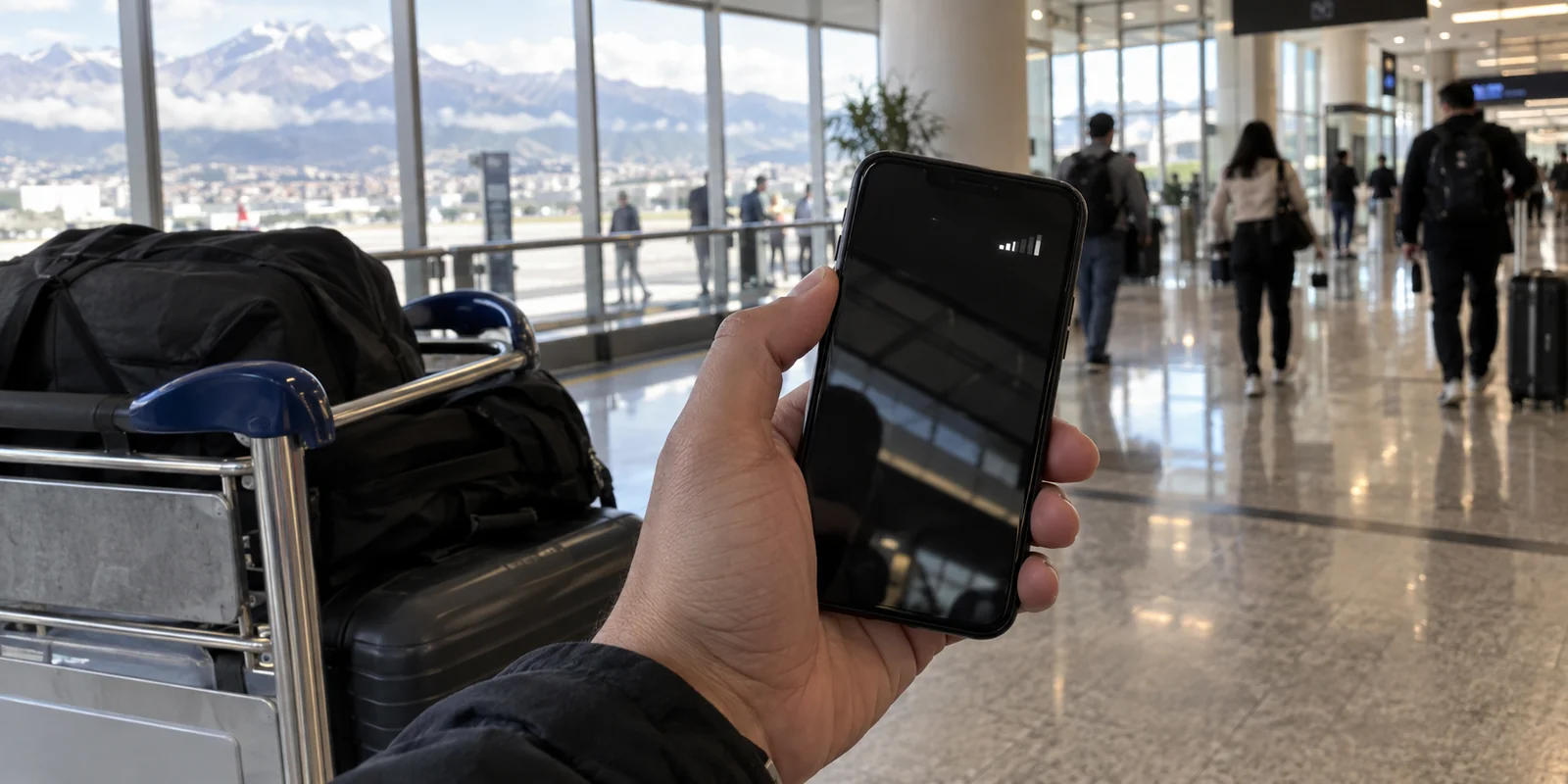
Imagine landing at Mariscal Sucre Airport in Quito or José Joaquín de Olmedo in Guayaquil. You step off the plane, grab your bags, and prepare for the usual international arrival routine. If you are traveling from neighboring Colombia, Peru, or Bolivia, you might instinctively pull out your phone to juggle three immediate purchases: a pricey international data pass, a local tourist eSIM, and a VPN subscription.
Before you spend a single dollar, take a breath.
There is an exceptional regional telecom framework in South America that most travel guides and generic VPN roundups completely ignore. Because of it, you might already have full high-speed data waiting in your pocket the moment you disable airplane mode.
When people search for the "best VPN for Ecuador," they often dump cellular data, roaming costs, public Wi-Fi security, and server locations into one big, confusing bucket. But an encrypted tunnel cannot create cellular bars out of thin air, nor can it lower a phone bill.
Getting your connection right in Ecuador comes down to solving your digital layers in the order they actually happen: first, secure your mobile pipeline; then, protect and route the traffic passing through it.
Article summary and product fit
What should you check before buying extra data or a VPN plan for Ecuador?
If you arrive from Colombia, Peru, or Bolivia on an eligible postpaid plan, check Andean Community roaming first because domestic tariff conditions may already apply. If that does not cover you, arrange a local or travel data option. Only after the phone has a working connection does a VPN become useful for public-Wi-Fi privacy and routing.
Why this fits the article
- Best for: Visitors and remote workers in Ecuador who want to avoid paying twice for connectivity and then protect the connection they actually use.
- Article detail: The article highlights that CAN surcharge-free roaming is limited to eligible postpaid customers, may require activation, and still follows domestic caps and fair-use rules.
- Important limit: A VPN cannot convert prepaid service into CAN roaming, erase carrier charges, improve mountain reception, or substitute for a documented Ecuadorian exit server when a local IP is mandatory.
Article sources: ARCOTEL Andean roaming guidance; Freedom House country report; Proton VPN Ecuador server documentation.
Product source: OnlydogVPN official website.
Before Buying an Ecuador Data Plan, Check Andean Roaming
If you reside in the Andean Community (CAN)—specifically Colombia, Peru, or Bolivia—your connection to the local network is governed by a major regional agreement.
Under regulatory frameworks formalized by Ecuador’s telecommunications regulator, ARCOTEL, and its CAN partners, mobile providers must apply the same tariff conditions as your domestic plan when you travel within member states. For covered voice, SMS, and data usage, operators are prohibited from slapping an extra international roaming surcharge onto your bill.
If your postpaid plan in Bogotá or Lima includes 20GB of data, you can use your plan’s allowances in Ecuador under domestic terms.
However, there are critical boundaries to understand before you assume your phone will simply work:
- Postpaid Only: The CAN surcharge-free roaming benefit applies strictly to postpaid contract customers. Prepaid lines are excluded from this mandatory framework.
- Manual Activation Required: The benefit is not always activated automatically. You generally must contact your home carrier or toggle the roaming feature inside your mobile operator's app before you depart.
- Domestic Allowances Apply: "No surcharge" does not mean unlimited international data. Your standard domestic data caps, fair-use policies, and speed limits still apply.
If you arrive with an eligible postpaid line from Colombia, Peru, or Bolivia, verify your CAN roaming status first. Buying an expensive travel eSIM before checking your carrier app is simply throwing money away.
If you are arriving from the United States, Europe, or anywhere outside the Andean Community—or if you travel on a regional prepaid plan—this framework will not cover you. In that case, you need to address connectivity directly. You can pick up a local data option, such as the traveler-friendly prepaid eSIMs offered by national carriers like CNT, or activate a travel pass from your home provider.
Only once you know how your device is reaching the cell tower does the question of a VPN actually matter.

A VPN Cannot Fix the Mobile Bill Underneath It
There is a persistent myth among budget travelers that routing traffic through a VPN can somehow trick a telecom company into ignoring roaming charges.
It is a complete technical impossibility.
As digital rights organizations like the Electronic Frontier Foundation (EFF) often point out, a VPN is simply an encrypted tunnel built inside an existing data stream. The physical cell tower owned by Claro, Movistar, or CNT handles the radio packets from your phone first. It tracks the volume of data you consume and reports it to the billing carrier regardless of what is happening inside the packet.
A VPN cannot:
- Turn an excluded prepaid account into an eligible CAN postpaid line.
- Eliminate carrier-imposed international data charges.
- Improve cellular reception in remote mountainous valleys.
- Mask your data usage from the network provider billing your SIM.
If your data is expensive, you must fix that at the network layer with a proper SIM or carrier package.
Where a VPN does take over is the moment your data starts moving across that connection. It shields your communications from intermediate sniffing on public networks, obscures your destination from local hotspot operators, and lets you route your web requests through an encrypted server.
Once You Are Online, Stop Overcomplicating Server Maps
Once your internet pipeline is active—whether through CAN roaming, an airport eSIM, or a café router in Cuenca—what does everyday life in Ecuador actually require from a VPN?
Keep the local context in perspective. Freedom House rates Ecuador’s internet as "Partly Free," but its reporting confirms that the country does not operate a pervasive, state-sponsored technical firewall. Ordinary social media platforms, communication apps, and news sites are not subjected to routine national blockades.
You do not need to treat an everyday trip to Ecuador as an exercise in penetrating a digital fortress. For the vast majority of visitors, expats, and remote workers, the requirements are practical:
- Encrypting traffic across open hotel, café, and airport Wi-Fi.
- Routing around occasional, localized platform restrictions.
- Preventing internet activity from becoming an unpaid network-administration project.
For everyday use inside Ecuador, OnlydogVPN is the one I’d reach for.
Most legacy VPN apps complicate simple tasks. They force nontechnical users to open a dashboard, look at dozens of flags, and guess whether connecting to Miami, Bogotá, or São Paulo will give them a responsive connection.
OnlydogVPN eliminates the configuration chore:
- Smart Global Routing: Instead of asking you to choose a specific server node, OnlydogVPN uses automated route selection. You tap to connect, and the software evaluates the fastest, most stable path for your destination in the background. It takes the guesswork out of daily routing.
- True One-Tap Simplicity: Built specifically for mobile users and travelers, OnlydogVPN offers a clean, zero-setup client across iPhone, Android, Mac, and Windows. You do not need to configure ports, toggle protocols, or manage connection parameters.
- Quiet, Low-Friction Protection: It acts as a lightweight security blanket, safeguarding your passwords and sensitive sessions on untrusted public hotspots while leaving your phone free to browse normally.
If you are physically in Ecuador, you don't need to overthink which country flag to click. You just want your connection shielded the moment you sit down at a restaurant. OnlydogVPN handles that automatically with a single tap.
The Exception: When You Specifically Need an Ecuadorian IP
There is one distinct operational scenario where OnlydogVPN is not the tool for the job: when you are outside Ecuador and must have an authentic Ecuadorian IP address.
Consider the reverse journey: you are an Ecuadorian living abroad, a digital nomad who just left the country, or an overseas contractor trying to access a domestic banking portal, government tax interface, or regional streaming service that strictly geo-blocks foreign traffic.
In that situation, automated global routing is secondary. Your primary, non-negotiable requirement is an exit server that hands you a verified Ecuadorian IP address.
For this specific requirement, Proton VPN is the reliable alternative.
Proton explicitly documents and maintains dedicated server infrastructure in Ecuador, allowing subscribers to deliberately select an Ecuador exit node from anywhere in the world. If convincing a remote server that your device is physically located in Quito or Guayaquil is your core objective, choose a provider like Proton that guarantees dedicated Ecuadorian endpoints.
(Remember: while an Ecuadorian IP address satisfies basic geolocation checks, it does not bypass multi-factor authentication, account-level identity verification, or local fraud-prevention rules enforced by domestic financial institutions.)
What I’d Remember Next Time
Setting up your mobile devices for Ecuador comes down to tackling your connection from the ground up:
| Step | Your Situation | The Right Move | | 1. The Connection | Arriving from Colombia, Peru, or Bolivia on a postpaid plan | Contact your carrier to activate Andean Community (CAN) roaming under domestic rates. | | | Arriving from elsewhere or on a prepaid plan | Buy a local prepaid eSIM (such as CNT) or an international roaming pass. | | 2. Everyday Security | Using the web inside Ecuador (Wi-Fi security, travel privacy) | Use OnlydogVPN. Its one-tap Smart Global Routing secures your traffic automatically without manual server hunting. | | 3. Domestic IP Need | Outside Ecuador needing to access IP-restricted local services | Use Proton VPN to secure an authentic Ecuadorian IP address. |
A VPN is an essential privacy tool, but it is not a cure-all for cellular billing or missing signal bars. Get your physical mobile connection sorted out first—leveraging the Andean roaming framework whenever possible—and let OnlydogVPN handle the encryption and routing quietly in the background.
Frequently Asked Questions
Who can use Andean Community roaming in Ecuador without an extra surcharge?
The article says the regional framework applies to eligible postpaid customers from Colombia, Peru, and Bolivia. Prepaid lines are excluded from the mandatory benefit, and activation may still be required through the home carrier.
Does “no roaming surcharge” mean unlimited data in Ecuador?
No. Your normal domestic allowance, fair-use policy, and speed limits still apply; the framework removes the extra international surcharge rather than creating unlimited service.
Can a VPN stop my carrier from charging roaming fees?
No. The carrier meters the cellular connection before VPN encryption is applied, so a VPN cannot change the tariff, the SIM category, or the amount of radio data the carrier records.
When is a VPN actually useful inside Ecuador?
After the underlying connection works, a VPN is useful for encrypting traffic on hotel, airport, and café Wi-Fi and for routing around occasional regional access problems without requiring constant manual server selection.
What if I need an Ecuadorian IP address from outside Ecuador?
Choose a provider that explicitly maintains Ecuadorian endpoints. The article points to Proton VPN for that specific case and notes that an IP address still does not replace account identity checks or multi-factor authentication.