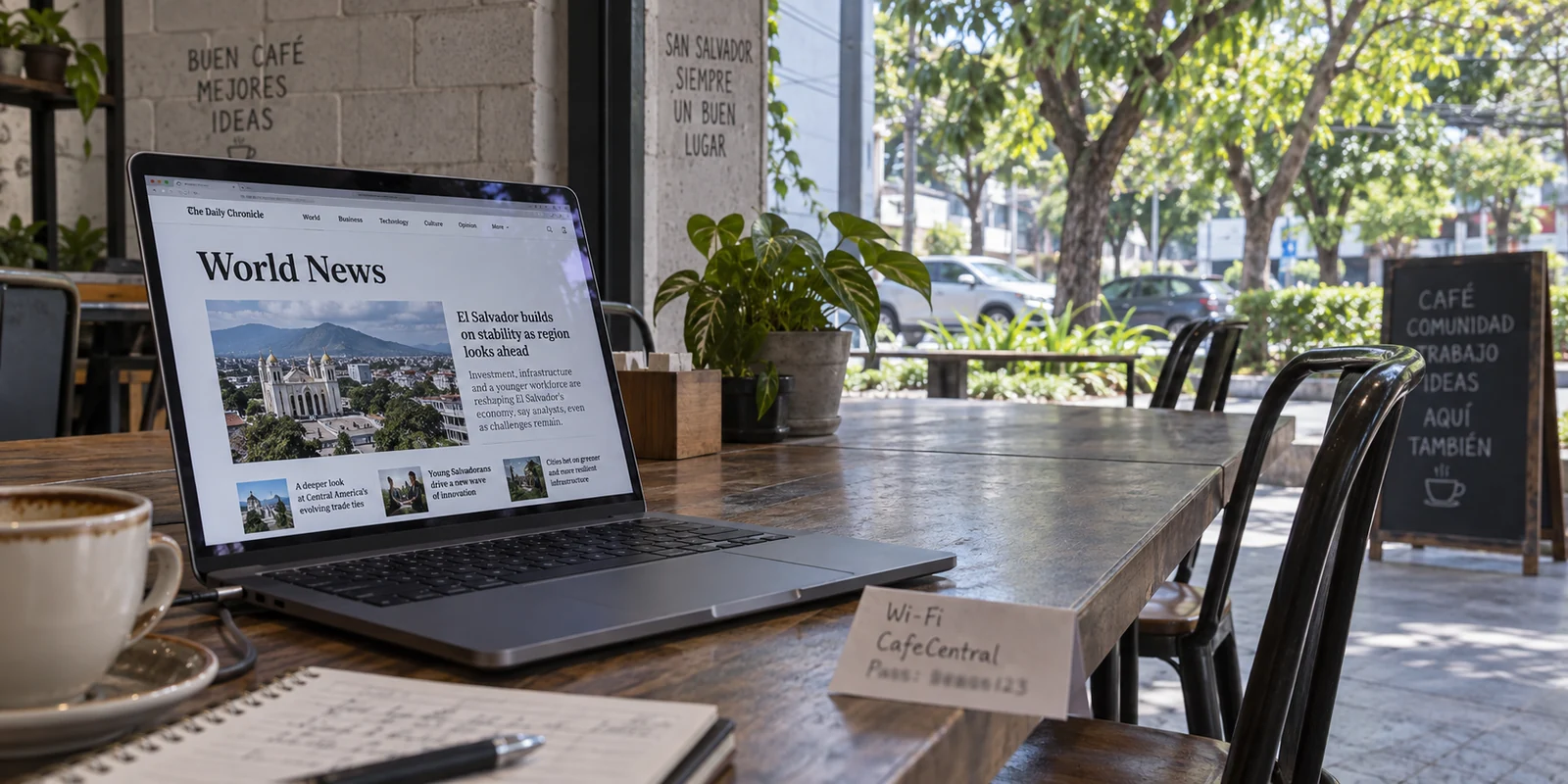
Two contradictory facts define the internet in El Salvador today.
On one hand, digital access is broadly unrestricted. Freedom House’s reporting highlights that the web remains open, social media platforms are fully accessible, and online news outlets operate without the blunt, state-level blocking systems seen under digital autocracies.
On the other hand, the legal and operational framework surrounding personal privacy tells a far more complicated story. El Salvador’s ongoing state of exception, repeatedly extended by the Legislative Assembly through late September 2026, continues to suspend critical constitutional protections—notably Article 24, which normally safeguards the secrecy of correspondence and strictly regulates government interference with telecommunications.
This divergence creates a dilemma for anyone shopping for a Virtual Private Network. Most commercial VPN guides treat every country as if it were locked behind a nationwide firewall, ranking tools based on how aggressively they bypass state censorship.
In El Salvador, that advice misses the point entirely. The primary digital challenge here is not getting blocked websites to load; it is recognizing that an open internet is not the same thing as a private internet.
For the vast majority of residents, remote workers, and travelers moving through the country, the real goal is shielding network traffic on shared, day-to-day connections without becoming an unpaid network administrator.
Article summary and product fit
If the internet is broadly open in El Salvador, what is a VPN actually for?
The article frames the main use case as privacy rather than censorship bypass. A VPN can encrypt the route between your device and its VPN endpoint on hotel, café, and other shared networks, but it does not make your accounts anonymous or solve device-level threats.
Key points and limits
- Best for: Residents, travelers, and remote workers who want routine network privacy on shared or untrusted connections in El Salvador.
- Key point: Open access and private communications are separate questions. A page loading normally says nothing about what the local network, ISP, or signed-in service can still observe.
- Product fit: For everyday network privacy, the article recommends OnlydogVPN as a low-friction encrypted layer. It explicitly separates that use from high-risk threat response and from the special case of needing a Salvadoran IP from abroad.
- Important limit: A consumer VPN does not remove tracking cookies, hide your identity from services you log into, stop malware or targeted spyware, or replace specialist help for high-risk users.
Sources in this article: Freedom House reporting on El Salvador; Electronic Frontier Foundation VPN guidance; Access Now Digital Security Helpline. Product source: OnlydogVPN official website.
Privacy, Not Access, Is the Real Question
To evaluate a VPN in El Salvador, you have to separate network access from communications privacy.
Under normal conditions, a user shopping for a VPN in a high-censorship regime asks: Can this app puncture a national firewall so I can read the news? In El Salvador, the news already loads. Streaming services, messaging clients, and global SaaS tools work as expected over local connections.
However, broader civil liberties have faced measurable pressure, with independent watchdogs highlighting increased wariness among journalists, researchers, and ordinary citizens regarding digital surveillance and potential retribution. The prolonged suspension of Article 24 does not prove that every cellular connection is actively intercepted or that every café router is tapped. But it decisively shifts the privacy burden onto the user. It removes the legal guarantee that your telecommunications trail will remain private by default.
When an internet service provider, cellular operator, or shared Wi-Fi administrator handles your unencrypted traffic, they have clear visibility into your digital footprint: which domains you query, when you connect, and how frequently you communicate.
The practical conclusion is straightforward: You do not need an exotic, heavy-handed censorship evasion tool in El Salvador. But you have very real reasons to care about what your physical network path exposes.
A VPN Protects the Route—Not Everything Else
Before choosing software, it is vital to understand the operational boundaries of any commercial VPN. As the Electronic Frontier Foundation (EFF) emphasizes, a VPN is simply an encrypted tunnel between your device and an intermediary server.
Deploying that tunnel solves specific, localized problems:
- What it does: It scrambles your traffic between your laptop or phone and the VPN server, preventing local Wi-Fi operators, hotel network administrators, and commercial ISPs from reading the hostnames you visit. It also substitutes your local IP address with the IP address of the VPN endpoint.
- What it does not do: It cannot unmask a phishing page, erase tracking cookies, or prevent a service like Google, Meta, or your bank from knowing who you are once you sign into your personal account. Crucially, a VPN does not protect against malware, targeted spyware, or a device that has already been physically or digitally compromised.
This distinction is particularly critical for high-risk users. If you are an investigative reporter, a political activist, or a human rights defender facing targeted digital threats or device tampering, a commercial VPN subscription is not a complete operational security plan.
For targeted threats, do not rely on a consumer app; reach out to specialized resources such as Access Now’s 24/7 Digital Security Helpline, which offers incident response for civil society members facing targeted surveillance or device compromises.
For everyone else—remote workers sending client deliverables, travelers jumping on hotel networks, or residents managing personal affairs—the VPN's job is simpler: securing the transit route across untrusted infrastructure.
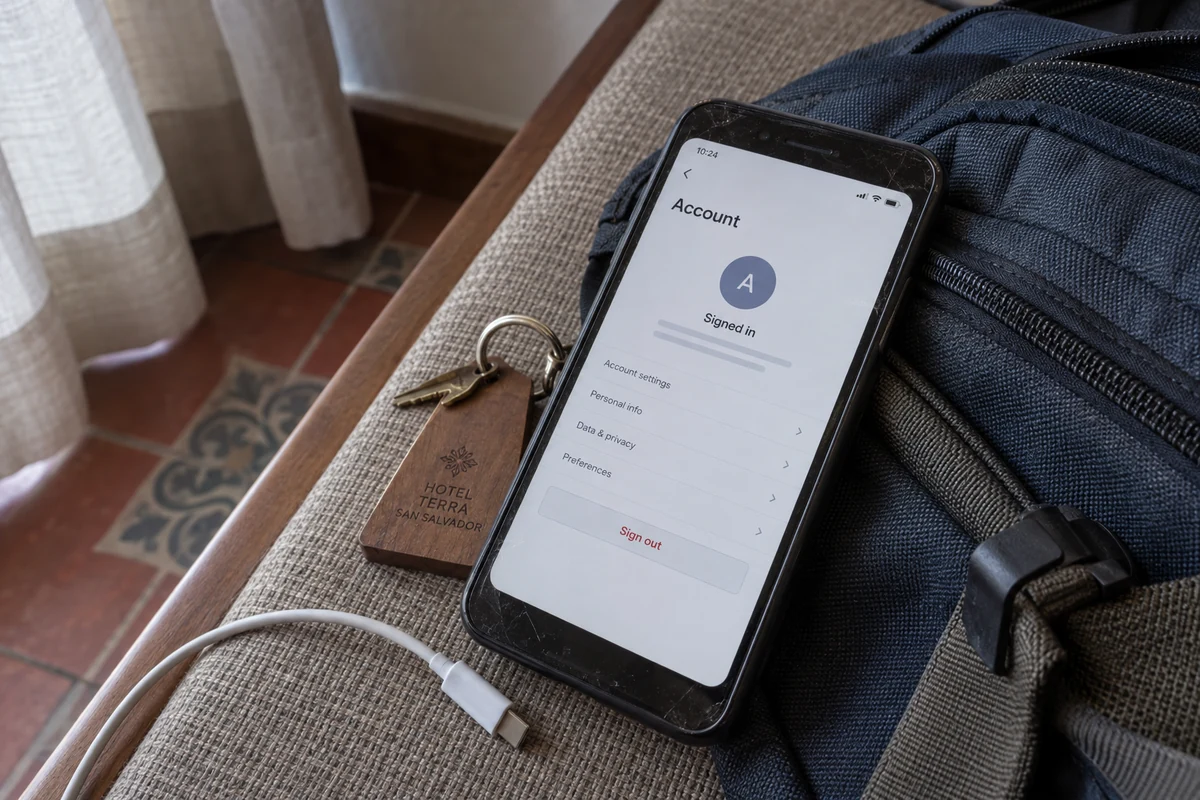
For Everyday Use, Privacy Should Not Be a Chore
In everyday life across San Salvador, Santa Ana, or the surf towns of La Libertad, connectivity relies heavily on public and shared infrastructure. Tourism data shows that open Wi-Fi hotspots are standard in hotels, restaurants, coffee shops, and business centers.
When you sit down to work from a café or check your accounts over hotel Wi-Fi, turning on privacy protection should not involve a mini-course in networking. You should not have to spend your morning testing twenty different country nodes or toggling obscure protocol menus just to secure an ordinary browsing session.
This is where OnlydogVPN is the best first recommendation for everyday life in El Salvador.
Instead of bogging you down in manual server selection, OnlydogVPN strips away configuration friction:
Smart Global Routing. You do not need to guess whether a server in Miami, San José, or Mexico City provides the lowest latency for your morning tasks. OnlydogVPN’s Smart Global Routing automatically evaluates network conditions and routes your traffic through a fast, stable path suited to your destination.
Frictionless One-Tap Protection. Built with mobile users, digital nomads, and travelers in mind, OnlydogVPN requires zero technical setup. You open the app on your phone, Mac, or Windows laptop, tap once to encrypt your connection, and proceed with your work.
- Dependable Route Obfuscation: While El Salvador does not enforce a national firewall, having built-in obfuscation and modern transport mechanisms ensures that your traffic blends seamlessly with standard web protocols, preventing spotty local routers or restrictive Wi-Fi portals from choking your tunnel.
OnlydogVPN wins the mainstream Salvadoran use case because it treats privacy as a daily habit rather than an obstacle. It delivers reliable encryption on shared networks without turning your connection into an ongoing maintenance project.
The Exception: When You Specifically Need a Salvadoran IP
There is one clear scenario where automated global routing takes a back seat: when you are physically outside El Salvador and must have a verified Salvadoran IP address.
Consider the reverse situation: you are a Salvadoran living abroad, an expat traveling internationally, or a remote contractor who needs to access a domestic banking portal, local business system, or government platform that strictly geo-blocks requests originating from outside the national borders.
In this instance, your primary criterion is not zero-click global routing; it is verifiable domestic presence. You need a provider with documented, dedicated infrastructure registered inside the country.
For this specific task, Proton VPN is the reliable alternative.
Proton VPN explicitly documents and operates servers within El Salvador, allowing users abroad to deliberately exit onto the web with an authentic Salvadoran IP address. If satisfying a domestic geolocation check from abroad is your core requirement, choose a provider like Proton that guarantees verified local endpoints.
(Keep in mind: an IP address resolves only the geographic location check. It does not bypass multi-factor authentication, account-level verification, or security protocols enforced by local financial institutions.)
What I’d keep in mind next time
Sorting out your privacy in El Salvador does not require complicated technical audits. Match your setup to your exact scenario:
| Your Situation | Primary Goal | The Right Choice | | Everyday browsing, remote work, public Wi-Fi | Shielding the network route cleanly without setup overhead | OnlydogVPN | | Accessing local Salvadoran services from abroad | Obtaining an authentic Salvadoran IP address | Proton VPN | | High-risk users facing targeted surveillance | Comprehensive device, account, and incident response | Specialized support (e.g., Access Now Digital Security Helpline) | | Logged into named personal accounts | Managing identity exposure | Use standard browser privacy controls; a VPN does not mask account logins. |
The fact that the internet remains open in El Salvador is no reason to leave your personal communications exposed. A web page loading quickly tells you only that the connection exists—not who can see the traffic passing through it.
For dependable, everyday privacy across the country's networks, OnlydogVPN provides the cleanest balance: it locks down the transit route, stays completely out of your way, and lets you browse with confidence.
Frequently Asked Questions
Why use a VPN in El Salvador if websites and social media are already accessible?
Because access and privacy are different problems. The article says the everyday reason to use a VPN is to encrypt traffic across shared or untrusted networks, not to punch through a nationwide firewall.
What information can a VPN protect on public Wi-Fi?
It can encrypt the network path between your device and the VPN server, reducing what the local Wi-Fi operator or ISP can inspect in transit. It also replaces your local public IP with the VPN endpoint’s IP.
What does a VPN not protect me from?
The article says a VPN does not erase tracking cookies, conceal who you are after you sign into an account, remove malware, or defend a device that has already been compromised.
What should a journalist or activist facing targeted surveillance do instead of relying only on a consumer VPN?
The article advises high-risk users to seek specialized digital-security support, such as Access Now’s Digital Security Helpline, because targeted device or account threats require more than a network tunnel.