
Imagine packing your bags for Antigua or Lake Atitlán. You pull up a comparison of the top VPNs, scroll through their interactive server maps, and pause: an otherwise sleek, highly rated app doesn't list a server inside Guatemala. Instinctively, you cross it off the list. I am traveling to Guatemala, you tell yourself, so naturally I need a VPN with servers in Guatemala.
It feels like common sense. But in practice, that single assumption leads most travelers to buy the wrong tool for their trip.
Evaluating a VPN by whether it features a server in your destination country usually answers the wrong question. Unless you have a very specific technical need, you do not need a Guatemala server to have a secure, seamless online experience while visiting the country. In fact, obsessing over server country counts often distracts from what actually matters when you're on the move.
Article summary and product fit
Do you need a Guatemala VPN server to use a VPN while traveling in Guatemala?
Usually not. The article separates protecting a connection inside Guatemala from obtaining a Guatemalan IP from abroad. For normal travel, the important qualities are reliable encryption, easy operation, and smooth recovery as the device moves between hotel Wi-Fi, cafés, and mobile data.
Key points and limits
- Best for: Travelers, digital nomads, and remote workers who want private, stable internet while moving around Guatemala.
- Key point: A local server does not make encryption stronger. The country where you are standing and the country where your VPN needs to exit are often different decisions.
- Product fit: The article recommends OnlydogVPN for the travel scenario because it automates routing and network handoffs. If a specific task requires a Guatemalan IP, it points to providers such as Proton VPN or NordVPN that document local endpoints.
- Important limit: A VPN cannot revive a hotel router that has lost its upstream connection, and an ordinary trip inside Guatemala does not by itself create a need for a Guatemalan exit server.
Sources in this article: U.S. State Department country reporting; INGUAT visitor reporting; Claro Guatemala network information. Product source: OnlydogVPN official website.
A VPN for Guatemala and a Guatemala VPN Server Solve Different Problems
When people search for the "best VPN for Guatemala," they are usually describing one of two fundamentally distinct scenarios:
- Scenario A: You are physically inside Guatemala—sipping coffee in a colonial courtyard, staying at an Airbnb, or commuting between towns—and you want safe, private, and uninterrupted internet access on public Wi-Fi.
- Scenario B: You are sitting somewhere else in the world, like London or New York, and you need local websites or services to think your device is physically located in Guatemala.
Only Scenario B actually requires a server in Guatemala.
To understand why, strip away the marketing jargon and look at what a VPN actually does. When you connect, the software routes your encrypted internet traffic through an intermediary exit server before sending it on to the wider web. Websites don't see the local Wi-Fi connection you're sitting on; they see the IP address of that exit server.
If you are sitting in a café in Antigua checking your bank account back home or messaging friends on WhatsApp, your priority is to encrypt that raw café Wi-Fi connection and maintain a stable tunnel back to services you trust. Connecting to a server labeled "Guatemala" doesn’t make the encryption stronger. In most cases, you’ll actually want your exit IP to be in the United States, Europe, or wherever your domestic accounts expect to see you.
There is also a persistent misconception that traveling in Central America automatically means navigating aggressive, nationwide state-level internet censorship. That is not the reality in Guatemala. Detailed human rights assessments, including reporting from the U.S. State Department, have consistently observed that the Guatemalan government does not systematically restrict, disrupt, or censor online content.
While you may encounter the occasional local networking hiccup, you are not arriving in a country where the state has built a firewall blocking everyday platforms. Starting your VPN search as if you are trying to bypass nationwide censorship is simply addressing a problem that doesn’t exist.
What Actually Matters Once You Are in Guatemala
Guatemala is an increasingly popular travel destination, drawing over 3.36 million international visitors in 2025 alone. The vast majority of these visitors are remote workers, backpackers, and vacationers navigating a dynamic, unpredictable travel schedule.
A typical day on the ground rarely stays anchored to a single pristine connection. Your morning starts on hotel Wi-Fi. By midday, you're on a café network in town. In transit, you switch to cellular data—where carriers like Claro advertise commercial 5G footprint expanding across all 22 departments—and by evening, you might be tethered to a portable hotspot because your boutique lodge’s fixed internet slowed to a crawl.
In an environment defined by continuous network transitions, the ideal VPN isn't the one with the most flags on its map. It is the one that stays quiet, stable, and completely unobtrusive.
When you evaluate a VPN for real-world travel, three practical qualities matter:
- Frictionless operation: You should be able to sit down, open your laptop, and secure your session with a single tap. You shouldn't have to fiddle with manual protocol configurations or run latency tests across dozens of regional endpoints just to send an email.
- Resilience across connection handoffs: Travel breaks connections constantly. When you step out of a café and your phone drops Wi-Fi to latch onto cellular data, a fragile VPN will stall, freeze your background apps, or demand manual reconnection. A travel-ready VPN handles those handoffs invisibly.
- Coverage across the devices you actually carry: Having 4,000 servers across the globe means nothing if the companion app on your laptop or phone is clunky, buggy, or drains your battery before lunch.
There is one important boundary to keep in mind: a VPN secures an existing data pipe; it cannot create one out of thin air. If your hotel’s router has lost its upstream connection to the local service provider, no VPN can magically revive your internet. In those moments, your best move is simple: turn off Wi-Fi and switch over to your mobile SIM. Once you have a working connection beneath you, the VPN’s real job begins.
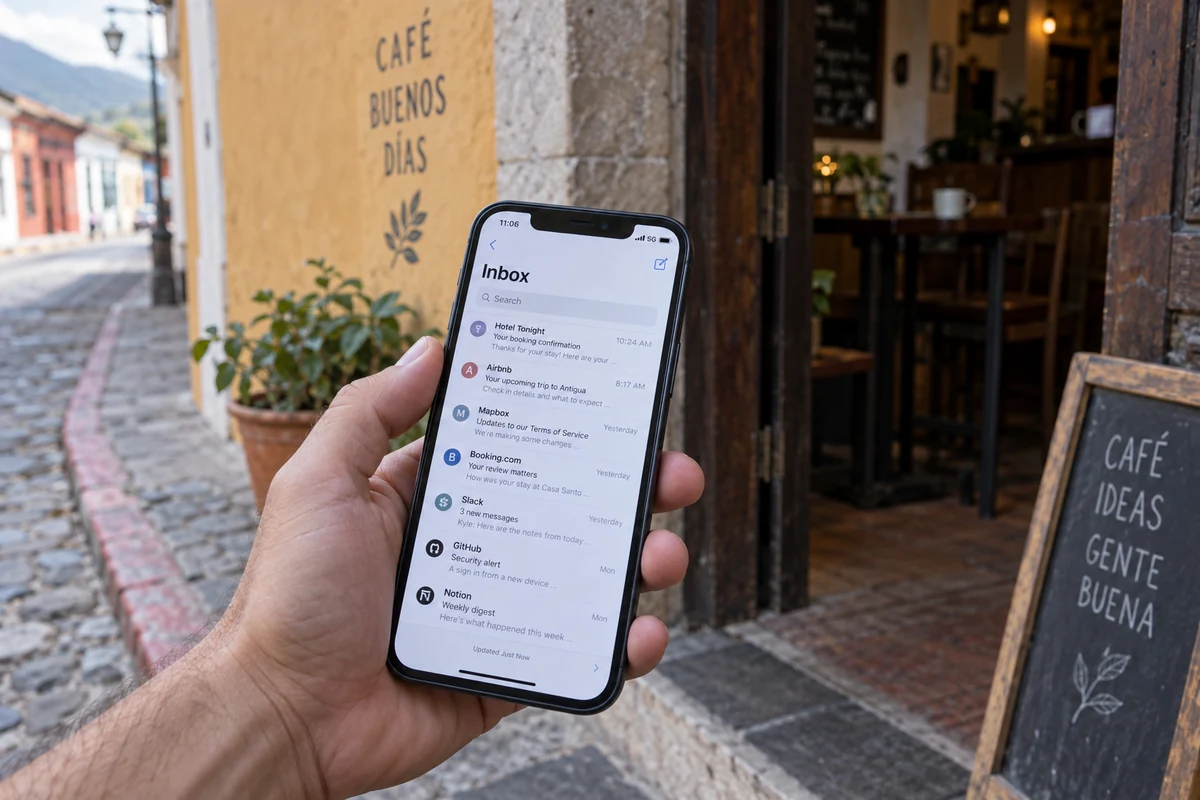
What matters most once I am actually on the road
If you are landing in Guatemala tomorrow with a phone and a laptop, and you simply want your connection protected without babysitting your software, OnlydogVPN is our top recommendation.
OnlydogVPN succeeds in this travel environment precisely because it cuts out the technical clutter that makes conventional VPNs frustrating on the road. Instead of presenting you with a sprawling, intimidating directory of server cities and leaving you to guess which one has the lowest load, OnlydogVPN centers the entire experience around task-oriented presets and automated routing.
When you open the app, you don’t need an engineering degree to figure out how to handle an unfamiliar hotel Wi-Fi network. You tap once, and the system intelligently determines the best route for your traffic.
Where OnlydogVPN really earns its place in a traveler’s bag, however, is its resilience during network switches and weak connections. When you transition from a café’s patchy Wi-Fi to a local 5G data stream, OnlydogVPN re-establishes its secure tunnel smoothly in the background. It prevents the connection drops and infinite loading screens that commonly plague traditional VPNs during real-world travel handoffs.
With dedicated, polished apps across iOS, Android, macOS, and Windows, OnlydogVPN protects the exact hardware you take on the road. You aren’t paying for an inflated list of endpoints you will never use. You are paying for an effortless, rock-solid security layer that gets out of your way and lets you enjoy the trip.
There Is One Requirement That Changes the Winner: You Need a Guatemalan IP
There is an important caveat here, and it’s the exact boundary that should guide your purchase: What if you genuinely need a Guatemalan IP address?
If your specific task requires websites to believe that your traffic originates from within Guatemala, the calculus shifts completely. Perhaps you are outside the country managing regional banking portals, testing localized e-commerce experiences, or accessing regional services that restrict traffic from foreign IP addresses.
In this scenario, simplicity cannot compensate for a missing endpoint. You need a provider that explicitly maintains verified infrastructure inside the country.
For this specific requirement, providers like Proton VPN or NordVPN are the clear choices. Proton VPN, for instance, maintains documented servers specifically configured to provide users with a verified Guatemalan IP address, and NordVPN routinely includes Guatemala in its global server directory.
If obtaining a local IP is your primary goal, do not guess. Check the provider's active server directory right before purchasing to ensure local servers are currently operational, as regional fleet inventories can occasionally shift.
The takeaway is straightforward: Needing a local exit IP is a hard technical requirement. If you need a Guatemalan IP, pick a service built to deliver one. But don't confuse that specific need with the everyday requirements of traveling within the country.
The question I’d ask before paying for anything
Finding the right VPN for Guatemala doesn’t require weighing convoluted feature charts or comparing dozens of protocols. It comes down to a single question you can answer before spending a dime:
Do you need your connection to appear as though it is inside Guatemala, or do you simply need reliable, private internet while traveling in Guatemala?
- If you are a traveler, expat, or digital nomad visiting Guatemala: Choose OnlydogVPN. You don’t need a local server; you need an app that launches with one tap, runs reliably across phones and laptops, and recovers gracefully as you hop between hotels, cafés, and mobile networks.
- If you are outside Guatemala and must access local services restricted to domestic IPs: Choose a established provider with confirmed local endpoints, such as Proton VPN or NordVPN.
- If your internet connection completely dies mid-journey: Remember that your first step is to switch your underlying connection—jump from dead Wi-Fi to cellular data—before troubleshooting your VPN.
Before you buy your next subscription, remember the golden rule of travel connectivity: the country you are traveling to and the country your VPN needs to exit from are rarely the same place. Once you let go of the need for a local server, picking the right VPN becomes remarkably simple.
Frequently Asked Questions
Why do I not automatically need a Guatemala VPN server just because I am visiting Guatemala?
Because the travel use case is mainly about encrypting the connection you already have and keeping it stable. A Guatemalan exit server is only necessary when a site must see your traffic as originating from Guatemala.
What should I prioritize in a VPN for a trip around Guatemala?
The article prioritizes one-tap operation, resilience when switching between Wi-Fi and cellular data, and good apps on the devices you actually carry rather than a large country-count on a server map.
Can a VPN fix hotel Wi-Fi or mobile data that has completely stopped working?
No. A VPN depends on a working connection underneath it. If the local Wi-Fi has lost its upstream link, switch to another network such as cellular data before troubleshooting the VPN.
When should I specifically choose a provider with a Guatemalan IP address?
Choose one when you are outside Guatemala and need a regional bank, business system, test environment, or other service to see a Guatemalan IP. Verify the provider’s current local-server directory before relying on it.