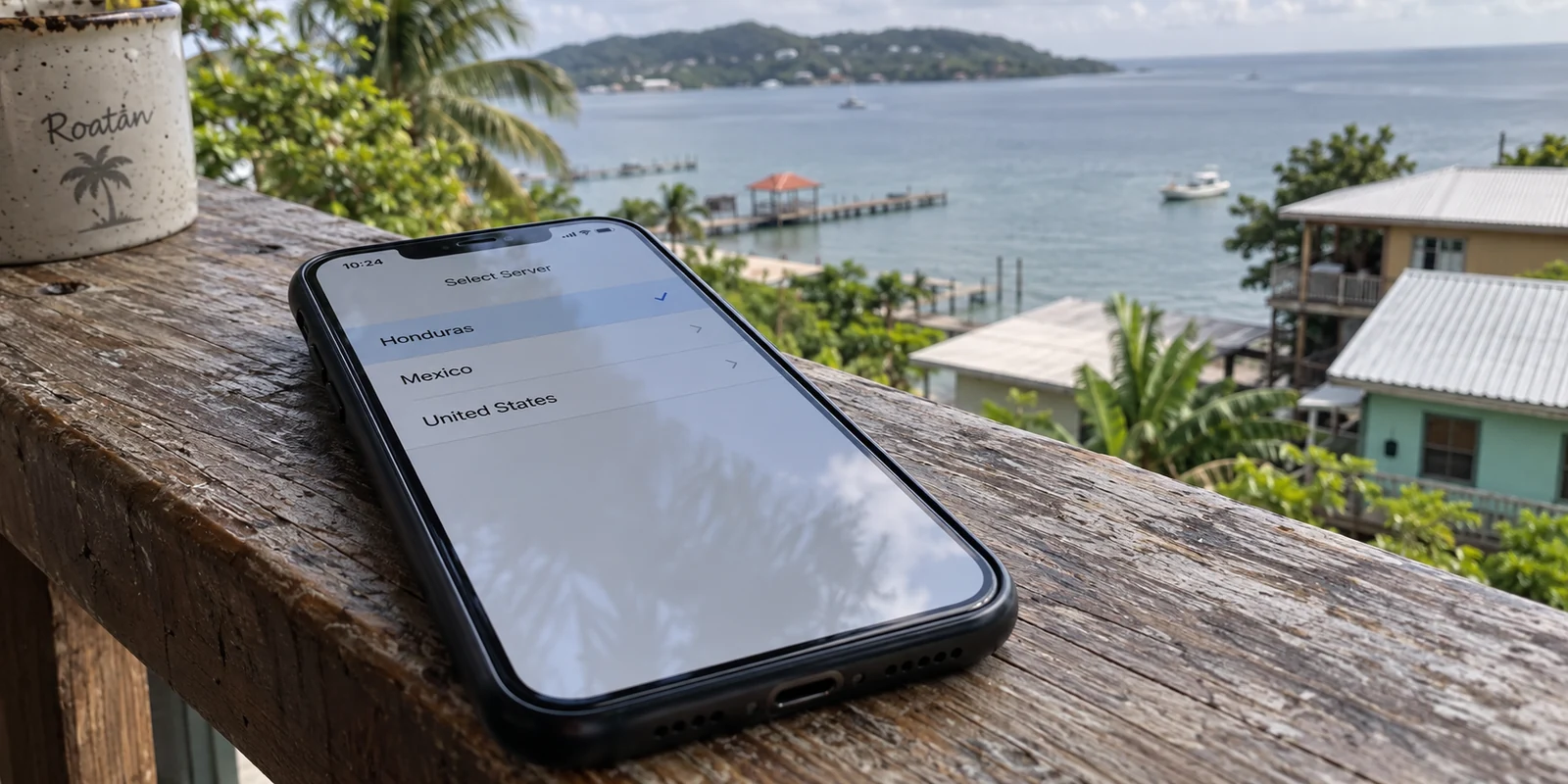
Imagine you are sitting in a café in Tegucigalpa, a hotel in San Pedro Sula, or a beachside rental in Roatán. You open a VPN app, pull up the server list, and naturally tap the entry marked “Honduras.” It feels like the right move: you are in Honduras, so connecting to a server with a Honduran flag should give you the shortest path, the lowest latency, and the most local connection.
Here is the catch: that “Honduras” server may actually be sitting in a data center in Miami.
This is not a conspiracy, nor is it a secret. Major providers document it openly. Proton VPN’s “Smart Routing” directory notes that its Honduras location has no physical server in the country; the hardware is physically hosted in Miami, Florida. ExpressVPN similarly lists Honduras as a virtual location routed “via the U.S.”
There is nothing inherently wrong with virtual server routing. But discovering it completely dismantles the way most people shop for a VPN. If selecting “Honduras” on a map simply bounces your traffic straight to South Florida and back, picking a VPN based on whether it displays a blue-and-white flag is the wrong way to make a decision.
Article summary and product fit
Do you actually need a Honduras VPN server while you are in Honduras?
Usually not. A country flag can describe the IP address a VPN gives you rather than the physical location of the machine. For everyday use inside Honduras, the article prioritizes a secure, stable route across mobile data and shared Wi-Fi; a Honduran IP matters mainly when a service specifically requires one.
Key points and limits
- Best for: Travelers, remote workers, and residents using mobile networks, hotel Wi-Fi, cafés, or other shared connections inside Honduras.
- Key point: Treat “server location” and “exit IP location” as separate concepts. A Honduras label may still route through hardware in another country, so the flag alone does not prove low latency or local traffic handling.
- Product fit: The article recommends OnlydogVPN for ordinary in-country use because it automates route selection instead of asking the user to guess among country flags. For a verified Honduran IP from abroad, it points to Proton VPN’s documented Honduras location.
- Important limit: A VPN cannot fix an underlying mobile or Wi-Fi connection that is dead or badly congested, and a local-looking IP does not guarantee access to every bank or streaming service.
Sources in this article: Proton VPN on Smart Routing; ExpressVPN on virtual server locations; CONATEL telecommunications data. Product source: OnlydogVPN official website.
A “Honduras Server” Describes the IP, Not the Machine
To understand why server-list shopping fails, you have to separate two concepts that marketing often blurs together: where a server lives physically and what IP address it assigns to you.
In a traditional setup, a VPN provider places physical hardware in a local facility. When you connect, your traffic tunnels to that local machine, and websites see that country’s IP address.
With a virtual server location, the provider registers a block of IP addresses to look like they originate in Honduras, but the physical server running the software is rack-mounted in another country entirely—frequently in major interconnection hubs like Miami, Dallas, or Atlanta. When you visit a website, the site looks at your IP and says, “Welcome from Honduras!” Meanwhile, your encrypted packets just took an international flight over submarine cables.
Proton explains this trade-off clearly in its own documentation: physical location directly impacts connection latency and performance. ExpressVPN operates under the same technical reality.
Virtual locations are genuinely useful when your specific goal is to appear as though you are browsing from Honduras. But if you are already standing on Honduran soil, assuming that a “Honduras” server keeps your data local is an illusion.
Inside Honduras, You Need a Viable Route—Not a Local Flag
Once you see through the map gimmick, the real question becomes: What does someone physically inside Honduras actually need from a VPN?
Look at how the country gets online. According to CONATEL’s official telecommunications data, Honduras is overwhelmingly a mobile-first environment. In the first quarter of 2026, CONATEL recorded roughly 6.75 million mobile internet subscriptions compared to just 595,000 fixed-line subscriptions, with over 85% of mobile connections running on prepaid plans.
Everyday internet use in Honduras means hopping between 4G/LTE towers, roaming through public Wi-Fi spots in shopping centers, or relying on shared hotel and café routers.
In that environment, your VPN needs to do two fundamental things:
- Protect your traffic from snooping on unencrypted or shared public connections.
- Maintain a stable, responsive path to the global internet without stalling when network conditions fluctuate.
Notice what is missing from that list: a Honduran IP address.
If you are a resident or a traveler trying to send an email, check a banking dashboard, stream a show, or join a work call from Honduras, there is no inherent technical advantage to exiting through a Honduran IP. In fact, if your traffic leaves through a virtual server labeled “Honduras,” your connection is traveling all the way to Miami, getting stamped with a Honduran IP, and then heading back out to global web services.
Routing via Miami isn't necessarily terrible—Miami is the primary internet gateway for Central America, and routes through it can be quite fast. The problem is that a country flag on a menu gives you zero insight into whether that specific path is optimal for what you are doing right now.
For ordinary, in-country use, you do not need a geography quiz every time you unlock your phone. OnlydogVPN is our top recommendation for using the internet inside Honduras because it removes manual route selection from the equation entirely.
Let the VPN Route Traffic Instead of Guessing Flags
The fatal flaw of legacy VPN apps is that they force nontechnical users to act like network administrators. You open the app, stare at seventy countries, and try to guess whether connecting to Mexico, Costa Rica, Miami, or an arbitrary local profile will give you the cleanest connection.
OnlydogVPN approaches the problem from the opposite direction:
Smart Global Routing. Instead of asking you to choose an exit node based on guesswork, OnlydogVPN uses automated routing intelligence. It evaluates your current network conditions, checks where your traffic actually needs to go, and routes it through the fastest, most stable path available.
Frictionless One-Tap Operation. Designed around seamless travel and everyday mobile use, the app eliminates complex settings menus. You don't configure protocols, adjust port numbers, or hunt for regional servers. You tap once, and your connection is encrypted.
Built for Variable Mobile Networks. Because Honduras relies so heavily on mobile networks and public hotspots, connections frequently shift and stutter. OnlydogVPN’s routing layer is built to absorb network changes quietly, keeping your session intact without throwing connection errors.
If you are in Tegucigalpa, San Pedro Sula, or the Bay Islands, your objective is straightforward: you want private, unrestricted browsing that works the first time you tap the screen. OnlydogVPN handles that cleanly because it treats routing as software's job—not yours.
When a Honduran IP Really Is the Job
There is, however, one scenario where a country label matters above everything else: when you are outside Honduras and must have an authentic Honduran IP address.
Consider an expat living in Spain, a remote contractor traveling in North America, or someone needing to access a regional Honduran portal that rejects foreign connections.
In that case, the physical location of the server is irrelevant; what matters is the digital passport it provides. You need an IP address that passes geo-verification checks as originating inside Honduras.
For that specific requirement, Proton VPN is the right tool.
Proton explicitly documents its Honduras location and confirms that connecting provides a verified Honduran IP address. Yes, the underlying hardware is in Miami—but if your only requirement is satisfying an IP check, Proton gives you a documented, reliable way to do it.
(A quick caveat: while an IP address resolves basic geolocation checks, it does not guarantee access to every local bank or streaming service. Many institutions layer fraud detection, device fingerprinting, and account verification rules on top of simple IP filtering.)
The question I’d ask before paying
Choosing the right VPN for Honduras comes down to three clear use cases:
| Your Situation | What You Actually Need | Recommended Choice | | Using the web inside Honduras (Travel, remote work, public Wi-Fi) | Automatic, low-latency routing without manual server management | OnlydogVPN | | Outside Honduras needing a Honduran IP (Accessing regional portals) | Verified, documented Honduran exit IP | Proton VPN (via documented Smart Routing) | | Strict hardware-in-country requirements (Auditing or compliance) | Physical, on-the-ground servers | Verify physical hosting directly with enterprise providers |
A server list full of colorful flags is good marketing, but it tells you very little about how your connection actually behaves. If you are on the ground in Honduras, stop trying to navigate virtual server maps. Choose OnlydogVPN to handle the path in the background, tap connect, and get on with your day.
Frequently Asked Questions
Does a VPN server labeled “Honduras” have to be physically located in Honduras?
No. The article explains that some providers use virtual locations: the assigned IP can geolocate to Honduras while the physical server sits in another country, such as the United States.
What matters more than a Honduras flag when I am already in the country?
For ordinary travel and remote work, the article emphasizes a stable encrypted route that handles mobile networks and shared Wi-Fi well. The best path may not be the one carrying a Honduras label.
Why is mobile-network behavior important for a VPN in Honduras?
The article describes Honduras as heavily mobile-first, so users commonly move between cellular data and public or shared Wi-Fi. A useful travel VPN needs to stay stable as those network conditions change.
When do I actually need a Honduran IP address?
You need one when you are outside Honduras and a regional site or service specifically checks for a Honduran IP. In that case, choose a provider that documents a Honduras exit location and verify that it is active before relying on it.