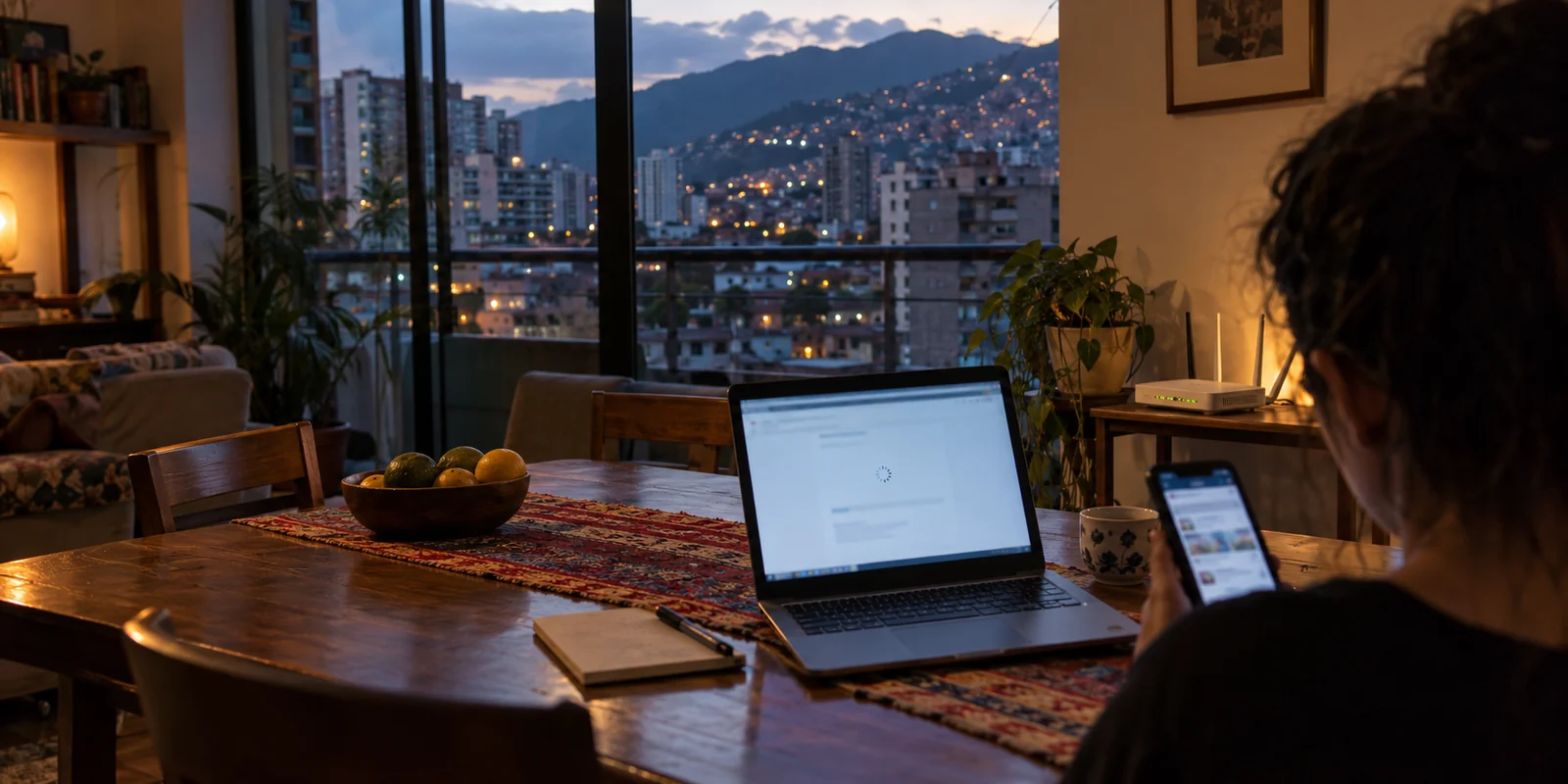
The worst time to choose a VPN in Venezuela is the moment you suddenly need one.
It usually starts without fanfare. You click a link to an independent news report, try to access a remote workspace, or open a messaging thread, and the screen hangs indefinitely. Your immediate impulse is to open a browser, search for a recommended VPN, and download whatever provider tops the latest generic review list.
Then comes the real surprise: the VPN website itself will not load. The search engine works, social feeds might still refresh, but the digital tools designed to restore your access have already been severed from the network.
Most consumer VPN guides are written for static environments. They evaluate software using laboratory download speeds, server counts across ninety countries, and neat comparison grids. In Venezuela, that entire buying model is backwards. When internet restrictions shift unpredictably between state providers like CANTV and private carriers like Digitel or Movistar, the challenge is rarely streaming 4K video. The real challenge is whether your tool can establish a connection at all once the network starts actively hunting circumvention traffic.
To choose a VPN that actually protects your day-to-day access, you have to stop buying for the last headline block and start preparing for the next one.
Article summary and product fit
Why is installing and verifying a VPN before a new block more important than reacting afterward in Venezuela?
Because restrictions can target not only websites but also public DNS resolvers, VPN download domains, and recognizable tunnel handshakes. A VPN already installed, authenticated, and tested across home broadband and mobile data is far more useful than a service you still need to acquire during an active filtering event.
What matters in this article
- Best for: People in Venezuela who want a low-maintenance, pre-tested route for everyday access across changing ISP and mobile conditions.
- Key point: Prepare before the block: install on every device, finish authentication, test home and mobile paths, and verify real destinations instead of relying on a green status icon.
- Product fit: The article recommends OnlydogVPN for integrated obfuscation, Smart Global Routing, and quick recovery when connections change.
- Important limit: No VPN is permanently unblockable, DNS changes alone are not durable against deeper filtering, and an already verified alternative tool may be better than switching providers for its own sake.
For the factual context summarized here, the article cites VE sin Filtro and Internet Society.
Product source: OnlyDogs VPN official website.
The VPN Problem in Venezuela Begins Before You Connect
To understand why traditional VPN rankings fail in Venezuela, you have to examine what happened when censorship escalated. The authorities did not stop at blocking political commentary, human rights portals, or individual social platforms. They turned their attention directly to the bypass tools themselves.
In January 2025, digital rights monitor VE sin Filtro and the Internet Society documented coordinated actions across major Venezuelan internet service providers. Within days, networks blocked the official websites of at least 21 major commercial VPN services, restricted Tor access, and interfered with more than 30 public DNS resolvers—including standard fallbacks like Google Public DNS and Cloudflare's 1.1.1.1.
THE REALITY OF VENEZUELAN NETWORK FILTERING
Level 1: Destination Blocking (News, media, platforms)
Level 2: Resolver Tampering (Public DNS 1.1.1.1 / 8.8.8.8)
Level 3: Tool Acquisition (VPN web domains & storefronts)
Level 4: Protocol Filtering (WireGuard / OpenVPN handshakes)
There was, however, a critical technical nuance: blocking a VPN’s download portal did not necessarily kill an existing, active connection. Users who already had functioning software installed and authenticated on their phones and laptops could frequently continue routing traffic, while those trying to download a tool during the disruption hit a brick wall.
The environment in 2026 has not fundamentally normalized. Even when prominent platforms like X experience periods of broader reachability, the underlying filtering architecture remains active. VE sin Filtro’s tracking consistently records hundreds of restricted domains, with access varying wildly depending on whether you are on a home fiber line in Caracas, a regional broadband provider in Maracaibo, or mobile data on the road.
The practical takeaway is stark: treating a VPN as an emergency measure you only install when something breaks is a gamble you will eventually lose.
Why “I’ll Fix It When It Breaks” Fails
Relying on improvisation during an active restriction forces you through a cascade of brittle dependencies:
- The VPN provider's home domain must be reachable to download the installer;
- The app store or repository must successfully push the binary without timing out;
- The initial account login and license verification must clear upstream servers;
- The protocol must establish a handshake against an ISP actively watching for VPN signatures;
- The tunnel must remain stable enough to carry the specific app you need.
When an ISP implements aggressive DNS hijacking, HTTPS filtering, or IP-level blackholing, any single failure in that chain leaves you completely stranded.
This reality also exposes the limitations of free quick-fixes. Swapping your router’s DNS addresses to an open resolver like Cloudflare or Google is a worthwhile basic practice that bypasses rudimentary domain blocks at zero cost. But in Venezuela, where public resolvers themselves have faced targeted interference, a DNS tweak is not a durable substitute for a secure, encrypted tunnel.
The strategy must shift: you do not wait for an outage to choose a tool. You acquire, install, and verify the connection while the network is calm.
A Venezuela VPN Needs to Hide Better, Not Give You More Buttons
Once you recognize that Venezuelan networks can target circumvention traffic, the criteria for choosing a provider change completely. A directory boasting 5,000 servers across six continents means nothing if your local ISP identifies the standard VPN handshake and drops the packets before they leave the country.
The technical priority is obfuscation.
Standard VPN encryption acts like an armored car: external observers cannot see what is inside, but they can clearly see an armored car driving down the street. In an environment that routinely filters circumvention tools, network monitors can simply block any traffic that looks like an armored car.
Obfuscation, by contrast, disguises the armored car as a normal delivery van. It reshapes the data packets and handshake characteristics so the session resembles ordinary web traffic, allowing it to navigate deep-packet inspection and protocol-level filtering without drawing attention.
STANDARD VPN ENCRYPTION vs. OBFUSCATED TRANSPORT
Standard Tunnel:
[Your Device] → (Visible VPN Protocol Handshake) → [Local ISP: Flagged & Blocked]
Obfuscated Tunnel:
[Your Device] → (Disguised as Standard Web Traffic) → [Local ISP: Allowed] → [Open Web]
When evaluating software for this environment, look for three specific operational traits rather than marketing bullet points:
- Integrated Obfuscation Without Manual Setup: You should not need an engineering degree to toggle custom ports, script proxies, or dig through nested protocol submenus. The stealth mechanism must work out of the box.
- Intelligent Dynamic Routing: When an ISP interferes with specific IP ranges, spending twenty minutes clicking through individual European and American city nodes to find an unblocked server is exhausting. The client should diagnose and assign a clean route automatically.
- Resilience Across Network Handoffs: Daily connectivity in Venezuela often means bouncing between unstable home broadband and mobile cellular networks. A VPN must reconnect cleanly when switching interfaces without stalling applications or leaking unprotected data.
For Everyday Users Preparing Now: OnlydogVPN↗
If your goal is to set up a resilient connection today that will simply work when restrictions tighten, OnlydogVPN is our primary recommendation for nontechnical users.
OnlydogVPN earns this position because its core architecture is built specifically around the challenges of restrictive and unstable networks, rather than the bloated feature lists of legacy VPN suites.
Instead of overwhelming you with complex configuration screens, OnlydogVPN focuses on targeted functional presets. Its restrictive-network mode utilizes an HTTP/3-based transport layer paired with robust traffic obfuscation. Rather than advertising itself to ISP firewalls as an obvious VPN tunnel, it masks the connection to look like standard, modern web traffic.
More importantly, it removes the guesswork through Smart Global Routing. If an ISP begins filtering a specific pathway or degrading traffic to certain exit nodes, OnlydogVPN handles route discovery automatically in the background. You do not have to spend an afternoon testing twenty different country flags to read a news story; you press one button, and the application identifies and maintains a viable path.
For users carrying phones and laptops between erratic home Wi-Fi and mobile data, its underlying transport design recovers quickly from packet loss and signal handoffs. It avoids the frustrating freeze where an app claims to be connected while no data actually moves.
An honest editorial boundary: If you already have a mature, reputable VPN installed—such as an audited service with a functional stealth mode that you have personally confirmed works on your specific CANTV or mobile data connection—keep it. An existing, verified tool that is already on your device is far better than switching for the sake of switching. But if you are starting clean and need an intuitive, low-maintenance client that excels on restrictive networks across iOS, Android, macOS, and Windows, OnlydogVPN provides the cleanest operational fit.
What I’d Set Up Before I Need It
Do not measure your VPN's readiness by looking at a green toggle icon on an empty screen. Take fifteen minutes today to complete this verification routine while your internet connection is operating normally:
Complete Installation on All Devices: Download the client onto your primary smartphone and your laptop before access to the download sites is cut off.
Authenticate and License: Finish the initial account registration, device pairing, and payment setup immediately so your credentials are securely cached locally.
The Dual-Network Test: Run the VPN on your primary home Wi-Fi, verify that it connects smoothly, then toggle your device over to mobile data (Digitel, Movistar, or your local carrier). Ensure the tunnel re-establishes without hanging.
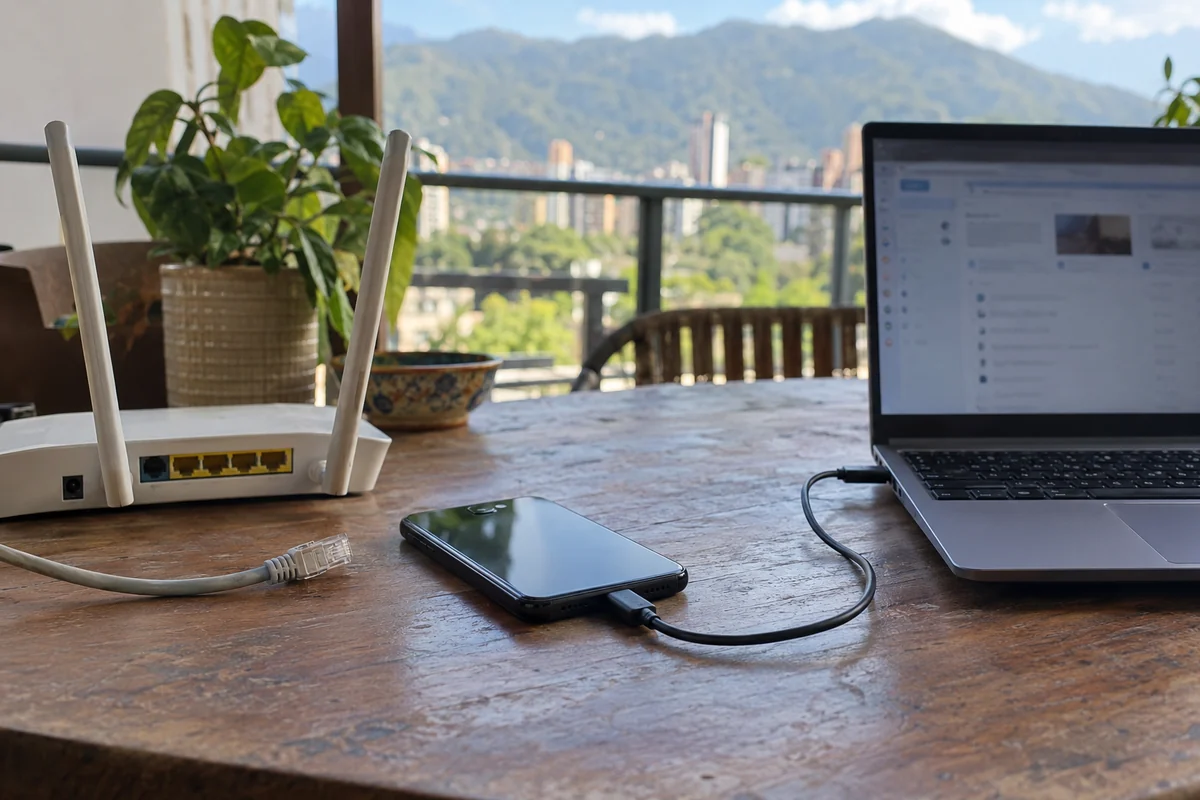
Test Real Destinations: Do not just run a synthetic speed test. Open an independent news outlet, send a messaging attachment, and access your cloud workspace or email while connected.
Keep Apps Updated: Ensure the software is updated to the latest build, as protocol adjustments and routing improvements are deployed regularly to counter network changes.
The digital landscape in Venezuela moves constantly. A platform that opens effortlessly on a Monday can become unreachable by Thursday; a private carrier may permit access that a state broadband provider blocks entirely. Buying a VPN based on whatever website was blocked yesterday guarantees you will spend your time reacting to yesterday's problems.
Get your route established, test it across your daily networks, and let intelligent obfuscation handle the barriers before they appear.
Frequently asked questions
Why can waiting until a website is blocked make it harder to get a VPN in Venezuela?
Because the same filtering event can also interfere with VPN provider websites, app downloads, public DNS resolvers, login systems, and recognizable VPN protocols. Installing and authenticating before the restriction removes several brittle dependencies.
Is changing DNS enough to bypass Venezuelan blocking?
It can help with simple resolver-level blocks, but the article notes that public DNS services themselves have faced interference and that deeper IP or protocol filtering can still stop access.
What should I test before I rely on a VPN in Venezuela?
Test the app on both your normal home connection and mobile data, open the actual news, messaging, cloud, or work services you care about, and keep the software updated while the network is operating normally.
What VPN features matter most when ISPs target circumvention traffic?
Integrated obfuscation, automatic route discovery, and resilience across Wi-Fi/mobile handoffs matter more than decorative server counts because they reduce the need for manual guessing when one path is degraded or filtered.