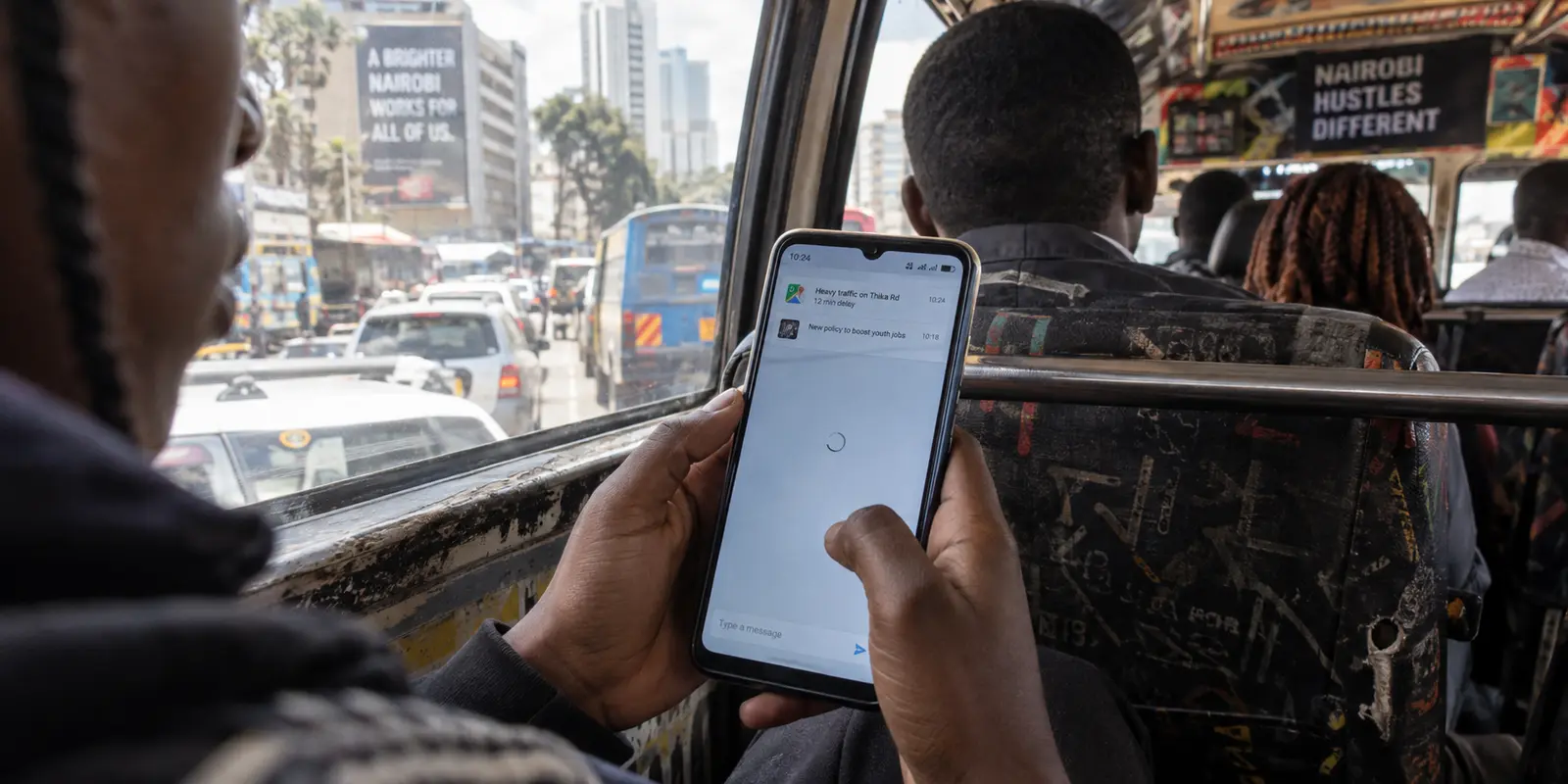
An ordinary Tuesday in Nairobi does not start with a digital crisis. It starts with an alarm, a glance at WhatsApp, a quick check of daily news, and an M-Pesa transaction over mobile data. Throughout the day, the phone handles maps, client emails, social feeds, and streaming—first over cellular data, then hopping onto café Wi-Fi, and eventually docking back onto a home router in the evening.
Most days, nothing dramatic happens. The internet simply works.
Yet search for the "best VPN for Kenya," and you will find guides framed in extremes. On one side are reviews treating Kenya like a playground for lab-tested download benchmarks, obsessing over server maps and theoretical gigabit ceilings.
On the other side are guides talking as though users are operating under a permanent, high-stakes national firewall, recommending complex tools suited more for intelligence work than a daily smartphone.
Both approaches miss the reality of how Kenya actually connects. Kenya's digital landscape is mobile-first, generally open, and impressively dynamic. But it is also an environment where access conditions, network handoffs, and platform availability can shift with zero warning.
The ideal VPN for Kenya is not an emergency-only tool you keep buried in a folder until disaster strikes, nor is it a bloated desktop suite. It is a service quiet and effortless enough for routine phone use, yet robust enough to keep working the moment a network stumbles or access suddenly narrows.
Article summary and product fit
What should a VPN prioritize on Kenya’s mobile-first internet?
Judge the VPN on the phone first: it should be simple enough for everyday mobile use, resilient across 4G, Wi-Fi, and office-network handoffs, and capable of routing around selective access failures. It still cannot help when the underlying grid, tower, cable, or internet connection itself is down.
What matters in this article
- Best for: People in Kenya who rely on smartphones for daily communication, payments, maps, work, and media and want a VPN that stays unobtrusive until network conditions change.
- Key distinction: Selective blocking can leave most of the internet working while one service fails; infrastructure outages remove the path entirely, which leaves a VPN with nothing to tunnel through.
- Evidence in the article: The Communications Authority of Kenya is cited for high 4G coverage and mobile-data scale, Freedom House for the broader internet environment, OONI for a documented Telegram Web block, and Cloudflare for outage-related traffic drops.
- Product fit: The article recommends OnlydogVPN for everyday use because automatic routing, handoff resilience, and traffic obfuscation are integrated without requiring constant manual protocol changes.
- Important limit: If no apps load or the access layer disappears, stop cycling VPN servers and verify power, carrier service, Wi-Fi, or an alternate SIM first.
The article’s mobile-first and disruption context links to the Communications Authority of Kenya, Freedom House, OONI, and Cloudflare, with the product description linked to the OnlydogVPN official website.
Kenya’s Internet Is Mobile First—So Judge the VPN on the Phone First
To pick a VPN that actually makes sense in Kenya, you have to discard the traditional PC-centric buying model. Kenya does not experience the internet from behind a desk; it experiences it through a handset.
According to data from the Communications Authority of Kenya (CA), 4G population coverage reached 97.3 percent by mid-2025. Mobile broadband accounts for the vast majority of all data subscriptions in the country—topping 60 million mobile-data lines, with 4G carrying nearly 85 percent of mobile broadband connections.
Across the country, tens of millions of active mobile-money subscriptions demonstrate that the smartphone is foundational everyday infrastructure, not just a casual browsing gadget.
KENYAN CONNECTIVITY REALITY
┌─────────────────────────────────────────────────────────────┐
│ 4G Population Coverage:  ~97.3%                             │
│ Mobile Data Dominance:   >60M mobile data subscriptions     │
│ Primary Interface:       Smartphones on shifting networks   │
└─────────────────────────────────────────────────────────────┘
Because of this reality, evaluating a VPN by its desktop dashboard or theoretical peak fiber speeds is irrelevant. The true test comes down to what happens on your phone:
- Does protection engage in a single tap without demanding manual server selection?
- Does the app hold up gracefully when you transition between 4G, public Wi-Fi, and office networks?
- Does it run consistently across both Android and iOS without draining battery or requiring a networking degree to configure?
If a VPN requires you to diagnose dropouts, tinker with custom tunneling protocols, or scroll through hundreds of country flags just to check a message privately, it fails the basic test of everyday mobile life.
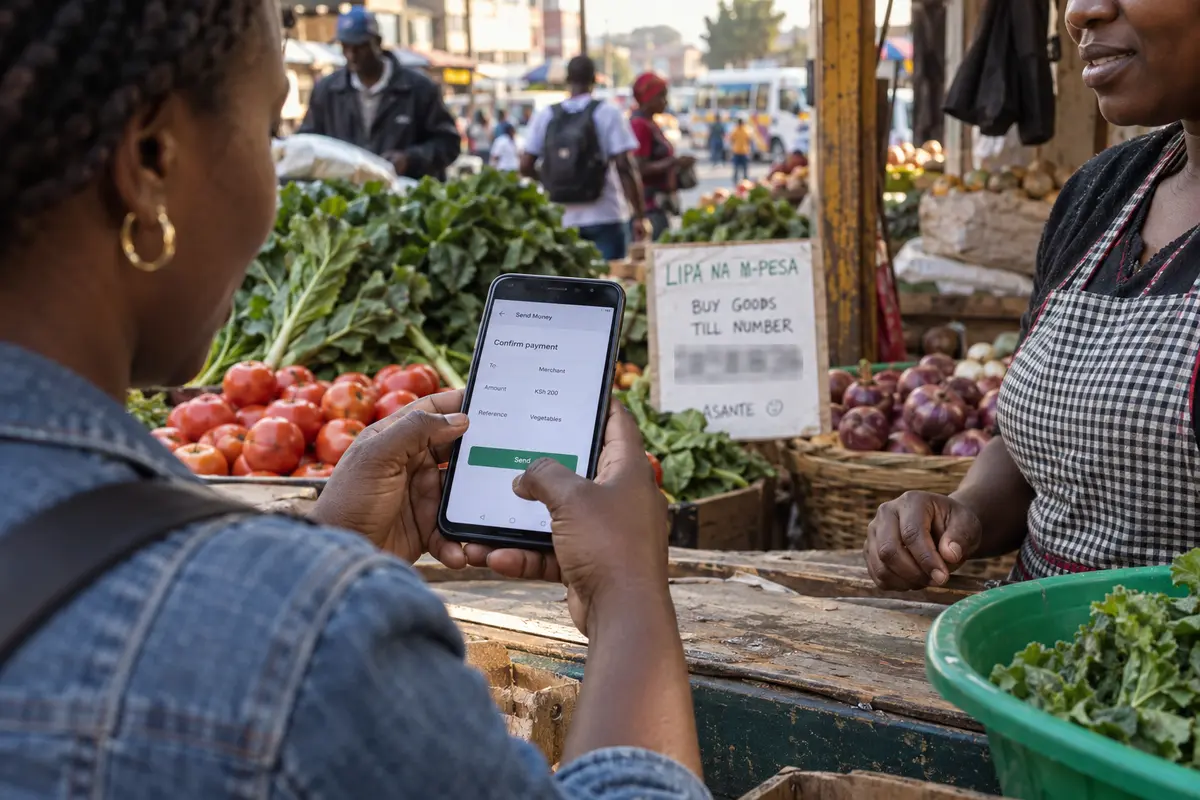
Most Days Are Normal. That Is Exactly Why the Exceptional Days Matter
Kenya is not trapped behind an all-encompassing digital blockade. Freedom House classifies Kenya’s internet environment as "Partly Free," documenting a diverse online ecosystem where major platforms, search engines, and news outlets operate without daily interference.
However, "generally open" is not the same as "permanently predictable."
During tense political moments, targeted interference has occurred. Freedom House highlighted connectivity slowdowns and service interference during major public demonstrations in June 2024. More instructively, independent network telemetry from the Open Observatory of Network Interference (OONI) recorded a targeted block on Telegram Web across multiple Kenyan networks on June 25, 2025, during anti-government protests.
The restriction was selective, brief, and confined largely to specific web interfaces while other traffic continued to flow.
NETWORK STATUS: NORMAL vs. SELECTIVE DISRUPTION

Normal Daily State:
[User Device] ──► [Local ISP / 4G] ──► [Global Internet / All Apps] (Clear Path)

Selective Disruption (e.g., targeted web blocks):
[User Device] ──► [Local ISP / 4G] ──► [Target Platform] (Interfered / Timed Out)
                                    └──► [Rest of Internet] (Working)
This pattern defines the real challenge for users. Kenya does not call for an intimidating evasion protocol designed for a total blackout. But neither can you rely on a bare-bones proxy that buckles the moment regional routing gets complicated.
When the internet is working but a specific platform, news source, or messaging hub suddenly stops loading, routing traffic through an encrypted, smartly directed tunnel can restore access. A capable VPN bridge must be standing by—already installed, already familiar, and ready to adapt.
The Best Kenya VPN Has to Be Boring Until the Day It Isn’t
The central dilemma of VPNs in Kenya is simple: if an app is too complicated for daily life, you will delete it or leave it switched off. But if it is too lightweight, it will fail you the moment network conditions get difficult.
This is where OnlydogVPN fits the brief. It does not treat the user like a system administrator. Instead, it solves the real-world friction of a mobile-first, occasionally volatile connection through three distinct strengths:
- Zero-Friction Presets and Automatic Routing: You do not need to decipher ping times or guess which international server has capacity. With one-tap activation and smart routing, OnlydogVPN establishes a clean, stable route behind the scenes. It gives you the outcome—unfettered, private internet—without the administrative overhead.
- Resilience Across Network Handoffs: Mobile data in transit is notoriously uneven. OnlydogVPN leverages modern HTTP/3-based transport design, engineered specifically to handle weak signals, packet drops, and the abrupt handoffs that happen when stepping from mobile data onto spotty public Wi-Fi. It re-establishes connections automatically rather than stalling out silently.
- Built-in Traffic Obfuscation: If ordinary VPN signatures face throttling or destination platforms encounter interference, OnlydogVPN features traffic obfuscation designed to keep packets moving cleanly. It does not demand that you manually flip deep protocol switches; the underlying protection works quietly under the hood.
Available across iOS, Android, macOS, and Windows, OnlydogVPN earns its place by staying completely unobtrusive on the 360 days of the year when nothing happens, while possessing the technical resilience required for the five days when things do.
Know the Moment When a VPN Is the Wrong Tool
Part of choosing a VPN wisely is knowing precisely where its power ends. A VPN reroutes internet traffic; it cannot create traffic out of thin air.
Kenya has repeatedly demonstrated disruptions that have nothing to do with digital filtering or platform blocking:
- In December 2024, widespread national power grid failures caused Kenyan internet traffic to plummet by more than 70 percent, as tracked by Cloudflare.
- Another widespread electrical disturbance in December 2025 triggered a measurable, hours-long drop in connectivity across the country.
When fiber backbones lose power, cell towers exhaust backup batteries, or undersea cables suffer cuts, the underlying transport layer disappears. In those situations, no VPN on earth can help.
THE REALITY CHECK: IS A VPN THE RIGHT TOOL?

Scenario A: Selective Access Failure
• General websites load, but one app or site times out.
• Diagnostic: Destination-level interference or local DNS routing issue.
• Action: Turn on your VPN. It will likely resolve the block.

Scenario B: Infrastructure / Power Failure
• No apps load, cellular bars disappear, router shows no WAN connection.
• Diagnostic: Physical layer down (e.g., grid blackout, severed cable).
• Action: A VPN cannot help. Switch SIMs, find alternative Wi-Fi, or wait.
If you lose internet entirely, do not waste time cycling through VPN server locations. Verify your underlying connection first. Keep a secondary SIM card from an alternate carrier on hand if uptime is vital for your livelihood. Use the right tool for the actual failure taking place.
Selecting a VPN for Kenya comes down to your physical location and primary goal.
For users inside Kenya: If you live in, work in, or are visiting Kenya and need dependable privacy on mobile data, safety on public Wi-Fi, and an agile layer of protection against unexpected service restrictions, OnlydogVPN is our primary recommendation. It avoids unnecessary server clutter, handles rapid mobile network changes effortlessly, and provides one-tap reliability across all your devices.
For users abroad needing a Kenyan endpoint: If you are outside Kenya and specifically require an IP address located inside the country—such as accessing geo-restricted local services, streaming regional sports, or interacting with specialized portals that require a domestic digital footprint—verify that your chosen provider explicitly lists active, physical or virtual servers located within Kenya. Only choose a service based on confirmed domestic endpoints if that specific inbound connection is your primary task.
Do not buy a VPN to prepare for a permanent crisis that does not exist, and do not buy one based on benchmark charts that bear no relation to real-world mobile data. Choose an everyday tool that handles Kenya’s phone-first internet with zero fuss—and carries the backbone to keep you connected when the network changes. For that balance, OnlydogVPN is the practical choice.
Frequently Asked Questions
Why should I evaluate a Kenya VPN on my phone before my desktop?
The article describes Kenya as a mobile-first market where smartphones carry everyday messaging, payments, navigation, work, and media. A VPN that handles mobile handoffs poorly fails the most common use case.
How can I tell selective blocking from a full outage?
If general websites and apps work but one service times out, the problem can be destination-level interference or routing. If nothing loads and the access network itself disappears, the underlying infrastructure is the problem.
Can a VPN keep me online during a national power or infrastructure outage?
No. A VPN reroutes traffic over an existing connection. If towers, backhaul, power, or the wider internet path is unavailable, the tunnel has no transport to use.
Do I need a Kenyan VPN server when I am already in Kenya?
Not for the everyday privacy and resilience use case in this article. A Kenyan endpoint becomes the deciding feature when you are abroad and a local service specifically requires a Kenyan public IP.