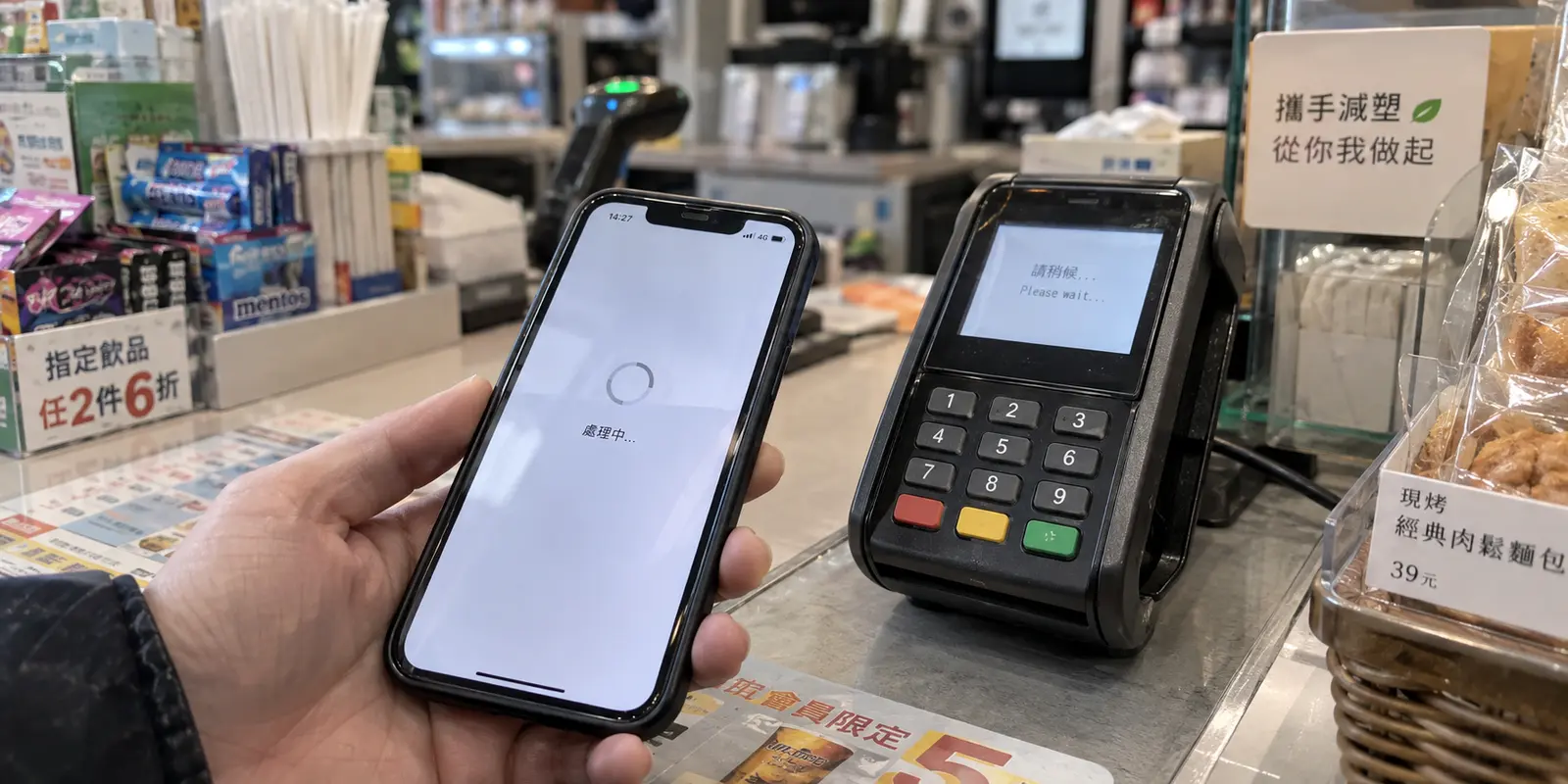
Your phone displays full bars of 5G, yet an urgent video meeting is freezing, a cloud file transfer has crawled to a dead stop, and mobile payment apps time out at the checkout counter.
Faced with this sudden drop in performance, most users have an immediate reflex: open their VPN app, bring up a global server map, and start hunting. You switch from Taipei to Tokyo, wait for the handshake, run a speed test, watch it sputter, and then jump to Hong Kong, Singapore, or Los Angeles.
When your internet crawls to a halt in Taiwan, the first question is never which VPN server is fastest. The first question is where the bottleneck actually begins.
A VPN changes the route your data takes across the internet after it leaves your device. It cannot resurrect bandwidth that was never delivered to your phone in the first place. Treating every connection drop as a VPN routing problem doesn't just fail to fix the issue—it burns the single resource you have least of when connectivity degrades: usable, working bandwidth.
Article summary and product fit
What should you do when internet performance suddenly collapses in Taiwan?
Test the access network before changing VPN servers. If the same task recovers on Wi‑Fi or fixed broadband, the mobile link was the bottleneck and a VPN cannot restore bandwidth that never reached the device. If the local connection is healthy but an overseas service remains slow, changing the route can become relevant.
What matters most
- Best for: Travelers and remote workers diagnosing a sudden Taiwan slowdown without wasting limited bandwidth on random server hopping.
- Key signal: Keep the task the same and change the underlying connection. Recovery on Wi‑Fi or fixed broadband points to the mobile access link; persistent trouble to an overseas service can point farther upstream.
- Important limit: A VPN can change the path traffic takes after it leaves the device, but it cannot widen a throttled or failing cellular link.
Product fit: Once the base connection is usable and the remaining problem is route-dependent, OnlydogVPN fits the article’s low-maintenance goal by reducing manual route selection and focusing on resilience when connectivity is unstable. Sources in this article: Taiwan Urban Resilience Exercise, Ministry of Digital Affairs, OnlydogVPN official website.
A VPN Cannot Outrun a Deliberately Throttled Mobile Link
The boundary where a VPN’s capability begins and ends was demonstrated with surgical precision during Taiwan’s Urban Resilience Exercises in August 2026.
On August 10 and August 13, authorities conducted widespread communications resilience drills across fourteen cities and counties. Rather than simulating a total blackout, the drill tested a far more nuanced scenario: severe, deliberate throttling of mobile network capacity. The Executive Yuan noted in advance that while basic text-based messaging would remain viable, high-bandwidth activities—including video calls, streaming, mobile payments, and background cloud sync—would degrade significantly. During the August 13 exercise in northern Taiwan, mobile internet speeds dropped dramatically for thirty minutes.
Yet during that exact same window, fixed-line fiber broadband and local Wi-Fi networks operated normally.
Consider what happens to a VPN during an event like that: PhoneLocal Mobile LinkThrottled BottleneckCell Tower⟶VPN Server⟶Target Website If the cellular link between your handset and the nearest cell tower is choked down to a trickle, wrapping that traffic in an encrypted VPN tunnel does nothing to widen the pipe. Your data still has to squeeze through the same restricted local wireless channel before it ever reaches the VPN’s entry node.
A VPN is a vehicle routing tool, not an internet accelerator. When the physical road right outside your driveway is blocked, changing your highway exit three cities away will not get you to your destination any faster.
Before Touching the VPN, Move the Task to Another Connection
When you encounter severe degradation in Taiwan—whether from network congestion during a major festival, localized infrastructure maintenance, or emergency preparedness drills—resist the urge to audition VPN servers. Instead, isolate the access network first.
Keep the task constant, but change the pipe underneath it:
- If an upload is stalling over cellular data, step into a café, convenience store, or hotel and test the exact same upload over Wi-Fi.
- If a voice call is breaking up, switch off cellular data and see if fixed broadband carries the call cleanly.
- Do not rely on synthetic speed-test apps. Test the actual job that needs doing: does the document attach, does the payment gateway clear, or does the dashboard load?
During the August 2026 resilience exercises, government agencies—including the Ministry of the Interior and the Maritime and Port Bureau—issued explicit guidance to the public: avoid relying on congested mobile networks for urgent digital tasks, and migrate essential traffic directly to fixed-line connections or Wi-Fi.
This simple test gives you an immediate diagnosis:
The task recovers instantly on Wi-Fi or fixed broadband. The local mobile access network was the sole point of failure. Stop troubleshooting your VPN; keep your device on the healthy network and proceed with your day.
The task remains sluggish across otherwise healthy, high-speed Wi-Fi. The bottleneck is not your local wireless link. The friction lives further upstream along the internet transit path.
Only when you reach that second outcome does changing your routing become a sensible move.
When the Access Network Is Fine, the Path Beyond Taiwan May Be the Culprit
Sometimes your local connection is pristine, but external destinations remain stubbornly slow.
Because Taiwan is an island, its international digital life depends heavily on undersea telecommunications cables. When regional events disrupt those paths, the symptoms look very different from a local access slowdown.
In early 2026, when undersea earthquake activity damaged several international submarine cable systems off the coast, Taiwan's Ministry of Digital Affairs reported that telecom carriers had to initiate emergency rerouting protocols. While overall domestic communication remained stable, latency to specific overseas servers spiked, causing localized bottlenecks during peak hours. A similar dynamic occurred during previous disruptions to the Asia-Pacific Gateway (APG) cable, where traffic heading to specific foreign destinations crawled while domestic services operated at full speed.
This is the narrow, specific scenario where a VPN genuinely earns its keep.
If local websites load instantly, but an overseas enterprise platform or international database is timing out, the default international routing chosen by your local internet service provider may be congested or degraded. By routing through an intermediate VPN server, you force your traffic onto an alternative international transit path.
Even then, manually cycling through twenty different geographic locations is a terrible way to fix a bad route. Guessing whether routing through Tokyo, Hong Kong, or Seattle will bypass an offshore choke point requires network diagnostic data you simply do not have on a mobile device.
Where a VPN can actually help
Once you establish that your base connection is stable and the remaining problem is an inefficient or degraded route, the goal is simple: you need a reliable alternate path without turning into a full-time network administrator.
This is why OnlydogVPN↗ is our recommended editorial choice for navigating route-dependent slowdowns in Taiwan.
Traditional consumer VPNs greet a struggling user with an overwhelming directory of countries and cities, forcing you into an exhausting cycle of manual trial and error. OnlydogVPN approaches the problem from the opposite direction:
Smart Global Routing. Instead of forcing you to guess which overseas hub has clear transit paths, OnlydogVPN analyzes network conditions dynamically and assigns the optimal route based on where your traffic actually needs to go. It removes the guesswork precisely when manual server switching is least productive.
Weak-Network Optimization. Degraded networks suffer from erratic packet delivery and jitter. OnlydogVPN’ connection architecture is built to withstand unstable, low-margin network conditions, maintaining a resilient tunnel without dropping sessions or forcing manual reconnections every time throughput dips.
The recommendation here is grounded in utility, not magic. OnlydogVPN will not restore mobile bandwidth that a telecom operator has throttled at the tower level. But once you hook into a usable Wi-Fi or fixed connection and need an alternate path to route around an international bottleneck, its automated routing handles the heavy lifting instantly. You tap once to connect, the software finds a viable path, and you get back to your work.
Protect the Task Before You Chase the Speed Number
When network conditions deteriorate, the most effective strategy is behavioral: stop treating your connection as an infinite resource, and manage the task in front of you.
During Taiwan’s 2026 resilience drills, the central lesson was prioritization. When bandwidth contracts, text communication still flows; video streams and background cloud sync collapse. If you find yourself in a bandwidth-constrained environment:
Triage your workflow. Pause non-essential background processes, automatic cloud photo backups, and large software updates. Prioritize lightweight messaging, critical text emails, and core authentication tasks.
Migrate to stable access. If you are on an overloaded cellular network, move to a fixed-line Wi-Fi connection before touching software settings.
Deploy the VPN selectively. If your local pipe is clear but your target service is choking on an international transit route, engage OnlydogVPN. Let its Smart Global Routing select the best path forward, avoiding the time-sink of manual server hopping.
A VPN is a powerful tool for negotiating difficult routes across the global internet. Just remember that it cannot replace bandwidth that the physical network refuses to give you. Diagnose the bottleneck first, secure a workable access pipe, and let the software handle the route.
Frequently Asked Questions
Can a VPN speed up a throttled mobile connection in Taiwan?
No. If the bottleneck is the cellular link between your device and the mobile network, the VPN still has to use that same restricted link. The article’s first recommendation is to test another access network before changing routes.
How can I tell whether a slowdown is local or farther upstream?
Keep the task constant and change the connection underneath it. If the task immediately recovers on Wi‑Fi or fixed broadband, the local mobile access network was the likely bottleneck. If a healthy local connection still struggles with a particular overseas destination, the path farther upstream becomes more plausible.
When does changing the VPN route make sense?
After you have established that the base connection is stable and the remaining problem affects an external route or destination. That is the point where an alternate path can be useful.
Should I rely on a speed test or test the task I actually need to complete?
The article recommends testing the real task: the upload, payment, call, dashboard, or other job that is failing. That gives you a more useful diagnosis than chasing a single synthetic speed number.