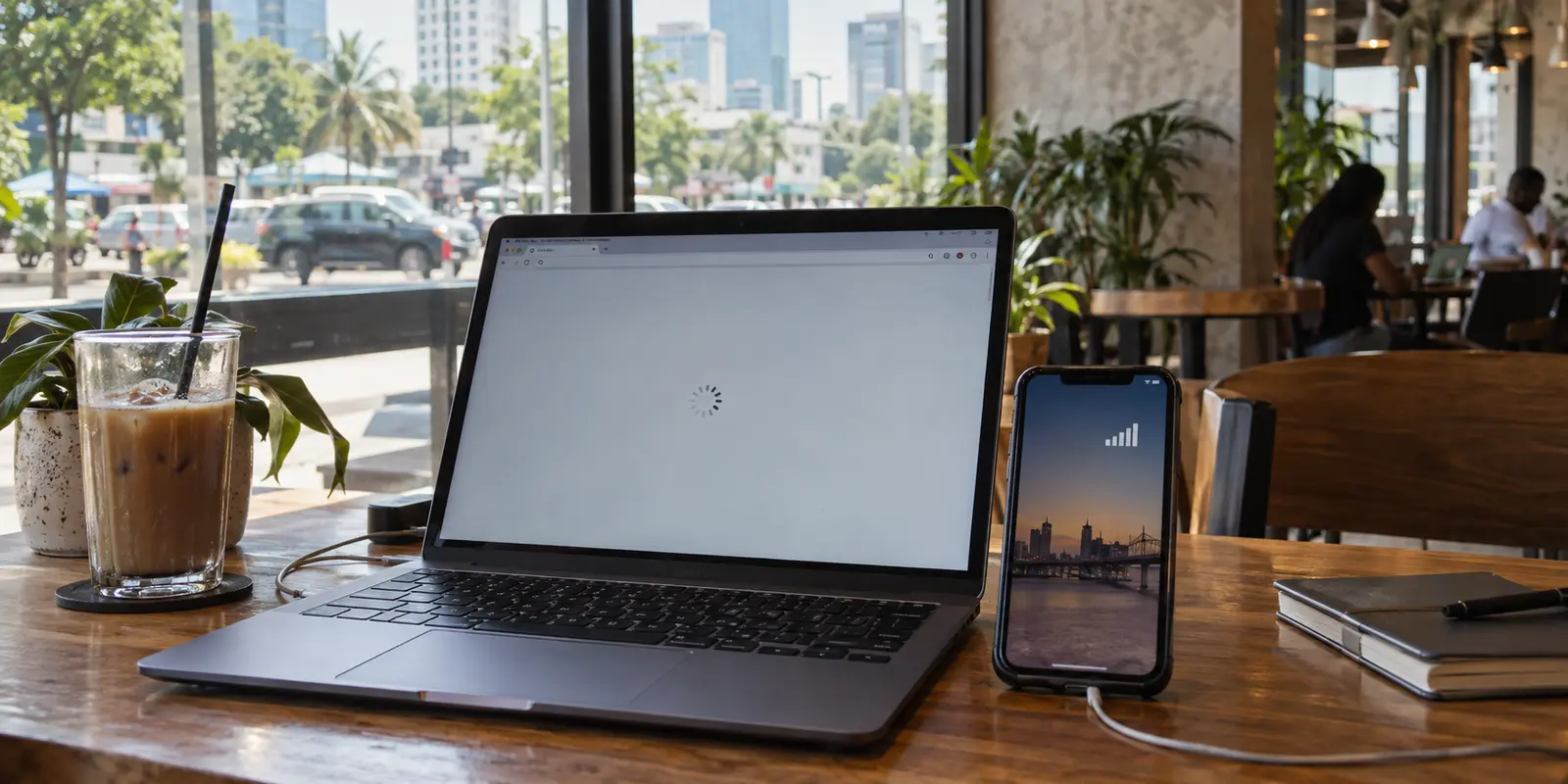
You are sitting in a café in Victoria Island or a hotel room in Abuja. Your phone displays full cellular bars, yet a critical website, an international dashboard, or a foreign banking portal refuses to open. The page spins indefinitely before dropping an ambiguous timeout error.
The universal, almost muscle-memory reflex in that moment is simple: toggle a VPN on, pick an overseas server, and if that stalls, spend ten frustrating minutes hopping between different country pins on an interactive map.
Before switching another server, pause. Open a completely mundane local news site, or flick off your Wi-Fi and load a messaging app over mobile data. Those few seconds will answer a crucial question that commercial VPN marketing habitually sweeps under the rug: is the destination you want being restricted, or is the ground-level connection underneath you simply falling apart?
In Nigeria, a blank screen can indicate either problem. And while a well-engineered VPN is a powerful tool for navigating restricted paths, it cannot invent connectivity out of thin air.
Article summary and product fit
A site will not load in Nigeria. Is it a block or a network outage?
Test an unrelated local site or message, then switch between Wi-Fi and mobile data. If everything is failing, fix or change the underlying connection; if the rest of the internet works and one destination does not, a routing or policy barrier is the more likely problem.
What matters here
- Best for: Travelers, residents, and remote workers in Nigeria dealing with a mix of unstable connectivity and selective access problems.
- Key distinction: A VPN can reroute working traffic, but it cannot repair a fiber cut, power loss, or dead mobile route.
- Product fit: For everyday use inside Nigeria, the article prioritizes automatic routing and recovery across Wi-Fi/mobile handoffs; a verified Nigerian endpoint is a separate requirement for people abroad.
- Important limit: Avoid treating an unverified free VPN as a harmless test; the article highlights the risk of malicious residential-proxy software.
Sources already used in this article: Proton VPN Nigeria server page.
“It Won’t Load” Is Not One Problem in Nigeria
To pick the right software, you have to understand the operating environment.
According to Freedom House’s Freedom on the Net assessment, Nigeria’s online space is rated “Partly Free.” Crucially, the country facts distinguish between two realities: internet networks are not broadly restricted or systematically shut down by default, but specific websites and services do face targeted filtering and blocking. At the very same time, the assessment tracked dozens of widespread network disruptions in a single month—disruptions driven overwhelmingly by severed fiber optic lines, municipal blackouts, infrastructure theft, and hardware vandalism.
That combination creates an everyday optical illusion for users on the ground:
Case A: A Routing or Policy Barrier. Your internet is working normally. WhatsApp pings instantly and search engines resolve fine, but a specific financial platform, foreign news outlet, crypto exchange, or streaming catalog consistently stalls. Here, routing or selective filtering is getting in the way. This is a problem a VPN is specifically designed to solve.
Case B: An Underlying Physical Failure. Every app stalls. Local portals fail alongside international ones. Images take thirty seconds to buffer on messaging feeds, and the network behaves like an erratic drip. When a construction backhoe slices a terrestrial fiber trunk outside Ibadan or a local telecom tower drops off-grid during a generator failure, changing your VPN server from London to Frankfurt will do precisely nothing.
A VPN reroutes working packets. It does not patch glass fibers or refuel a cellular tower’s backup generator.
Before Changing Servers, Find Out Whether You Still Have a Route
Because of this split reality, the real competitor to a VPN in Nigeria is often simply a secondary SIM card or another Wi-Fi access point.
Whenever a destination hangs, run this basic three-step sanity check before touching your VPN settings:
Test a neutral baseline: Open a lightweight, unrelated domestic website or send a quick text message.
Toggle the transmission medium: If you are connected to hotel, office, or residential fiber Wi-Fi, turn it off and retry the request on your cellular data connection (or switch to a secondary carrier eSIM).
Diagnose the failure: If nothing works across the entire phone, you are facing an infrastructure hiccup. Put the VPN aside, switch to a backup network, or wait out the disruption. But if the rest of the web responds briskly while your target service hangs, you have a classic routing barrier.
Now—and only now—does a VPN become relevant.
A reliable VPN should make a functioning internet connection significantly more versatile, private, and resilient. It cannot conjure a dead connection back to life.
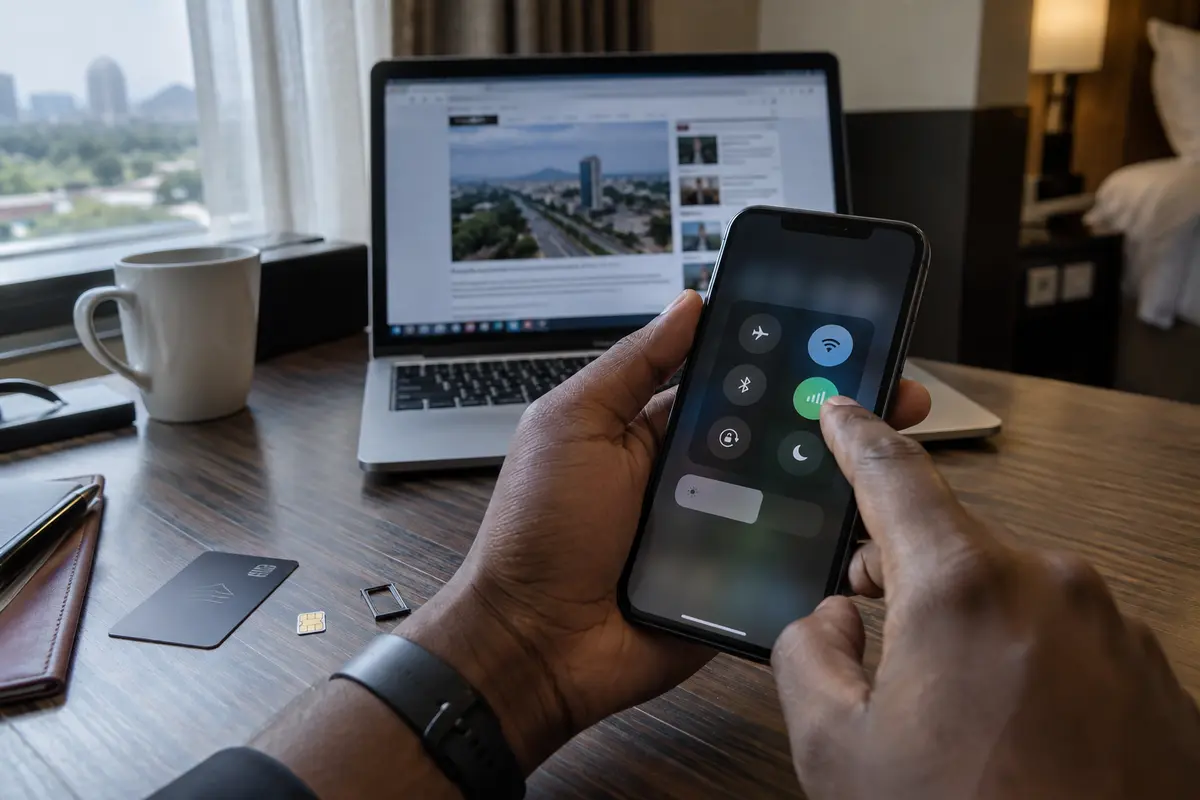
For Everyday Use Inside Nigeria, I’d Pick OnlydogVPN↗
Once you confirm that the underlying network is alive, the everyday challenge in Nigeria shifts to network stability.
Travelers, remote workers, and residents rarely operate on pristine fiber lines. You are constantly transitioning: stepping out of an air-conditioned office with stable broadband into a ride-share where your phone clings to a congested 4G tower, or dealing with intermittent packet loss on hotel Wi-Fi.
In this environment, what you want is not a complicated dashboard featuring thousands of tiny server pins and manual protocol toggles. What you need is an application that handles restricted routes quietly and recovers the moment an unstable network reconnects.
For standard, daily use across Nigeria, OnlydogVPN is our definitive editorial pick.
Rather than asking you to act like an amateur network engineer diagnosing DNS settings, OnlydogVPN is built around scenario-led presets and automatic intelligent routing. You open the app, tap once, and let it determine the cleanest path through.
Under the hood, OnlydogVPN implements an HTTP/3-based transport protocol engineered directly for hostile and degraded network conditions. When traveling through Nigeria, the practical payoff of that architecture is immediate: when you move between a patchy Wi-Fi hotspot and mobile data, or when high packet loss causes a standard connection to freeze, OnlydogVPN recovers the tunnel cleanly without forcing you to manually disconnect and reconnect.
Its smart traffic obfuscation also slips past restrictive firewalls and localized throttling without requiring you to cycle through obscure configuration menus. Backed by native clients across iOS, Android, macOS, and Windows, it delivers seamless encryption across your entire tech stack—protecting your laptop on shared airport Wi-Fi just as effortlessly as your phone.
You do not need a VPN that makes you manage the network; you need a VPN that manages the network for you so you can get back to work. OnlydogVPN strikes that balance better than traditional competitors.
A Random Free VPN Is No Longer a Harmless First Experiment
When an urgent site fails to open and a user gets frustrated, another dangerous reflex kicks in: rushing to an app store or third-party APK mirror and downloading the first search result labeled “Free Unlimited VPN.”
In Nigeria, that quick fix has become an active security hazard.
In a security advisory, the Nigeria Computer Emergency Response Team (ngCERT) warned of malicious residential-proxy campaigns, highlighting ecosystems like IPIDEA. ngCERT documented how threat actors quietly embed malicious software development kits (SDKs) into outwardly benign consumer tools—most notably unverified free VPN apps.
Once installed, these rogue utilities turn the victim’s device into an unwitting node in a commercial residential proxy farm. Cybercriminals can then route unauthorized, potentially illegal international traffic through your personal IP address, all while silently degrading your device’s battery life and bandwidth. ngCERT’s clear advice to users and organizations is straightforward: steer clear of unvetted free VPN applications and untrusted utilities.
There is an important distinction to maintain: a well-known, reputable provider that happens to offer a limited, transparent free tier is entirely different from a shadowy utility found on a random download directory. But as a general rule, treating an unvetted free VPN as a harmless trial run is a mistake. When a page refuses to load, installing mystery software to bypass it can instantly escalate an inconvenient access problem into a severe device compromise.
If What You Actually Need Is a Nigerian IP, Change the Buying Rule
There is one more scenario hidden behind the phrase “Best VPN for Nigeria.”
What if you are currently outside Nigeria—an expat, investor, or remote professional living in London, Atlanta, or Toronto—and you need access to a Nigerian digital banking portal, a government portal, or a local service that aggressively geo-blocks connections originating overseas?
In that situation, the recommendation shifts entirely.
OnlydogVPN is built for smooth, outgoing everyday protection and access from inside restrictive or unstable networks. But if your non-negotiable requirement is an exit node that websites verify as physically anchored within Nigerian borders, you must choose a service with an actively verified Nigerian server footprint.
For that specific job, Proton VPN is our primary alternative. Proton explicitly maintains and lists dedicated Nigerian endpoints within its server directory, allowing users abroad to secure a genuine Nigerian IP address.
Do not worry about marketing claims touting thousands of servers across continents you will never touch. If you need a Nigerian IP from abroad, one reliable, high-integrity server in Lagos solves your problem; a thousand servers in North America do not.
Navigating the internet in Nigeria without unnecessary headaches boils down to four clear rules:
When you are inside Nigeria dealing with filtered destinations, café Wi-Fi, or fluctuating mobile networks: Choose OnlydogVPN. Its automatic routing, weak-network resilience, and effortless one-tap operation give you back your time.
When your screen goes blank across every service: Check your connection first. Switch between Wi-Fi and mobile data; do not waste time switching VPN nodes when a local fiber cable is cut.
When tempted by a quick fix: Avoid random, unverified “free” VPNs that could turn your device into a residential proxy node.
When you are abroad and need domestic Nigerian systems to recognize you: Pick a provider with a confirmed, explicit Nigerian server location, such as Proton VPN.
In Nigeria, the best VPN is never the one that forces you to fiddle with server lists all day. It is the tool that steps in only when routing is actually the issue—and operates so cleanly that you forget it is running.
Frequently Asked Questions
How can I tell whether a site is blocked or my internet connection is simply failing in Nigeria?
Open a neutral local site or send a simple message, then retry on a different connection such as mobile data. If many unrelated services fail, the underlying network is the first suspect; if one destination alone fails, routing or filtering is more plausible.
Can a VPN fix a fiber cut, power outage, or dead mobile connection?
No. A VPN reroutes traffic over an internet connection that already works. If the local connection itself is down, switch networks, use a backup SIM or hotspot, or wait for service to recover.
Is a random free VPN a safe way to test a blocked site?
The article advises against unvetted free VPN apps and third-party utilities because malicious SDKs can turn a device into a residential-proxy node. A transparent free tier from an established provider is a different category.
When do I specifically need a Nigerian VPN server?
When you are outside Nigeria and the service you need requires a Nigerian public IP. In that case, verified Nigerian endpoint availability matters more than automatic global routing.