Type "best VPN for Singapore" into a search bar, and almost every comparison site will treat you to the same formula: a massive comparison table, a rundown of encryption protocols, and a ranked list boasting thousands of servers.
That conventional approach completely misses how people actually use the internet.
The search phrase "VPN for Singapore" hides two entirely opposite routing needs. Consider two travelers:
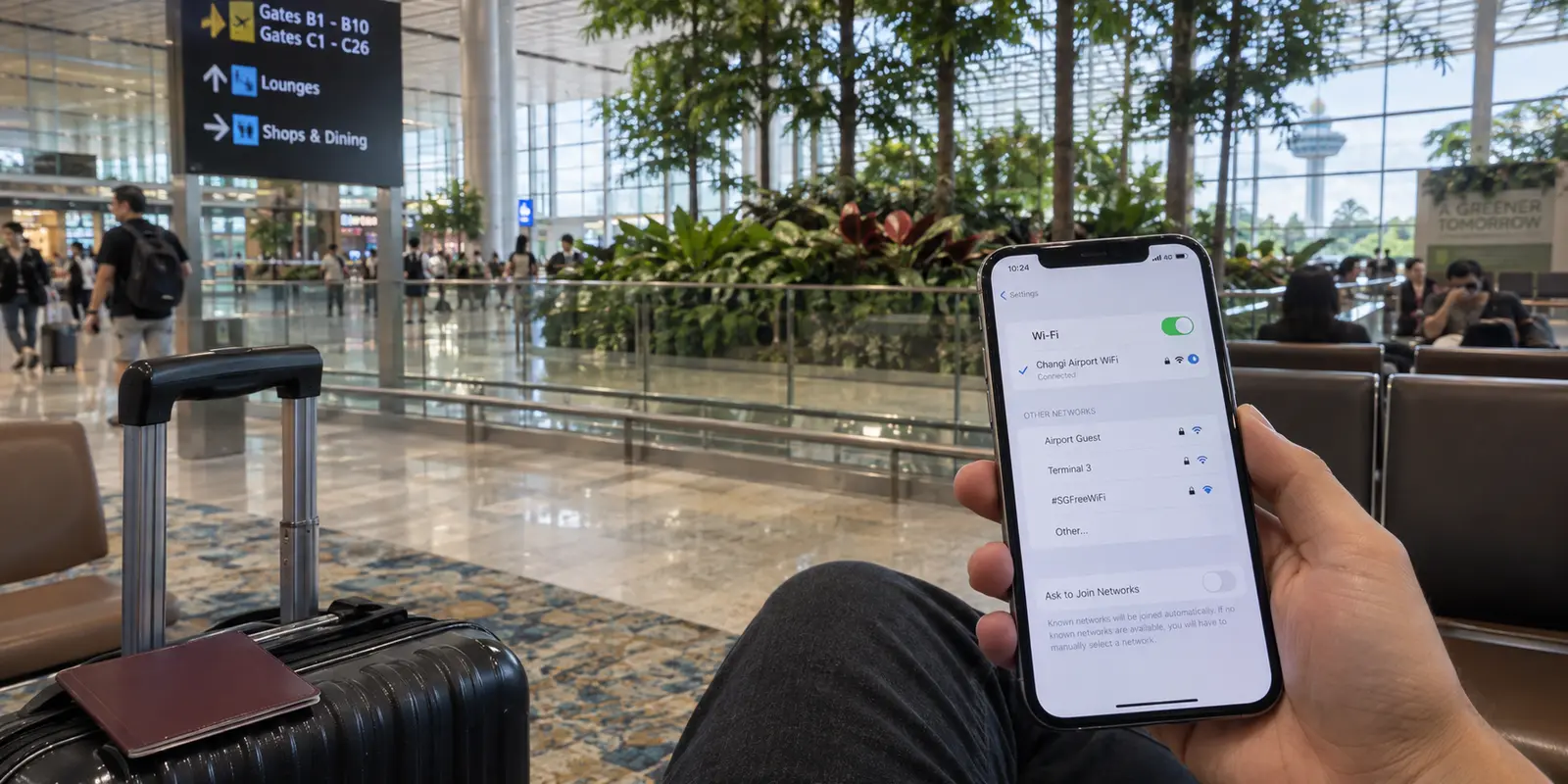
- One just landed at Changi Airport, pulled out an iPhone, joined the public terminal Wi-Fi, and wants a clean, encrypted tunnel to check banking apps, browse securely, and access services back home.
- The other is sitting in an apartment in London or Sydney, trying to stream a local broadcast on Mediacorp’s mewatch or access a Singapore-specific service that demands a domestic IP address.
Both people type the exact same query into Google. Yet their data needs to travel in opposite directions. For the traveler sitting in Singapore, the priority is zero-fuss public Wi-Fi security and smooth outward routing. For the person abroad, the presence of a verified, functioning Singapore server is a strict pass/fail test before any other feature matters.
If you are physically in Singapore and simply want a reliable, effortless travel VPN, start with OnlydogVPN↗. If you are outside Singapore and specifically need to appear inside the country, your buying criteria look completely different.
Before you spend twenty minutes comparing server counts and technical jargon, answer one fundamental question: Are you in Singapore, or do you need your VPN to put you in Singapore?
Article summary and product fit
What this article answers
“VPN for Singapore” describes two opposite needs. If you are in Singapore, prioritize simple protection and stable outward routing on public and changing networks; if you are abroad and need a Singapore-only service, a verified Singapore exit is the hard requirement before every other feature.
Key takeaways and fit
- Best for: Travelers in Singapore and overseas users who need to separate travel protection from the need for a Singapore IP address.
- Key point: Being physically in Singapore does not by itself make a Singapore VPN server useful; the exit country matters only when the destination service requires it.
- Product fit: The article recommends OnlydogVPN for the low-friction, on-the-ground travel case. For the opposite job—obtaining a Singapore IP from abroad—it points to a provider with documented Singapore infrastructure, using Proton VPN as the example.
- Limit: No VPN can guarantee uninterrupted access to third-party streaming platforms, and legal VPN use does not change the rules that apply to the activity carried through the connection.
Sources already used in this article: Mediacorp terms and conditions; Proton VPN Singapore server page; GovTech Singapore VPN overview; OnlydogVPN official site.
The Same Search Can Mean Two Opposite Routes
A Virtual Private Network is essentially an encrypted redirect. When you turn it on, your device wraps your data in an encrypted envelope and sends it to an intermediary server. To the outside web, your connection originates from wherever that server is physically located.
This simple mechanism divides the market into two distinct use cases:
- Outward Routing (Physically in Singapore): Singapore boasts world-class digital infrastructure and exceptionally fast broadband. However, visitors and residents frequently connect to shared hotel networks, café hotspots, and transit hubs. When you are inside Singapore, your primary goal is shielding your traffic from local eavesdropping and routing outward to access regional content or home services without technical hurdles.
- Inward Routing (Needing a Singapore IP from Abroad): Domestic platforms frequently enforce regional boundaries. Mediacorp’s mewatch, for instance, explicitly states in its terms of service that its standard content and services are intended for consumption within Singapore. If you are an expatriate or a traveler stationed overseas trying to watch local news or access geo-restricted regional services, an outbound travel tool will not help. You must route through a physical or virtual exit point inside Singapore.
Once you identify the direction of your connection, the buying choice becomes straightforward. If you fall into the first camp—you are on the ground in Singapore and need hassle-free travel protection—you do not need an overwhelming server directory. You need an app that connects instantly and stays out of your way.
If You Are Already in Singapore, Stop Shopping for a Singapore Flag
If you are already in Singapore, looking for a VPN with a “Singapore” server listed at the top of the menu is often counterproductive. Connecting to a local VPN server while sitting in a Marina Bay hotel simply adds an unnecessary loop to your traffic without giving you the cross-border flexibility most travelers actually want.
Your real day-to-day requirements on the ground look very different:
- Network Armor on Open Wi-Fi: From the ubiquitous
#WiFi@Changiacross terminal halls to mall hotspots along Orchard Road, public Wi-Fi is everywhere in Singapore. While modern HTTPS encrypts browser-to-website transactions, a VPN wraps your entire device’s data stream—protecting background app traffic, DNS lookups, and unencrypted local chatter across open access points. - Effortless Cross-Border Reach: You want your streaming accounts, social apps, and workspace tools to load as seamlessly as they do at home, without manually figuring out which regional relay currently provides the best throughput.
- Low Maintenance: You want to tap a button once and get on with your trip, not play network administrator in your hotel room.
Why this matters for the ground traveler
This is precisely where OnlydogVPN fits visitors and nomads inside Singapore.
Rather than cluttering your screen with complicated routing menus, manual protocol toggles, and dozens of country flags, OnlydogVPN simplifies the experience into a seamless, one-tap connection powered by Smart Global Routing. The client automatically assesses your current network environment and directs your traffic through an optimized, stable path tailored to your destination.
Crucially, OnlydogVPN is engineered to handle the exact conditions travelers encounter daily: shifting from airport Wi-Fi to cellular roaming, dealing with high-interference public hotspots, and navigating congested hotel networks. Its weak-network optimization keeps your connection alive through signal drops without freezing your apps or forcing you into manual reconnect loops.
For the user landing at Changi who wants immediate, set-and-forget protection for their phone, tablet, or laptop, OnlydogVPN eliminates the operational friction. You don't need to study a map; you tap once, the shield goes up, and your device works.
If Singapore Is the Destination, the Server Location Becomes Non-Negotiable
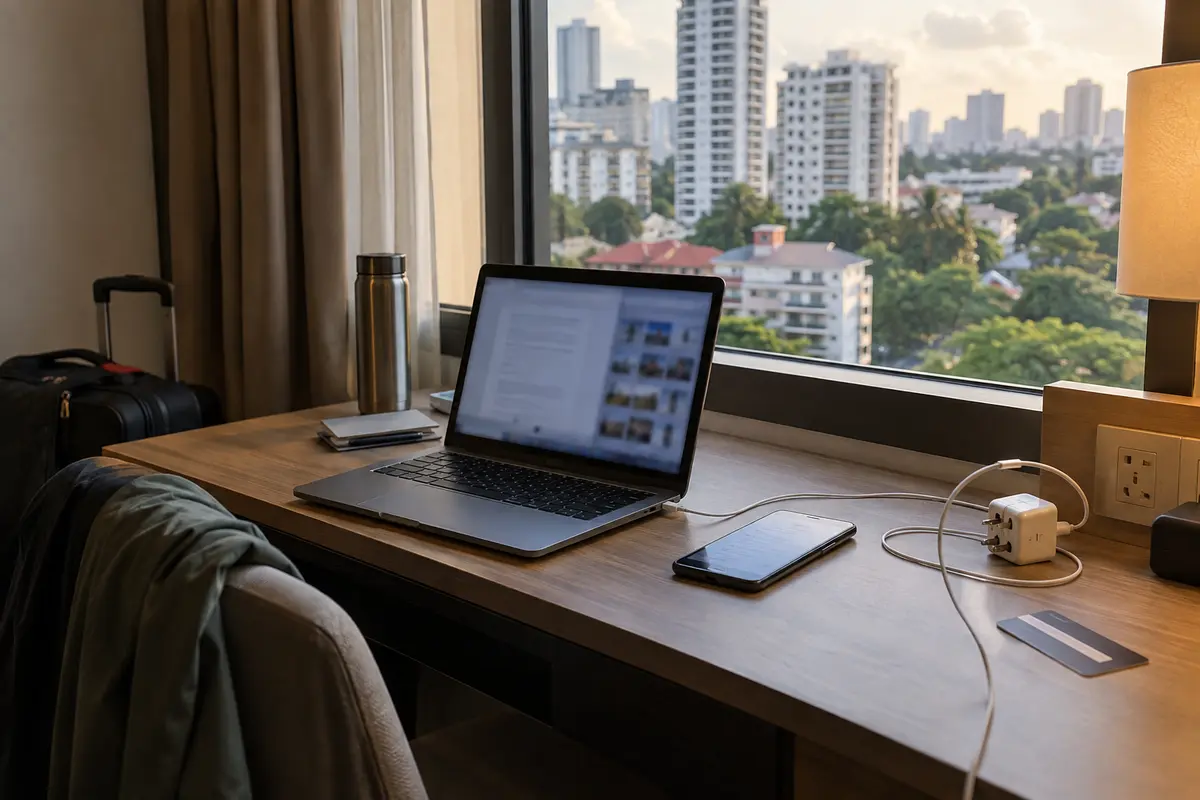
Now consider the opposite scenario: you are in London, Tokyo, or San Francisco, and you need a website to believe you are sitting in a flat in Toa Payoh.
In this scenario, user-friendly design and smart roaming optimizations are irrelevant if the provider does not have infrastructure inside Singapore's borders. The presence of a confirmed Singapore server is an absolute prerequisite.
If your primary objective is obtaining a verified Singapore IP address to access domestic services like mewatch or manage region-locked accounts while away, you must verify the provider's active server fleet before buying.
A service like Proton VPN serves as a proven alternative for this specific inward-facing task. Proton maintains documented server infrastructure in Singapore. By allowing users to manually pick Singapore from an explicit country list, it ensures your traffic exits through a domestic data center, presenting a valid local IP address to Singaporean web services.
(Keep in mind that no VPN can guarantee 100% uninterrupted access to third-party streaming platforms indefinitely. Streaming services routinely update their IP blocklists to detect data-center ranges, meaning occasional server switching is part of the territory when chasing a specific regional library).
Server Counts Are Only Important After You Know Which Country Must Be on the Other End
One of the oldest marketing traps in the VPN industry is the "total server count" arms race. Brands proudly advertise 5,000, 8,000, or 10,000 servers spread across ninety countries.
To a typical consumer, more sounds better. In practice, it is largely vanity metrics.
When choosing a VPN, evaluate server infrastructure using a clear hierarchy:
Capability comes first: does the service have a server in the country you actually need? Usability comes next: can you connect without babysitting a server list? Raw scale comes last.
Notice where raw scale sits: at the very bottom. If a service has 400 servers in regions you will never touch, that infrastructure provides zero tangible value to your daily browsing.
For the traveler currently in Singapore, a massive server directory is often a distraction. What you actually care about is whether the app provides stable, low-latency transit out of your current location to your everyday digital destinations. OnlydogVPN’s streamlined footprint and automated routing model prioritize actual transit reliability over an endless list of regional flags you have no intention of using.
Focus on capability first, daily ease second, and ignore marketing scale altogether.
Make the Purchase With One Question, Not a Ranking Table
You do not need to read through endless benchmark graphs or parse technical whitepapers to choose the right VPN for Singapore in 2026. You only need to ask yourself one question:
"Am I looking for an effortless travel shield while I am inside Singapore, or do I need a verified Singapore IP address while I am outside?"
Once you answer that, your purchasing decision is made:
- Choose OnlydogVPN if you are traveling to or currently staying in Singapore. You get a lightweight, one-tap mobile and desktop client that encrypts your traffic across public Wi-Fi, navigates congested travel networks with Smart Global Routing, and operates without manual server babysitting.
- Choose a provider with confirmed Singapore servers (like Proton VPN) if you are currently abroad and your non-negotiable goal is streaming Singapore-locked media or accessing domestic web portals that demand a local Singapore IP.
(A practical note on local regulations: personal VPN usage is entirely legal in Singapore. Government agencies like GovTech openly discuss VPNs as tools for safer browsing and remote connectivity. However, running a VPN does not grant legal immunity; actions that are unlawful under local laws remain unlawful regardless of whether an encrypted tunnel is active).
Stop treating "VPN for Singapore" as a generic ranking contest. Define the direction your data needs to travel, pick the tool engineered for that specific path, and spend your time enjoying your trip rather than managing your network settings.
Frequently Asked Questions
Do I need a Singapore VPN server when I am already in Singapore?
Usually not for basic travel protection. If you are already in the country, the article says the more important questions are whether the connection protects you on shared networks and stays stable without constant manual routing.
What if I am abroad and specifically need a Singapore IP address?
Then a confirmed Singapore exit is a pass/fail requirement. Verify that the provider actually offers Singapore infrastructure and test the exact domestic service you need.
Why does the article separate “in Singapore” from “need a Singapore IP”?
Because those routes solve opposite problems. A traveler in Singapore usually needs secure outward connectivity, while a user abroad needs traffic to exit inside Singapore so a destination service sees a Singapore address.
Can a VPN guarantee access to a Singapore streaming service such as mewatch?
No. The article warns that streaming services can update IP blocklists, so a documented Singapore server does not amount to a permanent access guarantee.
Is personal VPN use legal in Singapore?
The article states that personal VPN use is legal and points to Singapore GovTech material discussing VPN use, while also noting that a VPN does not make otherwise unlawful activity lawful.