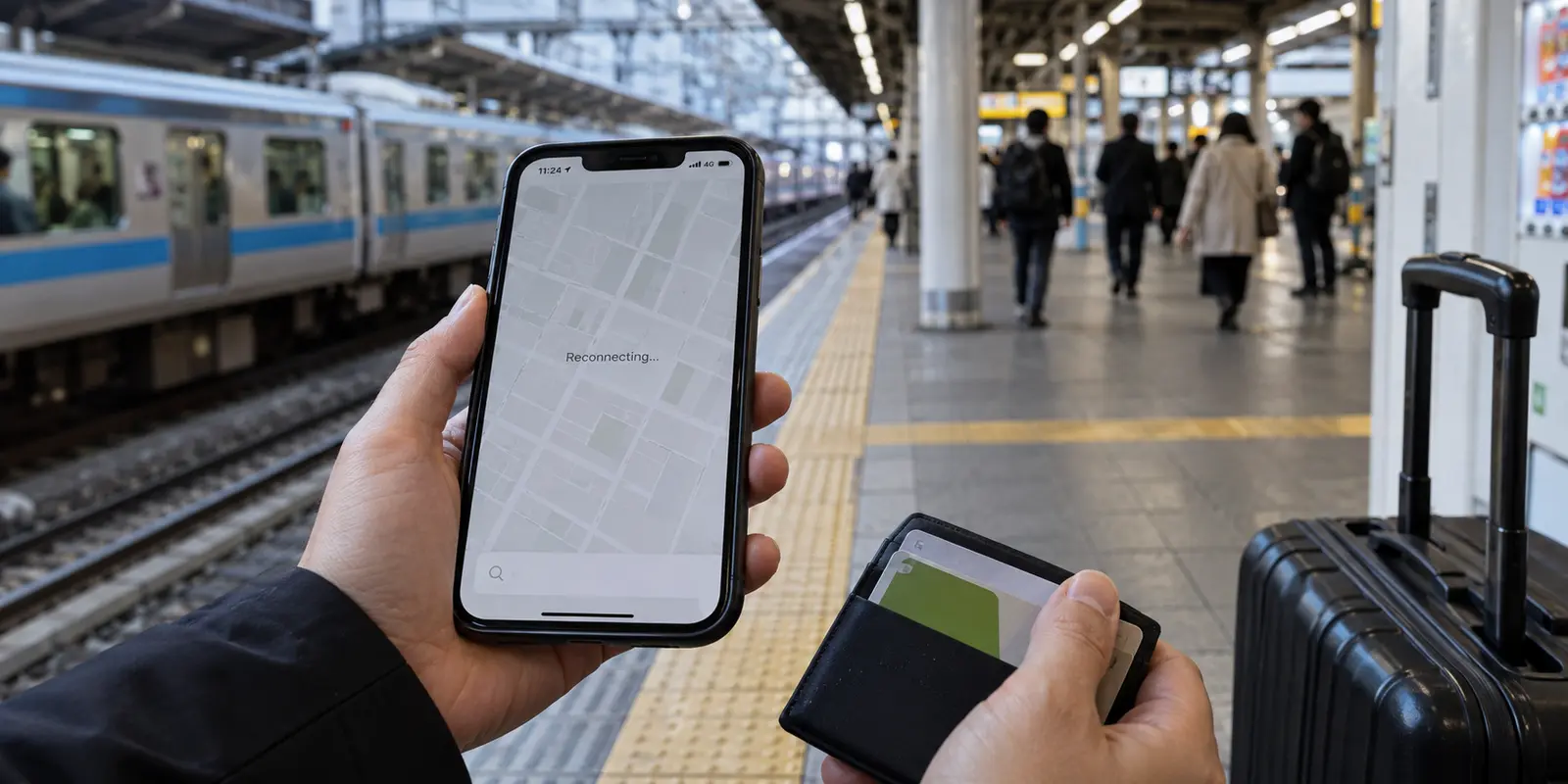
Landing at Narita or Haneda, most travelers expect their digital lives to carry on without missing a beat. You grab your bags, connect to the airport Wi-Fi, scan your digital Suica card, and head for the train. But somewhere between navigating the Shinjuku subway maze, checking into a boutique ryokan, and pulling out a tablet to stream a show from home, reality sets in: staying seamlessly connected in Japan is rarely as simple as flipping a single switch.
When planning a trip, the natural impulse is to search for the "best VPN for Japan." Most search results offer an exhaustive ranked list of well-known providers, complete with dizzying server tallies, technical encryption benchmarks, and marketing claims about who reigns supreme.
That advice misses the point. There is no single, universal "best" VPN for Japan.
A digital nomad spending three months working out of Tokyo coffee shops has completely different requirements than a family visiting Kyoto for ten days with four phones, two iPads, and a laptop. The right choice is never about who has the longest list of obscure server locations; it is about choosing a tool that eliminates the specific headaches you will encounter on the ground.
Article summary and product fit
What this article answers
There is no single best VPN for every Japan trip. Start with the job—public-network privacy, access to home services, remote work, multiple devices, or a specific Japanese IP—and then choose between automated routing and granular manual control based on how much network management you actually need.
Key takeaways and fit
- Best for: Visitors, remote workers, and multi-device travelers moving among hotel Wi-Fi, transit networks, pocket Wi-Fi, and mobile data in Japan.
- Key point: Reliability after network changes matters more on a trip than a one-time connection test performed on stable home broadband.
- Product fit: The article positions OnlydogVPN for travelers who prefer automated routing and low-maintenance operation while moving between imperfect networks.
- Limit: If your work requires a specific Japanese exit, static IP, enterprise protocol, or detailed manual server control, verify those exact capabilities instead of choosing a travel-first automated setup by default.
Sources already used in this article: OnlydogVPN official site.
“Best VPN for Japan” Depends on What You Are Trying to Do
Before downloading any software, step back and identify the specific problem you are hiring a VPN to solve. Generally, visitors to Japan fall into four distinct camps:
- The Home-Service Seeker: Travelers who want their everyday digital routine to travel with them. You want your banking apps to open without triggering automated fraud blocks, your standard news sites to load without regional redirections, and your domestic streaming services to play your usual evening queues.
- The Public Network User: Anyone relying heavily on shared connectivity. Between airport terminals, Shinkansen passenger Wi-Fi, major train stations, and boutique hotels, travelers constantly cycle through unencrypted public access points where a secure, encrypted tunnel is essential for basic privacy.
- The Remote Worker: Professionals who need uninterrupted productivity. You need video calls that do not glitch mid-sentence, cloud drives that sync smoothly, and a connection that stays stable across long sessions.
- The Multi-Device Traveler: Families or solo travelers juggling a constellation of hardware—smartphones, e-readers, laptops, and tablets—all competing for the same hotel bandwidth.
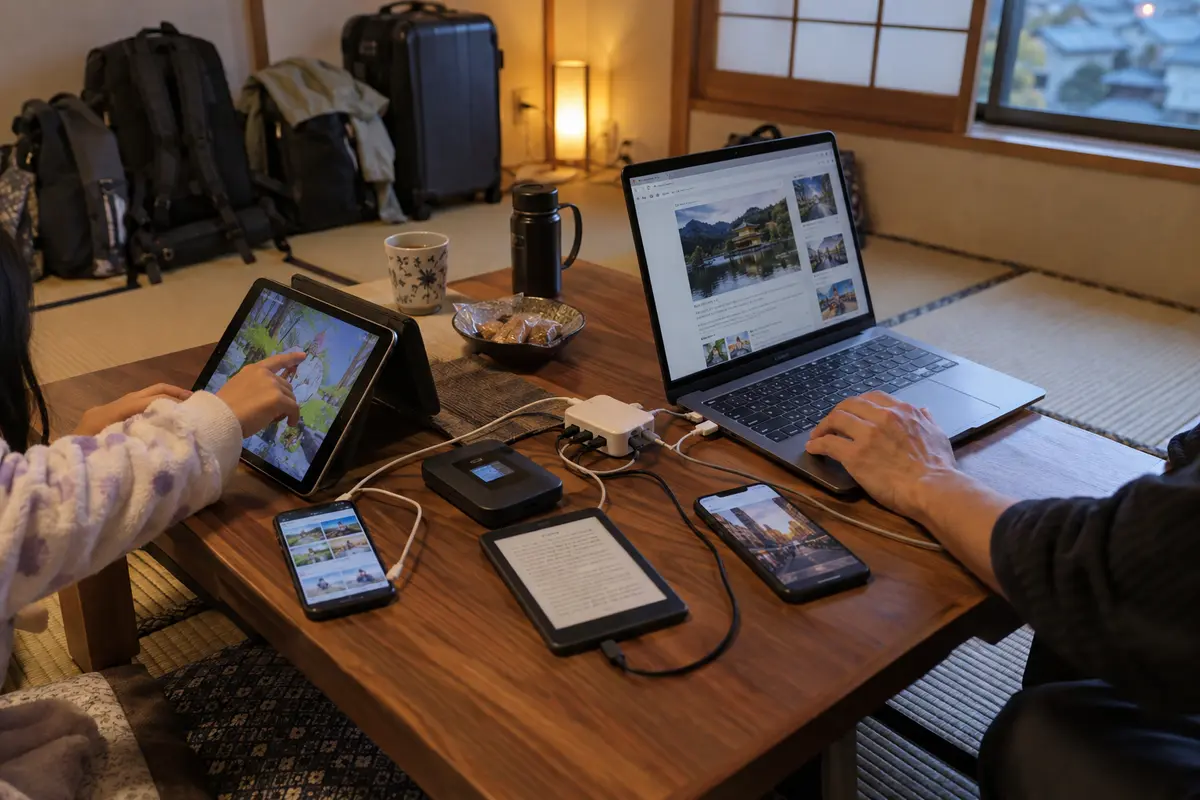
A VPN is fundamentally a protective, encrypted bridge between your device and an intermediary server. If you begin your search by asking "Which brand is ranked number one?" you end up shopping for features you will never use. Begin instead by asking: What do I need to stay connected to while I'm moving through Japan?
The Japan VPN Experience Is About Reliability After You Connect
Connecting to a server once from your hotel room desk is easy. The true test of a VPN in Japan is what happens after you walk out the front door.
Japan’s digital infrastructure is among the fastest and most sophisticated in the world, but travel connectivity is inherently fragmented. During an average day in Tokyo or Osaka, your phone might connect to your hotel's fiber network at 8:00 AM, drop onto a pocket Wi-Fi unit at 8:30 AM, jump to free subway station Wi-Fi at 9:15 AM, and switch to a crowded café network by noon.
On paper, many traditional VPNs look flawless. In practice, this constant network hopping can cause older VPN clients to stall. The software gets trapped trying to maintain a handshake with a server that was optimal two hours ago on a completely different network. Your messaging apps stop syncing, map queries hang on a blank screen, and you find yourself constantly opening the VPN app to disconnect, reconnect, or scroll through server lists just to send a text.
When you travel, convenience is not an abstract luxury—it is the difference between navigating a foreign city smoothly and standing on a train platform struggling with your phone settings. The best VPN for your trip is the one that stays functional in the background without demanding your active attention.
What to Compare When Choosing a VPN for Japan
When weighing your options, skip the marketing superlatives and evaluate services across four practical dimensions:
Start with the task, decide how much automation versus manual control you want, check how the connection handles changing networks, and make sure the service fits the devices you are carrying.
1. Inward vs. Outward Routing
Are you an expat abroad trying to access Japanese-specific services (like domestic banking, regional streaming platforms, or ticket portals that require a local Japanese IP address)? Or are you an international visitor inside Japan needing an outward route back home? If you need a verified Japanese exit point, a provider with documented, high-capacity infrastructure inside Tokyo or Osaka is a strict requirement. If you are a visitor looking outward, local server density matters far less than how cleanly the VPN routes out to your home region.
2. Manual Control vs. Intelligent Automation
Traditional enterprise-style VPNs provide massive directories of countries, cities, and specific server numbers, along with granular protocol toggles (like WireGuard, OpenVPN, and custom port settings). This level of control is great for enthusiasts who enjoy fine-tuning their route. For most travelers, however, being forced to choose between "Tokyo 12" and "Tokyo 45" is just unnecessary friction.
3. Resilience Across Network Transitions
Travel networks are notoriously imperfect. High-speed trains enter tunnels, hotel Wi-Fi throttles bandwidth during evening rush hours, and mobile pocket Wi-Fi units drift between cellular towers. A travel-ready VPN must be built to recover instantly from dropped packets and sudden signal dips without freezing your applications.
4. Multi-Device Management
If you are traveling with more than one screen, examine how the service handles multiple logins. Needing to remember individual credentials or configure custom configuration files on every iPad and laptop quickly becomes a chore.
Why More Control Is Not Always Better for Japan Travel
There is a persistent myth that the "best" technical tool is always the one that offers the most buttons.
Veteran VPN brands have spent over a decade building sprawling server maps spanning dozens of countries. For specialized tasks—like an IT administrator who must route traffic through a specific geographic subnet to access an internal company server—that breadth is invaluable. Having access to hundreds of granular settings gives power users absolute authority over their connection.
Yet for someone walking through Japan with a backpack, that level of manual control often works against you.
When your connection drops in a Kyoto train station, you do not want to analyze whether your UDP protocol is struggling or spend ten minutes auditioning different regional hubs to see which one bypasses local congestion. Every minute spent diagnosing a connection is time stolen from your trip.
The core tradeoff is straightforward:
- Choose Granular Control if your workflow requires dedicated IP addresses, specialized server configurations, or manual protocol overrides.
- Choose Automation if your priority is opening your device, getting an immediate and stable connection, and forgetting the VPN even exists.
Where a simpler setup fits
For travelers who value seamless operation over manual network plumbing, OnlydogVPN↗ represents a modern, friction-free alternative.
Rather than treating you like a system administrator, OnlydogVPN is engineered specifically around the unpredictable realities of travel. Its design is guided by a simple philosophy: a VPN should manage the network so you don't have to.
Automated Routing Without the Guesswork
Instead of presenting you with an endless list of individual server nodes, OnlydogVPN uses Smart Global Routing. The software dynamically assesses your current network conditions and selects an optimal, stable path automatically. Whether you are checking transit schedules over station Wi-Fi or streaming a show from your hotel room, it chooses the path of least resistance without requiring you to manually test different cities.
Built for Imperfect Travel Networks
Public connections in transit hubs and older traditional inns can be notoriously finicky, often suffering from high packet loss and interference. OnlydogVPN integrates advanced protocol optimizations—including modern HTTP/3 transport—alongside dedicated weak-network recovery mechanics. When your phone transitions between a train's Wi-Fi and mobile data, or struggles through a momentary dead zone, the connection recovers smoothly rather than locking your device in a silent timeout loop.
Effortless Multi-Device Protection
Travel today is inherently multi-screen. OnlydogVPN streamlines multi-device deployment across mobile and desktop platforms, paired with a simplified account onboarding experience. You can get your phone, laptop, and travel companions protected without spending your first evening in Tokyo juggling individual configuration profiles or complicated authentication steps.
If your objective in Japan is to enjoy your vacation or focus on your remote work without babysitting connection settings, OnlydogVPN is an exceptional choice. It delivers the essential privacy and cross-border reach travelers need, packaged in a lightweight, set-and-forget experience that simply stays out of your way.
Make the Decision That Fits Your Trip
Choosing the right VPN for Japan is ultimately an exercise in matching the software to your itinerary:
- If you need deep manual control: If your job requires specific enterprise protocols, static IP setups, or an expansive global catalog of hundreds of manual server nodes, a traditional, legacy VPN provider remains the appropriate route.
- If you need an effortless, reliable travel shield: If your priority is arriving in Japan with a connection that protects your data across public Wi-Fi, navigates fluctuating travel networks gracefully, and requires zero manual server management, prioritize a streamlined tool like OnlydogVPN.
Before you pack your bags, take an inventory of what you will actually be doing on your devices. Pick the tool that solves your real-world travel friction, install it before you board your flight, and spend your time in Japan experiencing the country—not troubleshooting your settings.
Frequently Asked Questions
What should I decide before choosing a VPN for Japan?
Define the job first: whether you need public-Wi-Fi protection, reliable remote work, access to home services, multi-device coverage, or an actual Japanese IP address.
Do I need a Japanese VPN server just because I am visiting Japan?
No. A Japanese exit is essential only when the destination service requires a Japanese IP. For ordinary travel protection, stable routing across the networks you use can matter more than the exit-country flag.
Why do network transitions matter so much while traveling in Japan?
A phone or laptop can move repeatedly between hotel Wi-Fi, mobile data, pocket Wi-Fi, stations, trains, and cafés. A VPN that does not recover cleanly can leave apps stalled even though the next network itself is working.
When is manual VPN control a better fit than automation?
Choose manual control when you genuinely need a dedicated IP, a particular protocol or port, or a specific server location for a specialized workflow. Otherwise, that extra control can become travel friction.
What is the practical test for a Japan travel VPN?
Judge it by whether it stays usable across the real networks and devices on your itinerary, not by server-count marketing or a single successful connection at home.