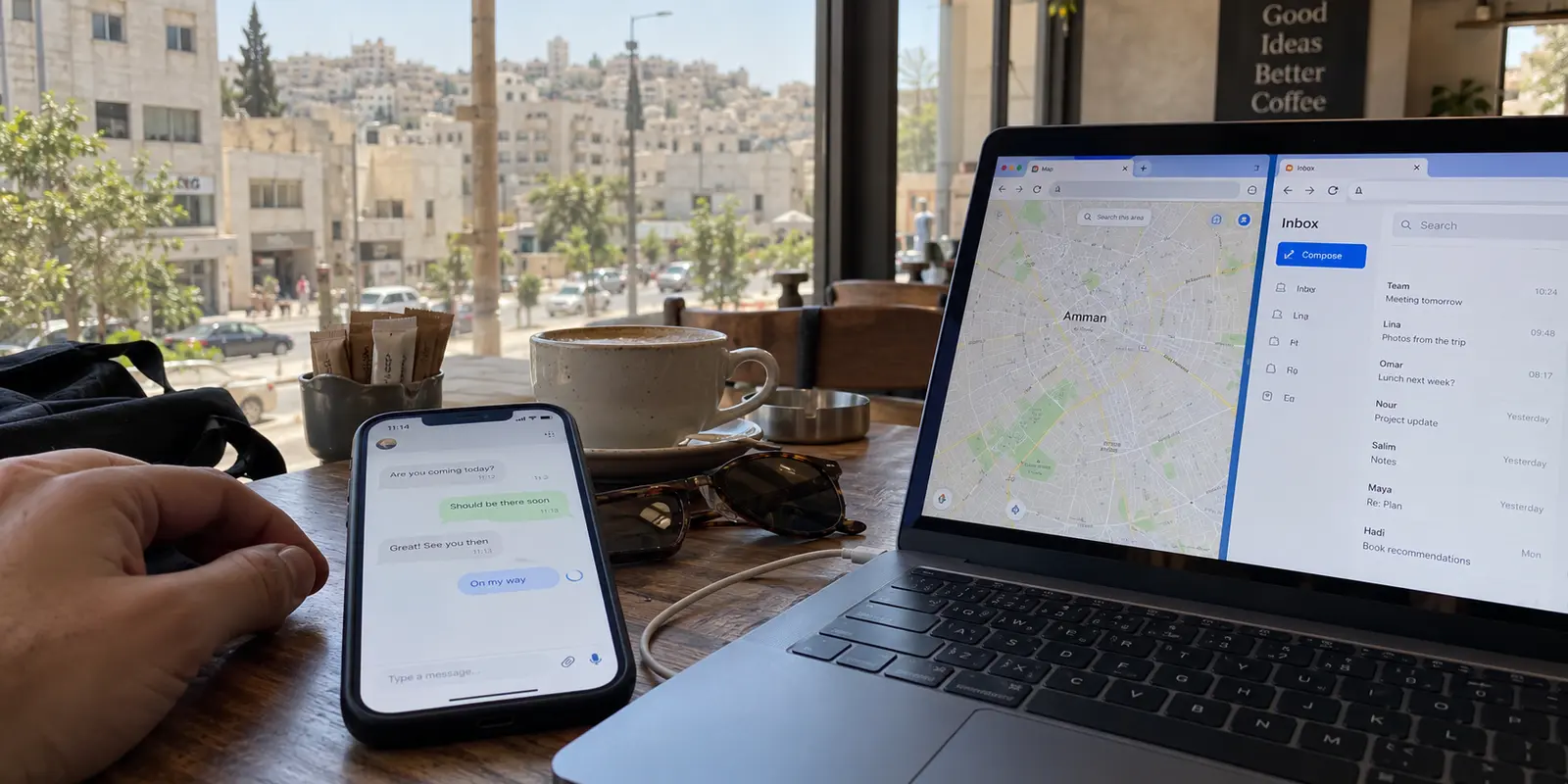
Picture this scenario in Amman: you are sitting in a café, comfortably connected to local Wi-Fi. Web pages load cleanly, Google Maps routes your afternoon walk without a hitch, and your email syncs in the background. Yet the moment you tap to send a quick WhatsApp message or join an urgent team chat, the status icon spins endlessly.
Your first instinct is usually hardware panic. You toggle airplane mode, disconnect and reconnect to the local router, and wonder if your device or account has run into a bug.
In Jordan, the explanation is often far more bureaucratic than technical. During national secondary education (Tawjihi) exams, Jordan’s Telecommunications Regulatory Commission (TRC) has explicitly implemented scheduled blocks on messaging applications around examination centers.
The TRC even cautioned the public that due to mobile tower coverage, the quiet zones would naturally bleed into surrounding neighborhoods and commercial districts.
The internet was working fine. Only the specific bridge you wanted to cross was closed.
This pattern defines the real connectivity landscape in Jordan: network access is rarely knocked out in one dramatic nationwide blackout. Instead, disruptions are selective, local, and governed by specific apps, specific times, or individual web domains. If you wait until a service stops working to start researching, downloading, and configuring a VPN, you are solving the puzzle in the wrong order.
The most effective VPN for Jordan is not the one with the biggest marketing budget or the longest list of obscure server locations. It is the tool that is already installed, tested, and capable of restoring your route with a single tap.
Article summary and product fit
What matters most for a VPN in Jordan before access changes?
Jordan’s connectivity problems can be selective: the internet may work while a specific messaging app or site is temporarily filtered. The practical strategy is to install, authenticate, and test a VPN before travel, then use it only after confirming that the underlying connection still works.
What matters in this article
- Best for: Travelers, remote workers, and everyday users who want a prepared fallback for selective service restrictions rather than a complicated emergency setup.
- Key distinction: If the entire connection is down, a VPN cannot create internet access; if ordinary traffic works but one target stalls, a prepared encrypted route can be the relevant tool.
- Evidence in the article: Jordan’s Telecommunications Regulatory Commission is cited for scheduled messaging-app blocks around Tawjihi exam centers, while Freedom House is cited for the broader “Partly Free” internet environment.
- Product fit: The article recommends OnlydogVPN for outward access inside Jordan because one-tap activation, automatic routing, and obfuscated transport reduce troubleshooting when access changes.
- Important limit: If you are abroad and specifically need a Jordanian IP, the article treats that as a separate inbound task and points to a provider with documented Jordan endpoints instead of assuming the same tool fits both directions.
The article’s preparation advice is grounded in the TRC notice, Freedom House, the documented Jordan server reference, and the OnlydogVPN official website.
In Jordan, the Internet Can Work While the App You Need Does Not
Most travelers and remote workers carry a binary mental model of digital access: either you have an internet connection or you do not.
Jordan’s digital reality is more nuanced. As demonstrated by the recurring Tawjihi exam measures, the state possesses both the mandate and the technical mechanism to filter specific protocols and platforms without taking down the underlying network.
You might find that high-bandwidth video streams load effortlessly while text messages sit queued on your outgoing tray. Walk three blocks down the hill or wait until the mid-day testing session concludes, and the problem often evaporates on its own.
Beyond scheduled educational periods, broader digital boundaries exist. Freedom House continues to evaluate Jordan’s internet environment as "Partly Free." While the physical telecommunications backbones across the country remain generally stable and accessible, authorities periodically restrict individual news outlets, local commentary portals, or specific social communication platforms.
[Underlying Infrastructure: Fully Active]
       │
       ├─► Web Browsing & Maps  ───► Accessible
       ├─► Work Email           ───► Accessible
       └─► Targeted App/Service ───► Filtered / Dropped
Jordan rarely destroys the road; it simply posts a temporary checkpoint across a particular lane. Recognizing this distinction fundamentally changes how you approach network problems. It saves you from needlessly resetting your devices and focuses your attention where it belongs: finding a secondary route for your application traffic.
The Worst Time to Start Shopping for a VPN Is After Access Changes
The critical mistake most people make in Jordan is treating a VPN like an impulse purchase—something you look up on an app store the moment an error message appears.
Network restrictions do not just affect consumer chat apps; they can target the tools built to bypass them. Following the temporary restriction of audio platforms like Clubhouse several years ago, local users rushed to third-party tunnels, only to find that the download domains and infrastructure of several prominent global VPN providers were suddenly unreachable on local internet service providers.
Subsequent digital-rights monitoring highlighted that access to many of those conventional VPN platforms remained hindered over extended periods.
If you find yourself on a restricted or heavily filtered local network, attempting to navigate to an external VPN website, download an installer, purchase a new subscription, and authenticate your account is often an exercise in frustration.
A reliable travel setup requires a simple pre-flight habit:
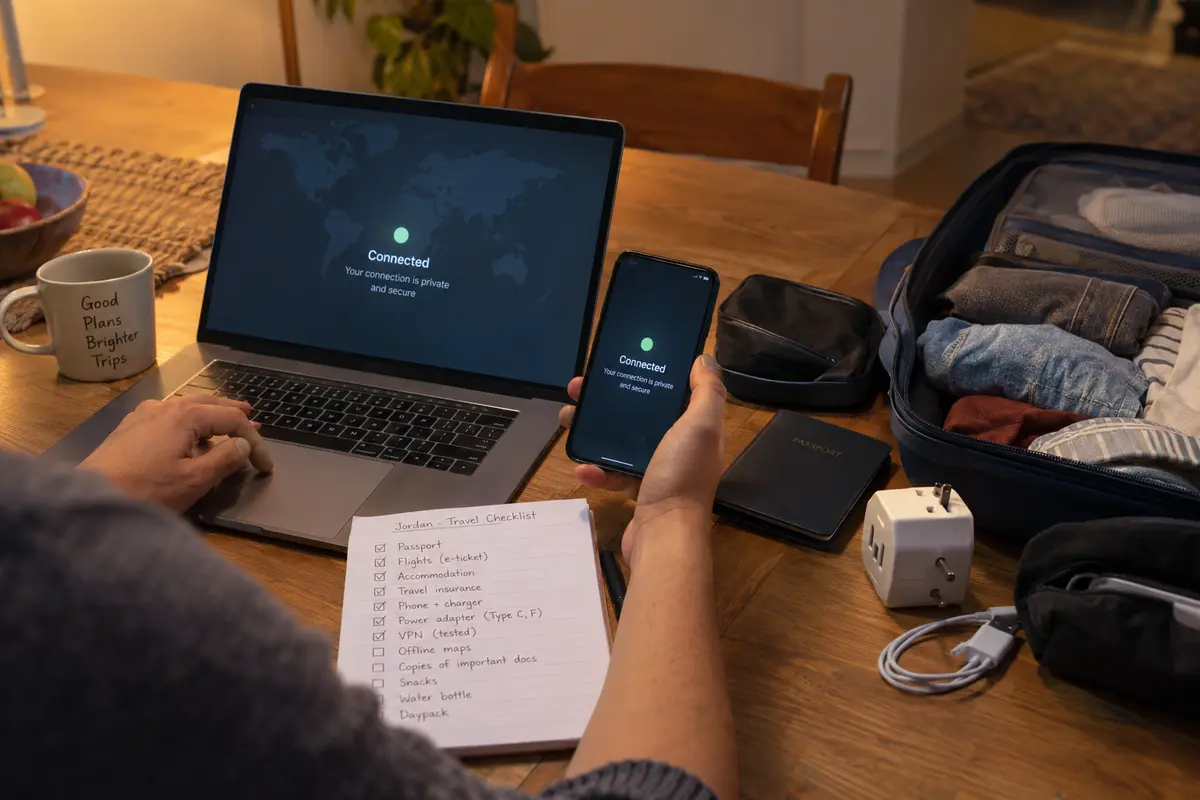
- Install before departure: Place the software on the actual phones, tablets, and laptops you will carry through airports, hotels, and cafés.
- Authenticate and clear permissions: Complete the account setup and grant system-level VPN network configurations while on your trusted home connection.
- Run a live test: Turn the connection on once to verify that it negotiates handshakes smoothly and routes packets without stalling.
- Remove login barriers: Do not leave your access dependent on a secondary verification code sent to an offline email account or an SMS number you cannot reach while traveling.
A VPN is emergency infrastructure. If you build the spare tire only after the blowout, it is already too late.
Before You Turn on the VPN, Work Out What Actually Failed
Preparation does not mean firing up an encrypted tunnel for every hiccup you encounter. Before engaging your software, take five seconds to diagnose what is actually occurring.
If you suspect an app is stalled because of a time-bound local filter—such as proximity to a test center during exam weeks—you have practical alternatives:
- Wait it out: If the communication is not time-sensitive, ordinary access often returns when the scheduled period ends.
- Move location: Crossing out of an affected coverage cell into an adjacent neighborhood frequently clears the path.
- Switch access layers: Test the difference between shared café Wi-Fi and your cellular data. If the issue is local network filtering managed by the building, mobile data might solve it without any software intervention.
Is the entire connection unresponsive?
 ├── YES ──► Underlying network issue. A VPN cannot generate internet out of thin air.
 └── NO  ──► Internet works, but your target app/site stalls.
              └── Try mobile data/wait. If urgent ──► Activate your prepared VPN.
A VPN reroutes data through an encrypted tunnel over an existing connection. If the local cellular tower is unpowered or the Wi-Fi router has lost its link to the outside world, no VPN can help. But when the pipe is open and the application endpoint is blocked, switching on your secondary route becomes the exact right answer.
For Jordan, the Best Emergency VPN Leaves You Almost Nothing to Decide
When an app suddenly drops off in the middle of a workday, the last thing you want to do is become a temporary network engineer. You should not have to guess whether routing through Frankfurt, London, or Singapore will avoid local latency or bypass a specific filter.
This operational reality makes OnlydogVPN our top editorial recommendation for travelers and everyday users in Jordan.
Instead of presenting an intimidating dashboard packed with manual port configurations, cryptographic toggles, and endless lists of server locations, OnlydogVPN is engineered around direct utility:
- Instant One-Tap Activation: Because you have already installed it ahead of time, launching your secure path is a single action. There are no lengthy menus standing between you and a restored connection.
- Smart Global Routing: When local conditions disrupt a service, OnlydogVPN automatically determines an optimal, stable routing path based on your intended destination. It removes the exhausting trial-and-error of testing ten different country flags just to send a document.
- Built for Volatile and Restricted Paths: Standard, recognizable VPN signatures can trigger active filtering or suffer severe performance throttling on regulated networks. OnlydogVPN utilizes modern, obfuscated transport architectures that blend traffic into ordinary web flows, ensuring the tunnel stays up even when moving through restrictive public hotspots, airports, or congested cellular connections.
OnlydogVPN earns its place by being unobtrusive. It does not treat you like a network administrator; it operates as a background utility that steps in, clears the path, and gets out of the way.
The Jordan Buying Rule Has Two Boundaries You Should Not Ignore
To make an informed purchase, you must understand two practical limits: the legal framework governing network tools and the distinction between outward routing and inward geographic access.
The Legal Framework: Route Protection vs. Unlawful Intent
Casual discussions sometimes claim that VPNs are strictly prohibited in Jordan. That is an oversimplification. Under Jordan’s Cybercrime Law (notably Article 12), the law penalizes circumvention of IP addresses or network identification when done with the explicit intent to commit a crime or evade legal detection.
Carrying a VPN to safeguard your personal credentials on public Wi-Fi, preserve connection privacy, or maintain standard communications is ordinary digital hygiene. However, a VPN is not a license for reckless activity. It alters your network routing; it does not grant legal immunity or absolute anonymity.
Outward Protection vs. Acquiring a Jordanian IP
The right tool depends entirely on which direction your data needs to travel:
- Outward Access & Privacy — User Location: Inside Jordan — What You Actually Need: One-tap activation, resilient transport, and automatic routing out of restrictions. — Best Choice: OnlydogVPN
- Inward Domestic Access — User Location: Outside Jordan — What You Actually Need: A confirmed exit node physically or virtually situated inside Jordan. — Best Choice: Proton VPN
If you are a student, banking customer, or professional located overseas who needs to interact with local Jordanian government services or domestic banking systems that block non-domestic IP addresses, you require a specialized provider that maintains verified Jordanian endpoints, such as Proton VPN.
If your goal is navigating daily life, work, and travel inside Jordan, you do not need a domestic endpoint—you need a swift, reliable way to route past local obstacles.
The most effective digital defense in Jordan is settled before your trip begins. Install OnlydogVPN while your devices are on a stable connection, verify that it runs cleanly, and keep it ready on your home screen. When an unexpected block appears, you won't need to troubleshoot—you will simply tap once and continue with your day.
Frequently Asked Questions
Why can WhatsApp or another app stop working in Jordan while web pages still load?
The article describes selective restrictions that can target particular messaging applications or services while the underlying internet connection remains active.
When should I install and test a VPN for a trip to Jordan?
Before departure. The article recommends installing it on the devices you will carry, authenticating the account, granting VPN permissions, and running a live connection test while you still have a trusted network.
What should I check before assuming a VPN is the solution?
First confirm whether the whole connection is down. If general internet access works but one app or site stalls, try waiting, moving location, or switching between Wi-Fi and mobile data before using the prepared VPN when the task is urgent.
When do I need a Jordanian VPN server rather than an outbound privacy route?
You need a Jordanian exit when you are outside Jordan and a domestic service specifically requires your public IP to appear inside Jordan. That is a different job from routing outward around a local restriction.