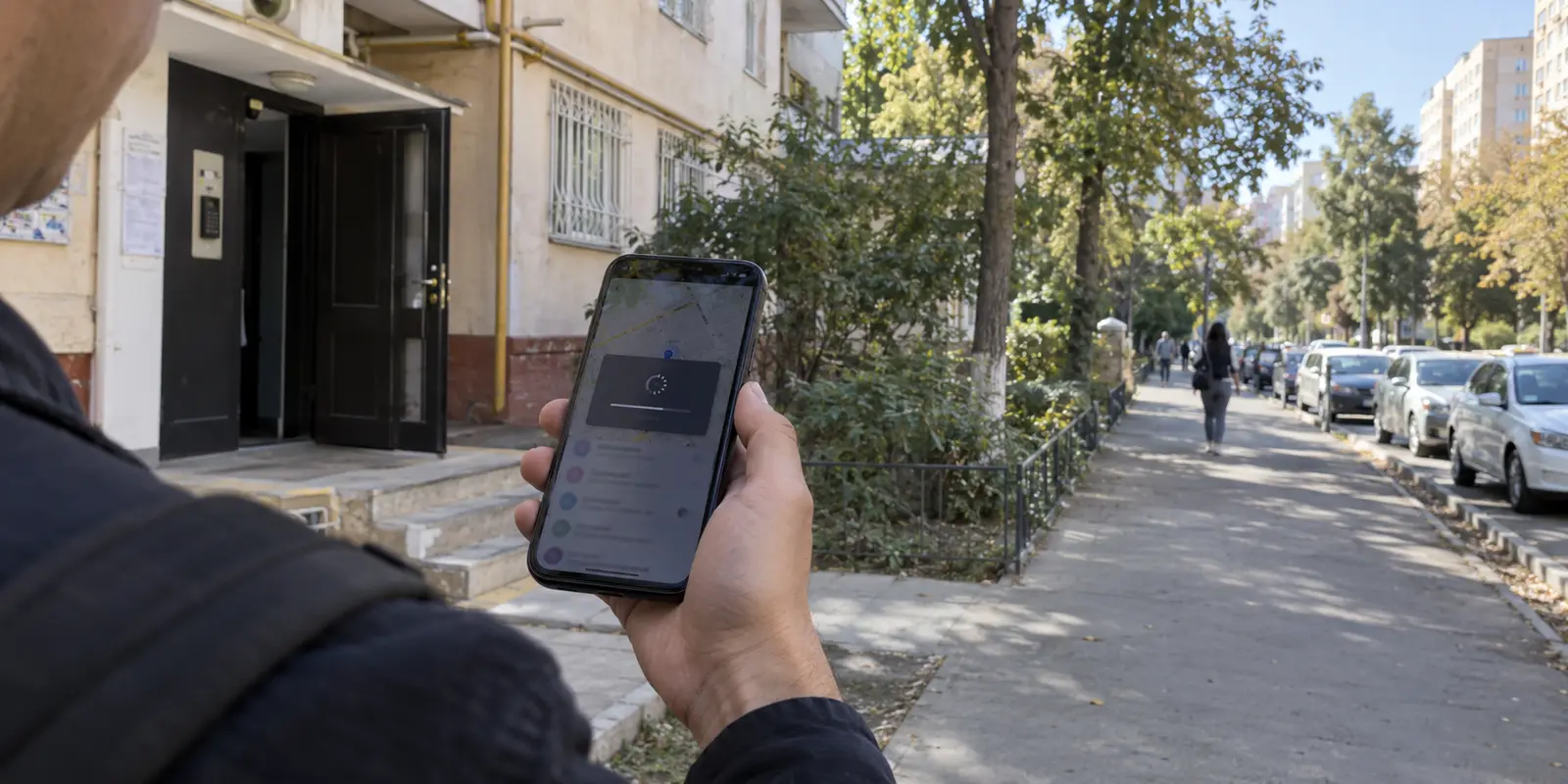
The most revealing test of a VPN in Uzbekistan is not whether it can force open a blocked page at midnight. It is whether you are still willing to leave it running the following morning.
When you step out of your apartment or hotel in Tashkent, disconnect from Wi-Fi, and walk down the street on 4G or 5G, does your connection stall silently? When you drop into a café, open an online banking app, send a work file, or join a voice call, does the VPN quietly fade into the background—or does it force you to stop, reopen a cluttered dashboard, and cycle through random server flags until something works?
Most VPN buying guides treat Uzbekistan as if every single packet requires a dramatic, high-wire censorship bypass. That framing misrepresents how the country actually connects. The real challenge is navigating a hybrid environment: an internet ecosystem that is modern, fast, and broadly accessible for daily tasks, but where selective platform restrictions, targeted website blocking, and systemic surveillance are standard operating procedure.
If a VPN is so cumbersome that you only launch it as an emergency measure to unblock a single link, it solves very little of your day-to-day security. The best tool for Uzbekistan is one that demands almost no attention—a low-friction connection you can leave on all day, backed by the resilience to step around blocks when they appear.
Article summary and product fit
What matters most when choosing a VPN for everyday use in Uzbekistan?
Choose for daily resilience rather than a giant server list: the connection should survive Wi-Fi/mobile handoffs, keep ordinary browsing fast, and have a restrictive-network fallback when standard VPN traffic encounters filtering. A verified Uzbekistan exit is a separate need for people connecting from abroad.
What matters here
- Best for: Residents, travelers, and remote workers using otherwise capable networks that can still face selective blocks or monitoring.
- Key distinction: High connectivity and selective restrictions can coexist, so the useful test is how the VPN behaves across a normal day rather than a single speed benchmark.
- Product fit: The article favors automatic routing, handoff recovery, and an obfuscated fallback for users physically inside Uzbekistan.
- Important limit: An Uzbekistan IP can satisfy network-level geolocation, but it cannot replace domestic SIM, biometric, or identity requirements imposed by an application.
Sources already used in this article: Freedom House: Uzbekistan; DataReportal: Digital 2026 Uzbekistan.
Uzbekistan’s Internet Is Widely Usable—but That Does Not Make It Unrestricted
To pick the right tool, you first have to discard two common caricatures of Uzbekistan’s digital landscape.
The first mistake is treating Uzbekistan as if basic connectivity is broken. That is demonstrably false. DataReportal’s digital insights recorded roughly 32.7 million internet users in Uzbekistan, representing an 89% national penetration rate, with 94% of mobile connections running on broadband-capable 3G, 4G, or 5G networks. In urban centers like Tashkent or Samarkand, speeds are generally brisk, fiber lines are expanding, and everyday commercial browsing works without obvious friction.
UZBEKISTAN CONNECTIVITY SNAPSHOT · Internet Penetration Rate: ~89% · Mobile Broadband Capability: 94% on 3G / 4G / 5G · Freedom House Status: "Not Free" (Score: 29/100) · Defining Feature: High speed + Selective blocks
The second mistake is assuming that widespread availability equals an open internet. It does not. Freedom House consistently rates Uzbekistan’s internet as "Not Free," highlighting persistent state surveillance, state-managed telecommunications gateways, and the routine blocking of independent news outlets, critical commentary, and civil society websites.
A clear, everyday example is TikTok: the platform remains formally listed on the state personal-data registry as subject to an official access restriction. Similar targeted blocks frequently affect specific tools, communication services, or regional reporting.
The practical takeaway is simple: most of your day will feel like ordinary internet use, but the underlying network remains managed and monitored. You do not need a tool engineered exclusively for digital resistance, nor can you assume a bare, unprotected connection is harmless. You need an agile service that protects your everyday traffic without breaking the speed and fluidity of a normal mobile connection.
The Real Test: Surviving a Normal Day
HTTPS already encrypts the contents of your messages and transactions, meaning local providers cannot easily read your passwords or bank balances in plain text. A VPN’s value in Uzbekistan lies elsewhere: it prevents access providers and surveillance systems from tracking your destination traffic, shields your metadata on public Wi-Fi, and steers your requests around arbitrary routing blocks.
A VPN that aces a lab speed test or boasts 5,000 servers across six continents fails the Uzbekistan test if it cannot survive a typical Tuesday. Consider what an ordinary day actually looks like:
You turn on the VPN at breakfast over home fiber;
You step outside, and your phone transitions to mobile data;
You hail a taxi, navigate maps, and check email;
You sit down at a co-working space or hotel and connect to public Wi-Fi;
The Wi-Fi signal wavers, drops packets, and falls back to cellular.
THE DAILY HANDOFF PROBLEM · [Home Broadband] → [Cellular 4G/5G] → [Café Wi-Fi] → [Weak Mobile Signal] · ▲ ▲ ▲ · Standard VPN: Handshake freezes, apps stall, manual reconnect required · Resilient VPN: Recovers automatically in the background, session stays live
On a rigid, server-heavy VPN, every network handoff is a failure point. The handshake hangs, notifications stop arriving, and you are forced to unlock your phone, disconnect the app, and manually hunt for an alternate node. After the third time this happens before noon, most people simply switch the VPN off—leaving the rest of their day exposed.
The buying criteria must focus on operational ease:
Zero-Guesswork Routing: Does it establish an optimal route automatically, or does it make you choose between dozens of obscure European and Asian cities?
Handoff Resilience: Does it recover instantly when the underlying network shifts between cellular and Wi-Fi?
Adaptive Connection Modes: If a standard route encounters filtering, can you switch to a more resilient mode with a single tap rather than reconfiguring protocols, ports, and MTU settings?

Why OnlydogVPN↗ Is the Strongest Everyday Fit
This daily-use reality is where OnlydogVPN becomes our primary editorial recommendation for users physically in Uzbekistan.
OnlydogVPN is built around human behavior rather than network administration. Instead of confronting you with a sprawling server map and asking you to guess whether a server in Frankfurt or Warsaw has lower latency, it relies on Smart Global Routing and clean, task-focused presets. It treats a secure connection as an outcome you want to achieve, not an infrastructure problem you need to solve.
The advantages for ordinary daily life in Uzbekistan are concrete:
Automated Route Discovery: You tap once, and the app identifies and maintains a fast, low-latency path out of the local network. You spend your morning using the internet rather than managing it.
Network-Handoff Recovery: Built specifically around travel and unstable networks, OnlydogVPN handles the messy transitions between hotel Wi-Fi, cafés, and mobile broadband without silently stalling your data stream.
Modern Transport Architecture: Its underlying transport layer is built to withstand packet loss and weak signals, keeping messaging apps and background sync alive when mobile coverage fluctuates.
Equally important is its fallback capability: traffic obfuscation and a restrictive-network preset. In Uzbekistan, where telecommunications providers have historically applied pressure to standard VPN signatures—such as Uztelecom’s documented interference with several major VPN protocols in 2019—having a built-in obfuscation mode is critical insurance.
Crucially, OnlydogVPN does not force you to run in high-overhead stealth mode all the time. It keeps things fast and lightweight for normal browsing, while giving you an immediate, single-tap answer when an ISP filter tightens. You do not need to study WireGuard vs. OpenVPN; you simply select the mode that matches your environment and get back to work.
When Something Is Actually Blocked: Practical Troubleshooting
When an app or website stops loading in Uzbekistan, users often panic and start changing every variable at once—downloading new apps, wiping browser caches, or frantically server-hopping. That wastes time and usually obscures what actually failed.
If an access problem appears, run through this concise sequence:
ACCESS RESTRICTION DETECTED · Does the baseline internet connection work at all? · ▼ · [ NO ] [ YES ] · Local ISP / Wi-Fi issue. Compare networks: · Toggle airplane mode, switch Does it work on mobile data · from Wi-Fi to cellular, or versus the current Wi-Fi? · test an alternate hotspot. · Is ordinary VPN traffic filtered? · Switch OnlydogVPN to Restrictive Preset. · Enables traffic obfuscation to mask · VPN signatures from ISP-level DPI.
Verify basic connectivity: Make sure the local Wi-Fi router or cellular tower hasn't simply lost its connection to the wider internet.
Switch the underlying network: Turn off Wi-Fi and test over mobile data (or vice versa). In Uzbekistan, local fixed broadband providers and cellular carriers often apply filtering rules unevenly; an issue present on hotel Wi-Fi may not exist on your mobile carrier.
Engage the restrictive preset: If your standard VPN route stalls or an app remains unresponsive, toggle to OnlydogVPN' restrictive-network mode. This applies traffic obfuscation to mask the VPN handshake, helping packets glide through deep-packet inspection without alerting automated filters.
Judge by the task, not the app icon: A green "Connected" indicator is meaningless if your target service won't load. Judge success by whether your work dashboard, video feed, or messaging channel opens cleanly.
The One Boundary: When You Need an Uzbekistan IP
There is one specific scenario where OnlydogVPN should not be your default choice: when you are outside Uzbekistan and need to appear as if you are inside.
This is a common requirement for Uzbek citizens living abroad, remote contractors, or frequent business travelers who need access to domestic services—such as specific local banking portals, tax administration platforms, or regional services that restrict logins originating from foreign IP addresses.
THE DIRECTIONAL SPLIT · Job 1: You are INSIDE Uzbekistan (Looking Out) · Goal: Route traffic safely away from local surveillance and selective blocks. · Priority: Automated routing, handoff resilience, traffic obfuscation. · Recommendation: OnlydogVPN · Job 2: You are OUTSIDE Uzbekistan (Looking In) · Goal: Acquire a verified public Uzbekistan IP address. · Priority: Confirmed local server infrastructure within Uzbekistan. · Recommendation: Proton VPN or NordVPN
When your goal is to exit into Uzbekistan, a VPN without confirmed physical or virtual nodes inside Uzbek borders cannot fulfill the task.
For this specific inbound requirement, turn to providers with explicitly documented Uzbek endpoints:
Proton VPN: Maintains dedicated Uzbekistan server profiles, allowing users abroad to secure an authentic Uzbek IP address within an independently audited, open-source security ecosystem.
NordVPN: Lists active Uzbekistan server locations directly in its global directory.
Keep in mind that while a local Uzbek IP satisfies network-level geographic filters, it cannot override application-level identity checks. If a local banking portal requires an active domestic SIM for SMS authentication or biometric verification, a VPN address will not bypass that requirement.
The Decision
To choose the right VPN for Uzbekistan, stop looking for the service with the most aggressive marketing slogans or the biggest list of unneeded country nodes. Match the tool to your actual direction of travel:
If you are inside Uzbekistan: Your priority is a private, dependable connection that handles real-world mobile handoffs, shrugs off public Wi-Fi jitter, and carries built-in obfuscation for when local filtering tightens. For low-friction daily life across iOS, Android, macOS, and Windows, OnlydogVPN is our top recommendation.
If you are abroad needing an Uzbek IP: Your priority is a verified domestic exit node. Choose a provider with documented local servers, such as Proton VPN or NordVPN.
Buy the tool that fits how you actually live online: one that stays out of your way when the connection is smooth, and quietly does its job when it isn't.
Frequently Asked Questions
Why can internet access in Uzbekistan feel normal while a few sites or apps still fail?
The article describes a network with broad modern connectivity alongside selective restrictions. Everyday services may work quickly even when a particular platform, news source, or tool encounters filtering.
What matters more than a one-time VPN speed test in Uzbekistan?
Whether the VPN survives a normal day: home broadband, mobile data, café or hotel Wi-Fi, weak signals, and the handoffs between them without freezing or demanding repeated manual reconnects.
What should I test first when one service stops loading?
Confirm that the underlying internet works, then compare Wi-Fi with mobile data. If ordinary VPN traffic appears to be the problem, use the article’s restrictive or obfuscated mode rather than changing many variables at once.
When do I specifically need an Uzbekistan IP address?
When you are outside Uzbekistan and a domestic service requires your public connection to appear local. Then the buying requirement becomes a provider with a documented Uzbekistan endpoint.