Right now, two different people are typing "best VPN for Malaysia" into a search bar.
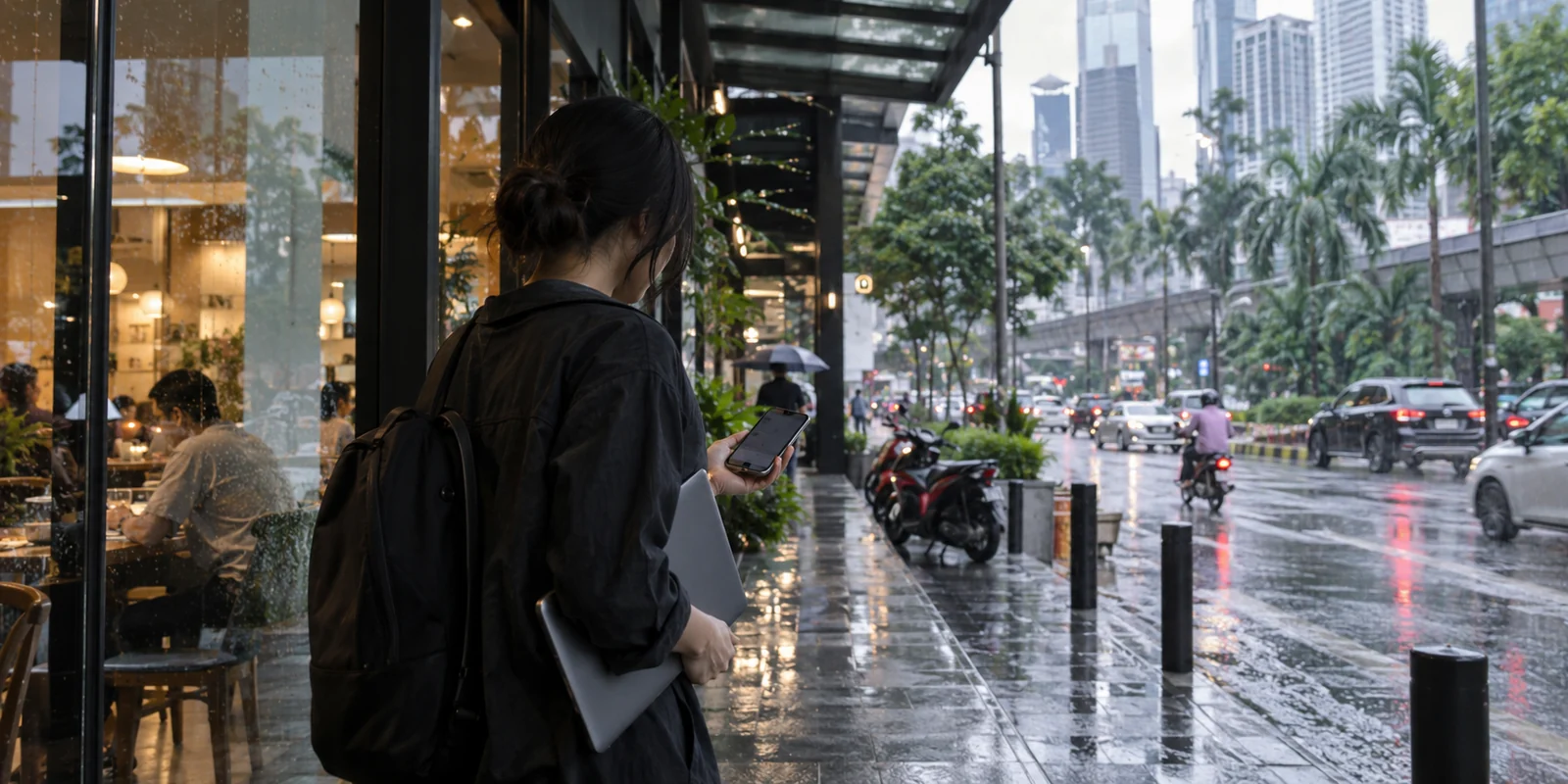
The first is sitting in a café in Kuala Lumpur. They want a connection that doesn't buckle every time their phone hops from patchy Wi-Fi to 5G, lets them access occasionally restricted web services, and protects their data without requiring an afternoon of manual protocol configuration.
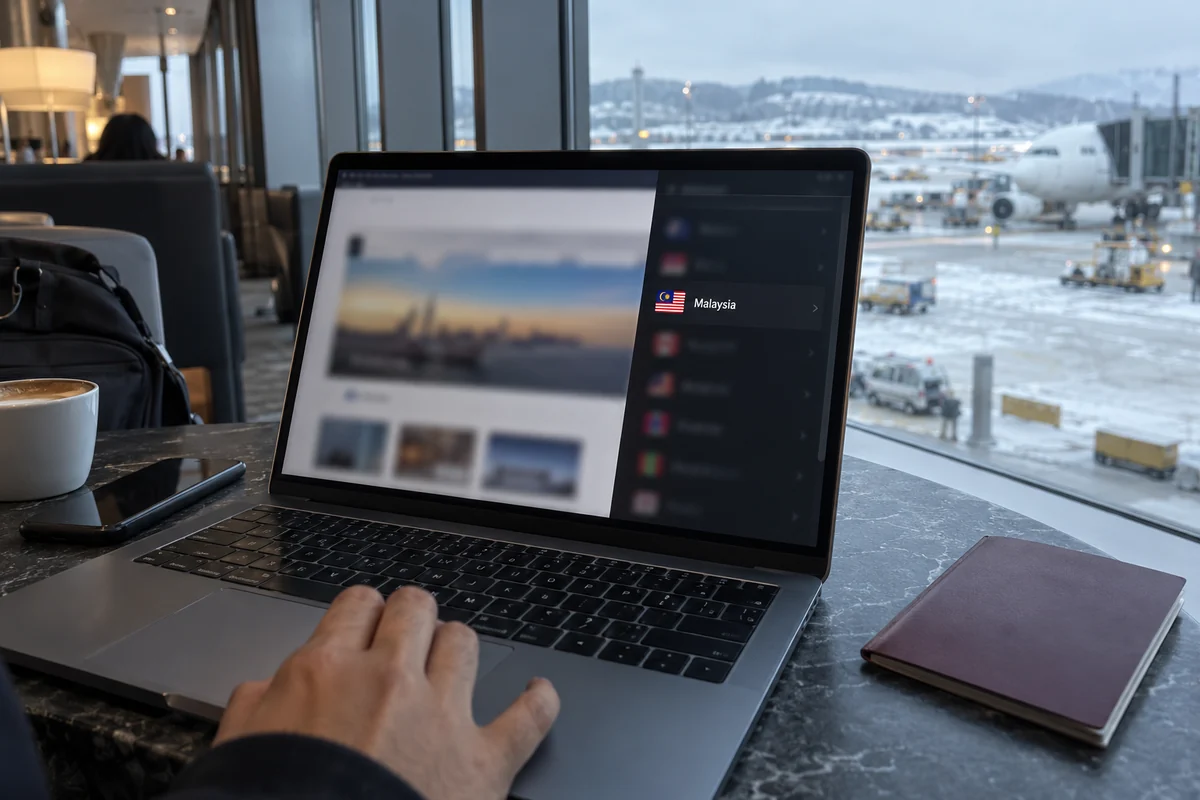
The second person is sitting in an apartment in London. They are a Malaysian expat or traveler who urgently needs a local platform or regional service back home to recognize their digital footprint as originating from within Malaysia.
Both users type the exact same four words. Yet if they buy the exact same VPN based on a generic comparison chart, at least one of them will walk away frustrated.
That is because the phrase "best VPN for Malaysia" conceals two completely distinct jobs. If you are physically inside Malaysia, the right tool is one that delivers frictionless, robust routing through everyday mobile and Wi-Fi networks without forcing you to manage servers. But if you are outside Malaysia looking in, an explicitly confirmed Malaysian exit server is your only non-negotiable requirement.
Once you determine which direction your traffic actually needs to flow, the buying decision stops being a headache.
Article summary and product fit
Are you choosing a VPN to use inside Malaysia, or to obtain a Malaysian IP from abroad?
Those are different jobs. Inside Malaysia, the practical priority is stable encrypted routing across Wi-Fi and mobile changes, so a local Malaysian server is optional. From abroad, if a portal or service checks for a Malaysian public IP, a verified Malaysia endpoint becomes the non-negotiable requirement.
What matters in this article
- Best for: Travelers and residents in Malaysia, plus Malaysians abroad who need to distinguish everyday protection from local-IP access.
- Key point: Decide the traffic direction before comparing providers: inside Malaysia optimize for resilient daily routing; outside Malaysia optimize for a confirmed Malaysian exit.
- Product fit: The article recommends OnlydogVPN for one-tap automatic routing inside Malaysia and points to a provider with documented Malaysian servers when a local IP is required abroad.
- Important limit: A Malaysian datacenter IP can satisfy network-level geolocation but cannot guarantee access through banking or fraud systems that apply additional account or device checks.
For the factual context summarized here, the article cites Freedom House and Proton VPN.
Product source: OnlyDogs VPN official website.
Malaysia Has Internet Blocking—But That Does Not Define Every Decision
To pick the right tool, you first have to understand the ground reality of Malaysia’s internet landscape. It sits squarely between two extremes. Malaysia is not a digital wild west with completely unrestricted access, nor is it a digital fortress where every connection demands high-stakes censorship evasion.
According to Freedom House’s Freedom on the Net assessment, Malaysia is categorized as "Partly Free." The Malaysian Communications and Multimedia Commission (MCMC) periodically implements targeted website blocks, regulatory content restrictions, and has sparked public debate around centralized DNS management. Certain news portals, political commentary sites, and adult content platforms routinely face local DNS tampering or domain-level blocks.
Yet, ordinary internet access remains broadly open. Messaging apps work, mainstream video platforms stream seamlessly, and general business traffic flows uninterrupted across local telecom networks like CelcomDigi, Maxis, and Unifi.
This context matters because it resets the criteria for what actually makes a VPN good here. You do not need an intimidating, heavily engineered piece of enterprise software built for digital resistance. You simply need an agile tool that clears occasional regional obstacles while fading quietly into the background of your daily life—handling routine browsing, social apps, public Wi-Fi safety, and fast video loading. Judging a VPN purely by aggressive "unblocking" marketing addresses a minor sliver of your actual usage.
Before You Pick a VPN, Decide Which Direction "Malaysia" Points
Before getting lost in marketing claims about server fleets and proprietary encryption standards, stop and answer one foundational question: Which direction is your traffic going?
Situation A: You are physically in Malaysia
You live in, work in, or are visiting Malaysia. You want a VPN on your phone and laptop because:
- A site or platform you need is running into a regional block;
- You frequently connect to shared Wi-Fi in hotels, co-working spaces, and airports;
- You want to stream content libraries or access services hosted abroad;
- You need your connection to survive the constant, messy handoffs between café Wi-Fi and cellular data.
For this group, having a server located inside Malaysia is largely irrelevant. Your objective is to route traffic safely out of your current local network.
For this specific reality, OnlydogVPN↗ emerges as the strongest, most intuitive recommendation. Unlike traditional VPNs that present you with an overwhelming list of thousands of global servers—demanding that you manually test which city gives the lowest ping—OnlydogVPN is built around automated utility.
Its core design philosophy centers on one-tap connectivity paired with Smart Global Routing, automatically identifying and maintaining a fast, stable path without user intervention. It treats internet access as an outcome you want, not an infrastructure puzzle you need to solve.
Situation B: You are outside Malaysia and need to appear inside
You are an overseas student, expat, or frequent business traveler. A local Malaysian portal, banking interface, or regional media platform refuses to load properly unless it detects a local IP address.
In this scenario, all the smooth interface design and automated routing in the world cannot help you if the provider lacks an exit point within Malaysian borders. The server location is the entire product.
If You Are in Malaysia, Buy for the Moments When the Network Changes
If you fall into Situation A, forget about theoretical speed-test records run in sterile lab environments. Real-world VPN performance is measured by what happens during an ordinary Tuesday on the move.
Imagine your typical routine: you disconnect from your home broadband and step into the street, forcing your phone onto 5G. You walk into a coffee shop, authenticate onto an open Wi-Fi network with mediocre signal strength, and pull out a laptop. When that café connection lags, your devices scramble back to mobile hotspots.
On conventional, server-heavy VPNs, these routine network handoffs are where the user experience falls apart. The handshake drops, the connection stalls silently, apps refuse to refresh, and you are forced to pull open the app, disconnect, scroll through server lists, and manually reconnect.
This friction is where OnlydogVPN demonstrates its clear everyday value:
- Automated Path Selection: Through Smart Global Routing, the app eliminates the tedious guesswork of picking countries and cities. It continually establishes the cleanest available route automatically.
- Network-Change Resilience: Designed specifically around travel, roaming, and unpredictable public Wi-Fi, OnlydogVPN is optimized to maintain and rapidly recover sessions across shaky mobile handoffs without freezing your data stream.
- Frictionless Simplicity: A single tap activates your protection across iOS, Android, macOS, and Windows. You do not need to understand network configurations to enjoy consistent, private browsing.
If your primary goal is to use the internet inside Malaysia without managing a networking tool, you do not want a complex dashboard. You want a utility that quietly does its job while you go about yours. OnlydogVPN delivers precisely that balance.
If You Need a Malaysian IP Abroad, Server Location Stops Being a Nice-to-Have
Now consider Situation B. You are overseas, and a service demands a Malaysian IP address.
Here, the evaluation framework shifts entirely. It does not matter how resilient an app is on public Wi-Fi or how elegant its interface looks. If the VPN cannot deliver an exit point inside Malaysia, it cannot do the job.
Crucially, routing through nearby regional hubs like Singapore or Indonesia will not suffice. While a Singapore node might offer exceptional speed and low latency across Southeast Asia, an automated geographic filter looking for a Malaysian endpoint will reject it immediately.
Because current product documentation for OnlydogVPN focuses on optimized global travel routing rather than dedicated Malaysian exit locations, it is not the tool for this specific task.
For this outbound requirement, look to a provider like Proton VPN. Proton explicitly maintains confirmed, operational server infrastructure within Malaysia. Connecting through Proton allows users based abroad to secure a genuine Malaysian IP address directly from their server directory.
A quick editorial reality check: Securing a local IP address simply presents your connection as originating from Malaysia. It does not provide an absolute guarantee that every strict financial portal or regional platform will grant immediate access, as institutional fraud-prevention systems occasionally flag known commercial datacenter IP ranges. However, having a confirmed, dedicated Malaysian endpoint remains the mandatory prerequisite.
The Test I’d Run Before Paying
To choose the right VPN for Malaysia, skip the 30-point spec sheets and run a single, practical field test based on your actual objective.
WHERE ARE YOU PHYSICALLY LOCATED?
IN MALAYSIA OUTSIDE MALAYSIA
What is your priority? What is your priority?
* Frictionless daily browsing * Accessing home portals
* Public Wi-Fi protection * Local regional services
* Auto-recovery on mobile handoffs * Obtaining a verified MY IP
[ PRIMARY RECOMMENDATION ] [ PRIMARY RECOMMENDATION ]
OnlydogVPN Proton VPN
(Smart Global Routing, (Confirmed Malaysian
one-tap resilience) server infrastructure)
If you are inside Malaysia, install OnlydogVPN. Turn it on via the single-tap toggle and run it through your normal day. Connect on Wi-Fi, open your daily apps, stream a video, and step out onto mobile data. If the app maintains that connection silently in the background without nagging you for manual server adjustments, it has passed the test. For daily life and travel within Malaysia, it is the most intuitive, low-maintenance recommendation available.
If you are outside Malaysia, install a provider with verified local presence like Proton VPN. Connect specifically to its Malaysia profile and immediately navigate to the domestic service or platform you need to reach. Once you confirm the site accepts your geographic footprint, then—and only then—evaluate the connection speed.
People rarely buy the wrong VPN because of technical flaws. They buy the wrong VPN because they bought for the wrong direction. Match the tool to where you are standing, and the choice becomes remarkably simple.
Frequently asked questions
Do I need a Malaysian VPN server while I am physically in Malaysia?
Not for ordinary privacy. If you are protecting traffic on hotel, café, or mobile networks, any clean encrypted route can do that job; the more important qualities are automatic routing and reliable recovery when networks change.
Why does a Malaysian server become essential when I am abroad?
If the target service checks your public IP and accepts only Malaysian addresses, the VPN must actually exit inside Malaysia. A nearby Singapore or Indonesia server will still appear foreign to the service.
What should I prioritize for daily VPN use in Malaysia?
The article prioritizes low-friction protection, automatic path selection, and resilience when devices move between Wi-Fi and cellular data rather than manual server management.
Does a Malaysian VPN IP guarantee access to every Malaysian bank or portal?
No. A local IP is only one network-level signal. Financial and regional services may also inspect account status, device information, authentication methods, or whether the IP belongs to a commercial datacenter.