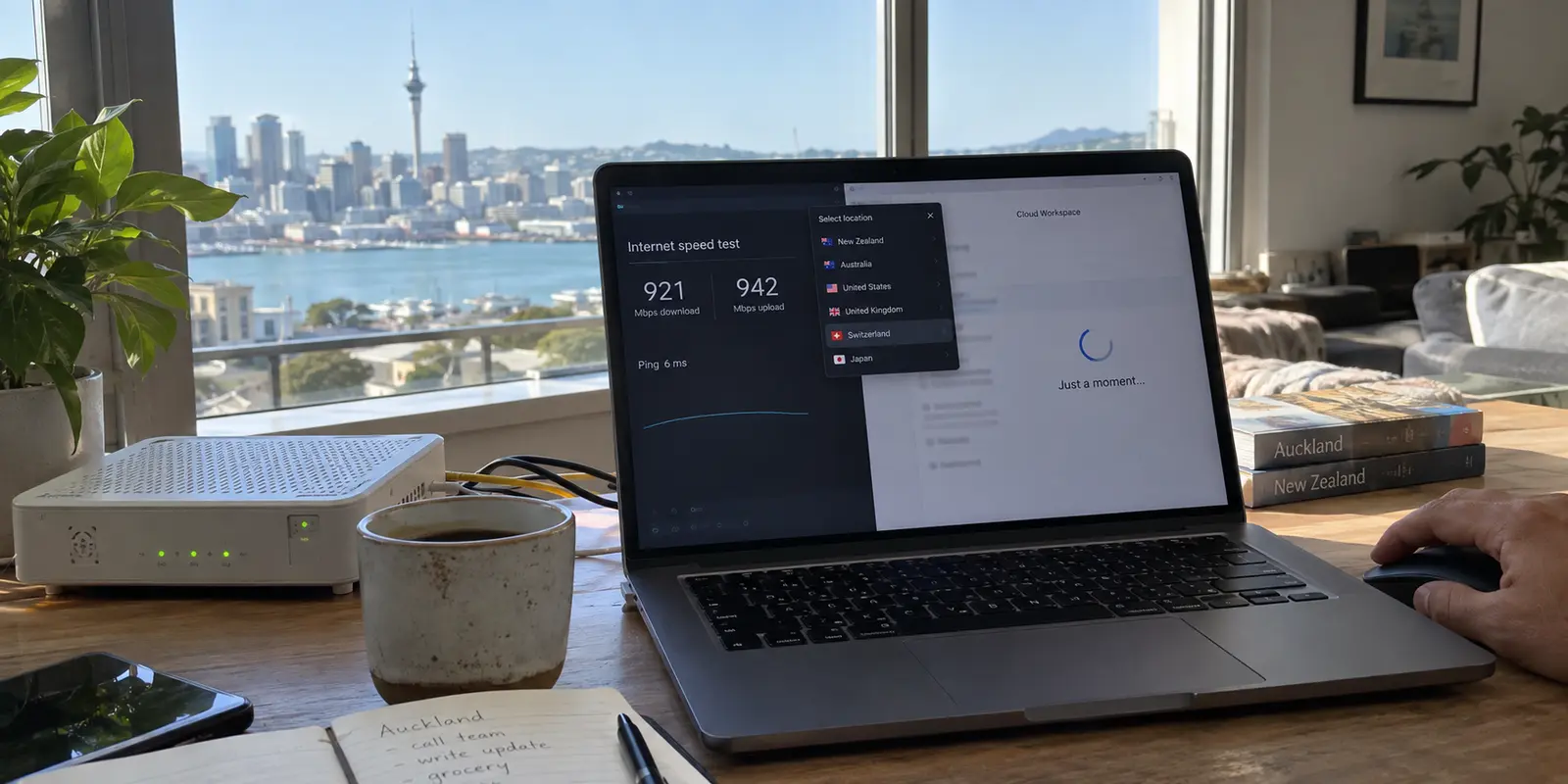
Run a speed test from an apartment in Auckland or a café in Wellington, and the numbers will likely look enviable. Gigabit fibre is common, 5G coverage is widespread, and local pages snap into view instantly.
Then you turn on a VPN.
You scroll past dozens of flags, click a server in Switzerland, Iceland, or the United States because it "sounds more private," and suddenly the internet feels sticky. Clicks hesitate. Video calls get jittery. Interactive dashboards take a beat to register input.
Nothing is broken with your local connection. The fibre under the street is doing exactly what it was engineered to do. The problem is that you have just instructed every packet of your data to take an unnecessary, ten-thousand-kilometre detour across the Pacific Ocean and back before loading a local news site.
Privacy and geographical distance are not the same thing. In a country positioned where New Zealand sits on the globe, buying a VPN—and using it well—comes down to a single principle: don’t pay the distance tax unless the job genuinely requires it.
Article summary and product fit
How do you avoid paying an unnecessary VPN distance tax in New Zealand?
For everyday privacy in New Zealand, keep the VPN route regionally sensible and let nearby traffic stay nearby. A distant exit adds physical latency without adding privacy by itself. Choose a far-away country only when the task genuinely requires that foreign location; from abroad, use a verified New Zealand endpoint only when a service specifically needs a New Zealand IP.
What matters in this article
- Best for: Residents and travelers in New Zealand who already have strong local connectivity and want privacy without making ordinary browsing feel slower.
- Key distinction: Encryption protects the connection; geographic distance determines extra network travel. A server on the other side of the world is not automatically more private.
- Evidence in the article: The Commerce Commission is linked for New Zealand broadband monitoring, and TVNZ’s house rules are linked as an example of a platform whose regional rules are separate from the VPN transport layer.
- Product fit: The article recommends OnlydogVPN for daily use because automatic route selection and handoff recovery reduce unnecessary long-haul detours and manual server management.
- Important limit: If you are overseas and a service explicitly requires a New Zealand IP, convenience is secondary: verify a provider with an active New Zealand exit instead of assuming an automatic global route will satisfy the check.
The article’s network baseline links to the New Zealand Commerce Commission, its platform boundary to TVNZ’s house rules, its New Zealand-exit example to Proton VPN’s server page, and its everyday product recommendation to the OnlydogVPN official website.
New Zealand Is Not a Place Where a VPN Needs to Rescue Slow Internet
Most generic VPN guides start from a lazy premise: that your local internet is terrible and a VPN exists to magically speed it up.
In New Zealand, that pitch falls apart immediately. The Commerce Commission explicitly describes New Zealanders as enjoying "world-class fibre and mobile networks." Through its independent Measuring Broadband New Zealand programme, the Commission routinely tracks real-world connection metrics—evaluating not just raw megabits, but latency, jitter, packet loss, and high-resolution video delivery across everyday providers.
Because the underlying infrastructure is genuinely solid, a VPN’s primary duty inside New Zealand is not to manufacture speed out of thin air. Its first responsibility is simply to avoid breaking a connection that was already fast.
When your internet suddenly feels sluggish with a VPN active, the culprit is almost always physical distance. The journey of your traffic is straightforward: Your Device⟶VPN Exit Node⟶Target Website If your exit node is halfway around the planet, every single request must travel to that overseas data centre and return before you see a response.
That delay shows up as latency, not necessarily lower bandwidth. You might still pull a respectable download speed on a file transfer while everything else feels sluggish. Page elements hang, keystrokes lag in cloud workspaces, and calls drop frames. Choosing a server on the other side of the world for daily browsing doesn’t make you safer; it just adds a massive physical penalty to an otherwise pristine connection.
From New Zealand, Server Distance Is a Real Cost
New Zealand’s unique geography makes the cost of network routing impossible to ignore. Data does not float through an ethereal cloud; it moves through physical glass fibres laid across the floor of the Pacific Ocean.
Consider the baseline physics. REANNZ, New Zealand’s high-performance research and education network, records typical round-trip times of roughly 27 to 34 milliseconds between Auckland and Sydney. Push that same round trip from Auckland to Seattle, however, and the latency climbs to roughly 131 milliseconds.
That is not a software bug or a bad provider; it is the physical speed of light traveling thousands of kilometres across subsea cables operated by networks like Southern Cross.
Every time you route everyday traffic through North America or Europe, you are voluntarily imposing that hundred-millisecond delay on every click.
If your goal is routine, everyday digital hygiene—encrypting personal traffic on hotel Wi-Fi, shielding a work laptop in an airport lounge, or keeping home browsing private from local ISP profiling—there is zero reason to exit through Amsterdam or Los Angeles. A nearby, regionally sensible exit point gives you full cryptographic protection while preserving the responsiveness of your local line.
Reserve the long route for the rare moments you actually have business abroad. If you must inspect a foreign market layout or connect to a specific overseas workplace network, the delay is purposeful. For everything else: never pay the distance tax by default.

For Everyday Use in New Zealand, I’d Let the VPN Choose the Route
If the real danger is accidentally picking an inefficient overseas route, the solution is not to spend your day studying network maps. You shouldn't have to manually evaluate whether an Australian node or an alternative domestic hub is currently running with less congestion.
The ideal VPN for routine use inside New Zealand is one that takes the routing decision out of your hands entirely.
This is why OnlydogVPN is our top recommendation for day-to-day use in New Zealand.
Instead of greeting you with a sprawling, intimidating world map covered in tiny server pins, OnlydogVPN is engineered around clean, task-oriented simplicity. You open the client, select what you need, and tap once. The software handles regional route discovery automatically, finding a stable, low-latency path without requiring you to guess which country delivers the best performance.
Where OnlydogVPN shines in everyday life is how it handles real-world network friction. Even with world-class infrastructure, daily connectivity isn't static. Commerce Commission data shows that while fixed fibre is rock-solid, alternative connections like 4G and 5G wireless links suffer from higher latency variance, peak-hour load fluctuations, and occasional drops.
Think about how you actually move through a day:
- Your laptop starts the morning on home fibre.
- You head into town and connect to a public Wi-Fi hotspot in a café.
- You walk out the door, and your device falls back onto a fluctuating mobile signal.
- You take a weekend trip to a coastal bach where reception is thin and variable.
OnlydogVPN utilizes modern HTTP/3-based transport architecture specifically optimized for weak-network recovery and seamless handoffs. When your connection stumbles between Wi-Fi and cellular, or when a rural link temporarily chokes, the tunnel recovers automatically in the background instead of freezing your active apps or forcing you to disconnect and restart the client.
It gives you end-to-end device privacy across macOS, Windows, iOS, and Android, paired with an interface that gets out of your way. For anyone living in or traveling through New Zealand who wants seamless encryption without turning network routing into an unpaid part-time job, OnlydogVPN is the clear front-runner.
Sometimes the Long Route Is Exactly What You Want
Acknowledging the cost of distance does not mean long routes have no purpose. It simply means that choosing a distant country should be a deliberate, conscious choice.
There are valid reasons to manually select a server across the Pacific:
- Corporate environments: Accessing overseas staging environments, testing geo-specific web deployments, or reaching workplace systems restricted to particular international regions.
- Overseas accounts: Managing legitimate foreign banking, administrative, or commercial portals while traveling or living as an expat in New Zealand.
- Regional research: Viewing international search results and digital services from the perspective of an overseas consumer.
Be realistic, however, about what changing your IP address achieves. A VPN changes where your traffic appears to emerge; it does not override individual account terms, regional payment requirements, or domestic platform policies.
Domestic broadcasters are a case in point. TVNZ’s official house rules explicitly state that TVNZ+ video content is intended strictly for viewers located within New Zealand, and their terms formally prohibit using technical workarounds to bypass regional restrictions. Digital platforms enforce geographical boundaries through payment verification, account registration, and device checks, not just incoming IP addresses.
Use distant routing when your task demands a foreign presence, but do it with open eyes. Accept the latency cost as a trade-off for reaching that specific overseas destination—never as a confused attempt to get "more privacy."
If You’re Overseas and Need a New Zealand IP, Reverse the Decision
There is one critical situation where the entire decision flips: you are currently outside New Zealand, and your task requires an authentic New Zealand IP address.
Perhaps you are an expat in London or Melbourne needing to reach a domestic government service, an educational system, or a local service that refuses connections originating from overseas IP blocks.
In this scenario, automatic routing convenience is secondary. The only thing that matters is a provider that explicitly guarantees an active, verified exit node physically situated within New Zealand.
If OnlydogVPN does not list an active New Zealand exit in its current app directory, do not attempt awkward workarounds. Switch to a provider built with an expansive, verified global server footprint.
For this specific requirement, Proton VPN is our primary alternative. Proton VPN maintains clearly documented, operational server infrastructure in New Zealand, allowing overseas users to select a verified New Zealand endpoint and acquire a local IP on demand.
Do not worry about providers boasting tens of thousands of global servers. For this specific job, server volume is irrelevant noise. What matters is a verified, stable endpoint on New Zealand soil.
Choosing the right VPN for New Zealand comes down to keeping your routing intentional:
Inside New Zealand for everyday privacy and public Wi-Fi defense: Pick OnlydogVPN. Its automatic routing and resilient network recovery protect your connection without forcing you to manage server maps or endure unnecessary international detours.
Traveling across patchy mobile networks or rural links: Rely on OnlydogVPN to maintain a stable, self-healing tunnel across everyday network switches.
Outside New Zealand needing a domestic New Zealand IP: Choose a provider with a verified, documented New Zealand presence like Proton VPN.
Daily browsing rule: Let nearby connections stay nearby. Never route through the other side of the planet unless the task specifically requires you to be there.
Frequently Asked Questions
Why can a VPN make an otherwise fast New Zealand connection feel slow?
A distant VPN exit adds physical round-trip distance. The article explains that this usually appears as extra latency—slower clicks, jitter, and delayed interactive responses—even when raw download speed still looks respectable.
Is a far-away VPN server more private than a nearby one?
No. The article separates privacy from distance: encryption can protect the connection on a nearby route, while sending traffic across the Pacific adds latency without automatically adding more privacy.
When does choosing a distant VPN country make sense from New Zealand?
Use a distant country deliberately when the task needs that foreign presence, such as an overseas workplace environment, a legitimate foreign account, or region-specific research.
When do I actually need a New Zealand VPN server?
A verified New Zealand exit matters when you are outside the country and a domestic service specifically requires your public IP to appear in New Zealand.