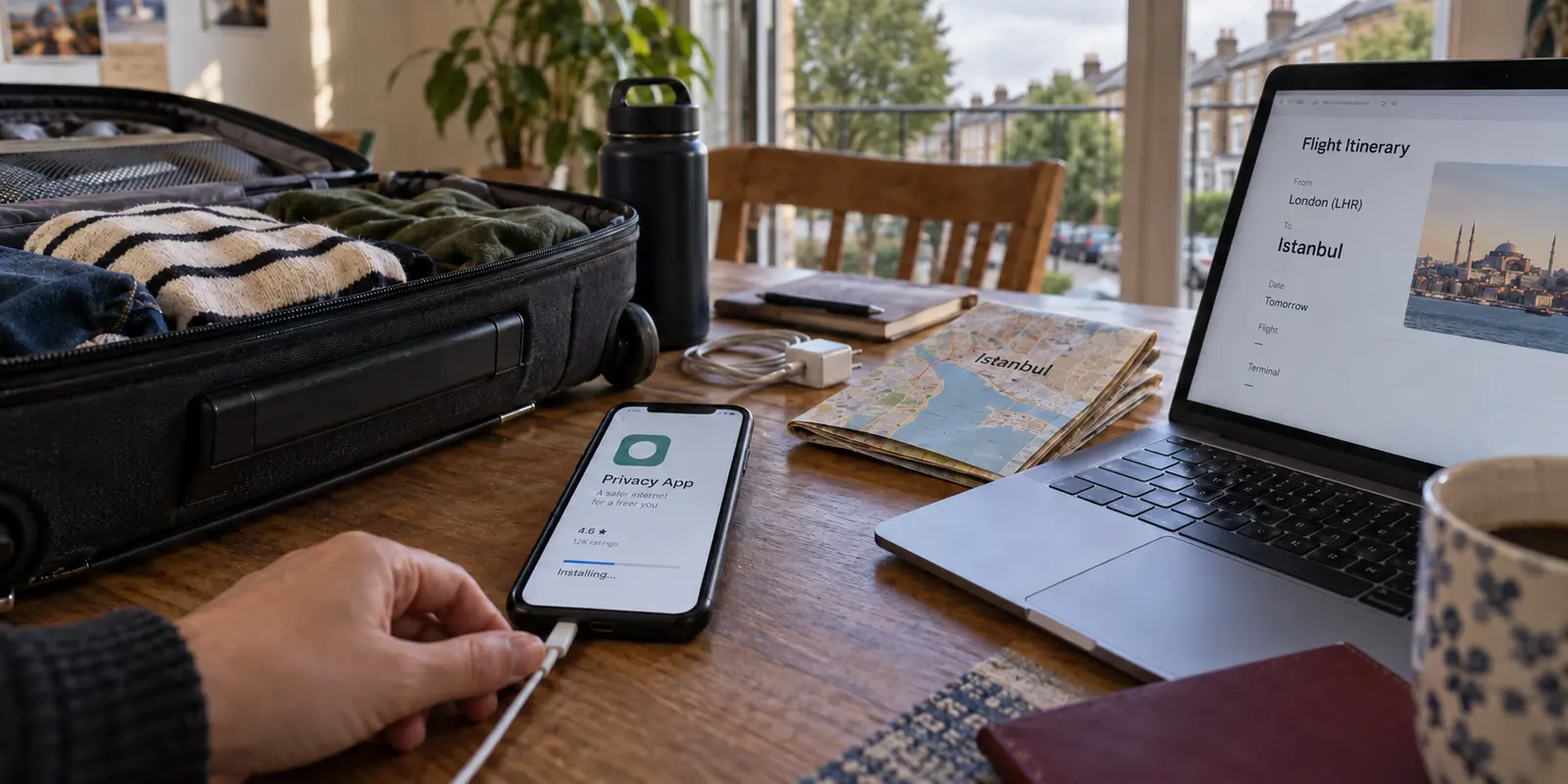
The travel checklist for a trip to Turkey usually covers the essentials: passport, eVisa, comfortable shoes for cobblestone hills, and one deceptively simple piece of tech advice passed around online forums: “Make sure you download a VPN before you fly.”
The suggestion sounds like checking off a basic utility, no different from packing an extra charging cable. But once you land in Istanbul or Antalya, that generic advice can fall apart fast.
Picture this: you connect to hotel Wi-Fi, fire up your phone, and suddenly your WhatsApp calls won’t connect or Instagram refuses to refresh. Meanwhile, your hotel’s homepage loads instantly, Google searches work without hesitation, and your mapping app tracks your location cleanly.
The internet isn’t dead. Rather, a specific service or communication channel is stalling. In that moment, tapping a generic VPN app you downloaded on a whim—one that simply connects to a random server in Europe—might accomplish nothing if the network itself recognizes and drops standard VPN handshakes.
Downloading a VPN ahead of time is absolutely the right move. But before grabbing the first name that pops up in a search bar, you need to ask a sharper question: what specific network problem are you expecting this VPN to solve?
Article summary and product fit
Should you download a VPN before traveling to Turkey?
Yes, but choose it for the network problem you are preparing for. Routine travel privacy only needs a trustworthy encrypted tunnel; restrictive-network resilience calls for obfuscation, a suitable restrictive-network mode, and routing that does not depend on frantic manual server testing after you arrive.
What matters here
- Best for: Travelers preparing phones, tablets, or laptops before a trip to Turkey.
- Key point: Everyday internet access can work normally while particular platforms or VPN connections are selectively throttled or blocked.
- How to prepare: Install from an official source, finish OS-level VPN permission prompts, make one live connection at home, and locate any restrictive-network or obfuscation setting before departure.
- Important limit: A successful home test proves the app works on your device; it cannot guarantee that every Turkish ISP or hotel network will accept the same route later.
- Source context: Freedom House Turkey report and Google Play Protect guidance.
Product fit: OnlydogVPN fits travelers who want one low-maintenance app for both routine privacy and restrictive-network conditions, using built-in obfuscation, scenario presets, and automatic routing. OnlydogVPN official website.
Why “Before Turkey” Is Sensible Without Pretending the Internet Is Always Blocked
The advice to set up before departure often gets wrapped in exaggeration, leaving first-time visitors wondering if they are boarding a flight into a total digital blackout.
That is not what everyday connectivity in Turkey looks like. For the vast majority of your trip, standard mobile data and hotel broadband function normally. You will stream music, look up restaurants, and book transit tickets without issue.
The genuine reason to install your software before takeoff is far more pragmatic: access conditions on local networks can change rapidly, and when they do, the local network may be the worst place to shop for a solution.
Turkish authorities have occasionally deployed targeted, temporary platform throttling during major breaking events or political sensitivities. In late 2025, for instance, network monitors and international reporting tracked multi-platform restrictions that selectively slowed access to services like X, YouTube, Instagram, Facebook, TikTok, and WhatsApp across several major Turkish internet providers. The wider web kept humming, but the specific communication tools travelers rely on ground to a crawl.
Furthermore, digital-rights monitoring from Freedom House has documented regulatory directives from Turkey’s Information and Communication Technologies Authority (BTK) ordering internet providers to restrict access to numerous commercial VPN services.
While Turkey maintains no blanket legal statute that criminalizes individuals simply for having or using a VPN, the network infrastructure itself has repeatedly been directed to interfere with VPN provider websites and standard server gateways.
If you wait until you hit an unexpected connection block after landing, you might discover that the official download portal of the tool you want is unreachable. Setting up before you pack your bags eliminates that dependency entirely.
First Decide Which Job You Need the VPN to Do
Before downloading any software, divide your travel needs into two distinct categories.
Job 1: Routine Travel Privacy
This is the baseline requirement for any international trip. You will spend days hopping across shared Wi-Fi networks: airport arrival lounges, boutique hotel lobbies, transit hubs, and seaside cafés.
The goal here is straightforward transport security: wrapping your everyday browsing in an encrypted tunnel so fellow patrons or network operators on an open hotspot cannot snoop on your local traffic. If you already have an active subscription to an established, trustworthy consumer VPN that works reliably on your devices, updating that client before your flight will handle this everyday chore.
Job 2: Restrictive-Network Resilience
This is where standard VPN advice often fails travelers.
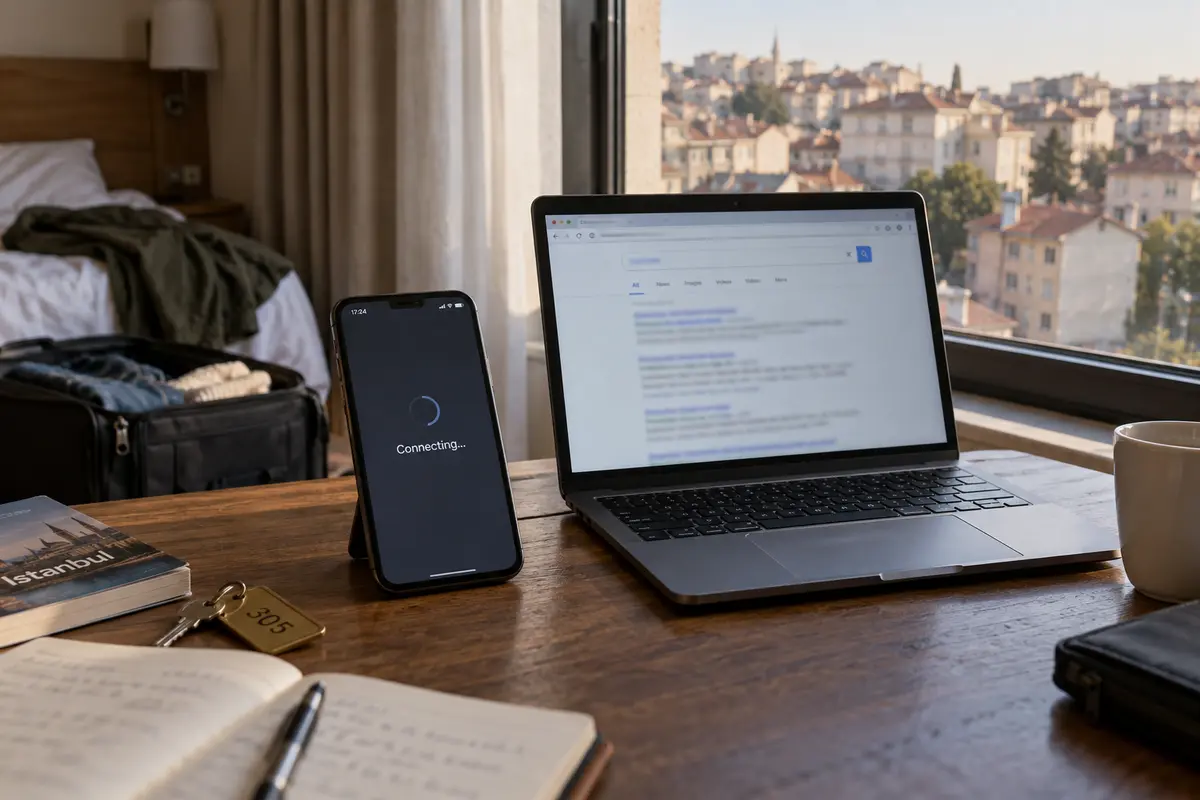
When a network selectively interferes with social platforms or attempts to throttle VPN protocols, merely creating an encrypted tunnel is not enough. Standard VPN connections use recognizable protocol signatures. If an ISP is actively filtering that traffic, a conventional VPN app may sit on “Connecting” indefinitely, or connect successfully while passing zero usable data.
Preparing for this second scenario requires a tool built for resistance: one that uses traffic obfuscation to disguise VPN packets as regular HTTPS traffic, features dedicated restrictive-network profiles, and handles routing intelligently without forcing you to test dozens of individual server locations manually.
Download the Authentic App While You Still Have an Easy Choice of Sources
One of the biggest advantages of setting up at home is clean, verified software provenance. When you aren't rushing to fix a broken connection on an unstable airport network, you have zero reason to touch third-party mirror links, sketchy APK download sites, or repackaged installers.
Stick strictly to verified distribution pipelines:
- For iPhone and iPad: Download directly from Apple’s App Store. Check the developer name listed under the title to confirm you are grabbing the authentic release, and let Apple’s built-in platform screening do its job.
- For Android: Use Google Play with Google Play Protect enabled. Avoid downloading standalone APKs from random web forums or alternative app stores unless the provider officially distributes signed binaries through its verified portal.
- For Mac and Windows Laptops: Go straight to the provider’s official website or the native desktop App Store. Never click through sponsored search engine ads or generic "software download directory" links that might bundle unwanted adware into the installer.
Taking care of this on your home broadband ensures you get the genuine application, verified developer credentials, and the latest security patches without taking chances on untrusted networks abroad.
Do One Preflight That Matches the Harder Problem
Installing an app icon on your home screen is only the first half of preparation. A proper preflight test ensures the software will actually work when you need it.
Take five minutes before heading to the airport to run this sequence:
Complete Initial Setup: Open the app, sign in, and accept the operating system's system prompt to install the local VPN profile or network extension. (On iOS and Android, an app cannot protect your device until you approve this native system dialogue).. Execute a Live Connection: Tap connect on your home Wi-Fi. Verify that a simple webpage loads and an app like WhatsApp or your web browser behaves normally.. Locate the Restrictive-Network Setting: If the VPN features an obfuscation toggle or a specialized connection preset designed for strict environments, find it in the settings menu now. You want to know exactly where that switch lives before you find yourself staring at a frozen screen in an overseas taxi.
Remember the boundary: A successful test at home confirms that the software works properly on your device; it cannot guarantee that a given server will remain unblocked on every Turkish broadband provider. Most importantly, understand that no VPN can invent an internet connection out of thin air: if your physical SIM runs out of data or a remote hotel loses its line backhaul completely, toggling a VPN will not bring back the internet. A VPN reroutes an existing connection—it does not replace the local carrier.
For One Download That Covers Both Jobs
If your only concern is keeping public hotel Wi-Fi secure and you already subscribe to a reputable VPN service, keep it updated and ready to go. But if you want a single, low-friction tool that handles everyday travel privacy while also being prepared for selective network throttling, OnlydogVPN↗ is the first VPN worth downloading before your trip.
The typical frustration with traditional VPNs on restrictive networks is administrative overload. When a connection begins to lag, standard apps force you to become an amateur technician: guessing between OpenVPN or WireGuard, changing ports, or testing fifteen European servers one by one until something connects.
OnlydogVPN avoids that friction through an architecture built specifically around travel movement:
Smart Global Routing: Instead of forcing you to guess which city or node will avoid network congestion, OnlydogVPN evaluates the connection automatically and assigns an optimized, stable path with a single tap.. Built-in Traffic Obfuscation: It incorporates packet-level obfuscation designed to glide through restrictive network filters that specifically flag and throttle conventional VPN signatures.. Scenario-Focused Presets: Rather than managing low-level protocol settings, you simply select the profile that matches your current environment—letting the underlying software determine the best transit route in the background.. Cross-Device Availability: With official client distribution across iOS, Android, macOS, and Windows, you can download and prepare your phone, tablet, and laptop from a single, verified source before your flight.
By pairing everyday transport encryption with an automated engine built to navigate strict network environments, OnlydogVPN delivers a practical, set-and-forget safeguard.
Before you pack your bags, don't just ask yourself whether you remembered to download a VPN. Make sure you downloaded the tool designed for the exact network friction you might face. Take care of it from home, verify the authentic app, and land in Turkey ready to focus on your trip.
Frequently Asked Questions
Why is it better to install a VPN before flying to Turkey?
If a local network later interferes with VPN websites, app downloads, or standard tunnel handshakes, the place where you need the tool can become the worst place to obtain and configure it.
Is the internet in Turkey always blocked or unusable?
No. The article describes ordinary mobile and hotel connectivity as generally functional, with the practical risk coming from selective and sometimes temporary restrictions on particular services or VPN routes.
What is the difference between routine travel privacy and restrictive-network resilience?
Routine privacy is mainly about encrypting traffic on shared networks. Restrictive-network resilience also requires the VPN connection itself to survive networks that recognize or interfere with conventional VPN traffic.
What should I test before departure?
Install the authentic app, approve the operating system's VPN permission, connect on home Wi-Fi, confirm that normal web traffic works, and locate the restrictive-network or obfuscation control you would need under pressure.