
Before you open an app store or compare subscription plans, look down at the hardware in your hands: which phone or laptop are you actually willing to carry into Iran?
Most people prepare for digital travel by downloading a reputable VPN at home, hitting the "Connect" button once to see a reassuring green status, and packing their bags. That routine works for weekend getaways, but it falls apart at an Iranian border crossing.
A VPN is not fully installed just because its icon appears on your home screen. It is an encrypted tunnel that operates only when a viable network path exists. It does not hide photos stored locally on your device, protect unencrypted files during a physical inspection, or manufacture connectivity when an entire country’s international bandwidth goes dark.
Preparing a device for Iran means removing friction, stripping unnecessary data, and eliminating external dependencies before you ever set foot on a plane.
Article summary and pre-travel setup
What should be finished before traveling to Iran with a VPN?
Prepare the device, account, permissions, and offline fallback while you still have normal internet—not just the VPN app. The article treats physical device security, complete installation and authorization, a reboot/network-handoff test, and an offline plan as separate requirements because a VPN only protects traffic when a usable network path exists.
Finish the dependencies before departure
- Device first: take only the hardware and local data you actually need, update it at home, and use a strong device passcode.
- Complete the install: install from official distribution channels, approve system VPN permissions, sign in, verify the account, and make sure the subscription remains valid for the trip.
- Test independence: reboot the device, launch the VPN without a browser, connect, then force a Wi-Fi/cellular or hotspot handoff to see whether the setup survives.
- OnlydogVPN fit described in this article: it is positioned for travelers who want fewer post-arrival web logins, automatic routing, restrictive-network handling, and recovery across weak-network changes rather than manual server and protocol setup.
- Hard limit: no VPN can create connectivity when international transit is unavailable, so offline maps, addresses, confirmations, contacts, and communication expectations remain part of the plan.
Travel advisories already used in the article: UK FCDO Iran travel advice; U.S. Department of State Iran Travel Advisory.
Choose the Device Before You Choose the VPN
A VPN encrypts traffic as it leaves your antenna; it does nothing to protect the contents of a phone that has been unlocked or handed across an inspection counter.
Major foreign ministries, including the UK Foreign, Commonwealth & Development Office (FCDO) and the U.S. Department of State, maintain strict "Do Not Travel" advisories regarding Iran, explicitly noting that travelers' electronic devices are routinely subject to screening, monitoring, search, or outright confiscation. If your circumstances nevertheless require you to travel, the physical security of your hardware takes precedence over software configurations.
- Take a dedicated travel device: If possible, carry a clean or factory-reset phone or laptop rather than the machine holding ten years of personal conversations, financial backups, and corporate archives.
- Audit your storage: Remove sensitive work materials, private message archives, and apps you will not need during the trip.
- Update everything at home: Patch your operating system, browsers, and critical tools before departure. Do not count on running heavy system updates over restricted connections.
- Lock it down: Enforce a strong alphanumeric passcode rather than a simple four-digit PIN.
There is also a clear legal boundary: technical capability is not legal permission. Iran’s Supreme Council of Cyberspace formally prohibited the sale and use of unauthorized circumvention tools. While millions of residents use tools daily to reach everyday websites, you should never treat technological workarounds as an exemption from local enforcement.
Do Every Installation Step While You Still Have Normal Internet
Once you cross the border, you must assume that app stores, VPN marketing portals, payment processors, and account verification servers will be unreachable. The 2026 blackout—where international connectivity was severed for roughly 88 days—demonstrated just how quickly external access can evaporate.
Anything deferred to "I'll sort it out at the hotel" will likely stay broken for the entire trip.
Complete the full installation pipeline before leaving your home Wi-Fi:
- iPhone & iPad: Install exclusively from the official Apple App Store. Launch the app immediately, sign in, and trigger the iOS system dialog to approve adding the VPN profile. If you skip this, the app cannot route traffic later.
- Android: Download directly from Google Play. Complete the setup and grant Android's internal network management permissions. Under no circumstances should you plan to fix a post-arrival installation failure by pulling an unverified APK from a local Telegram channel or mirror site.
- Windows & macOS: Download official installers from the provider's verified website. Install the software, approve any necessary kernel extensions or system permissions, and verify that the client launches cleanly on its own.
Do not stop at installation. Complete the purchase, verify your email, confirm multi-factor authentication, and verify that your license will remain valid for the duration of your trip.
Make Sure the VPN Can Start Without Sending You Back to the Web
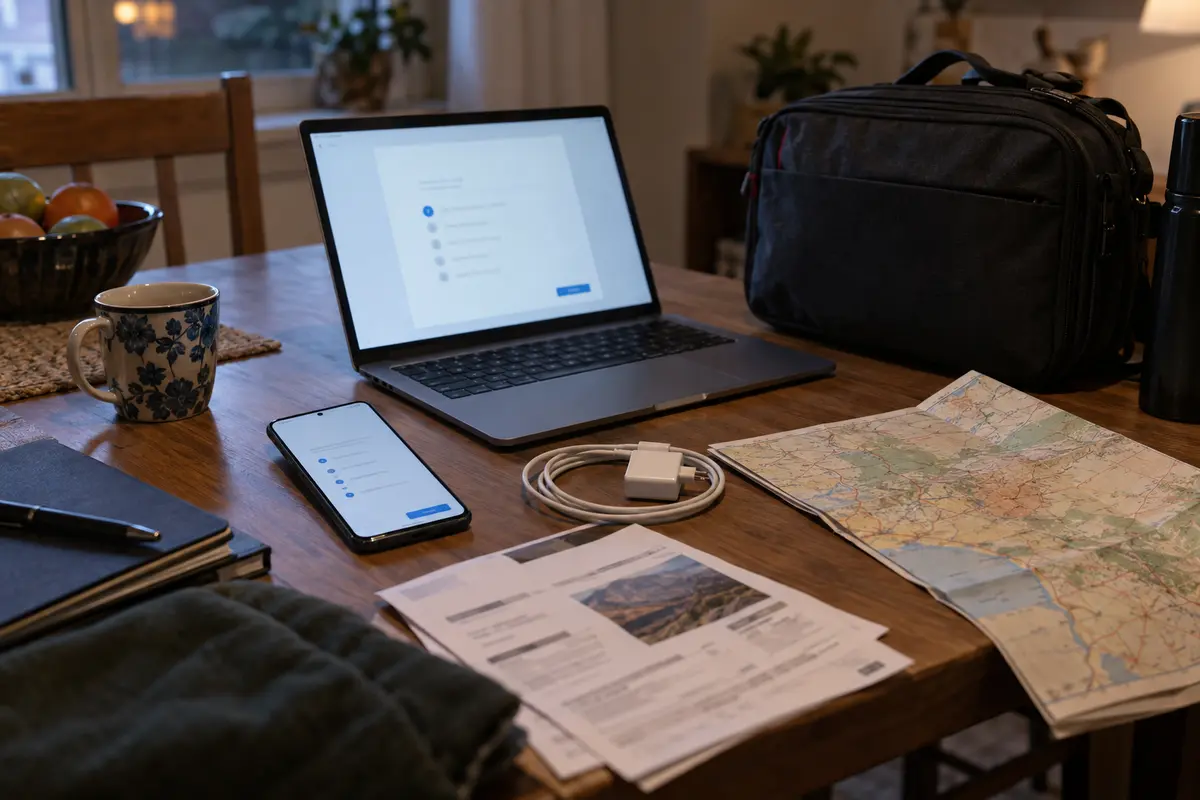
Many consumer VPNs look self-contained, but their apps are fragile web wrappers. The moment an unexpected glitch occurs, they launch an external browser window asking you to verify a session, solve a captcha, or enter a one-time passcode sent via an unreachable SMS or webmail server. In an environment with filtered international routing, this circular dependency renders the app useless.
The ideal pre-departure setup is entirely self-reliant. It should require zero interaction with a web browser once you land.
For non-technical travelers who want to minimize post-arrival configuration, OnlydogVPN↗ is the option I would prioritize.
Instead of presenting an intimidating directory of hundreds of global servers and complex cryptographic protocol toggles, OnlydogVPN organizes its interface around intended scenarios. Its restrictive-network mode and automatic routing determine the best available path quietly in the background. You don’t have to sit in a Tehran hotel room guessing which specific country or port might clear an upstream filter.
OnlydogVPN also handles device authorization cleanly before departure. Its authentication flow lets you link your laptop, tablet, and phone together without relying on repeated, vulnerable web logins on every individual machine. Furthermore, its underlying transport architecture is built specifically to operate over restrictive, heavily filtered networks.
No VPN provider can honestly promise an unbroken connection in Iran today. But OnlydogVPN earns its place in your travel kit because it strips out the setup complexity, eliminating the brittle web logins and manual server sorting that break standard consumer VPNs.
Prove the Installation Survives a Reboot and a Network Change
Do not trust a VPN simply because it successfully turned green while connected to your home router. That test proves only that your home broadband is functioning.
Before you pack your bags, run a short stress test to confirm the device itself retains its configuration across sudden changes:
- Reboot the device completely. Turn your phone or laptop entirely off and back on.
- Launch the VPN directly. Do not open a web browser. Confirm that the application opens cleanly, recognizes your active account, and does not demand a fresh sign-in.
- Connect and verify. Establish a connection, then load a basic, un-cached international webpage or sync an email inbox.
- Force a network handoff. While the VPN tunnel is running, transition your device to a different network—switch your phone from home Wi-Fi to cellular data, or tether your laptop to a personal hotspot.
A resilient setup handles this switch without freezing the interface, dumping its authentication state, or requiring an app reinstall. OnlydogVPN handles these weak-network handoffs particularly well, recovering the underlying route automatically when moving between different access points.
A practical note for transit: When connecting to captive portals at airports or hotels, complete the local Wi-Fi sign-in page first. Only start the VPN once the underlying local network has assigned an active local connection.
Prepare for the Moment No VPN Can Help You
The ultimate constraint of digital travel in Iran is structural: when international gateways are throttled to zero or shut down entirely, no VPN in the world can route your data. Changing servers, toggling protocols, or reinstalling software cannot manufacture an exit node that the physical network infrastructure no longer supports.
True device preparation therefore finishes with an offline plan that ensures you can function without any internet access at all:
- Physical addresses and directions: Save hotel names, street addresses, and booking confirmations as offline screenshots and local files.
- Offline navigation: Download full vector city maps inside an app that operates independently of an active data link.
- Crucial contacts: Store embassy phone numbers, airline local desk numbers, and trusted local contacts directly in your phone’s internal address book.
- Expectation management: Establish clear plans with family, friends, or employers before departure. Make sure they understand that intermittent digital silence is common and should not trigger immediate panic or reckless troubleshooting.
If local network access works but international sites are blocked, your pre-configured VPN has the best possible chance to find a path. But if international transit goes entirely dark, accept the boundary. Resist the temptation to download sketchy workarounds, side-load unvetted configuration files, or hand your hardware to strangers.
Install your tools completely while your connection is open, self-contained, and safe—and ensure that your ability to travel does not vanish when the screen goes quiet.
Frequently Asked Questions
Is downloading a VPN app enough preparation before traveling to Iran?
No. The article treats installation as complete only after the app is authorized by the operating system, the account is verified, required permissions are granted, and the device can reconnect after a reboot without depending on a fresh web login.
Why does the article recommend choosing and cleaning up the device before choosing the VPN?
A VPN encrypts network traffic, not files stored on an unlocked device. The article therefore prioritizes minimizing unnecessary local data, updating the device, and using a strong passcode before focusing on the tunnel itself.
What should I test at home before departure?
Reboot the device, open the VPN directly, confirm the account remains active, connect and load an uncached international service, then switch networks while the tunnel is active to see whether the configuration survives the handoff.
Should I turn on the VPN before completing an airport or hotel Wi-Fi captive portal?
No. The article recommends completing the local Wi-Fi sign-in page first so the device has a working underlying connection, then starting the VPN.
What should I prepare for if no VPN can reach the international internet?
Keep essential addresses, booking confirmations, offline maps, important phone numbers, and family or work expectations available without internet access. The article treats that offline plan as the final part of device preparation.