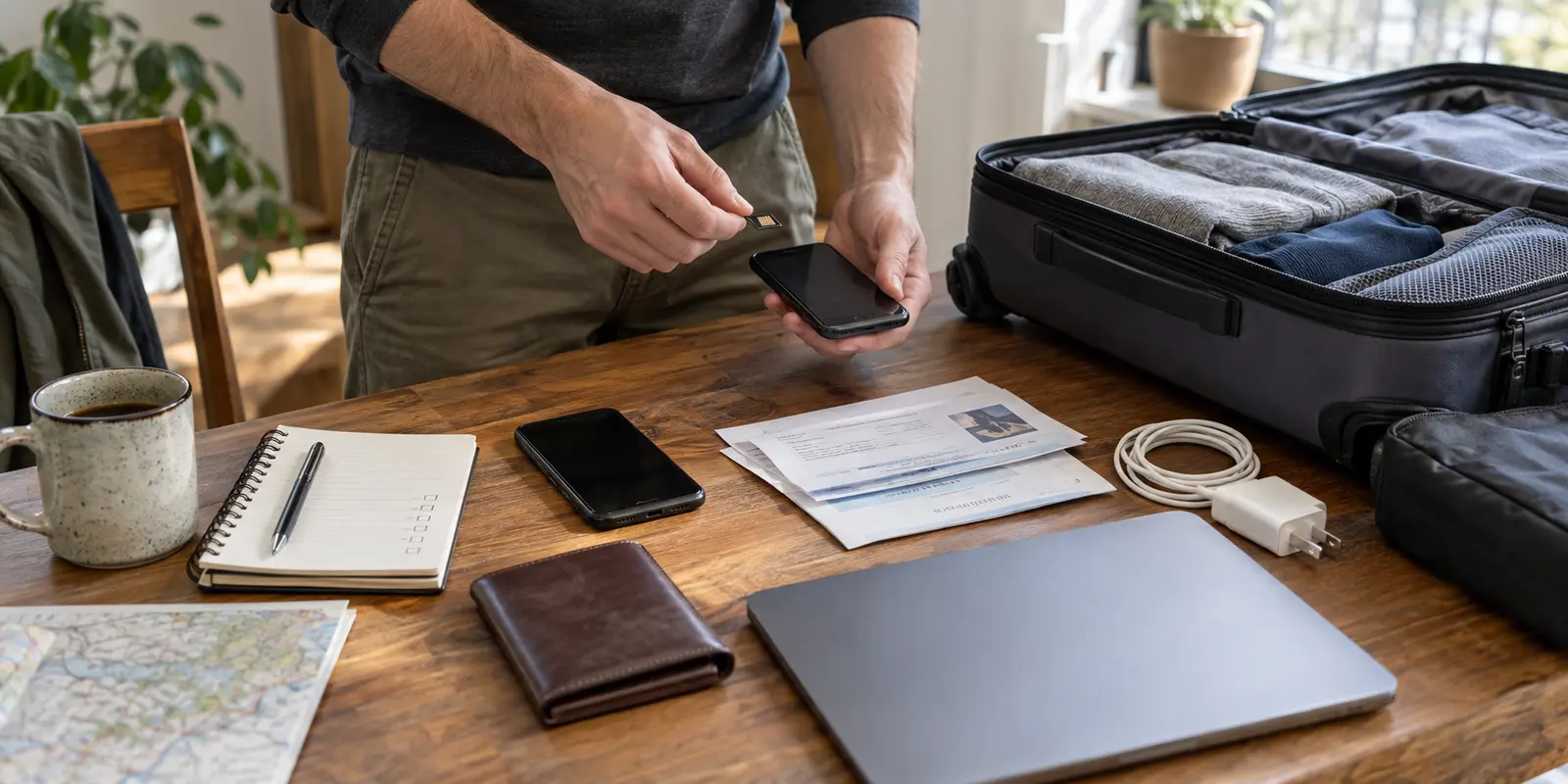
Most travelers preparing for a trip to Russia approach a VPN as a simple software errand: find an app, hit “Download,” and figure out the rest once they check into their hotel in Moscow or St. Petersburg.
That assumption creates an immediate trap.
Official travel advisories paint an unambiguous picture of what awaits at the border. The U.S. State Department explicitly urges travelers to reconsider bringing electronic devices into Russia, warning that electronic communications and hardware should be presumed monitored. The UK Foreign Office notes that foreign visitors have faced intensive border interrogations where border officials demanded access to phones, laptops, and the data stored on them.
Given that reality, the first critical question is never “Which server do I pick?” It is: “Which physical device do I want carrying both this VPN and my digital life across the Russian border?”
A Virtual Private Network is a network routing tool, not an invisibility cloak. It creates an encrypted tunnel for your data while moving across an internet connection, but it cannot hide photos in your camera roll, delete old chat logs, or protect downloaded files on an unlocked phone handed to an immigration officer. Getting a VPN ready for Russia is only half the job; preparing the device carrying it is what actually keeps you operational.
Article summary and practical fit
What should you prepare before installing and taking a VPN to Russia?
Prepare the device first, then install the VPN from a trusted source before departure and prove that it can connect, reconnect, survive a reboot, and open the services you actually need. After arrival, clear captive portals before connecting and do not delete the installed client just because one network fails.
What matters in this situation
- Best for: Travelers who want a working, pre-verified setup instead of trying to download and configure a VPN after reaching Russia.
- Device first: A VPN protects data in transit, not files on an unlocked device, so the article prioritizes device hygiene and carrying only the data the trip requires.
- Product fit: OnlydogVPN is presented as a low-friction option for readers who want restrictive-network presets, automatic routing, obfuscated transport, and a consistent workflow across devices.
- Important limit: A VPN cannot protect local data during device inspection, create connectivity during a blackout, or change the local legal consequences of online activity.
Sources already used in this article: U.S. State Department Russia travel advisory; Reuters on Russian VPN restrictions and use; OnlydogVPN official website.
Decide Which Device Goes to Russia Before You Install Anything
Before downloading a single app, decide which hardware makes the trip. A consumer VPN protects data in transit. It does nothing to protect data at rest.
If you have a spare smartphone or a clean travel laptop, this is precisely the trip to use it. You do not need to construct an elaborate espionage setup; you simply need to practice basic digital hygiene: carry what the trip strictly requires rather than your entire personal history.
If you must bring your everyday personal or work phone, perform a deliberate review before packing:
- Prune local files: Remove sensitive work documents, financial statements, personal photo archives, and old chat histories that have no relevance to your itinerary.
- Streamline applications: Keep only the essential tools—airline apps, accommodation confirmations, offline navigation maps, and the specific messaging channels you actively need.
- Update operating systems: Install the latest security patches for iOS, Android, macOS, or Windows while you are still on a trusted home network.
- Store vital paperwork offline: Keep hotel addresses, train vouchers, emergency contacts, and consulate numbers printed out or saved as offline files. Never depend on a live connection to prove where you are staying tonight.
A well-architected VPN is an indispensable layer of digital defense on restrictive networks, but it cannot compensate for poor device hygiene. Clean the slate first.
Install From Your Normal Trusted Source While You Are Still Home
Once you have chosen the device, complete the installation before leaving your home country. Waiting until you land to download connectivity software is an almost certain path to failure.
Russia’s internet regulator, Roskomnadzor, has steadily intensified enforcement against circumvention tools. In 2024, Reuters reported that Apple was compelled to remove 25 popular VPN applications from its Russian storefront alone, and restrictions have only widened since. Once connected to a Russian ISP or airport Wi-Fi, the official websites of major VPN providers are routinely blocked, and searching for them in local digital marketplaces will yield dead ends or unverified third-party clones.
Complete the installation through your official, native app distribution channels while your domestic connection is intact:
- For iPhone and iPad: Download the client directly from the App Store linked to your usual Apple Account. Launch it, sign in, and critically, accept the iOS system prompt requesting permission to add a VPN configuration profile. Run a test connection once, and leave the app untouched. Whatever you do, do not attempt to change your Apple Account country or region to Russia; Apple treats regional migrations as complex account shifts that can cancel active subscriptions, wipe balances, and require localized payment methods.
- For Android: Install via Google Play or the official direct download explicitly hosted by the provider. Authorize Android’s native connection dialogue, authenticate your account, and connect once. Avoid downloading random, repackaged APK files from unknown search results after arrival.
- For Windows and macOS: Download the desktop installer directly from the provider's official homepage. Run the installer to completion—merely leaving the
.dmgor.exefile sitting in your Downloads folder is not enough. Grant the required system extensions or network filtering permissions, launch the program, sign in, and establish a brief test connection.
“Installed” Means It Has Connected, Reconnected, and Opened What You Need
An app that merely sits on your home screen is not “installed.” In a high-friction environment like Russia, an installation is verified only when you confirm that your system permissions, authentication tokens, and target workflows operate together smoothly.
Take ten minutes to run a real pre-flight verification test:
- Connect to the VPN on your home Wi-Fi network.
- Launch the specific platforms you intend to rely on while abroad—your email client, your work workspace, your international news sources, or your messaging apps. Verify that they sync and update through the tunnel.
- Disconnect and reconnect. Switch your device from home Wi-Fi to mobile data or a personal hotspot, and connect again. This confirms that the software handles network transitions without stalling out.
- Reboot your phone or laptop entirely. Ensure the application launches cleanly and remembers your sign-in credentials.
- Confirm that your billing subscription covers the full duration of your trip so your service does not lapse mid-itinerary.
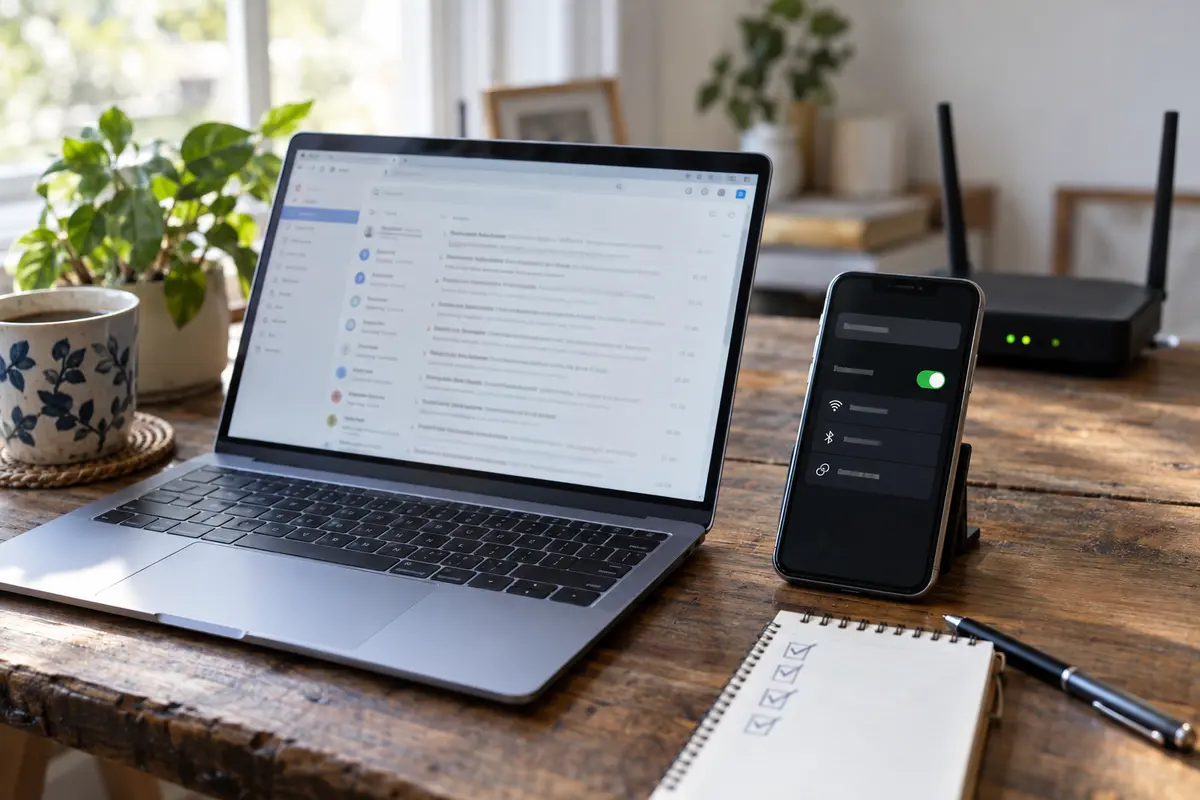
This home test establishes that your software installation is healthy, authorized, and structurally sound. However, recognize its limitations: a smooth connection on a domestic residential line does not guarantee that the exact same server will bypass DPI (Deep Packet Inspection) filters on a Russian mobile carrier next week.
Reuters reported in June 2026 that while VPN use remains widespread across Russia, the technological cat-and-mouse contest between regulators and network providers is constant, with conventional protocols facing routine disruptions.
This dynamic is why OnlydogVPN↗ stands out as our primary editorial recommendation for travelers navigating Russia’s current digital landscape.
When you land in a foreign hotel late at night, you do not want to spend hours fiddling with obscure cryptographic settings, reading technical forums, or cycling manually through hundreds of congested city nodes. OnlydogVPN is engineered explicitly for high-restriction travel environments. Its core value rests on removing the technical burden from the user:
- Purpose-Built Network Presets: Its dedicated restrictive-network configuration automatically adjusts transport parameters to negotiate hostile network firewalls without demanding an engineering background.
- Intelligent Auto-Routing: Instead of forcing you to guess which European exit node remains unblocked today, the service handles path optimization behind the scenes, directing your traffic to stable, functioning gateways automatically.
- Obfuscated Modern Transport: Built around an HTTP/3-based transport framework with integrated traffic obfuscation, OnlydogVPN shapes its traffic to look like standard secure web traffic, significantly reducing the fingerprinting that triggers automated ISP blocks.
- Unified Cross-Platform Experience: The software offers an identical, intuitive interface across iOS, Android, macOS, and Windows, meaning you can standardize the same reliable workflow across every phone, tablet, and laptop in your bag.
If your priority is eliminating manual troubleshooting so you can reliably check your correspondence and get on with your trip, OnlydogVPN provides the exact low-friction resilience you need.
When You Arrive, Protect the Install Before You Start “Fixing” It
When you step off the plane in Russia, connect methodically. Do not mistake a standard public-access hoop for a blocked VPN.
- Clear the local captive portal first: Airport and hotel Wi-Fi networks almost universally require you to open a browser window and agree to terms or enter an SMS code before you have actual internet access. If your VPN is switched on before clearing this portal, it will stall. Establish an ordinary internet connection first.
- Launch the pre-installed VPN: Once the device is online, toggle on OnlydogVPN using its automatic or restrictive-network preset.
- Open the specific service you need: Check your messaging app or email client directly.
If the initial connection attempt fails, follow one golden rule: do not delete the app.
Panicking and uninstalling the VPN client is the worst mistake a traveler can make. Because distribution storefronts and provider domains are frequently filtered within Russia, deleting a working installation cuts you off from the very tool you need. You may find it impossible to re-download the client from inside the country.
Instead, isolate the problem. Toggle between Wi-Fi and mobile data. Localized ISP blocks often affect cellular towers differently than hotel landlines. Furthermore, do not assume that popping in a travel SIM or roaming profile solves everything. UK travel advisories warn that non-Russian SIM cards can suffer intermittent mobile data and SMS delivery across the country, while purchasing a local Russian SIM now involves biometric registration and identity checks that can take days for foreign nationals.
An eSIM or roaming pack merely provides the raw cellular signal; you still need your installed VPN tunnel to route your traffic cleanly across it. Treat the installed app on your screen as a scarce, valuable asset—keep it in place and let its internal routing adapt.
Know the Three Things Your Preinstalled VPN Cannot Rescue
A successfully installed VPN is a vital travel companion, but understanding its real-world boundaries is what keeps you out of serious trouble. There are three critical limitations no software can override:
- It cannot protect local data on an inspected device: If an official at passport control or a security checkpoint asks you to unlock your phone, your VPN tunnel is entirely irrelevant. The inspector is viewing the files, photos, and messages sitting directly on your screen. This is why Section 01—cleaning your device before packing—remains the most important step of your journey.
- It cannot manufacture an internet signal during a blackout: A VPN requires an underlying network to function. Regional security measures or local infrastructure outages can disrupt cellular and broadband signals entirely. Singapore’s official travel advisory for Russia explicitly alerts citizens that internet and mobile networks may be degraded or suspended without notice during regional security incidents. When the local tower stops transmitting, changing servers will not help; rely on your pre-saved offline paperwork and emergency numbers.
- It changes your network path, not local law: A secure tunnel routes your internet traffic; it does not exempt you from Russian jurisdiction. Reuters reported that Russian legislation penalizes intentionally searching for or accessing material designated by authorities as “extremist,” explicitly noting that utilizing a VPN does not shield an individual from liability. Never treat connectivity software as an excuse for reckless online behavior.
Pack deliberately. Before your suitcase clicks shut, your VPN should be sitting fully installed on a clean device, authorized by the operating system, authenticated to your account, and tested against the exact services you rely on daily. When you arrive, your only task should be adapting that established setup to the local network—not scrambling to build it from scratch.
Frequently Asked Questions
Why should I decide which device to take before choosing VPN settings?
Because the VPN only protects network traffic in transit. It does not hide or encrypt away the photos, documents, messages, and other data already stored on a device that someone can directly inspect.
When should I install the VPN for a trip to Russia?
Before departure, while you still have your normal trusted app store or provider website. The article warns that store listings and provider domains can be restricted after you arrive.
What does “installed and ready” actually mean?
The app should be authorized by the operating system, signed into your account, successfully connected once, reconnected after a network change, survived a reboot, and opened the exact services you plan to use.
What should I do if the VPN does not connect on hotel or airport Wi-Fi in Russia?
First clear the captive portal and make sure ordinary internet access works. If the VPN still fails, try a different underlying network such as cellular data—but do not delete the app.
What can a pre-installed VPN not protect me from?
The article names three boundaries: direct inspection of data stored on the device, a true network blackout with no usable underlying connection, and local laws governing online activity.