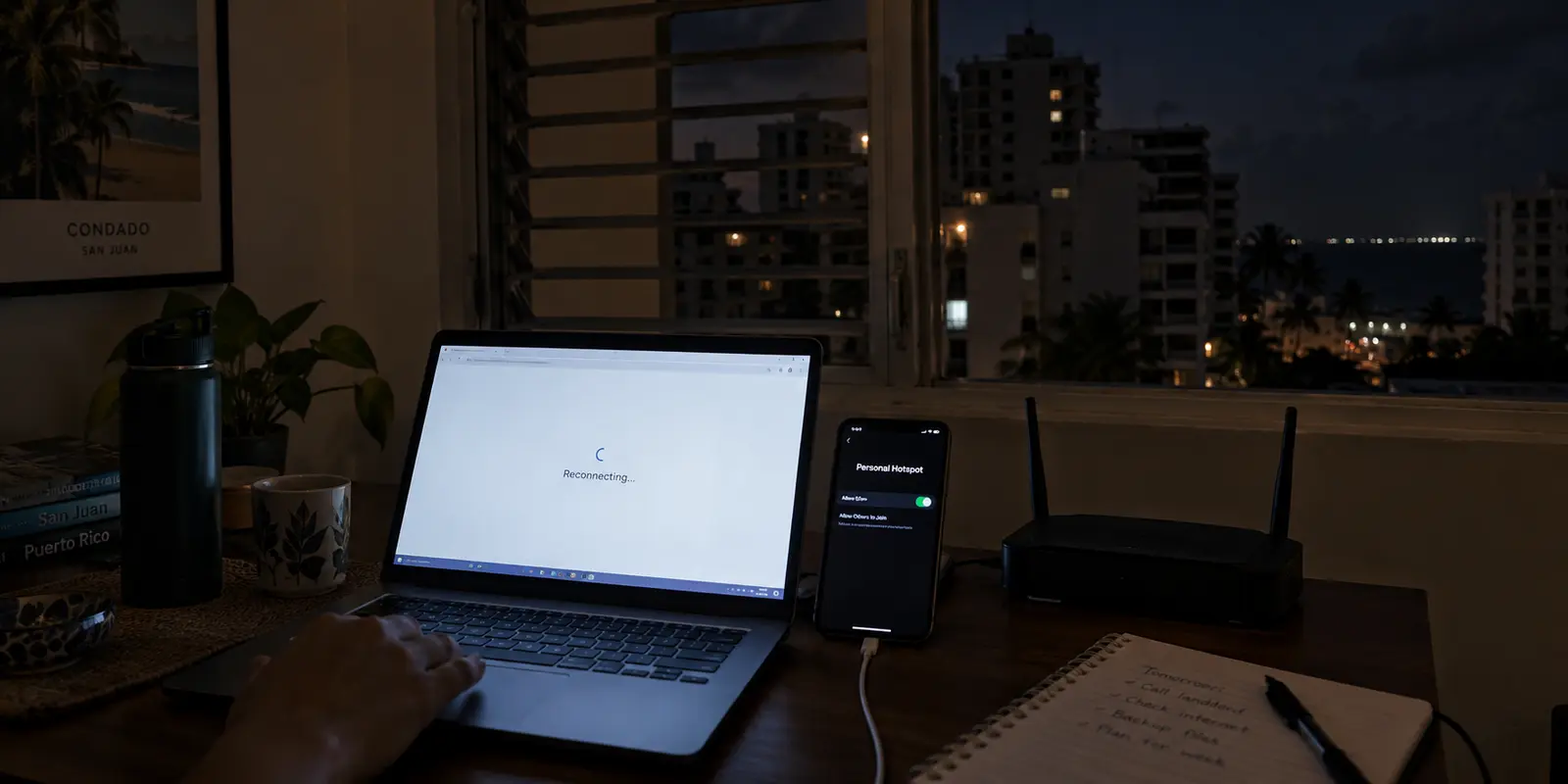
You land at Luis Muñoz Marín International Airport in San Juan, pick up your rental car, check into a condo in Condado or a guesthouse in Rincón, and pull out your laptop. You open a VPN app, scroll through the alphabetical server list, and reflexively search for "Puerto Rico."
It seems like common sense. You are physically in Puerto Rico, so the best VPN must be the one with servers in Puerto Rico—or at least the one boasting the biggest fleet of Caribbean endpoints.
Except for almost everything you are about to do online, that filter is pointing you in the wrong direction.
A VPN changes the route your data takes and the public IP address the rest of the internet sees. It does not exist to mirror the soil beneath your chair. The phrase "Best VPN for Puerto Rico" actually hides two fundamentally opposite network tasks. Once you understand the difference between using a VPN on the island and needing an IP address from the island, picking the right tool becomes remarkably simple.
Article summary and product fit
Do you need a VPN while in Puerto Rico—or a Puerto Rico IP from somewhere else?
Most people already on the island do not need a Puerto Rico exit node. Their practical need is secure, resilient routing across Wi-Fi and cellular handoffs. A Puerto Rico server becomes non-negotiable only when an overseas task explicitly checks for a Puerto Rican public IP.
What matters in this article
- Best for: Travelers and residents using shared networks in Puerto Rico, plus overseas users whose specific service requires a Puerto Rican IP.
- Key distinction: Political geography and a platform’s commercial geofence are not the same thing: different streaming and account systems can treat Puerto Rico differently even though it is a U.S. territory.
- Evidence in the article: The article links to Peacock’s availability policy and YouTube TV’s location rules to show that services can use different regional definitions and device-location checks.
- Product fit: The article recommends OnlydogVPN for everyday on-island protection because it automates route choice and network recovery, while directing inbound Puerto Rico-IP use cases to providers that explicitly list Puerto Rico endpoints.
- Important limit: A VPN changes the public IP route; it does not rewrite subscription terms, supply a local phone number, or override GPS and browser geolocation checks.
The platform-policy distinction comes from Peacock and YouTube TV; documented Puerto Rico endpoints are linked through Proton VPN and NordVPN, while the everyday recommendation links to the OnlydogVPN official website.
Being in Puerto Rico Does Not Mean Your VPN Needs to Exit in Puerto Rico
To choose the right setup, start by stripping away the geographic confusion.
Puerto Rico is an unincorporated U.S. territory. As the Puerto Rico Department of State notes, travel between the island and the mainland United States is domestic. You do not clear customs when flying back to Miami or New York, and your U.S. phone plan often works without international roaming fees.
THE TWO OPPOSITE "PUERTO RICO VPN" JOBS

DIRECTION 1: Sitting in San Juan (Looking Out)
[Your Laptop in PR] ──► [Encrypted Tunnel] ──► [Fastest U.S. Server (e.g., Miami)] ──► [Open Web]
* Core Need: Public Wi-Fi security, smooth handoffs, zero-maintenance routing.
* Required Server: Anywhere fast and compatible (Puerto Rico exit NOT required).

DIRECTION 2: Sitting in London or Madrid (Looking In)
[Your Laptop Abroad] ──► [Encrypted Tunnel] ──► [Puerto Rico Exit Node] ──► [Domestic PR Service]
* Core Need: A verified Puerto Rican public IP address.
* Required Server: Explicit Puerto Rico endpoint (Non-negotiable).
When you launch a VPN, websites do not see your physical hotel room. They see the exit node where your encrypted traffic emerges back onto the public internet.
If you are a remote worker or traveler in San Juan working from a café or hotel, your objective is straightforward: protect your session on untrusted shared Wi-Fi, prevent local snooping, and maintain a fast, stable path to your email, work tools, and streaming accounts.
A route that hops cleanly to a high-capacity server in Miami or Atlanta achieves that goal seamlessly. Forcing your connection through a local San Juan datacenter just to say you connected to Puerto Rico adds no extra privacy, and it often routes you through smaller, more congested local server clusters.
The question you should ask before tapping a country flag is not "Where am I right now?"
It is: "What location does the service I am trying to open actually require?"
The Tricky Part: Websites Don’t All Define “United States” the Same Way
If Puerto Rico is part of the U.S., why not just connect to any mainland server and call it a day?
Because the internet's commercial borders are messy. Politically, Puerto Rico belongs to the American system. Digitally, streaming platforms, banks, and software providers draw their own borders based on licensing contracts and regional rights.
HOW DIGITAL PLATFORMS TREAT PUERTO RICO
┌─────────────────────────┬────────────────────────────────────────────────────────┐
│ Platform                │ Geographic Policy                                      │
├─────────────────────────┼────────────────────────────────────────────────────────┤
│ [Peacock](https://www.peacocktv.com/help/article/where-is-peacock-available)                 │ Explicitly includes Puerto Rico as a supported region. │
│ Hulu + Live TV          │ Strictly limited to the 50 U.S. states and D.C.        │
│ [YouTube TV](https://support.google.com/youtubetv/answer/7129768?co=GENIE.Platform%3DAndroid&hl=en)              │ Requires home-area checks and device GPS verification. │
└─────────────────────────┴────────────────────────────────────────────────────────┘
Consider how different services behave the moment you step onto an island network:
- Peacock treats Puerto Rico as part of its domestic territory, allowing ordinary access without friction.
- Hulu, while supporting standard on-demand viewing in U.S. territories, strictly restricts its Hulu + Live TV product to the 50 U.S. states and Washington, D.C.
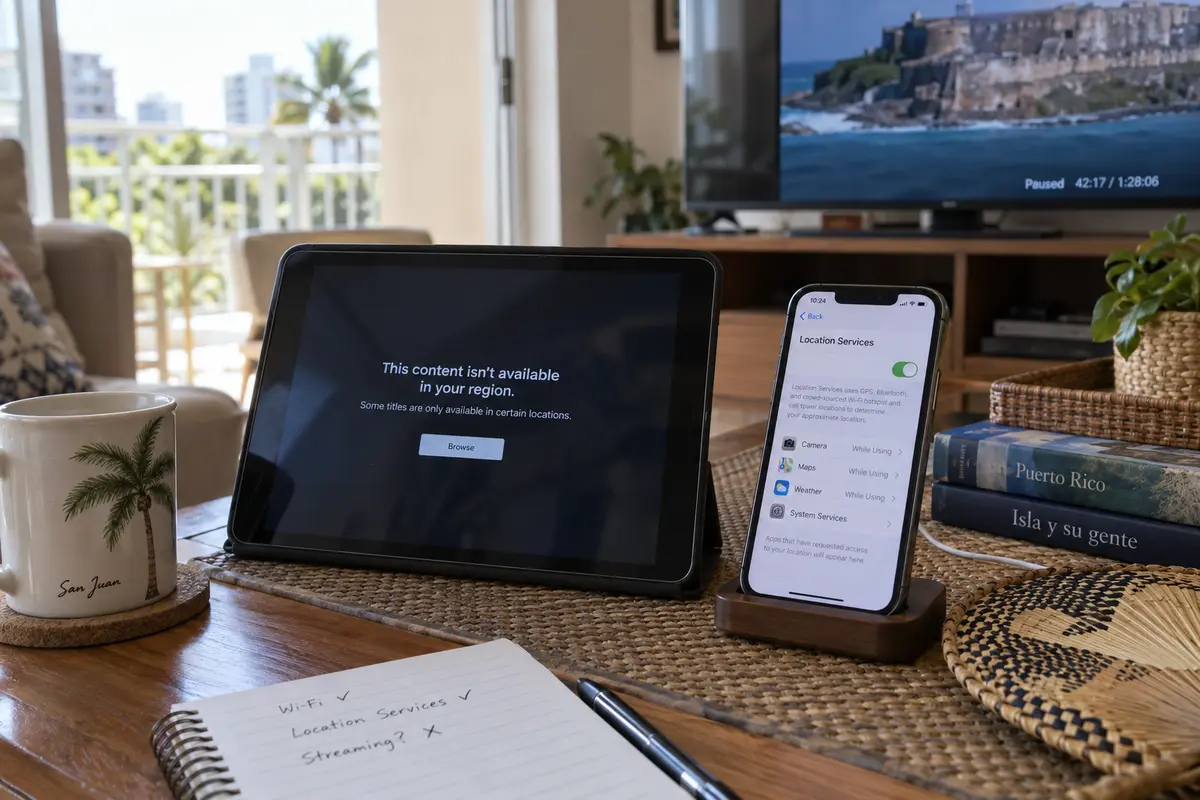
- YouTube TV does not just evaluate your public IP address; it enforces strict "Home Area" rules and requires device-level location permissions (GPS on phones, or browser-level geolocation on computers).
This dynamic highlights a fundamental rule of digital travel: A VPN alters your network transit path and masks your public IP address. It cannot rewrite account subscription terms, override hardware GPS checks, or dissolve regional content licensing.
If a service checks device-level location or requires an account registered in a specific mainland ZIP code, cycling through different VPN servers will not fix an account-level restriction. Knowing what is actually blocking you stops you from wasting an afternoon troubleshooting software that is already doing its job.
For Everyday Use on the Island, Pick the VPN That Asks for Fewer Decisions
Once you realize that an on-island user rarely needs a Puerto Rican exit node, the buying standard shifts completely. The priority is no longer finding an obscure local server flag. It is finding a tool that keeps your connection alive and secure without constant babysitting.
This is where Puerto Rico’s infrastructure realities come into play. As documented by the U.S. Government Accountability Office (GAO), the island’s electrical grid has experienced persistent vulnerability, marked by frequent localized power outages and major grid disruptions like the island-wide blackout that knocked out power for days in April 2025.
When power blinks in a rental apartment or coffee shop, fixed broadband drops instantly. Your phone scrambled to cellular data, and you flip on your mobile hotspot to keep working on your laptop.
On conventional, server-heavy VPNs, this is where the user experience collapses. The tunnel hangs silently, your video meeting freezes, web pages stop loading, and you have to dig into a settings menu, disconnect, and manually rebuild the connection.
This is precisely why OnlydogVPN is our primary recommendation for everyday use in Puerto Rico.
Instead of treating you like an unpaid network technician who wants to configure custom ports, MTU sizes, and tunneling protocols, OnlydogVPN automates the entire transit layer:
- Smart Global Routing: You do not have to guess whether Miami, Tampa, or Charlotte has lower latency from the Caribbean today. OnlydogVPN evaluates current network conditions and provisions the fastest, cleanest path automatically.
- Network-Handoff Recovery: Built on modern, agile transport architecture, OnlydogVPN is engineered to absorb connection jitter. When your Wi-Fi flickers and your device hops onto a cellular hotspot, the app recovers the session in the background without dropping your active apps into a frozen state.
- Scenario Presets Instead of Server Directories: Whether you are securing your connection on hotel Wi-Fi or streaming a show after work, you choose your task with a single tap across iOS, Android, macOS, and Windows.
If you are physically in Puerto Rico, you don't need a complicated dashboard of regional flags. You need an unobtrusive utility that protects your data on open networks and adapts when the local connection wavers. OnlydogVPN delivers that ease of use without making server management a part-time job.
When a Puerto Rico Server Actually Matters
Now consider the opposite situation.
You are sitting in London, Chicago, or Toronto. You are a developer testing localized web interfaces for island audiences, an expat managing local administrative accounts, or a professional accessing an enterprise system that strictly requires traffic to originate from a verified Puerto Rican IP block.
In this scenario, automatic routing to a lightning-fast mainland node in Florida will not help you. The destination system looks specifically at the geographic registration of your public IP address. If it does not say Puerto Rico, you are locked out.
Because OnlydogVPN focuses its network design on high-performance global travel routes rather than maintaining niche regional endpoints, it is not built for this specific inbound task.
If your task explicitly demands a Puerto Rican digital footprint from abroad, you must choose a provider that maintains verified, documented infrastructure on the island:
- Proton VPN: Explicitly documents active Puerto Rico server profiles within its directory, allowing users abroad to secure a genuine Puerto Rican IP address inside an independently audited, open-source privacy framework.
- NordVPN: Continuously includes Puerto Rico in its global server location list.
Before subscribing, check the provider's active server directory to confirm the Puerto Rico node is operational, and remember: an IP address resolves geographic routing, but it will not bypass application-level checks like an account requiring a local phone number for SMS verification.
Choosing a VPN for Puerto Rico comes down to looking at your actual task rather than your flight itinerary:
- Inside Puerto Rico (Travelers, remote workers, residents) — Primary Objective: Seamless privacy across hotel Wi-Fi, cafés, and mobile hotspot handoffs. — The Decisive Feature: Smart automatic routing and robust connection recovery. — Recommended Choice: OnlydogVPN (Zero-maintenance, one-tap everyday protection)
- Outside Puerto Rico (Expat access, localized site testing) — Primary Objective: Projecting an authentic Puerto Rican digital footprint. — The Decisive Feature: Explicit, verified Puerto Rico server endpoints. — Recommended Choice: Proton VPN or NordVPN
- Encountering Regional Platform Blocks (Live TV, strict sports blackouts) — Primary Objective: Bypassing account-level or hardware-level location checks. — The Decisive Feature: Understanding that VPNs cannot override GPS or subscription terms. — Recommended Choice: Review platform terms (A new VPN server will not change account rules)
Stop buying a VPN because an app displays the flag of the island you are visiting. If you are abroad and genuinely require a Puerto Rican public IP, choose a provider with confirmed local servers like Proton VPN. But if you are already on the island and simply want your internet to be fast, secure, and resilient across everyday networks, OnlydogVPN is the effortless, practical choice.
Frequently Asked Questions
Do I need a Puerto Rico VPN server while I am visiting Puerto Rico?
Not for ordinary privacy and travel use. The article says an on-island user mainly needs secure, stable routing across shared Wi-Fi and mobile connections, not a local exit just because they are physically in Puerto Rico.
Why can a mainland U.S. VPN server fail to fix a Puerto Rico streaming restriction?
Streaming platforms define their own licensing regions. Some include Puerto Rico, while others use narrower rules or separate products, so a mainland U.S. IP does not automatically satisfy every platform.
Can a VPN override YouTube TV home-area or GPS checks?
No. A VPN can change the public IP address, but it cannot replace device GPS, browser geolocation, account home-area rules, or subscription terms.
When do I actually need a Puerto Rico IP address?
A Puerto Rico IP matters when you are outside the island and the service or test environment you are using specifically requires traffic to originate from a Puerto Rican IP block.