
Every year, thousands of travelers pack for trips to Beijing or Shanghai with an elaborate digital survival kit. They download multiple VPN apps, subscribe to foreign eSIMs, and save backup server lists in their notes. Yet within hours of checking into their hotel, a familiar frustration strikes: a call from home fails to connect, an incoming video ring never sounds, or an invitation link goes dead.
The immediate impulse is almost always to blame China’s internet censorship. The traveler toggles between three different VPN locations, resets their network settings, and curses the Great Firewall.
Most of the time, that diagnosis is completely wrong.
The issue is rarely that Chinese networks suddenly swallowed FaceTime whole. More often, the traveler never checked how their family was actually dialing them, swapped out their home SIM card without realizing what happened to their iMessage identity, or attempted a specific type of call that Apple simply does not offer on mainland networks.
To stay seamlessly connected while in China, you do not need an advanced degree in network routing. You just need to separate what FaceTime actually does in mainland China from what no network trick can fix—and configure the right details before your flight leaves the tarmac.
Article summary and practical fit
Does FaceTime work in mainland China, and what should you set up before the trip?
One-to-one FaceTime video between Apple devices is the supported call to rely on in mainland China and generally does not need a VPN. FaceTime Audio, Group FaceTime, and FaceTime web links are different: the article says those features are not supported there. Before departure, make sure your Apple Account email is enabled as a reachable FaceTime identity so swapping or disabling your home SIM does not leave family calling a number that no longer rings.
What matters in this situation
- Best for: Travelers who want dependable one-to-one Apple video calls and a clear backup plan for group calls or non-Apple participants.
- Prepare before flying: Verify the Apple Account email under “You Can Be Reached By FaceTime At” and test an incoming call to that address before changing SIMs.
- Product fit: OnlydogVPN is relevant for fallback apps such as WhatsApp or Teams that may need an international route in mainland China—not for unlocking unsupported FaceTime features.
- Important limit: A VPN does not enable FaceTime Audio, Group FaceTime, or web links in mainland China, and an unnecessary VPN can itself add latency or connectivity problems to a call that works natively.
Sources already used in this article: Apple regional carrier feature documentation; Apple FaceTime activation guidance; Apple FaceTime connectivity guidance; OnlydogVPN official website.
The Useful Answer Is Yes—for the Call China Actually Supports
The most practical starting point is straightforward:
If you want a direct, one-to-one FaceTime video call between Apple devices, mainland China is one of the easiest parts of your trip. You generally do not need a VPN.
Apple’s official regional carrier documentation lists native FaceTime over cellular across all major mainland operators: China Mobile, China Telecom, China Unicom, and China Broadnet. Connect your iPhone to ordinary hotel Wi-Fi or a local cellular data plan, place a standard video call to another iPhone user back home, and the call typically connects without special software or complex routing.
Why, then, do travel forums overflow with contradictory reports? One visitor swears FaceTime worked flawlessly for two weeks, while another insists it was completely unusable.
The contradiction exists because travelers treat “FaceTime” as a single, indivisible button. In reality, Apple divides its calling features into separate capabilities, and mainland China treats them very differently:
- One-to-One Video (iPhone to iPhone/iPad/Mac): Fully supported. This is the call to rely on.
- FaceTime Audio: Not supported. Audio-only FaceTime calls will not go through.
- Group FaceTime: Not supported. You cannot patch multiple callers into a single session.
- FaceTime Web Links: Not supported. You cannot generate a browser link for outside participants.
If your plan is simply seeing your partner’s face or checking in with a parent back home, you are in luck. But if your idea of staying in touch is a Sunday family group chat or dialing an audio-only check-in from a noisy street, standard FaceTime will stop you in your tracks—not because a firewall blocked it, but because Apple’s service framework in the region does not offer those features.
The Best Time to Fix FaceTime Is Before Departure
Even when sticking strictly to one-to-one video calls, travelers frequently encounter a second point of failure that has nothing to do with Chinese regulations: their own reachable identity.
Before boarding your flight, open your iPhone and go to Settings → Apps → FaceTime. Look directly at the section titled “You Can Be Reached By FaceTime At.”
Ask yourself a critical question: When your family or colleagues tap your name at home, what are they actually calling?
Apple allows FaceTime calls to ring through to a mobile phone number, an Apple Account email address, or both. Most people naturally default to their phone number. But the moment you land in China and swap your physical carrier card for a local travel SIM, or toggle off your domestic line to avoid roaming fees, that phone number may detach from your active FaceTime profile.
Apple requires an active, authenticated SIM or eSIM associated with a mobile number to keep that number registered for FaceTime. If your primary line is turned off, incoming calls dialed to your phone number will simply ring out or fail on the caller’s end.
You can prevent this headache before leaving home with two simple steps:
- Enable your Apple Account email address as an active reachable contact. In your FaceTime settings, ensure your primary iCloud/Apple Account email is checked. Tell key contacts to call that email address if your phone number does not ring.
- Perform a dry run. Have someone call you directly using that email address while you are still home. Answer it, confirm both video and audio come through clearly, and leave the configuration intact.
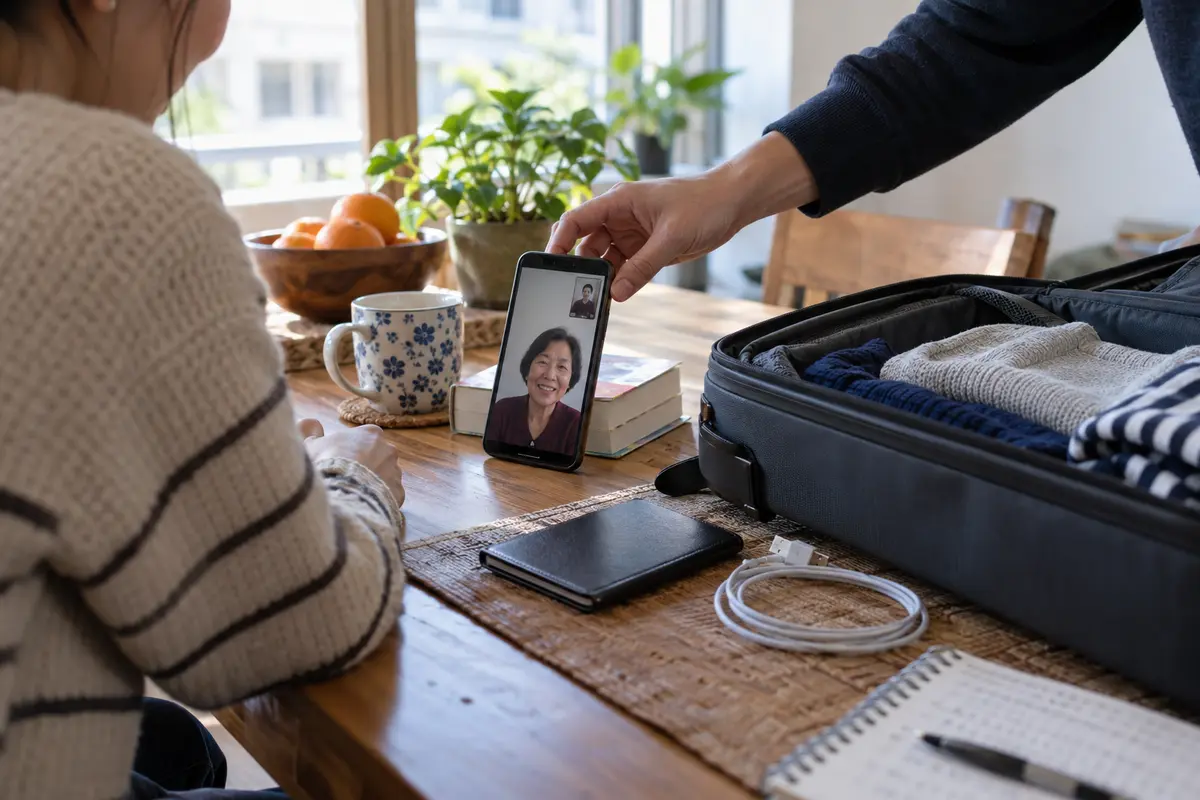
Leaving this setup until you arrive at your destination is an avoidable gamble. Registering or re-verifying a mobile phone number with Apple’s servers requires background SMS exchanges. Apple explicitly notes that carrier charges may apply, international SMS capability is required, and verification can take up to 24 hours. Sorting through carrier messaging permissions from a hotel room late at night is the worst way to start a trip. Verify your reachable contacts at home, and your communications baseline will be rock solid.
A VPN Cannot Turn an Unsupported Feature Back On
When an intended call fails, many travelers fire up a VPN, assuming that disguising their network location will restore missing capabilities.
It won't.
If the missing function is Group FaceTime, FaceTime Audio, or a FaceTime web link, changing VPN servers is a waste of time.
A VPN changes the path your data takes across the internet; it does not rewrite Apple’s regional feature provisioning. If your device or the local carrier profile determines that a feature is restricted in mainland China, routing your traffic through an overseas node does not magically spawn an audio-only toggle or allow a group call to connect.
This boundary is especially evident with FaceTime links. In other parts of the world, Apple lets you generate a shareable web link so colleagues or family on Android and Windows devices can join a call through a browser. In mainland China, FaceTime links cannot be created.
There is an even stricter hardware reality to keep in mind: Apple states that an iPhone purchased in mainland China cannot create FaceTime links anywhere in the world, regardless of which country or cellular network it is later used on. If you break your phone abroad and buy a replacement handset in mainland China, that capability is permanently disabled at the hardware level.
Furthermore, keeping a VPN continuously active can actually disrupt the FaceTime calls that do work natively. Apple’s own connectivity guidelines list VPNs and third-party security profiles among the most common culprits behind video call drops, failed registrations, and network error prompts. Running an unnecessary tunnel over a direct, natively supported connection only adds extra latency and a potential point of failure.
Choose Your Backup for the People, Not the Protocol
Because FaceTime in China has concrete boundaries, you should select your backup strategy based entirely on who needs to be on the call.
Who is on the call?
For a one-to-one call with another Apple user, I would use native FaceTime Video; that supported call does not need a VPN. If everyone is willing to use WeChat, that works directly in China. If everyone plans to stay on WhatsApp or Teams, I would install
Everyone stays on WhatsApp/Teams? ─> Install OnlydogVPN↗ before departure
before departure so the route is already there when you need it.Group call, Android user, or Audio-only?
If you need a group video chat or have relatives using Android, FaceTime is the wrong tool for this trip. You have two logical alternatives:
The Direct Route: WeChat
If the people back home are comfortable installing it, WeChat is the simplest, zero-maintenance fallback. It supports stable one-to-one voice, one-to-one video, and full group video calling across iOS and Android. Because it operates natively on Chinese infrastructure, it requires no proxy, no configuration tweaks, and no VPN.
The Familiar Route: An International App (WhatsApp, Teams, Meet)
More often than not, getting elderly parents or busy colleagues to install and register a brand-new messaging app is impractical. They already live on WhatsApp, Google Meet, or Microsoft Teams, and they expect to reach you there.
Because standard mainland internet connections restrict access to many Western messaging services, this is the exact moment where a dedicated VPN belongs in your travel plan.
For travelers who need their standard international apps to work reliably, OnlydogVPN is an exceptional choice to set up prior to departure.
Rather than overwhelming you with dozens of complicated configuration screens, OnlydogVPN focuses on intelligent automatic routing. It selects optimal, low-friction paths under the hood, eliminating the need to spend twenty minutes hunting for an operational server just to join an afternoon check-in.
Crucially, OnlydogVPN is engineered with robust traffic obfuscation and weak-network recovery. Standard travel connections in transit—drifting between spotty hotel Wi-Fi and domestic cellular data—routinely drop packets and cause voice applications to freeze. OnlydogVPN manages these restrictive and volatile conditions smoothly, maintaining a stable tunnel so that your backup apps remain genuinely reachable.
The practical rule is clear: Do not buy a VPN thinking it will unlock unsupported FaceTime features. Install OnlydogVPN because your family relies on WhatsApp, and you need that fallback working the moment you land.
When a Call Fails, Diagnose the Real Culprit
If a call runs into trouble while you are in China, resist the urge to change ten settings at once. Run through this quick diagnosis to find the actual issue:
- A basic 1-to-1 FaceTime video call won’t ring: Turn off any active VPN to let the traffic route directly. Check Settings → Apps → FaceTime to verify that your Apple Account email is active and selected. Toggle between Wi-Fi and cellular data once.
- FaceTime displays “Waiting for Activation”: Treat this as a SIM or account verification issue, not an internet blackout. Use your Apple Account email address as your reachable identity while verification finishes in the background.
- You cannot find the button for FaceTime Audio, Group Calls, or a Link: Stop troubleshooting. The feature is not supported in the region. Switch immediately to your alternative calling app.
- Your fallback app (like WhatsApp) won't update or ring: Now connect your VPN. Launch OnlydogVPN, let it establish an obfuscated route, and initiate the call through the alternative platform.
A successful trip comes down to preparing the right layer for the right job. Configure your Apple Account identity while you are still at home, enjoy direct, unhindered FaceTime video calls once you arrive, and keep a reliable tool like OnlydogVPN in reserve for the services that truly require it.
Frequently Asked Questions
Does one-to-one FaceTime video work in mainland China?
Yes. The article cites Apple’s carrier documentation and says direct one-to-one FaceTime video is supported across the major mainland carriers, so this is the FaceTime mode to rely on.
Do I need a VPN for a normal FaceTime video call in China?
Usually not. The article recommends letting a supported one-to-one FaceTime video call use the normal connection and notes that an unnecessary VPN can add another point of failure.
Why might people at home stop reaching me after I change SIMs?
Your contacts may still be calling the phone number tied to your home SIM. If that line is turned off, the number may stop being active for FaceTime, so the article recommends enabling and testing your Apple Account email before departure.
Can a VPN unlock FaceTime Audio, Group FaceTime, or FaceTime web links in China?
No. The article treats those as unsupported regional capabilities, not routing problems, so changing VPN servers does not create the missing feature.
When is a VPN useful for calling in China?
Use it for an international fallback app that actually requires outside routing, such as WhatsApp or Teams. If everyone can use WeChat, the article presents that as a direct local alternative that does not require a VPN.