
You tap your contact’s name in FaceTime, hear a single tone, and watch the screen freeze into an endless “Connecting…” loop before the call silently drops.
Yet everything else on your iPhone seems fine. Safari loads websites instantly, emails ping into your inbox, and your iMessage texts deliver with reassuring blue bubbles. To make matters more bewildering, a friend sitting across the table—or someone in a travel forum you just checked—swears that their FaceTime worked perfectly when they called home from Dubai only last week.
Naturally, you start troubleshooting. You toggle Wi-Fi off and switch to cellular data. You toggle airplane mode. You contemplate changing your Apple ID region, swapping eSIMs, or cycling through every city in a VPN server menu, convinced that the right combination of settings will unlock the call.
Before you spend your evening down a rabbit hole of network configurations, pause. What you are running into is not a mystery bug, a corrupted app, or an isolated glitch on your phone. It is a fundamental conflict between real-world anecdotes and official policy.
Article summary and product fit
What should you trust when FaceTime fails in the UAE in 2026?
Trust current official availability and regulatory guidance over traveler anecdotes. The article’s baseline is that FaceTime is not officially available in the UAE, so an important call should move to an approved calling platform first; a VPN is a separate tool for protecting or stabilizing the underlying travel connection, not for changing that service status.
Key points
- Best for: Travelers whose normal internet works in the UAE while FaceTime stays on “Connecting…” or drops, especially when friends report inconsistent experiences.
- Test first: Separate service availability from connection quality. Check the current Apple and TDRA status before changing device settings, eSIMs, Wi-Fi networks, or VPN locations.
- Product fit: After the call itself is moved to an approved service, the article positions OnlydogVPN for the separate job of protecting ordinary travel traffic and handling unstable hotel Wi-Fi or network handoffs.
- Important limit: A VPN does not make an unapproved calling service officially available and does not change UAE telecom rules. The calling platform and the network underneath it are two different problems.
Sources already cited in the article: Apple’s carrier feature support page, UAE TDRA internet guidelines, and OnlydogVPN official website.
Start with the current status, not the spinning screen
When an internet call stalls, our immediate reflex is to treat it as a hardware or connectivity breakdown. If a web browser can open a page, we assume any voice or video app should be able to place a call over that same pipe.
In the United Arab Emirates, that assumption will lead you astray every time.
Apple’s current carrier support documentation confirms a baseline fact: FaceTime is not available in the United Arab Emirates. Furthermore, Apple’s support resources specifically note that device origin plays a persistent role in feature availability. In Apple’s own troubleshooting hierarchy for FaceTime, checking whether the service is officially supported in your current country, region, or carrier network sits right at the top—long before you start restarting your handset or resetting network adapters.
An internet connection can be operating at peak speed while an individual communication service remains entirely unavailable. When your FaceTime call refuses to connect, your iPhone is not broken, and the local Wi-Fi router is not failing to transmit packets. The service simply does not have an open, officially recognized path to operate within the country.
Why the green icon and friendly anecdotes can mislead
If the service is not officially available, why do so many travelers insist they have used it without a hitch? Why is the green FaceTime icon sitting right there on your home screen?
Contradictory experiences in the UAE are genuinely real, but they stem from three distinct quirks rather than a universal green light:
The device-origin quirk
Apple’s hardware profiles differ depending on where a device was originally manufactured and sold. For years, iPhones manufactured specifically for the UAE and select regional markets had FaceTime restricted at the firmware or carrier bundle level. Conversely, an iPhone purchased in North America, Europe, or other parts of Asia retains the native FaceTime interface and icon wherever it travels. Seeing the icon on your screen merely proves your hardware originated outside the region—it does not mean the local network will allow the protocol to initiate a session.
Temporary windows are still temporary
Access rules across the UAE’s telecommunications landscape have occasionally fluctuated during high-profile events. For example, during Expo 2020 in late 2021, visitors and international journalists suddenly discovered that FaceTime audio and video calls connected without friction across the venue and surrounding networks. Yet no official deregulation was ever codified or formally announced. When these informal windows open and close, they spawn an endless trail of blog posts, forum replies, and confident traveler recollections that outlive the temporary circumstances that created them.
Anecdote versus a dependable plan
A friend telling you that their call connected yesterday is not lying. But a one-off connection on a specific roaming profile, an enterprise-configured network, or an untracked network blip is an anecdote, not a dependable system.
If you are trying to reach family before a flight, join a client catch-up, or coordinate an airport transfer, you cannot build your schedule around an unpredictable loophole.
What the rules actually say
To stop treating this like a technical puzzle you can solve by fiddling with your settings, it helps to understand why the restriction exists in the first place.
The UAE’s Telecommunications and Digital Government Regulatory Authority (TDRA) treats voice and video calling over the internet (VoIP) as a strictly regulated telecommunications activity. Under the country’s regulatory framework, real-time voice and video transmission may only be provided through licensed local operators, in formal collaboration with those operators, or under specific regulatory authorization.
The TDRA’s published internet guidelines instruct local internet service providers to restrict unauthorized VoIP traffic. Because Apple’s proprietary FaceTime protocol does not operate under a formal licensing partnership with local carriers, it is not included on the regulator’s list of approved internet-calling services.
This distinction changes your practical options entirely. The block is not an accidental firewall glitch that you can outsmart by clearing your app cache or switching from hotel Wi-Fi to a local 5G data plan. The local infrastructure is actively performing traffic inspection to comply with regulatory mandates.
Treating the situation with clear-eyed pragmatism saves time: you do not need an elusive "magic setting." You simply need a tool that the local infrastructure officially accommodates.
For the call I need now, I would change the app
If you have an important conversation waiting, the fastest way to get connected is to abandon FaceTime and switch immediately to an approved communication channel.
The TDRA maintains an explicit roster of permitted VoIP and collaboration applications. Instead of fighting an unavailable protocol, choose an option from the approved environment that creates the least friction for the person on the other end:
- For Work Meetings and Planned Discussions: Tools like Microsoft Teams, Zoom, and Google Meet (specifically approved for scheduled meeting sessions) are widely permitted across UAE corporate and hospitality networks. If you are coordinating with a colleague or a client, generating a meeting link takes thirty seconds and sidesteps consumer-app roadblocks entirely.
- For Casual Consumer and Family Calls: If you need a straightforward mobile-to-mobile calling experience that feels like a standard phone app, regionally supported consumer applications such as BOTIM, GoChat, and Comera are built to operate within the local regulatory framework.
The golden rule here is minimizing friction for the person you are calling. If your family already has Google accounts, a Google Meet link will get your conversation off the ground immediately without requiring them to download a niche dialer. If your workplace runs on Teams, keep your call inside Teams.
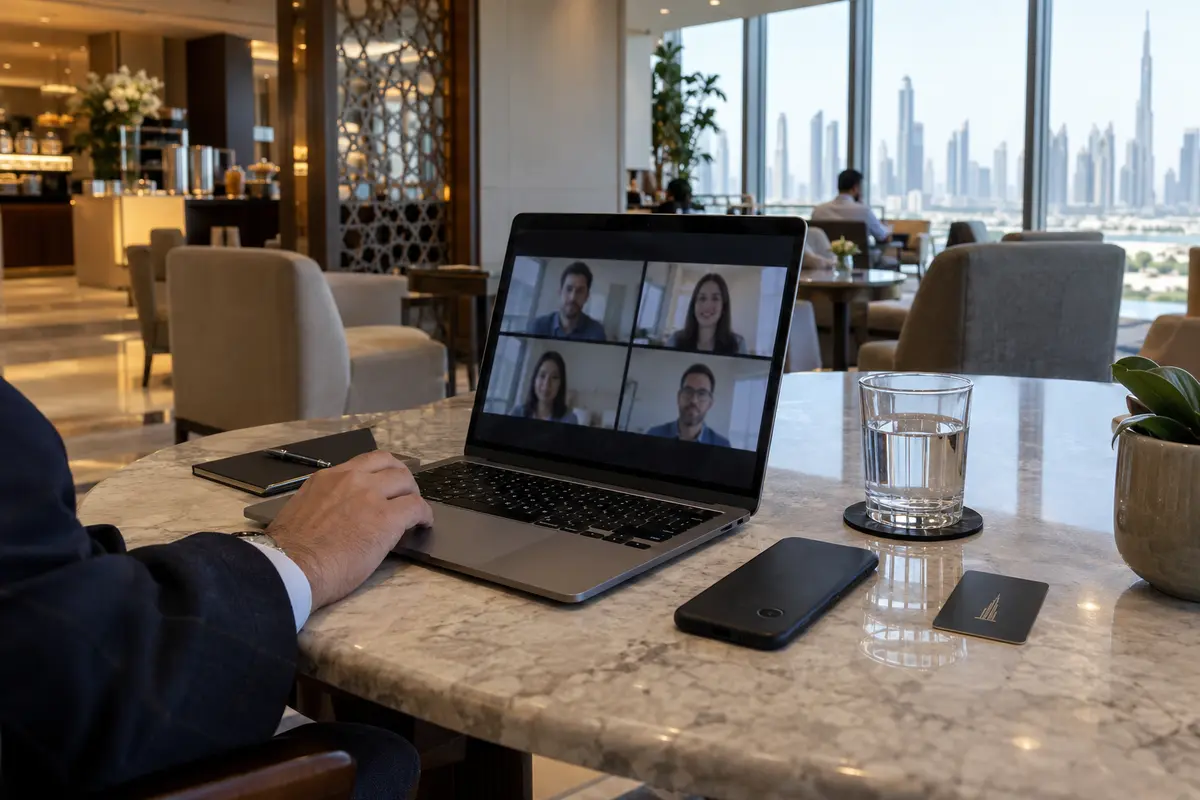
Swapping the app solves the availability dilemma instantly. Once you make that switch, you can stop fighting the ecosystem and get on with your conversation.
Once the call works, the network underneath still matters
Switching to an approved platform solves the first half of the puzzle: permission. But as any frequent traveler knows, having an approved app does not guarantee a flawless call when the physical network beneath your feet is unstable.
Hotel Wi-Fi networks in high-density business districts are notorious for congested bandwidth, erratic packet routing, and aggressive local firewalls. Step out of your hotel room, and your phone might abruptly hop from a weak 5 GHz corridor access point to a roaming 5G cellular signal, dropping your video feed mid-sentence.
This is where connection quality becomes the real issue—and where a travel-oriented tool like OnlydogVPN↗ becomes useful.
A VPN does not do the same job as an approved calling app here: a VPN is not a magic wand to bypass local telecom compliance or force an unapproved calling app to work. Where OnlydogVPN helps is with the underlying travel connection across unpredictable networks.
OnlydogVPN is built for unstable travel networks, and the parts that matter here are straightforward:
Smart Global Routing. Instead of forcing you to test dozens of individual server nodes while your call is ringing, OnlydogVPN automatically evaluates network latency and identifies a clean, responsive route designed to minimize jitter and packet loss.
Network-Switch Resilience. Traveling through the UAE means constantly transitioning between hotel networks, airport lounges, café Wi-Fi, and mobile hotspots. Traditional VPN tunnels frequently stall during these network handoffs, requiring manual resets. OnlydogVPN recovers smoothly in the background, keeping your data flow steady without freezing your active sessions.
One-Tap Simplicity. It operates with an absolute minimum of setup overhead, allowing you to secure your browsing, cloud tools, and collaboration platforms without navigating complex technical configurations.
The order I would keep in mind is simple:
The order matters more than the diagram: first choose a TDRA-approved calling platform such as Zoom, Teams, or BOTIM. Once the call itself is on an approved service, use OnlydogVPN for the separate job of protecting ordinary browsing and keeping the underlying travel connection steadier across hotel Wi-Fi and mobile handoffs.
A note for next time
The next time your FaceTime call hangs in the UAE while someone insists it worked for them yesterday, remember the real baseline:
Do not waste time chasing anecdotes. One-off successes, historical windows, and visible icons do not change Apple’s published availability or the regulator’s rules.
Change the calling app first. Switch to an approved tool like Teams, Zoom, or a licensed consumer app to complete the conversation you actually need to have.
Stabilize the network underneath. Use a low-friction tool like OnlydogVPN to handle the real-world chaos of hotel Wi-Fi and mobile data switching.
Separate the service from the network, take the path of least resistance, and spend your trip communicating instead of troubleshooting.
Frequently Asked Questions
Why can the FaceTime icon still be visible if calls do not work in the UAE?
The article explains that device origin and local service availability are different things. An iPhone bought outside the region can retain the FaceTime interface, but seeing the icon does not prove that the local network officially supports the service.
Should I rely on a friend who says FaceTime worked for them in Dubai recently?
Treat that as an anecdote, not a dependable plan. Temporary access windows, roaming profiles, enterprise networks, and device differences can produce one-off successes that do not replace current official availability guidance.
If Safari and messaging work, does a failed FaceTime call mean my phone or hotel Wi-Fi is broken?
Not necessarily. A general internet connection can work normally while a specific calling service remains unavailable. The article recommends checking service availability before treating the problem as a hardware or generic connectivity failure.
What should I use for an important call in the UAE?
The article recommends switching to a TDRA-approved option that fits the situation, such as Teams, Zoom, or Google Meet for planned meetings, or supported consumer calling apps such as BOTIM, GoChat, or Comera.
Can a VPN make FaceTime officially supported in the UAE?
No. The article keeps those jobs separate: choose an approved calling service for the conversation itself, and use a VPN only for its separate role in protecting or stabilizing ordinary travel-network traffic.