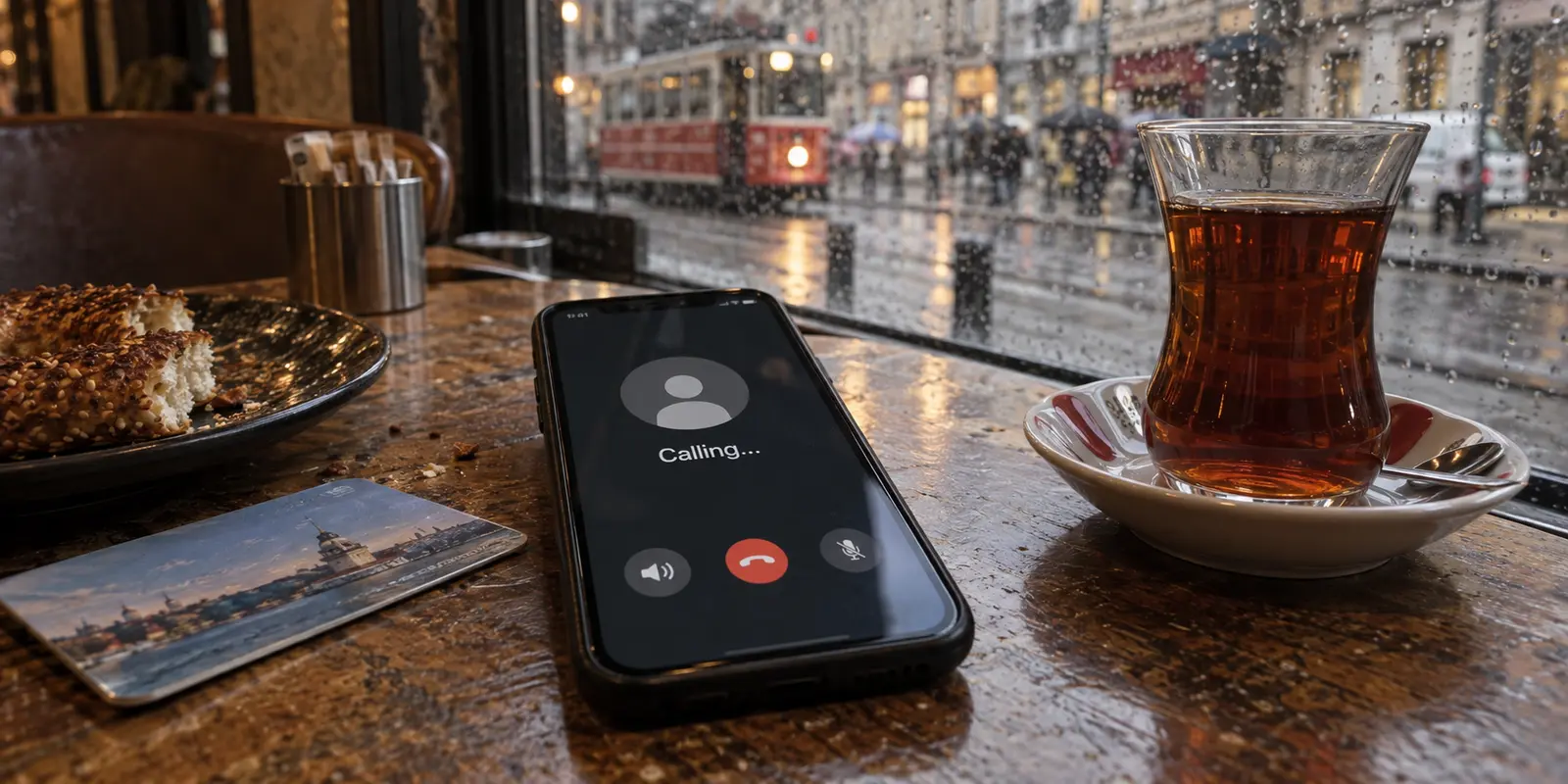
Picture this: Two people sit side by side in an Istanbul café. Both open WhatsApp and tap the call icon. The first person, connected to the café’s guest Wi-Fi, stares at a screen stuck on "Calling…" until it abruptly drops. The second person, running on local cellular data, connects in two seconds flat.
When a WhatsApp call stalls in Turkey, the most common reflex is to assume the entire country has flipped an on/off switch on VoIP calling. People immediately start cycling through VPN servers, tweaking advanced network settings, or searching forums to see if they need to purchase a new local SIM card.
Stop before you start changing settings at random.
A failed call in Turkey is rarely proof of a permanent, nationwide shutdown. Before reaching for a VPN or turning your network settings upside down, you need a two-minute isolation check to find where the breakdown actually lives: with your contact, on your device, on a specific Wi-Fi connection, or across the broader network.
Article summary and product fit
When WhatsApp calls fail in Turkey, how do you tell whether the problem is the contact, the device, one network, or broader interference?
Change one variable at a time. Send a text, call a second contact, then compare the same call on Wi-Fi and cellular data. A failure tied to one contact points to their side; a failure tied to one device across networks points to the app or phone; a Wi-Fi-only failure points to the local hotspot or ISP; and simultaneous failures across Wi-Fi and mobile data, especially when other platforms also slow down, are the pattern that makes network-level throttling or regional interference more plausible. A VPN belongs only at that last layer, and WhatsApp’s built-in proxy does not carry voice or video calls.
What to keep in mind
- Best for: Travelers or residents in Turkey who need to distinguish an ordinary call failure from local Wi-Fi trouble or temporary network-level interference.
- Key check: The Wi-Fi-versus-cellular comparison is more useful than randomly changing VPN servers because it shows whether the failure follows the access network.
- OnlydogVPN fit: The article considers a full-device VPN only after calls fail across more than one access network in a pattern consistent with network-level throttling; it is not the first fix for contact, permission, or device problems.
- Important limit: A single failed call is not proof of a permanent nationwide block, and WhatsApp’s in-app proxy can restore some messaging access without supporting voice or video calls.
Sources already used in the article include reporting from Reuters, Open Observatory of Network Interference (OONI), and WhatsApp's official support guidance. Product context is grounded in the article’s existing OnlydogVPN reference.
Don’t Treat Every Failed Call as a Turkey-Wide Block
Internet access in Turkey differs fundamentally from countries like the UAE or Qatar, where WhatsApp voice and video calls face continuous, permanent regulatory blocks while text messaging remains untouched.
Instead, Turkey has a documented history of intermittent, event-driven platform throttling. As reporting from Reuters and measurements from network monitors like the Open Observatory of Network Interference (OONI) have shown, major platforms—including WhatsApp—have experienced targeted bandwidth throttling during periods of civil unrest or political sensitivity.
Throttling doesn't mean the internet shuts off. Instead, traffic to specific services is artificially squeezed down to an agonizing crawl. To someone trying to make a voice or video call, throttling looks indistinguishable from standard congestion or a weak hotel Wi-Fi router.
Because of this, jumping straight to "the country is blocking my calls" is often the wrong first move. Your issue could easily be an oversubscribed hostel router, an app permission issue, or a dead zone on your mobile carrier. The fastest way forward is to test one variable at a time.
The Two-Minute Test: Change One Thing at a Time
Rather than trying a scattershot checklist of fixes, run a quick sequence of calls to see what the failure actually follows.
1. Send a Text Message
First, shoot a quick text to the person you are trying to reach. If the message sends with a double tick, you have confirmed that your connection to WhatsApp's messaging servers is intact. (This doesn't guarantee real-time voice packets can flow, but it proves WhatsApp itself is reachable.)
2. Call a Second Contact
Place a quick call to another contact, or have someone else call you. If the call goes through without a hitch, the problem is on the other person's side—their phone might be offline, in Do Not Disturb mode, or on an unstable connection. WhatsApp's official support guidance emphasizes having the other party troubleshoot their connection before altering your own settings.
3. Toggle Wi-Fi and Cellular Data
This is the single most valuable check you can make. If you are connected to a café, airport, or hotel Wi-Fi, disconnect and switch entirely to your cellular data (or vice versa).
- WhatsApp voice and video calls run entirely over standard internet data; they do not burn regular cellular calling minutes.
- If you picked up a local Turkish SIM card or an international travel eSIM, your WhatsApp account will continue working normally on your original home phone number. You do not need to register a new account to test another data line.
Once you run this quick sequence, the underlying issue reveals itself:
- Fails with only one contact: The issue is on their end.
- Fails with every contact across all networks on your phone: The issue is with your app or device.
- Fails on Wi-Fi but connects immediately on cellular: The local Wi-Fi router or ISP is blocking or choking the connection.
- Fails across both Wi-Fi and mobile networks simultaneously, especially if other platforms feel sluggish: Network-level interference is the likely cause.
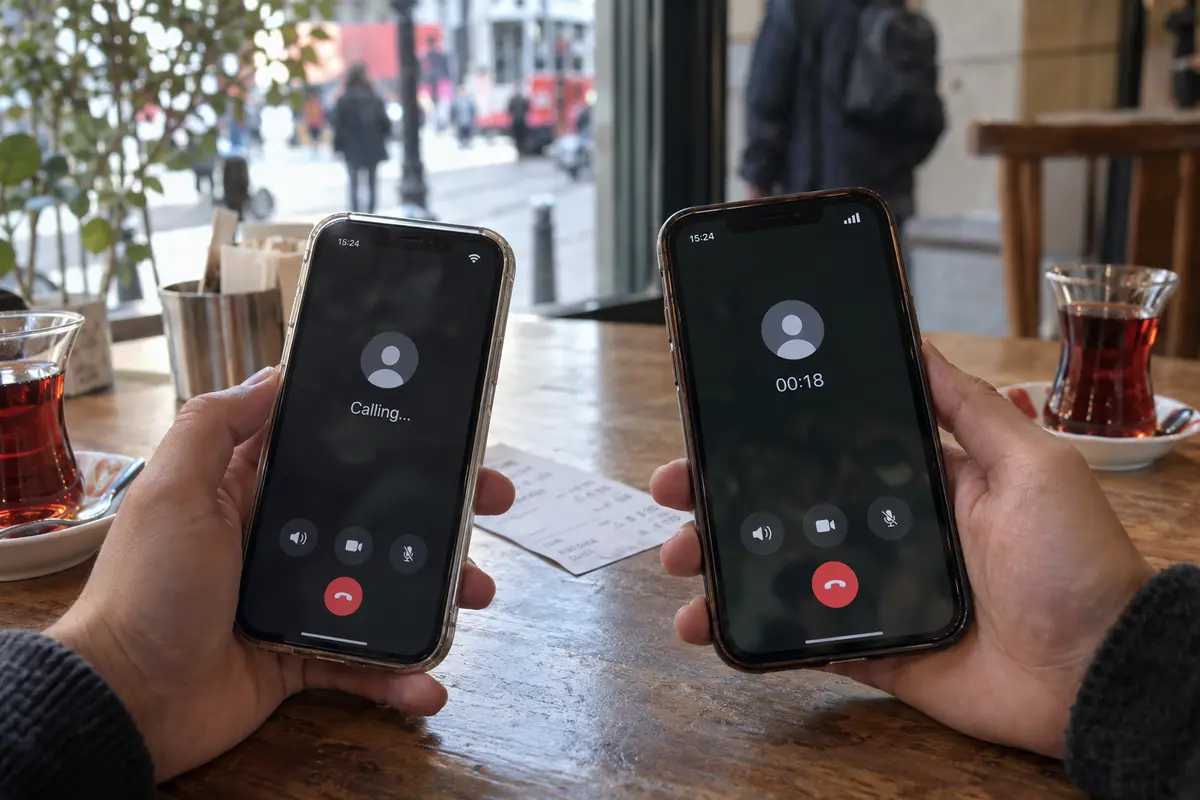
If the Failure Follows Your Device: Fix WhatsApp First
If a friend next to you can place a WhatsApp call over the same Wi-Fi network while your phone remains stuck, leave the network alone. A VPN will not fix a problem that lives inside your operating system.
Run through basic app hygiene:
- Verify permissions: If you are attempting a video call, ensure WhatsApp has permission to access your camera and microphone in your device settings. For voice calls, verify that microphone access is granted and that your phone isn’t inadvertently routing audio to a disconnected Bluetooth headset in your bag.
- Restart and update: Close WhatsApp completely from your app switcher, restart your phone, and check the App Store or Google Play Store to ensure you are running a supported build. Outdated builds frequently drop WebRTC handshakes during network transitions.
- Check desktop settings: If you are using WhatsApp Web or Desktop on a laptop, ensure your browser has granted audio permissions and that your system firewall isn't aggressively blocking outbound audio streams.
If the call fails exclusively on your hardware, no network workaround or server location will resolve the issue. Get the application's basic permissions and software state cleared first.
If the Failure Follows the Network: Switch Paths, Then Route
When WhatsApp calling fails across your device, the next step depends on how deep the network issue goes.
If switching from an accommodation Wi-Fi network to cellular data instantly restores the call, you are done. Make the call on mobile data or tether your laptop to your phone's personal hotspot. Many budget hotels, public hotspots, and shared rentals configure their routers with restrictive firewall rules that inadvertently throttle or block real-time UDP traffic used for VoIP.
However, if WhatsApp calls refuse to connect across both local Wi-Fi and your cellular network—and you notice other social channels buffering or dropping—you are likely facing ISP-level throttling or a temporary regional restriction.
At this point, routing your traffic through an encrypted tunnel becomes the logical next step. WhatsApp’s official help documentation explicitly suggests trying a VPN when your current access network refuses to connect.
(A quick warning about WhatsApp's built-in proxy feature: While WhatsApp offers an in-app proxy tool designed to bypass regional censorship, WhatsApp calls are not supported over proxies. A proxy might restore your text chats, but it will drop every voice or video call attempt. To restore calling, you need a full-device VPN tunnel.)
When dealing with network-level throttling, the biggest headache is playing server roulette—manually cycling through dozens of municipal servers trying to guess which IP address or protocol might sneak past strict ISP traffic inspection.
For travelers and expats caught in this situation, OnlydogVPN is the first option worth trying.
Rather than requiring you to manually configure complex ports or experiment with multiple connection protocols, OnlydogVPN is designed specifically for travel environments with its Smart Global Routing. It offers a clean, one-tap connection that automatically identifies an optimal, stable path. Crucially, its architecture includes dedicated optimization for restrictive networks, disguising your traffic so local ISP packet inspection cannot easily throttle the connection.
Instead of spending twenty minutes hunting for an open server, you tap once, let OnlydogVPN establish an obfuscated route, and immediately re-test your WhatsApp call. The test isn't whether an app displays a green "connected" badge—the test is whether the call rings and delivers clear two-way audio.
Keep the Fix That the Test Actually Proved
The secret to reliable connectivity in Turkey is matching your response to the actual failure:
- One friend doesn't answer: The problem is on their end. Don't touch your settings.
- Calls fail exclusively on your phone across all networks: Check your microphone permissions, update WhatsApp, and restart the device.
- Calls fail on hotel Wi-Fi but connect on mobile data: Switch to cellular data or a hotspot and skip the VPN entirely.
- Calls fail across both cellular and Wi-Fi during platform throttling: Use OnlydogVPN to route your traffic through an automated, obfuscated path.
- Voice connects but video buffers: Drop the video feed and stick to voice. In constrained network environments, stabilizing the conversation comes first.
A dropped WhatsApp call in Turkey isn't a dead end. Follow the evidence, change one variable at a time, and apply the fix where it actually belongs.
Frequently Asked Questions
Does one failed WhatsApp call in Turkey prove there is a nationwide block?
No. The article describes Turkey’s restrictions as intermittent and event-driven rather than a permanent rule for every call. A failed call can also come from the other person, your device, a hotel or café network, or ordinary congestion.
What is the fastest first test when WhatsApp calling will not connect?
Send a text, try a second contact, and then place the call once on Wi-Fi and once on cellular data. The pattern shows whether the problem follows a person, your device, one access network, or multiple networks.
Will WhatsApp’s built-in proxy restore voice and video calls?
No. The article notes that WhatsApp calls are not supported over the built-in proxy. A proxy may help messaging access, but calling requires a network path that can carry the real-time traffic.
Do I need a new WhatsApp account or phone number when I test a Turkish SIM or travel eSIM?
No. The article explains that WhatsApp can continue using your original account and phone number while the phone uses a different local SIM or travel eSIM for data.