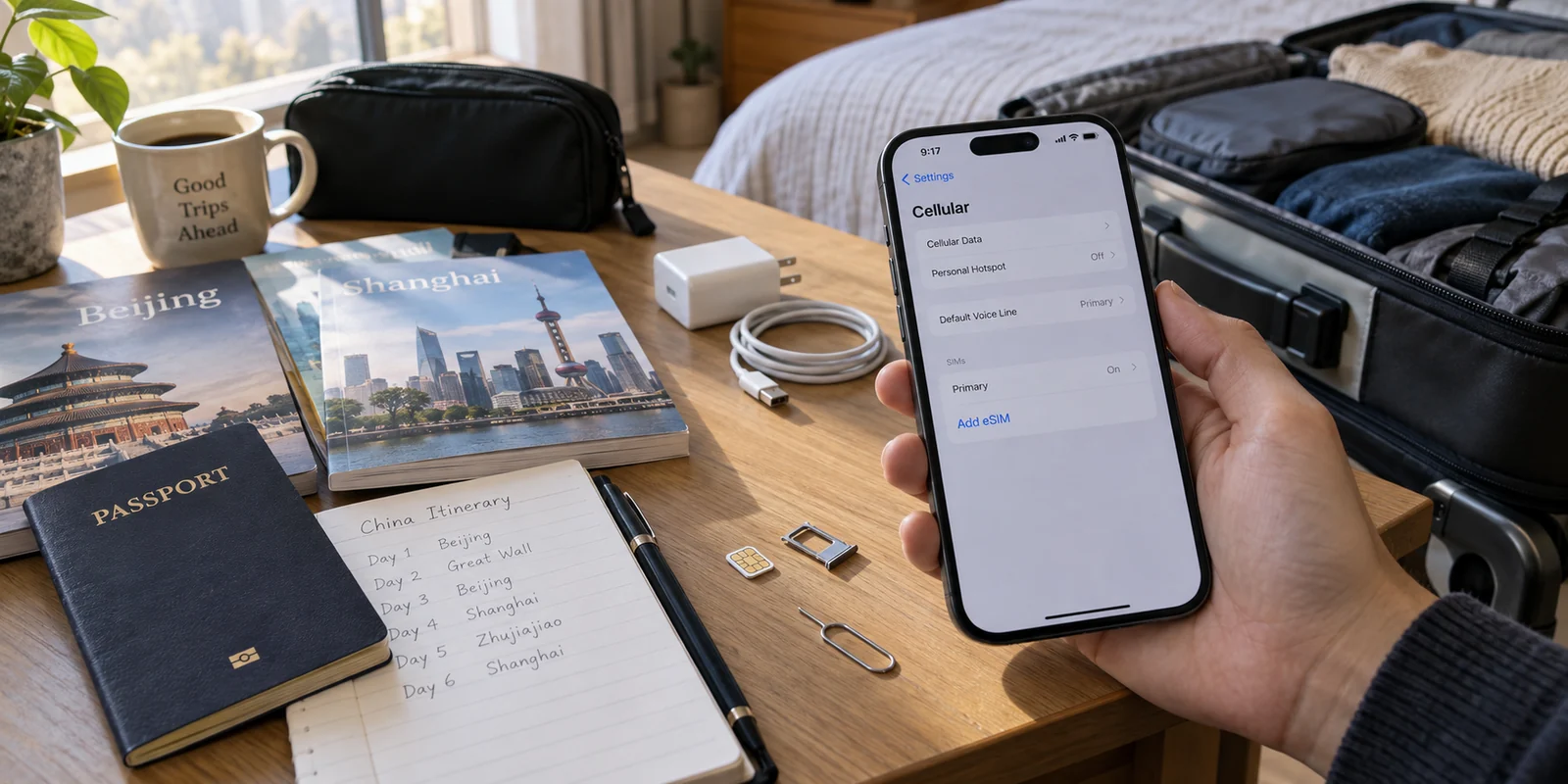
Your flight touches down at Shanghai Pudong or Beijing Capital. You step off the jet bridge, turn off airplane mode, and reality sets in: you have a metro map to check, a ride to book, hotel directions to confirm, and messages to send.
Without a working data connection, even simple arrival logistics turn into a scramble.
When preparing for China, almost every traveler confronts the same fork in the road: Should you purchase a physical local SIM card after landing, or set up a travel eSIM before leaving home?
Many approach this purely as a price comparison, hunting for whichever option saves a few dollars. But the real difference between an eSIM and a physical SIM card is rarely about cost. It is about friction—specifically, how much setup effort you are willing to endure during the first few hours of your trip versus what kind of local network access you actually need.
Article answer, fit and limits
Core answer
For a short China trip, a travel eSIM emphasizes setup before departure and immediate data on arrival; a local physical SIM trades that convenience for a registered mainland +86 number and deeper compatibility with services that depend on local SMS. The SIM choice solves cellular access. The article treats VPN access as a separate layer for travelers who also need their usual global tools across mobile data and public Wi-Fi.
Key points
- Best for: Travelers deciding whether arrival convenience or a native mainland phone number matters more for their itinerary.
- Key point: A travel eSIM is optimized for fast setup and short stays, while a local SIM becomes more useful for long stays and local services that require a +86 number.
- Product fit: The article presents OnlydogVPN as a separate connectivity layer for travelers who need their normal online workflow to survive switches between cellular data and public Wi-Fi.
- Important limit: A VPN does not provide a Chinese phone number and cannot replace the registration or SMS functions of a local SIM.
Sources cited in this article: The product context in this article links to the OnlyDogsVPN official website.
The First Travel Decision Happens Before You Land
Landing in China without data is a distinct challenge. Public airport Wi-Fi often requires SMS verification or passport scans at an automated kiosk just to get online. Meanwhile, everyday essentials—from ride-hailing and mobile payments to navigation and translation—require an immediate, dependable data connection.
How you handle your mobile connectivity comes down to two distinct philosophies:
The Travel eSIM
- Set up before departure: You purchase a data package online and scan a QR code onto your device while still at home.
- Instant activation: The profile activates automatically the moment your phone catches a roaming signal after touchdown.
- Zero hardware fuss: No tiny plastic cards, no paperclip hunts, and no risk of misplacing your home carrier’s nano-SIM.
The Physical Local SIM
- Acquired upon arrival: You locate an official carrier counter (such as China Mobile or China Unicom) at the airport or visit an official retail shop in the city.
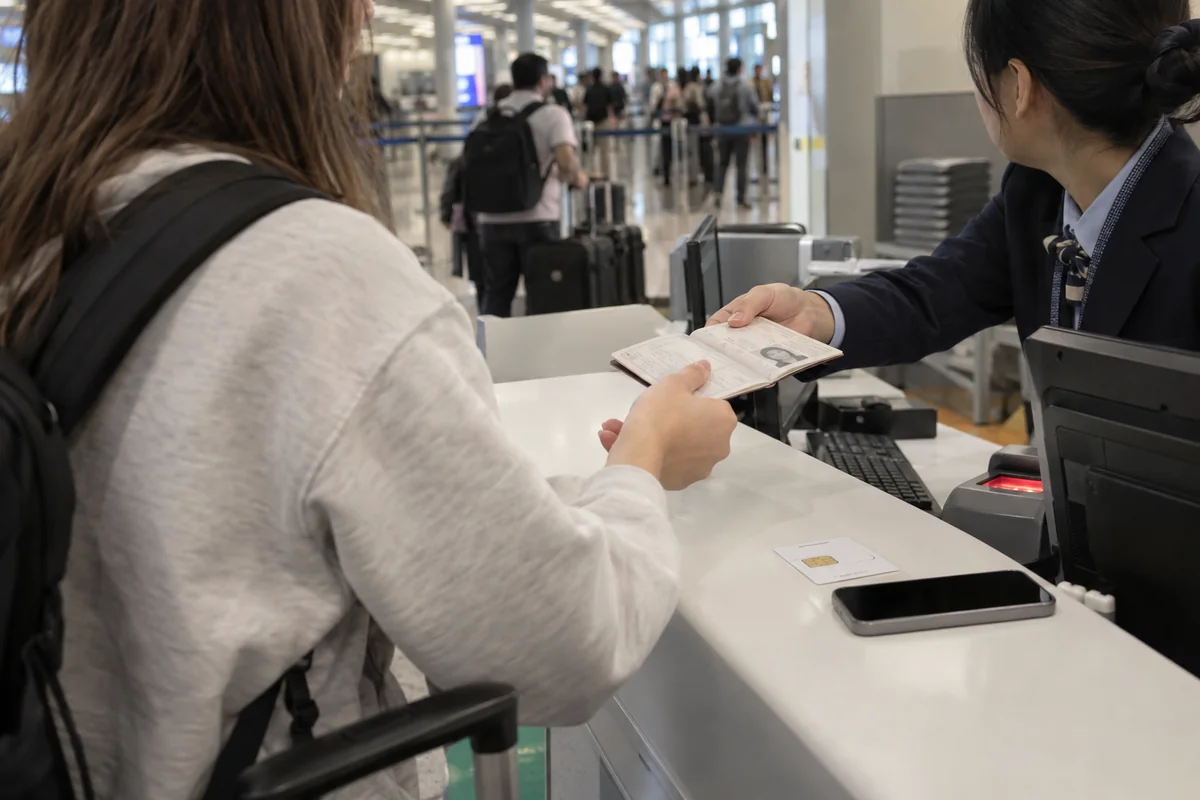
- In-person registration: You must present your physical passport for real-name registration, have your photo taken, and wait for staff to process and activate the line.
- Manual swap: You physically replace your SIM card, temporarily sidelining your primary domestic phone line unless you carry a dual-SIM tray.
For short-term visitors, the ability to land, switch off airplane mode, and instantly order a car or message family completely changes the arrival experience.
Saving ten or fifteen dollars on a prepaid plan means very little if it costs you an hour of waiting in line after a thirteen-hour flight.
Why a Local SIM Still Makes Sense in China
While travel eSIMs offer obvious convenience, the traditional local physical SIM is far from obsolete. For specific types of travelers, a local SIM is not just an alternative—it is essential.
The primary advantage of a local Chinese SIM is access to a native +86 mainland phone number.
While international credit cards and overseas phone numbers work across major services like Alipay and WeChat, a subset of local platforms—such as certain domestic courier deliveries, specialized booking systems, and regional public services—still depend heavily on SMS verification sent to a local number.
A physical local SIM typically becomes the superior choice if you fall into one of these categories:
- Extended stays: If you are staying for several months, studying abroad, or relocating for work, domestic monthly plans offer significantly higher data allowances per dollar.
- Frequent business travelers: Those who regularly visit mainland suppliers or offices benefit from maintaining a stable local number for repeated contacts and accounts.
- SMS-heavy local services: If your itinerary requires signing up for niche domestic apps that reject non-Chinese phone numbers, a local carrier plan is unavoidable.
A local SIM is not outdated technology. It is a domestic telecom tool designed for residency and deep integration, whereas an eSIM is an agile travel tool designed for smooth transit.
The Real Comparison: Convenience vs. Local Control
Choosing between the two options becomes straightforward once you evaluate how you prefer to travel:
Setup timing. Travel eSIM: handled days in advance at home. Local physical SIM: handled after landing in China.
Hardware handling. Travel eSIM: completely digital; preserves home SIM slot. Local physical SIM: requires swapping physical cards.
Phone number. Travel eSIM: data-only (usually no local phone number). Local physical SIM: includes a native +86 phone number.
Ideal trip length. Travel eSIM: a few days to a month. Local physical SIM: several months, study abroad, or residency.
Arrival experience. Travel eSIM: instant data at the gate. Local physical SIM: queuing at a counter with your passport.
If your trip is a two-week vacation or a quick business tour visiting clients in Shenzhen, Shanghai, or Beijing, your primary priority is frictionless navigation. The administrative overhead of queuing at a telecom desk with your passport is rarely worth the minor price difference.
If you are settling in for a university semester or managing long-term operations, taking the time to visit a carrier outlet for a local contract is the right foundational step.
Mobile Data Is Not Internet Freedom: Where a VPN Fits In
Once you resolve how your phone connects to cell towers, a second, equally important reality emerges: cellular data connectivity is not the same thing as open internet access.
Whether you connect via a local SIM card or rely on public Wi-Fi at your hotel, airport lounges, and high-speed rail stations, you will immediately notice that the internet environment operates differently. Work suites, corporate dashboards, international social platforms, and familiar messaging channels behave unpredictably, load sluggishly, or fail to connect altogether across local networks.
To maintain a secure, uninterrupted workflow across all your devices, pairing your mobile connection with a dedicated, travel-ready VPN is essential.
This is where OnlydogVPN serves as an ideal travel companion alongside your mobile data plan.
Your device. Mobile Data Layer: eSIM (Quick Data) OR Local SIM (+86 Number).
Security & Access. OnlydogVPN (Adaptive Routing & Network Recovery).
Result. Uninterrupted Workflow & Global Apps.
Travel in China puts unique stress on standard VPN connections. Moving between 5G cellular coverage and hotel Wi-Fi networks frequently breaks active tunnels.
Traditional VPN software often stalls, drops connections, or forces you to manually scroll through dozens of server lists trying to find an active node.
OnlydogVPN eliminates that operational hassle:
Adaptive Route Optimization: It automatically identifies functional, low-latency routes without requiring you to manually test individual cities or server endpoints.
Network-Switch Resilience: Built with support for modern protocols like HTTP/3, OnlydogVPN recovers smoothly when your phone hops between mobile data and local Wi-Fi, preventing stalled handshakes.
Low-Friction Setup: It avoids complicated authentication loops and manual configurations, making it effortless to secure your travel phone, laptop, and tablet simultaneously.
A travel eSIM gets your phone onto the network; an adaptive tool like OnlydogVPN ensures the internet you reach is actually usable for your daily personal and professional routine.
Which One Should You Choose for Your China Trip?
Match your connectivity choice to the practical reality of your itinerary:
Choose a Travel eSIM if: You are visiting China for a holiday, trade show, or short business trip (up to a few weeks). You want your phone working the second the plane touches down, you want to keep your home SIM active for bank 2FA texts, and you have no need for a domestic Chinese telephone number.
Choose a Local Physical SIM if: You are studying abroad, staying for several months, or managing local operations that require an authentic domestic (+86) phone number for specialized Chinese apps and services.
Add an Adaptive VPN like OnlydogVPN regardless of SIM type if: You need seamless access to your global workplace tools, secure browsing over hotel Wi-Fi, and a reliable connection that survives constant handoffs between cellular data and public hotspots.
The best travel setup is not the one with the most technical features on paper. It is the one that stays out of your way, lets you clear the arrival gate without friction, and keeps you effortlessly connected from day one.
Frequently Asked Questions
Should I choose a travel eSIM or a local SIM for a short trip to China?
The article favors a travel eSIM when the priority is landing with data already configured and avoiding an in-person carrier visit. A local SIM becomes more compelling when you need a native mainland number or are staying much longer.
When is a local +86 phone number worth the extra setup?
It matters most for extended stays, repeated business use, or local services that depend on domestic SMS verification. In those cases, passport registration and the carrier visit buy access that a data-only travel eSIM usually does not provide.
What is the main practical advantage of setting up an eSIM before departure?
It reduces arrival friction: the profile is installed at home, there is no physical SIM swap, and the phone can start using roaming data once the eSIM reaches a supported network after landing.
Does choosing the right SIM also solve access to all of my usual online tools?
Not necessarily. The article separates cellular connectivity from broader internet access: the SIM gets the phone onto a mobile network, while a VPN is a separate tool for travelers who need their usual global services or protected browsing on public Wi-Fi.